Overview
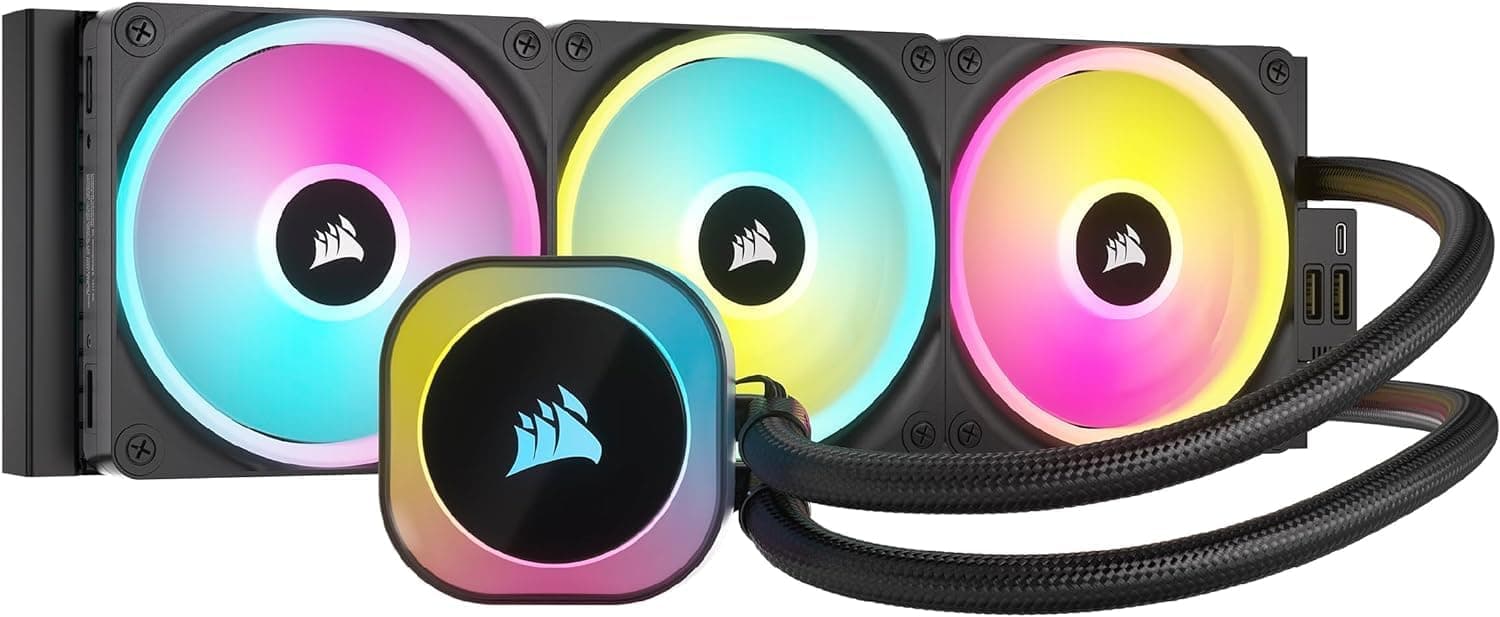
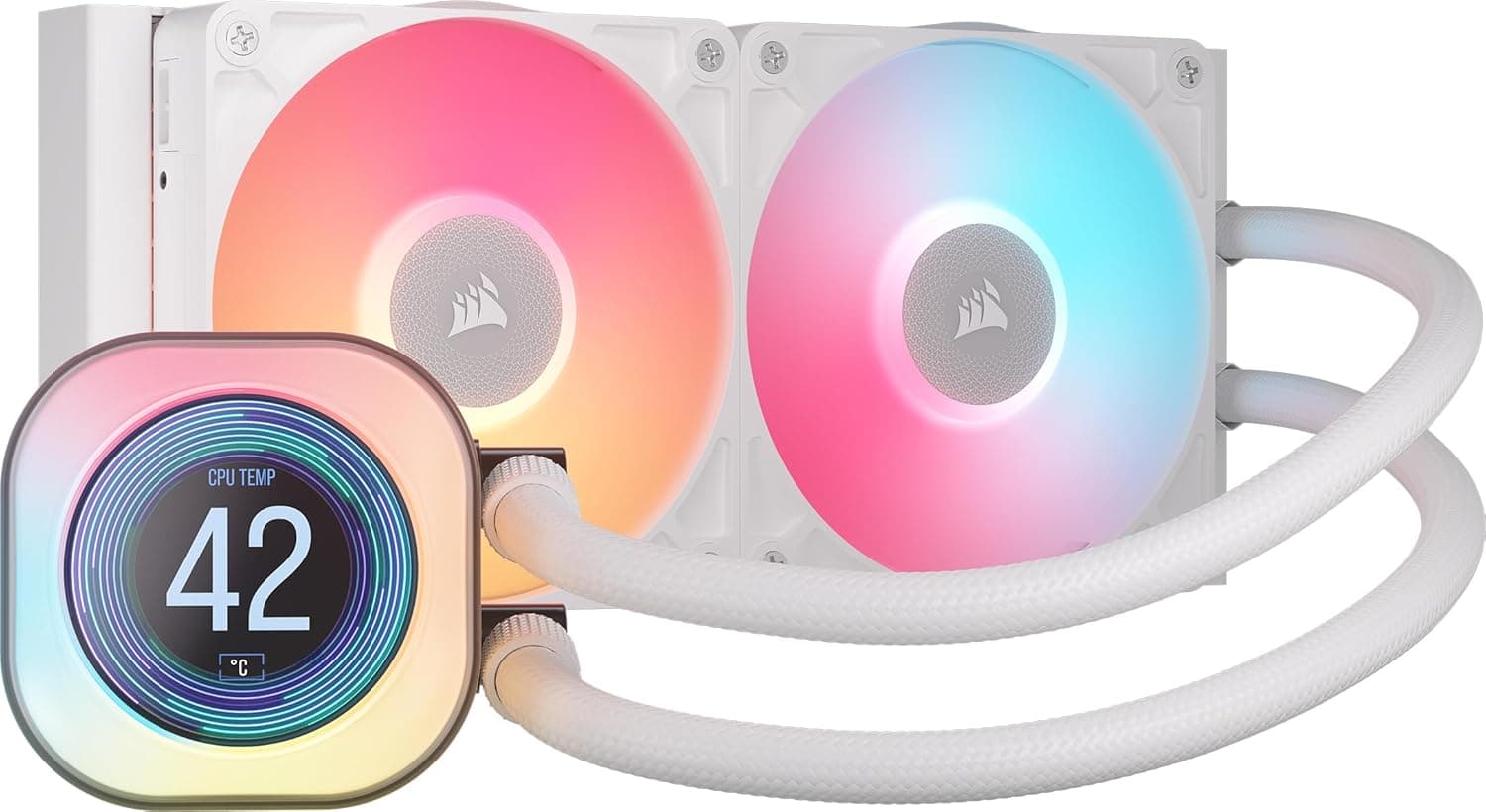
The CORSAIR iCUE TITAN 240 LCD is a 240mm all-in-one (AIO) liquid CPU cooler with an LCD display built into the pump head. The short version: this is not a cooler for people chasing the absolute lowest temperatures — it is for people who want enough cooling headroom plus visible in-case information and aesthetics.
If raw thermals are the only goal, a 360mm AIO or a large air cooler at the same price often wins.
A 240mm radiator is the right size for running a mid-to-high tier Ryzen 7 / Core i7 quietly at stock settings. It has less surface area than a 360mm, so fan speeds ramp higher under sustained load, but it fits far more cases — including compact mid-towers where a 360mm simply will not mount.
One important disclosure: the source data for this article contained specifications and body text belonging to a completely different product (a mobile power bank). Those figures — battery capacity, wireless output — have nothing to do with this cooler and have been removed.
See the warnings section before you buy.
240mm or 360mm?
Radiator size is the first real decision. Judge it by CPU power draw, case support, and noise tolerance — in that order.
| Situation | 240mm works | Consider 360mm |
|---|---|---|
| Sustained CPU power | Roughly up to ~150W | 200W+ or overclocking |
| Case | Mid-tower / compact, 240mm top slot | Confirmed 360mm top or front mount |
| Noise | Quiet at typical loads | Wants low RPM even under load |
| Looks | Subtle, doesn't dominate | Wants a triple-fan front |
The 240mm's real advantage is fit and everyday quiet. Where it struggles is long, sustained all-core work — rendering, multi-hour encoding — with power limits unlocked.
There the loop saturates and the fans get loud.
Compatibility Guide
The socket and chipset fields in this listing were not populated correctly (the data present referred to wireless charging standards, clearly from another product). Verify socket support on the manufacturer's product page or the retail box. Generally, current CORSAIR AIOs ship with brackets for recent Intel LGA1700-era sockets and AMD AM5 / AM4, but the newest sockets sometimes require a separate mounting kit.
Three physical pitfalls cause most failed installs. First, top clearance: a 240mm radiator is roughly 275mm long, and with 25mm fans the stack exceeds 50mm of thickness — enough to collide with tall VRM heatsinks or tall memory.
Second, pump head height: an LCD head tends to sit taller than the plain version, which matters in slim cases with flat side panels. Third, tube routing: top versus front mounting changes which way the tubes exit, and forcing a tight bend can increase pump noise.
Power supply capacity is not a concern — pump and fans together draw only tens of watts. What you should count in advance are your AIO_PUMP / CPU_FAN headers and free ARGB and internal USB 2.0 headers.
LCD models typically consume an internal USB header for display control, which can conflict with a VR headset or internal card reader.
Product Info
The pricing data needs a warning. A Japanese price of ¥58,000 was captured (as of 18 June 2026), which is implausibly high for a 240mm AIO and almost certainly a collection error — the referenced ASIN also does not match the article's source page, so this article does not treat that figure as the product's price. The marketplace entry recorded $139.99 (eBay US, as of 12 July 2026), which is a realistic level for an LCD-equipped 240mm AIO.
Prices move a lot regardless, so check the current listing before buying.
The recorded rating is 4.5 out of 5 (90% positive, 40 reviews, captured 17 June 2026).
With only 40 reviews, treat the average as noisy — it does not carry the same confidence as a model with thousands of ratings.
Bundled accessories, fan model numbers, and iCUE software versions could not be verified from reliable data, so this article does not assert them. Check the manufacturer's page.
What Actually Matters in Daily Use
The value of an LCD AIO is less about degrees Celsius and more about operational visibility. Seeing CPU temperature and pump RPM without opening the case means you notice thermal throttling or a failing pump early.
A common DIY failure mode is running hot for months without realizing it — this display quietly prevents that.
The flip side: the LCD is always lit. If the PC sits in a bedroom, it can be too bright.
Most such coolers allow dimming or turning the screen off — but if you end up doing that, you paid for a feature you don't use. Check where the case will sit and whether you'll actually see the screen.
Best Use Cases
First, mid-tower builds running a Ryzen 7 / Core i7 class CPU where quiet operation and looks both matter. A 240mm mounts cleanly on most top panels and doesn't block front intake, so GPU airflow stays intact.
Second, streamers and creators whose case is on camera. The display is an easy visual accent, and switching between temperature readouts, logos, and animations is straightforward in software.
Third, existing CORSAIR owners. If your fans, memory, and peripherals are already managed in iCUE, you add no new control software.
If your build is full of other brands' RGB, expect to juggle two or three utilities instead.
Things to Check Before Buying
Start with the listing itself — it contains contradictions. The source Product Disclosure (Amazon) block named the manufacturer as "Crucial", which does not match a CORSAIR AIO cooler.
The spec table listed power-bank capacity and wireless output, and the referenced ASIN differs from the article's source page. These have been removed here as incorrect.
You will likely see the same mismatch on the product page, so confirm the product by its images and title before ordering — the price may belong to a different item too.
Next, the inherent trade-off of any AIO: it is a consumable. The pump is a moving part that degrades over years.
When an air cooler's fan dies you replace the fan; when an AIO pump dies you replace the whole unit. You buy quiet performance and accept a lifespan risk.
If long-term peace of mind is your priority, a high-end air cooler remains a rational choice.
A frequent misconception is that liquid cooling is automatically quieter. Pump noise is constant, so at idle a large air cooler can be quieter.
In particular, leaving the pump at a fixed 100% — the common default — leaves an audible whine at idle. Lower the pump curve in BIOS or iCUE right after installation; it changes the impression completely.
Mounting matters too. If the radiator sits lower than the pump (front-bottom mount), air bubbles collect in the pump and produce gurgling.
Keep the radiator above the pump head. LCD orientation flips depending on mounting direction, but that is fixable in software.
Finally, cases where 240mm is simply the wrong choice: unlocked high-end CPUs under sustained full load, or builds where a hot GPU already saturates the case. Go 360mm or larger, or fix case airflow first.
FAQ
Q. Can a 240mm handle a modern high-end CPU? A.
At stock settings, yes, within reason. With power limits unlocked and sustained full load, there is no headroom — choose a 360mm class instead.
Q. Does the LCD need extra cabling? A.
LCD models generally use an internal USB 2.0 header for display control.
If your headers are occupied, you may need a splitter — check availability before buying.
Q. Which sockets are supported? A.
The article data did not include valid socket information, so we won't assert it. Confirm on CORSAIR's product page that brackets for your socket (LGA1700-era, AM5, AM4) are included.
Q. Does it need coolant top-ups or maintenance? A.
Sealed AIOs cannot be refilled by users. Maintenance means dusting the radiator fins and fans — roughly every six months prevents most performance loss.
Q. Is thermal paste included? A.
AIO coolers typically arrive with paste pre-applied or supplied separately. Any quality aftermarket paste works for a remount, but this specific unit's bundle could not be verified — check the product page.