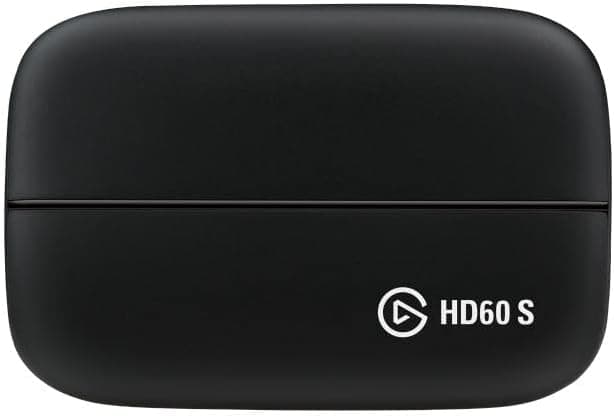
This article looks at the CORSAIR / Elgato Game Capture HD60 S: what the 1080p60 ceiling actually means, what software encoding demands from your PC, and — just as important — who should not buy it.
Overview
The Elgato Game Capture HD60 S takes HDMI input and feeds it to a PC over USB 3.0 Type-C.
Capture is 1920×1080 at 60 fps, HDMI passthrough is specified as zero lag, and Flashback Recording is supported. Think of it as the entry point for reliably recording a console at 1080p60.
The key detail is that it is a software encoding device. Compression happens on the connected PC rather than inside the box, so your CPU or GPU does the work while you capture.
The upside is flexibility: you choose the encoder (x264, NVENC, QSV) and control bitrate and quality freely, and it plays well with general-purpose tools like OBS. The trade is simple — cheaper hardware, busier PC.
On Amazon.co.jp the listing showed 24,955 reviews at 4.2 out of 5 stars (roughly 84% positive) as of the June 3, 2026 capture.
For a product this mature, that review count is itself a practical benefit: the troubleshooting knowledge is settled and searchable in a way it never is for a brand-new capture card.
Compatibility Guide
Listed console support covers PS5, PS4 / PS4 Pro, Xbox Series X|S, and Xbox One X|S. PC requirements are Windows 10 or macOS Sierra 10.12 or later, a quad-core Intel Core i5-4xxx or better, an AMD or NVIDIA GPU, and 4GB of RAM.
What that table hides is that these are minimums for capture, not for comfortable streaming. Because encoding runs on your PC, the same machine also handles scene compositing, chat, a browser, and audio.
A system sitting exactly at i5-4xxx will drop frames and drift audio once you add streaming on top. In practice, a current 6-core-or-better CPU, or a GPU with NVENC / QSV so you can offload encoding, is what makes it stable.
Likewise, 4GB of RAM is not enough once OBS and file writing are running — 8GB is the realistic floor.
The connection path matters too. The interface is USB 3.0 Type-C, so plug into a genuine USB 3.0 port (blue, or marked 3.x).
On USB 2.0 the device may enumerate but lack bandwidth, giving you no image or a stuttering one.
The same applies to hubs: connect the capture device directly to the machine, not through a hub or a long extension. Front-panel headers can be flaky, so if something misbehaves, try a rear port wired straight to the motherboard.
Finally, HDCP. Video streaming apps and some titles output protected signals that cannot be captured.
PS5 and PS4 let you disable HDCP in system settings, so check that before recording gameplay. The Nintendo Switch is not on the stated compatibility list; any device outputting 1080p60 or lower over HDMI fits the setup in principle, but if certainty matters, stick to the listed hardware.
Product Info
| Item | Value |
|---|---|
| Capture resolution | 1920×1080 (1080p) |
| Frame rate | 60 fps |
| Interface | USB 3.0 Type-C |
| Passthrough | HDMI, zero lag |
| Flashback Recording | Supported |
The number that shapes every buying decision is the 1080p60 capture ceiling. There is no 1440p or 4K recording or streaming.
HDMI passthrough sends the signal straight to your display, so you play without capture-induced lag — recording is 1080p, playing is whatever your monitor does. That said, this is not a generation of hardware built to pass 4K/120Hz or VRR untouched, so don't expect a high-refresh setup to feel identical to a direct connection.
The Amazon.co.jp listing showed ¥19,800 as of the June 3, 2026 capture.
Capture hardware moves with sales and exchange rates while articles sit unchanged, so always confirm the current price on the product page. The eBay entry is a search results page and carries no fixed figure.
Used and parallel-import units circulate as well, where warranty coverage and bundled cables change the real cost.
Within Elgato's range, the HD60 S is the plain USB, 1080p60 baseline. A PCIe internal at the same resolution, newer external revisions, and 4K-capable models sit around it.
You choose the HD60 S because it works over a single USB cable, runs on a laptop, and is well-documented.
How It Compares
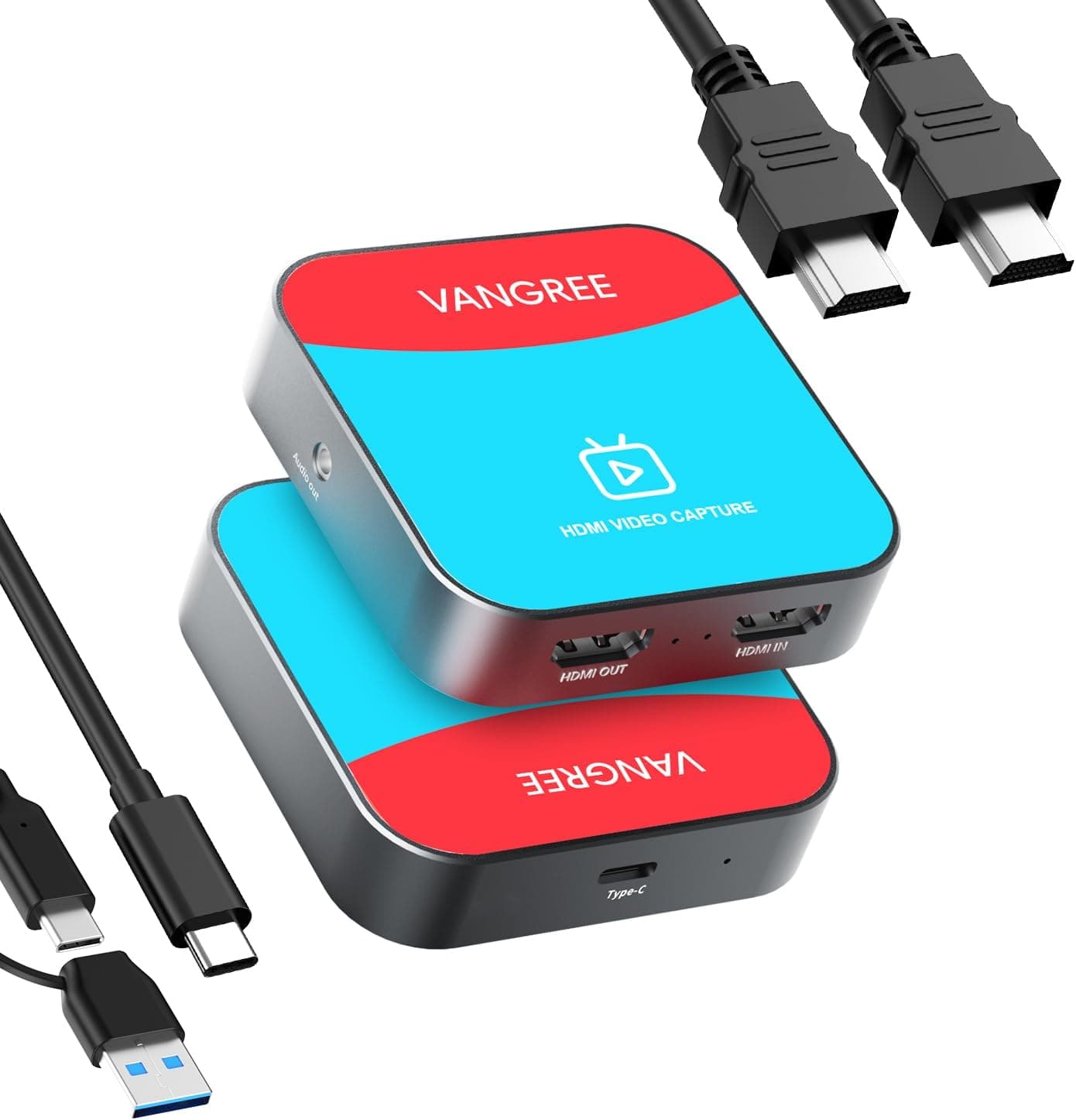
Generic HDMI capture dongles that cost a fraction of this often claim 1080p support while quietly delivering 1080p30 or weak audio sync. The price gap here buys stable 60 fps handling, software that has been maintained for years, and a large enough user base that your problem already has an answer online.
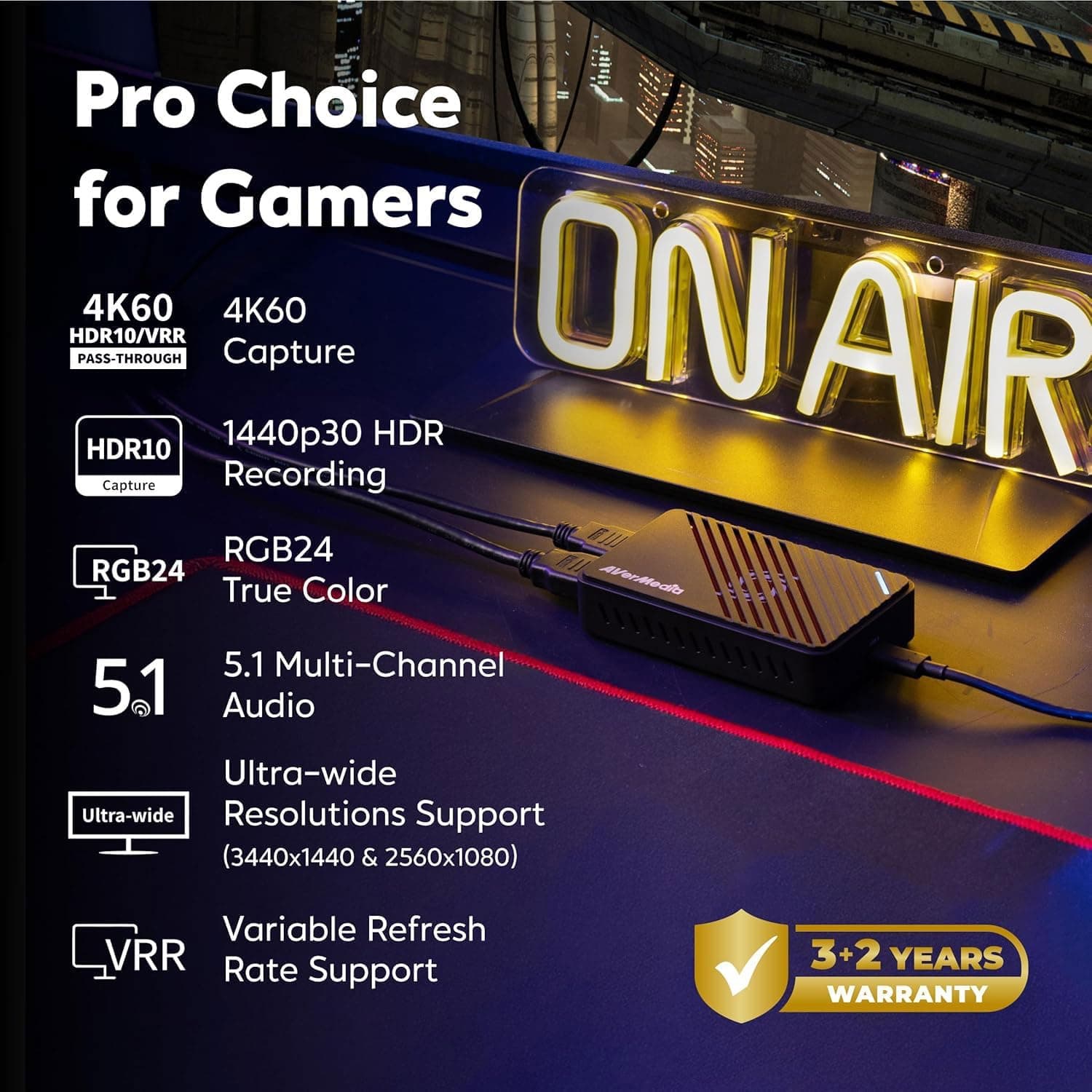
Looking upward, the HD60 S is clearly a previous-generation design next to 4K60 devices. If you want 4K passthrough, HDR, or 120Hz preserved for current consoles, that is the compromise you are making.
If your output destination is YouTube or Twitch at 1080p anyway, it is a compromise that costs you little — but it is a poor fit if you want 4K masters to edit from.
Compared with hardware-encoding devices, the HD60 S loads your PC more but gives you more control over quality settings. In a two-PC setup, that downside largely disappears.
Setup Notes
Console HDMI out → HD60 S IN; HD60 S OUT → monitor or TV.
Connect the HD60 S directly to a USB 3.0 port (no hubs, no extensions).
On PS5 / PS4, disable HDCP in system settings.
Add the device in Elgato's software or OBS and lock the resolution to 1080p60.
If there is no audio, set the console's HDMI audio output to linear PCM; bitstream output is the usual cause of silence.
Step 5 catches a lot of people. Picture but no sound almost always means the console's audio format, not a broken device.
Best Use Cases
It suits anyone who wants console gameplay recorded or streamed at a dependable 1080p60. For someone still deciding what gear to buy, the depth of accumulated user knowledge behind 24,955 reviews is a real advantage that no spec sheet shows.
It also suits creators who will actually use Flashback Recording — being able to save the moment you forgot to hit record is worth more the more you work in clips.
And it fits people with no free expansion slot, or who stream from a laptop. USB means you never open the case, and the setup travels with you.
Things to Know Before Buying
The biggest limit is that it cannot capture 4K or 1440p. Play in 4K if you like — what gets saved is 1080p.
If you expect to need 4K source footage later, this compromise turns into a repurchase.
Second is the software encoding load. Split across two machines it is a non-issue; funneled into one modest laptop it shows up as dropped frames and starved bitrate.
Treat i5-4xxx / 4GB as "it will run," not "it will stream comfortably." If your CPU pins, switch to your GPU's hardware encoder first.
Third, port choice causes close to half of all problems. USB 2.0 ports, cheap hubs, and long extensions are the usual culprits behind "not detected" or "glitchy image" — rarely a faulty unit.
Because this is an older product, the sales channel deserves attention. On the referenced listing, the seller and shipper are a third-party merchant rather than the manufacturer.
That is normal marketplace practice, but warranty handling and bundled accessories can differ from official channels. Capture card listings in particular often carry errors in the registered details — manufacturer, model number, supported resolutions.
Before ordering, confirm from the product images and title that you are buying the HD60 S and not a different or newer model. A price far off the usual range is another sign the listing may be a different variant or missing accessories.
One quieter limitation: passthrough restricts the benefits of VRR and very high refresh rates. If you play competitive titles seriously on a high-fps monitor and also want to record, an HDMI splitter arrangement or a newer-generation device will leave you happier.
FAQ
Q. Does it work with the Nintendo Switch? A.
The stated compatibility list covers PS5/PS4 and Xbox families. Any device outputting 1080p60 or lower over HDMI fits the setup in principle, but for certainty, use the listed hardware.
Q. Can I stream in 4K?
A. No. Capture tops out at 1920×1080 / 60fps. Choose a 4K-capable model if you need it.
Q. How much passthrough lag is there? A.
It is specified as zero lag; the signal goes straight to your display, so capture processing does not sit between you and the game.
Q. I get video but no audio. A.
Check whether the console is sending bitstream audio over HDMI. Forcing linear PCM resolves it in most cases.
Q. Does it work with OBS? A.
Yes. Add it as a video capture device and set 1080p60.
Pick x264 or NVENC / QSV depending on how much CPU headroom you have.
Q. What does it cost? A.
The Amazon.co.jp listing showed ¥19,800 as of the June 3, 2026 capture.
Capture hardware pricing moves a lot, so check the product page for the current figure.
Product Disclosure (Amazon)
- Manufacturer: Elgato
- Seller: ssカンパニー
- Fulfilled by: ssカンパニー
- ASIN: B01DRWCOGA
- Note: This article covers a manufacturer-made product based on Amazon listing details.
![AVerMedia Live Gamer Ultra GC553 [4Kパススルー対応 USB3.1接続外付けゲームキャプチャーボックス] DV488](/_next/image?url=https%3A%2F%2Fm.media-amazon.com%2Fimages%2FI%2F516SAiZ%2BLqL._AC_SL1000_.jpg&w=1920&q=75)
![AVERMEDIA AVerMedia Live Gamer 4K GC573 [4Kパススルー対応 PCIe接続 ゲームキャプチャーボード] DV490](/_next/image?url=https%3A%2F%2Fm.media-amazon.com%2Fimages%2FI%2F712HeepWeVL._AC_SL1000_.jpg&w=1920&q=75)