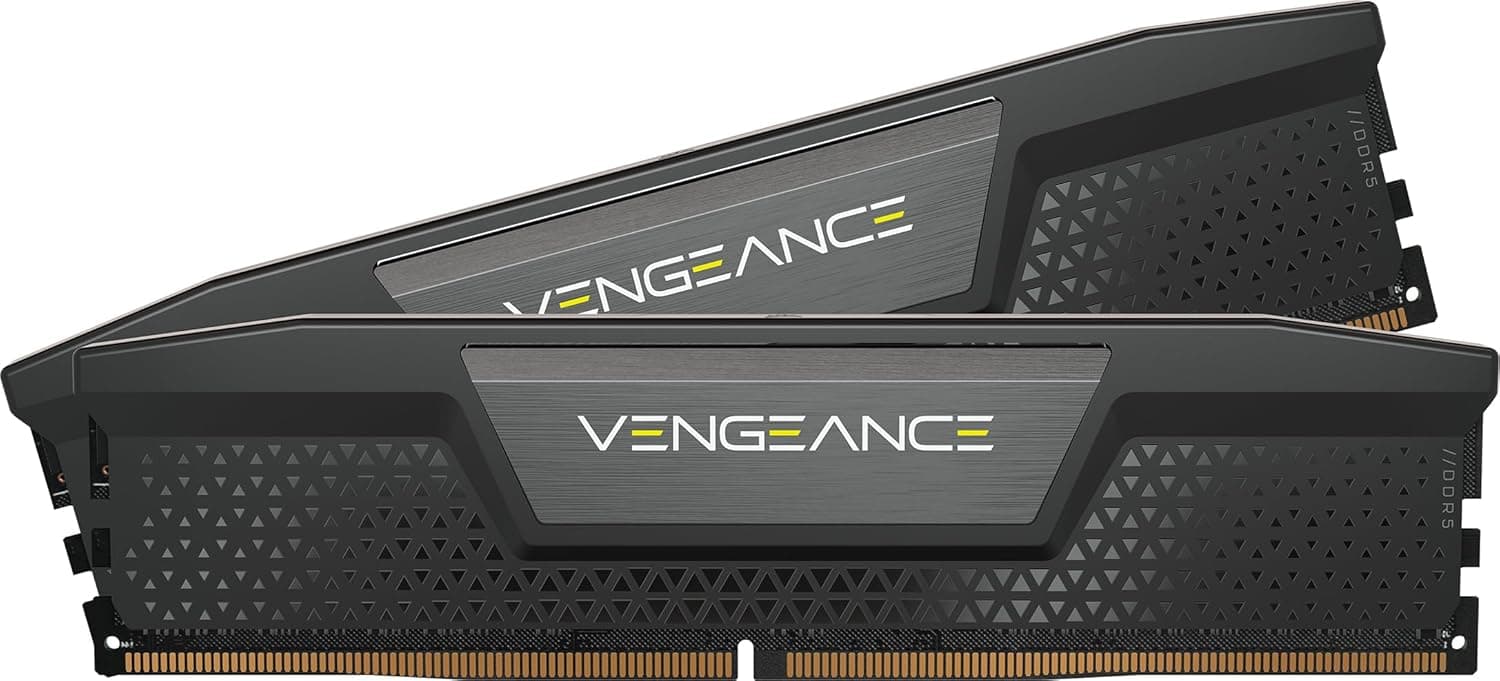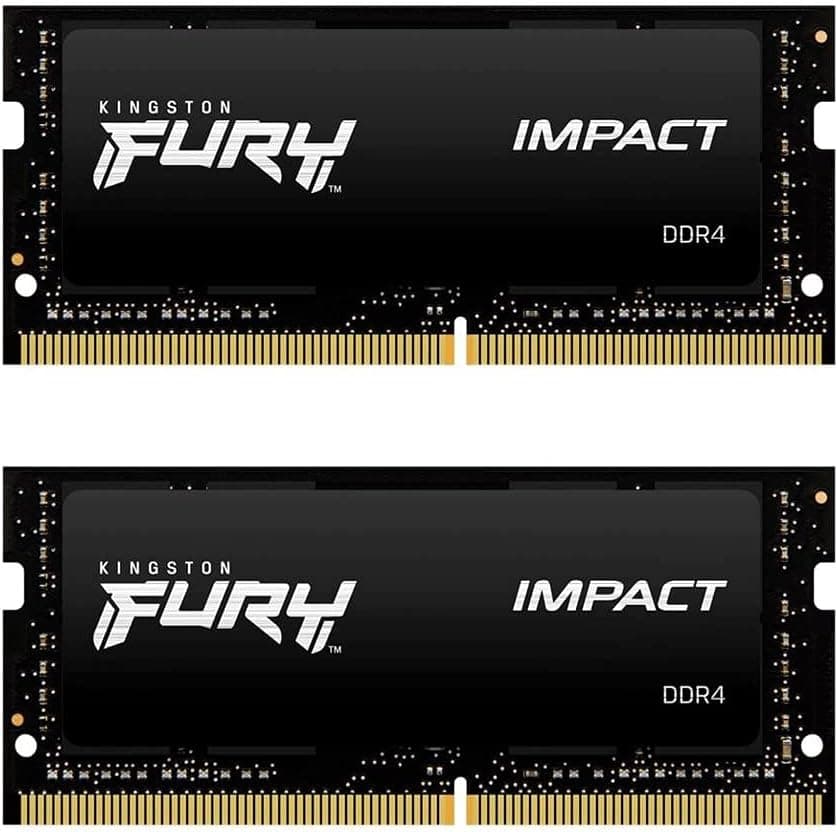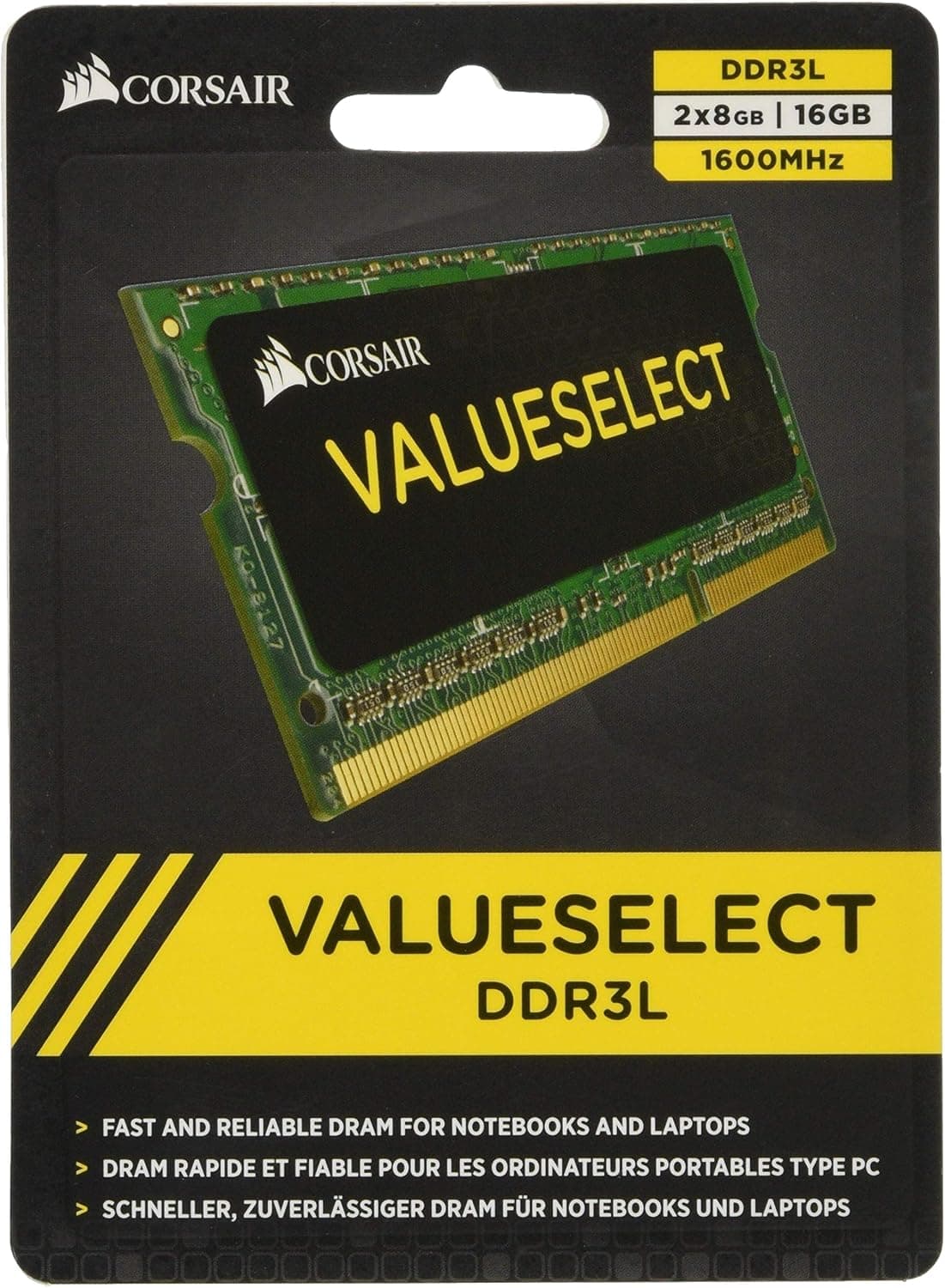
This article covers CORSAIR DDR3 SO-DIMM メモリモジュール Value Select Series 8GB×2枚キット CMSO16GX3M2C1600C11.
Overview
The CORSAIR Value Select series is an entry-level memory line focused on stability and cost-effectiveness. The CMSO16GX3M2C1600C11 kit consists of two 8GB DDR3 SO-DIMM modules, totaling 16GB, running at 1600MHz (PC3-12800) with CAS latency 11 and timings 11-11-11-28 at 1.35V low voltage. This 204-pin SO-DIMM form factor is designed for laptops, Mini-ITX systems, and small form factor PCs that accept DDR3 memory. It supports Intel platforms and includes XMP profiles for easy configuration. Although it lacks a heatsink, the efficient low-voltage design keeps temperatures in check. This kit is a practical choice for upgrading older DDR3-based notebooks or compact desktops.
Compatibility Guide
This product is a DDR3 SO-DIMM (204-pin) memory kit. It is compatible with laptops and motherboards that have DDR3 SO-DIMM slots. Typical compatible systems include Intel Sandy Bridge (2nd Gen) through Haswell (4th Gen) notebooks, as well as some Mini-ITX boards of that era. The modules operate at 1.35V, which is DDR3L standard, but they are also compatible with most 1.5V DDR3 platforms. However, always check the motherboard's QVL (Qualified Vendor List) to ensure compatibility. The kit supports dual-channel operation when both modules are installed in matching slots.
Product Info
The CMSO16GX3M2C1600C11 is positioned as an entry-level DDR3 memory kit within CORSAIR's Value Select line. It was released around 2013 but remains relevant for extending the life of aging DDR3 systems. Key specs: 16GB (2x8GB), DDR3-1600, CL11, 1.35V, XMP support, 204-pin SO-DIMM. It carries a lifetime warranty, which is a strong selling point. The kit is available through major retailers like , typically priced around ¥20,000–¥25,000. Competitors include Crucial's CT2K102464BF160B and Kingston's KVR16LS11/8, but CORSAIR offers the advantage of a permanent warranty and established brand reliability.
Best Use Cases
Users upgrading DDR3 laptops to 16GB: If your 8GB notebook is running out of memory for multitasking (many browser tabs, light photo editing), this kit provides a cost-effective upgrade. Dual-channel operation improves memory bandwidth. Reviving a second-hand notebook: For budget-conscious users who bought a used DDR3 laptop, adding this memory can significantly improve responsiveness without breaking the bank. Light gaming on older platforms: For eSports titles or games from the early 2010s, 16GB of DDR3 is sufficient. However, modern AAA titles may be bottlenecked by the platform's CPU and GPU rather than memory. Home server or NAS: If you have an old Intel NUC or Mini-ITX board with DDR3 support, this kit can increase capacity for light virtualization or file serving.
Things to Consider
First and foremost, this is DDR3 memory, not compatible with DDR4 or DDR5 slots. Verify that your laptop or motherboard uses DDR3 SO-DIMMs. The 1.35V low voltage is generally fine for most DDR3 systems, but some older chipsets may only support 1.5V, so check the motherboard's memory specifications. The lack of a heatsink is not a concern for typical laptop use, but if you plan to overclock (unlikely with this value line), better cooling might be needed. The price is relatively high for a 2013-era product, but for those who need to max out an old system, the lifetime warranty provides peace of mind. ## FAQ
Q: Can I use this memory in a MacBook Pro? A: Some MacBook Pro models from 2012 and earlier (e.g., Mid 2012 15-inch) use DDR3 SO-DIMM. However, compatibility is not guaranteed. Check your specific model's specifications and look for user reports before purchasing. Q: What's the difference between DDR3L and standard DDR3? A: DDR3L operates at 1.35V for lower power consumption and heat generation. This kit is DDR3L, but it works in most standard DDR3 slots. However, a few older chipsets may require 1.5V memory, so check your motherboard manual. Q: Is 16GB enough for modern tasks? A: For general productivity, web browsing, and light creative work, 16GB is plenty. But if you use heavy virtual machines, large video editing projects, or run multiple demanding applications, consider a 32GB kit (if your system supports it).
Product Disclosure (Amazon)
- Manufacturer: CORSAIR
- ASIN: B00EH1H86C
- Note: This article covers a manufacturer-made product based on Amazon listing details.