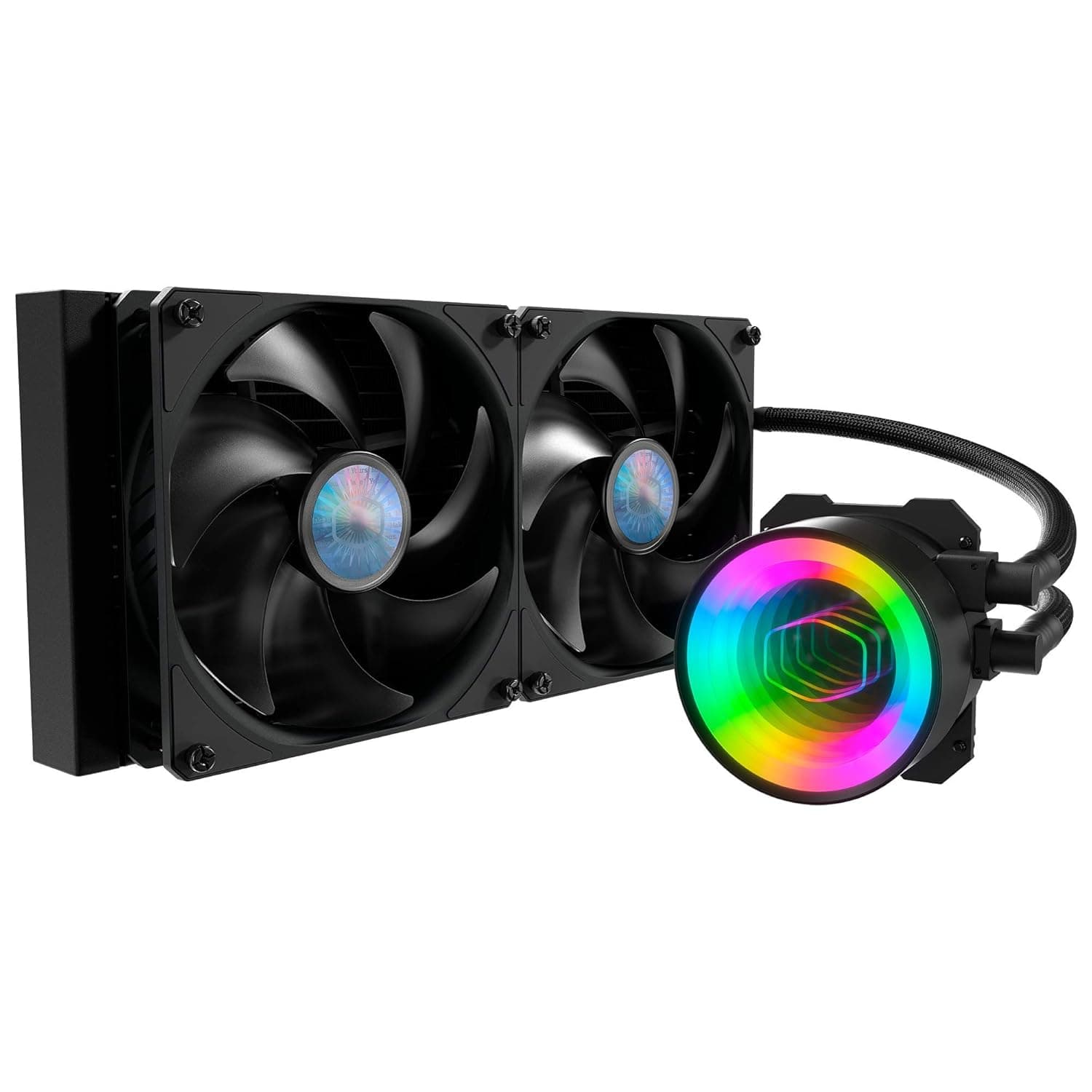
The Cooler Master MasterLiquid ML280 Mirror is a closed-loop (AIO) CPU cooler built around a 280mm radiator. This article focuses on the compatibility checks worth doing before you buy, and the traps people hit after the box is open.
Overview
The pitch here is simple: looks plus cooling headroom, in builds where a 360mm radiator won't fit. As the "Mirror" name suggests, the pump head pairs a mirror-finish cover with ARGB lighting, producing a deep, layered glow once powered.
On the cooling side it combines a dual-chamber pump with two 140mm SickleFlow PWM fans, giving a step more radiator area than a 240mm (2x 120mm) unit. That lands squarely on mid-to-high-end Ryzen and Core CPUs run at everyday clocks.
What it is not: the cheapest AIO on the shelf, nor the ultimate cooler for record-chasing overclocks. It targets the builder who wants the pump head to be a visual centerpiece without giving up thermal margin.
Why 280mm
AIO sizing is effectively a three-way choice between 240mm, 280mm, and 360mm. A 280mm uses two 140mm fans, so it moves the same air at a lower RPM than 120mm fans — which usually means less of the high-pitched whine people actually notice.
| Size | Strength | Weakness | Best for |
|---|---|---|---|
| 240mm | Widest case support, cheapest | Fans ramp sooner under load | Mid-range CPUs, compact builds |
| 280mm | Good airflow at low RPM, more area | Fewer cases support it | Mid/high-end, quiet-focused builds |
| 360mm | Most thermal headroom | Needs a 360mm-capable case, costs more | High-end CPUs, overclocking |
The weakness of 280mm is fit, not performance. Get that wrong and you're filing a return, so read the compatibility section first.
Compatibility Guide
The product name explicitly calls out AMD AM5 (Ryzen 7000 series and later). Multi-socket support including AM4 and Intel LGA1700 is typical for this class, but the bundled brackets can differ between production runs, so confirm your socket appears in the listing's compatibility table before ordering.
AM5 boards usually reuse the stock backplate — lose it and the install stops there.
Four physical checks catch most failures:
- Does the case officially support 280mm? The spec sheet must say "280mm radiator (top / front)". A case listed only for 240mm generally will not take it.
- Top clearance. Radiator thickness + fan thickness (commonly around 25mm) + screw depth has to fit between the board's top edge and the roof panel, or you'll foul the VRM heatsink or the top DIMM slots.
- Memory clearance. The pump head sits directly on the CPU, so tall ARGB memory is a non-issue here. For many builders that alone justifies an AIO over a big air tower.
- Front-mount depth. Mounting up front eats usable chassis length and can collide with long graphics cards or drive cages.
For wiring, ARGB on this class of cooler generally uses the standard 5V 3-pin header. If your board only offers a 12V 4-pin RGB header, do not force it — voltage mismatch can damage the device.
Feed the pump from CPU_FAN or AIO_PUMP, then in BIOS pin the pump near 100% and put the fans on a temperature curve.
Product Info
As captured on 8 June 2026, the listing showed 4.6 out of 5 stars across 664 reviews — roughly 92% positive.
A sample of 664 is large enough to say a meaningful number of people bought it and most were satisfied, though that figure is a snapshot and will drift.
This article deliberately does not quote a price. The data collected from the referenced listing had a specifications block belonging to an entirely unrelated network interface card, and the accompanying price sat at a level that doesn't match a 280mm AIO.
Publishing a wrong number does more harm than omitting it. Prices also move constantly, so check the current figure on the product page — along with the listing mismatch described below.
What Living With It Is Actually Like
Day-to-day impressions come from idle and mid-load behavior, not peak thermals. Extra radiator area lets the fans stay slow while you browse or watch video, and that's where the gap versus 240mm is felt.
The pump, however, spins regardless of temperature, so the machine never goes truly silent. If you're chasing a desk-side build you can't hear at night, plan around constant pump noise.
The mirror pump cap reads as a black reflective panel when unlit. How it looks through the side panel depends on orientation, so decide which way up the head sits during the build rather than after.
Compared With the Alternatives
In the same 280mm class, the NZXT Kraken X62 is a long-standing comparison, where lighting quality and software usability drive the decision. If silence outranks everything, be quiet!'s Pure Loop 280mm is the natural rival.
If your case does take a 360mm up top, stepping up to something like Cooler Master's own MasterLiquid ML360L V2 ARGB is the more straightforward route to thermal headroom.
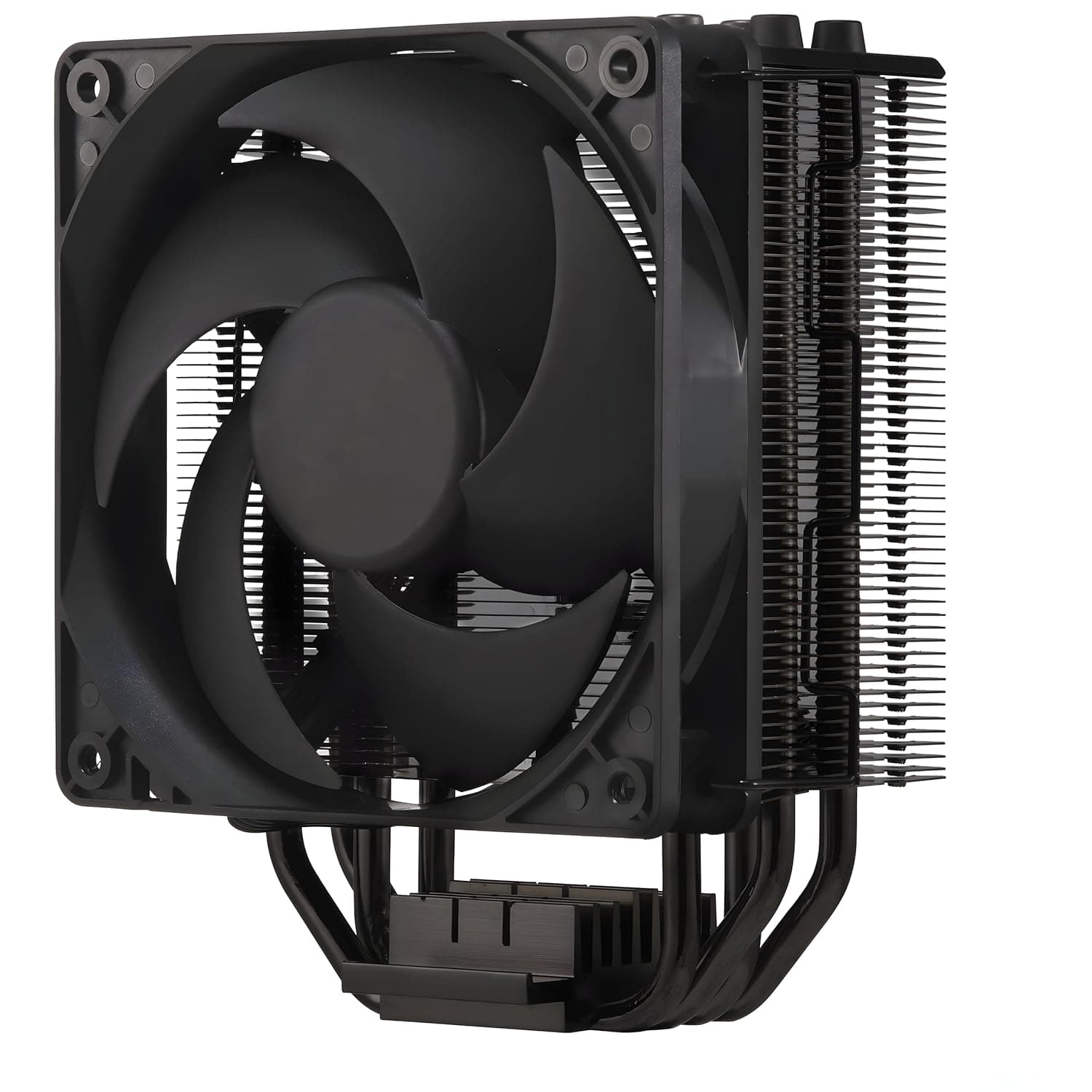
It's also fair to ask whether you need an AIO at all. A dual-tower air cooler such as the Thermalright Peerless Assassin 120 SE gets close on mid-range CPUs with fewer moving parts and lower cost.
Unless lighting or memory clearance is the motive, air remains a rational pick.
Installation Notes
Confirm in the case manual where a 280mm radiator mounts and the maximum thickness allowed.
Lay the board flat and fit the backplate and standoffs first.
Secure the radiator and fans to the chassis, then seat the pump head last — mounting the pump first leaves the tubing under tension and the block tilted.
Use the supplied (or pre-applied) paste and tighten screws diagonally in small increments for even pressure.
After first boot, verify the pump RPM reads in BIOS.
A 0 rpm reading means the cable is in the wrong header.
Best Use Cases
- Cases that officially list 280mm radiator support with real top clearance
- Builds using tall ARGB memory, or anyone wanting a clean area around the socket
- Mid-to-high-end Ryzen or Core CPUs run daily without fans howling
- Builders who want the pump head to be the visual centerpiece — that's the Mirror's whole point
- Systems where 240mm feels marginal in summer but 360mm physically won't fit
Before You Buy
Watch for mismatched listing data. In the source data for this article, the title described a Cooler Master 280mm AIO while the specification block listed "PCI Express 2.0 x1 / 10-100-1000 Mbps / Intel 82574L" — a network adapter from an entirely different category.
The ASIN and price came from the same source, so none of them appear in this article. You may hit the same inconsistency on the product page.
Check the images, the title, and that the seller is shipping the Cooler Master 280mm AIO before ordering. Marketplace pages sometimes bundle variants (a 240mm or non-Mirror version) under one listing.
Second, treat an AIO as a consumable. The pump is a mechanical part; unlike an air cooler's heatsink you cannot ignore it for a decade.
Noise character can change over years, and coolant permeation gradually reduces performance. If long-term reliability and fewer failure points matter most, a large air cooler at the same price serves that goal better.
Third, people who buy an AIO for silence are the most likely to be disappointed. Fans can run slow, but pump noise is always present.
If the goal is an inaudible machine, this isn't the finish line.
Finally, ARGB control needs either a motherboard ARGB header or the vendor software. Older boards with only 12V RGB headers cannot sync it as-is.
And on builds where PSU or front-panel cabling runs along the roof, a top-mounted radiator can wreck your cable routing — test-fit before final assembly.
FAQ
Q. Does it work on AM5 (Ryzen 7000/9000) out of the box? A.
AM5 support is stated in the product name. Bracket contents can vary by production run, so check the listing's socket table before ordering.
Q. What about Intel LGA1700? A.
Multi-socket support is normal for this class, but the available data doesn't confirm it. Check the socket list on the product page.
Q. Is 280mm actually better than 240mm? A.
Two 140mm fans deliver the same airflow at lower RPM. The difference shows up as everyday quietness more than as a higher thermal ceiling — assuming your case supports 280mm.
Q. Do I need to buy thermal paste? A.
Normally it is pre-applied or included. Keeping a tube of general-purpose paste around is still wise for remounts.
Q. Should I worry about leaks? A.
Closed-loop units are factory-sealed and are not designed to leak in normal use. Risk isn't literally zero, so route the tubing without sharp bends or tension.
Q. Top or front mount? A.
Top exhausts heat directly; front feeds the radiator cool outside air but raises internal temperatures. If GPU temperatures matter, top mounting is the safer default.

![Cooler Master ML 360 Atmos II VRM Fan White ウォーターブロック部にVRM冷却ファン搭載 360mm水冷CPUクーラー [CLM-MLX-D36M-A25SZ-VW]](/_next/image?url=https%3A%2F%2Fm.media-amazon.com%2Fimages%2FI%2F71wVQ8lCdXL._SL1500_.jpg&w=1920&q=75)