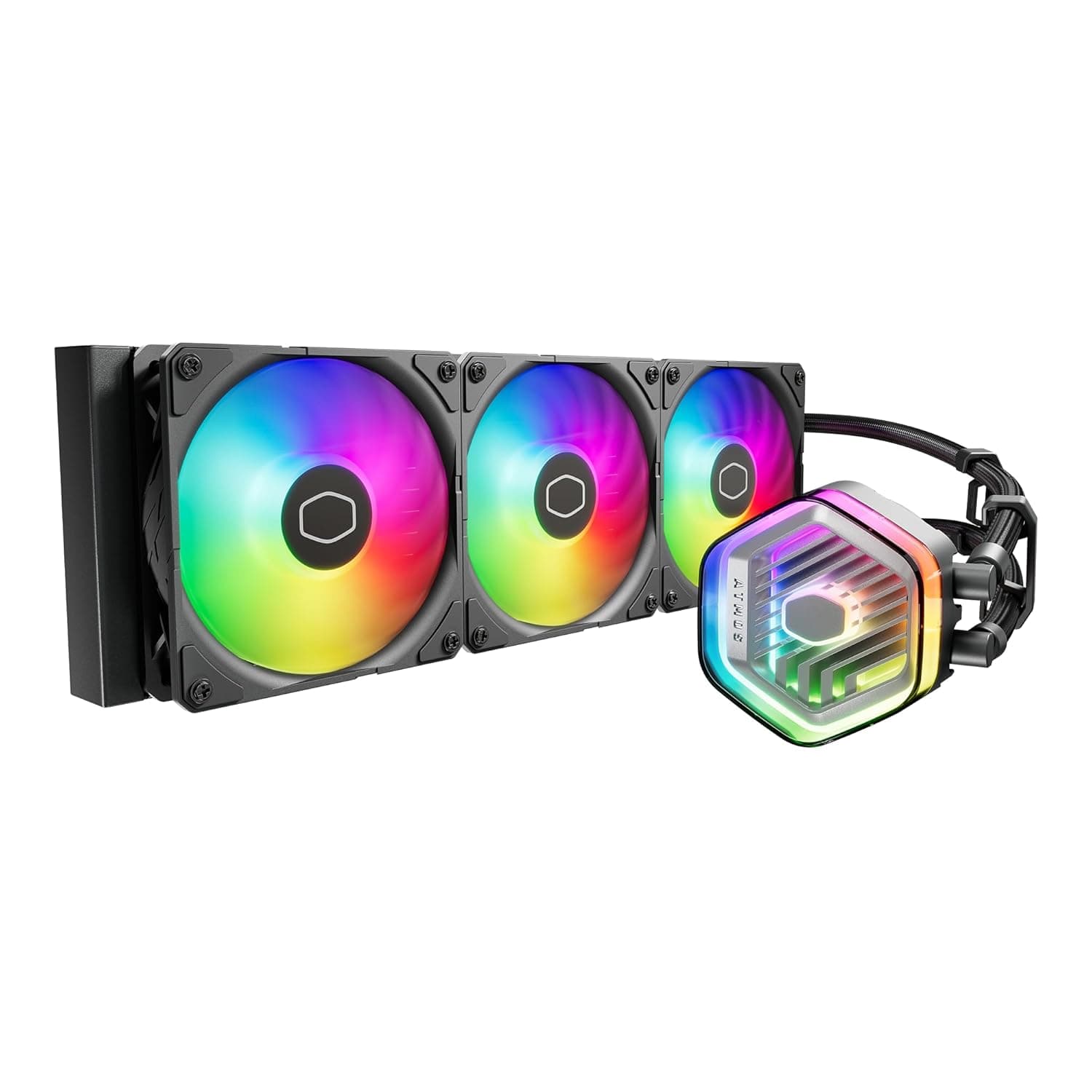
The Cooler Master 360 Atmos is a 360mm all-in-one (AIO) liquid CPU cooler. This article works through its published specs and Amazon.co.jp rating data to explain where it genuinely earns its place, where you have to compromise, and — just as importantly — who should not buy it.
Overview
The 360 Atmos is built around the assumption that you are cooling a high-TDP CPU. The short version: it makes sense if you run a Ryzen 9 or Core i9 / Core Ultra 9 and refuse to give up clocks during long all-core loads.
If you are gaming on a 6- to 8-core mid-range chip, this much cooling capacity is simply not necessary.
Its headline feature is a patented dual-chamber pump that raises water pressure to push coolant directly over CPU hotspots. Radiator surface area dominates AIO performance, but how the coolant actually flows across the cold plate matters too, so investing in the pump side is a reasonable design choice.
Three SickleFlow 120 Edge PWM fans come pre-installed. Rated specs are up to 2500 RPM, 70.7 CFM of airflow, and a 25 dBA noise level.
2500 RPM is high for a 120mm fan, which suggests the design targets enough static pressure to push air through dense radiator fins.
On Amazon.co.jp it holds a 4.7 out of 5 rating from 133 reviews — a 94% positive score, as captured at the end of May 2026.
That is not a huge review count, but 4.7 sits firmly at the high end for the AIO cooler category.
How to Read the Specs
Numbers alone do not help you decide. Here is what the key figures mean in practice.
| Item | Value | What it actually means |
|---|---|---|
| Radiator size | 394 x 120 x 27 mm | Standard 360mm length; 27mm is on the thin side |
| Fan size | 120 mm x 3 | Standard size, easy to swap or upgrade |
| Max fan speed | 2500 RPM | High-revving; audible at full tilt |
| Airflow | 70.7 CFM | Ample for radiator duty |
| Noise level | 25 dBA | A vendor test-condition figure, not a max-RPM figure |
| Pump connector | 4-pin PWM | Speed controllable from the motherboard |
| Supported sockets | AM5 / LGA 1851 / LGA 1700 | Covers current-generation platforms |
Pay particular attention to that 25 dBA rating. Fan noise numbers shift dramatically with test conditions — speed, distance, ambient floor — so it is safer to assume this does not describe the cooler running at 2500 RPM.
In practice you set a motherboard fan curve that holds around 1200–1500 RPM and only lets the fans climb when they need to.
The 27mm radiator thickness matters as well. Several competing high-performance AIOs exceed 30mm, so the Atmos sits on the slimmer side.
That may cost some absolute cooling capacity, but it clearly helps with in-case clearance — top-mounted, a thinner stack is far less likely to foul memory or VRM heatsinks.
Compatibility Guide
Supported sockets are AMD AM5, Intel LGA 1851, and LGA 1700. That covers Ryzen 7000/8000/9000, 12th–14th Gen Core, and Core Ultra 200 series chips.
Anything not on that list should be treated as unsupported. AM4 (Ryzen 5000 and older) and Intel platforms up to LGA 1200 are not included.
If you are considering this to extend the life of an older build, verify against the manufacturer's compatibility table first. Forcing a fit with a generic retention kit is a bad idea — uneven cold-plate mounting pressure costs you more thermals than the cooler gains.
Check three things on the case side, in this order:
- Will 394mm of radiator fit? A "360mm" AIO is typically around 390mm end to end. Most cases listing "360mm radiator support" account for this, but front-mount interference with 3.5-inch bays or front-panel cabling is common.
- Radiator plus fan thickness. A 27mm radiator with 25mm fans stacks to roughly 52mm. Top-mounted, the question is whether that clears VRM heatsinks and tall memory. The vendor compatibility note says it directly: confirm your case's radiator clearance before buying, because the radiator is 27mm thick.
- Tube routing. Socket-to-radiator geometry dictates tube orientation. A front mount with the tubes exiting low is usually the least strained arrangement.
For power and wiring, both pump and fans use 4-pin PWM connectors, so no separate power run is needed — motherboard headers handle everything. If you daisy-chain three 120mm fans onto one header, check that header's current limit; using the bundled fan hub is the safer route.
Connect the pump to an AIO_PUMP / W_PUMP header rather than CPU_FAN, and set it to run at a fixed 100%.
The pump top cover is customizable with 3D-printed designs and supports aRGB Gen 2 lighting. The bundled MasterCTRL software manages fan curves and lighting from one place.
Running it alongside your motherboard vendor's RGB utility can cause settings to conflict, so pick one and stick with it.
Product Info
Launched in late 2023, the Cooler Master 360 Atmos occupies the mid-high tier of the AIO market — positioned between entry-level 240mm units and top-end models with LCD screens or premium Asetek pumps.
As captured on 29 May 2026, it was listed at ¥24,479 on Amazon.co.jp. That is a fairly ordinary price for a 360mm AIO: neither a bargain nor a premium.
CPU cooler pricing moves with sales and product refreshes, though, so treat that figure strictly as a snapshot from that date and check the product page for the current price before buying. No specific overseas listing price was captured for the eBay marketplace entry, so this article does not cite one.
The rating data — 133 reviews averaging 4.7, a 94% positive score as of late May 2026 — is worth reading carefully.
CPU coolers tend to collect brutal reviews when someone gets a bad pump or a poor mount, so a 4.7 average suggests there is no unusual cluster of DOA or mounting complaints.
Still, 133 is not a statistically deep sample; look at the distribution yourself.
The box includes mounting kits for both Intel and AMD platforms, thermal compound, and a fan hub. Warranty is the standard 5 years from the manufacturer.
Since an AIO is partly a consumable — sealed-loop coolant slowly permeates out over time — 5 years is appropriate coverage for this class.
How It Compares
Against other 360mm AIOs, the Atmos positions itself as "differentiated on pump design and customization, priced in the middle."
- Thick-radiator designs — Units like the ARCTIC Liquid Freezer family chase raw capacity with thicker radiators, and the 27mm Atmos may give up ground there. What it gains is far more freedom in case selection.
- LCD-equipped models — The CORSAIR iCUE LINK H150i LCD and ASUS ROG Ryujin III put a display on the pump head. The Atmos takes a different route with a 3D-printable cover and aRGB, which is purely a matter of taste.
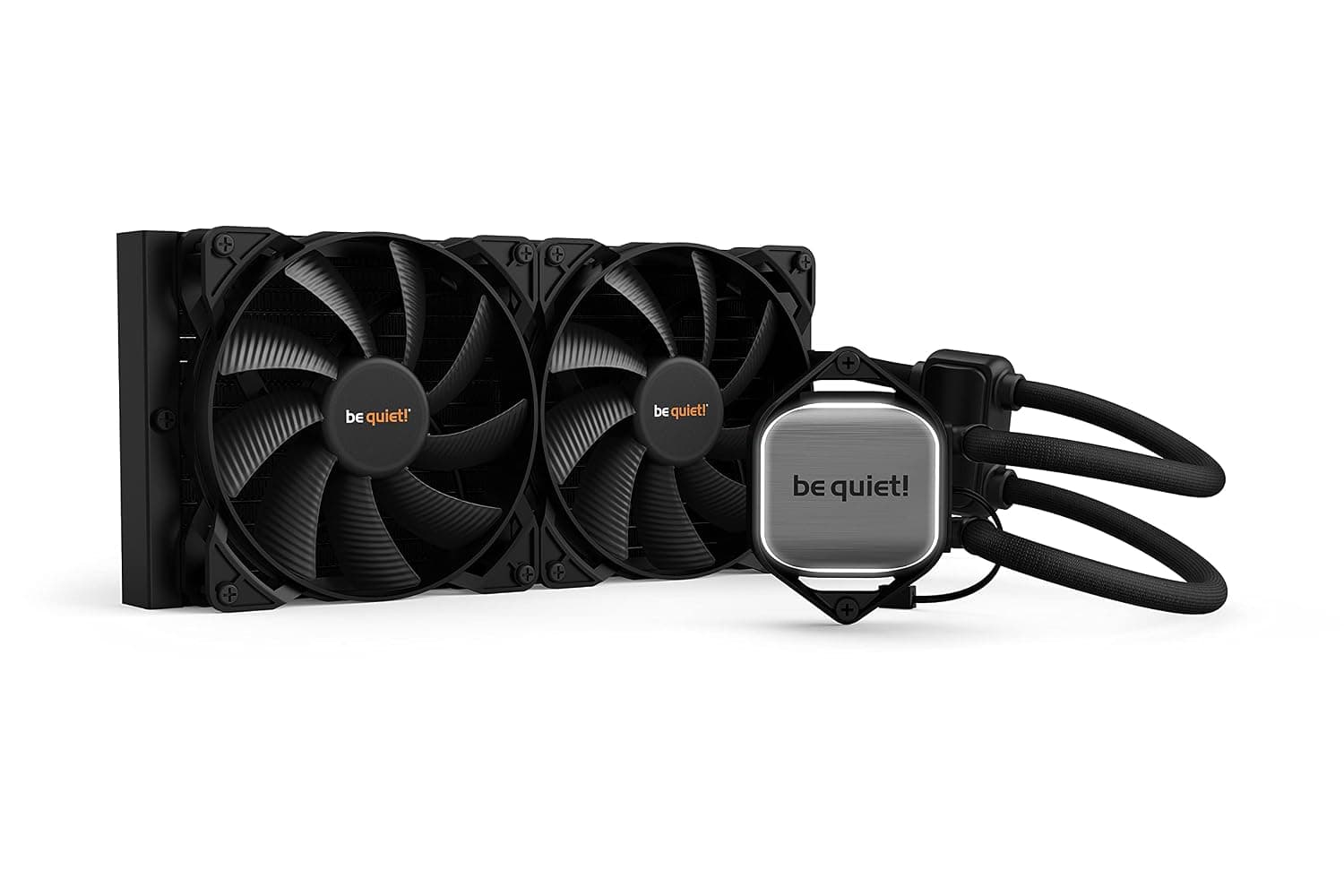
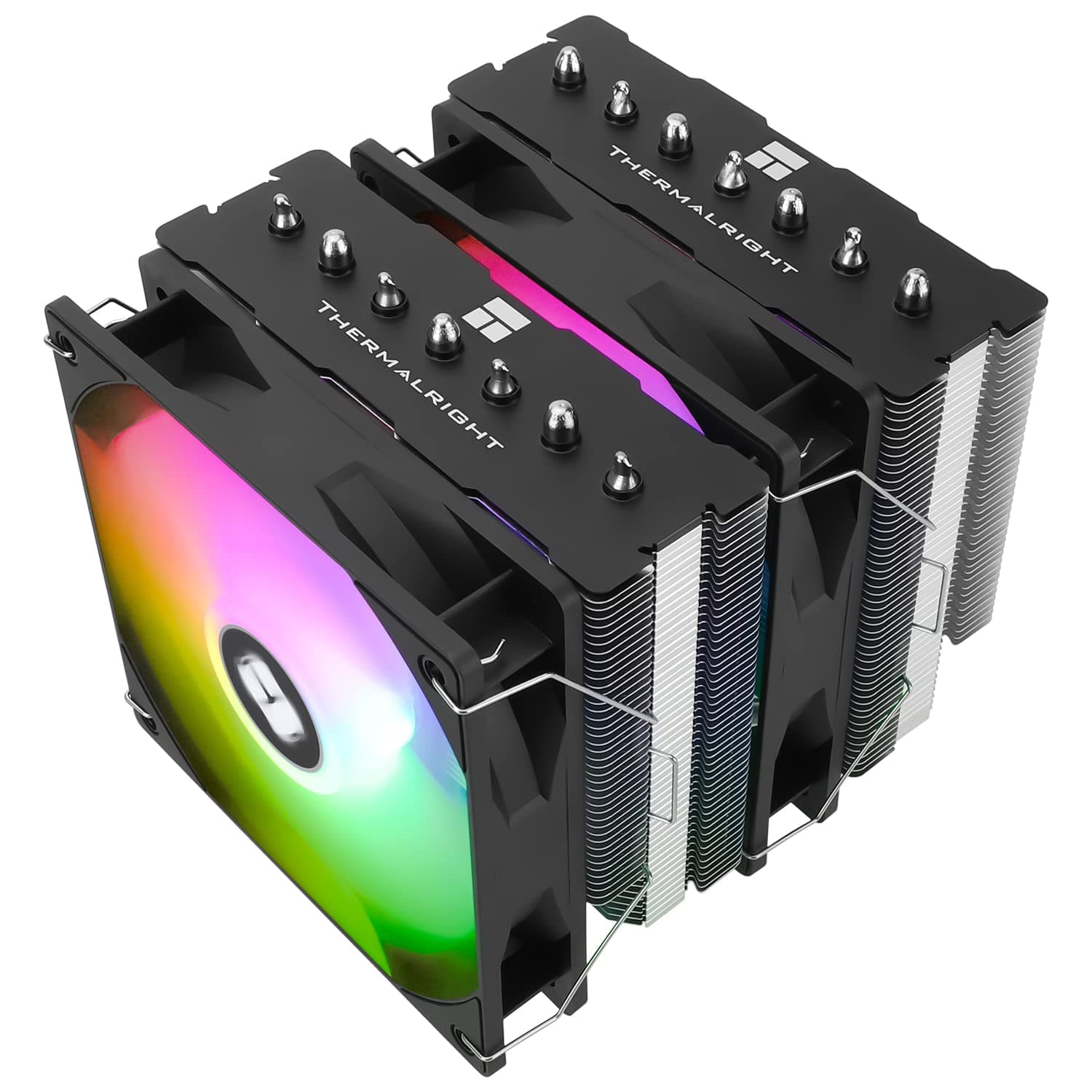
- High-end air cooling — Dual-tower air coolers such as the Thermalright Peerless Assassin 120 cost dramatically less and have no pump to fail. Up through Ryzen 7 and Core i5 class chips, honestly, air is enough. You pick the Atmos when you need headroom air cannot reach, or when aesthetics and clearance push you toward liquid.
Within Cooler Master's own lineup, budget 360mm options like the MasterLiquid ML360L V2 ARGB sit at a clearly lower price point. What the Atmos charges extra for is pump architecture and customization — if neither appeals, the cheaper model is a defensible choice.
Living With It
Most "my 360mm AIO isn't as quiet as I hoped" complaints trace back to fan curve settings. Default motherboard profiles track CPU temperature aggressively, so brief load spikes send the fans surging in a way your ears immediately catch.
Simply lengthening the BIOS fan step-up/step-down delays makes a large difference to perceived noise.
The pump supports PWM control, but slowing it rarely buys meaningful silence — it mostly just costs cooling. Fix the pump at 100% and manage temperature with the fans.
During installation, paste quantity and screw tightening order determine your result. Tighten diagonally in small increments and avoid clamping one side hard.
On chips with offset chiplet layouts like AM5 Ryzen 9 parts, a slight mounting tilt can be worth several degrees.
Best Use Cases
This cooler is an easy recommendation for:
- Anyone running a Ryzen 9 or Core i9 / Core Ultra 9 daily. Sustained all-core workloads — video encoding, compiling, 3D rendering — reward the extra radiator area directly.
- Creators and gamers who want quiet and capacity together. A larger radiator is itself a noise-reduction tool: the same heat load gets handled at lower fan speeds.
- Builders who care how the machine looks. A 3D-printable pump cover plus aRGB Gen 2 is unusual play value at this price.
- Builds tight on internal clearance. At 27mm, the radiator is a realistic option in cases where thicker AIOs will not fit.
Before You Buy
This is the part that matters most, so here it is straight.
When this is the wrong cooler. For Ryzen 5 or Core i5 class chips, it is overkill — that budget does more for you in a GPU or SSD.
If your board is AM4 or LGA 1200 or older, the socket simply is not supported. And if you build in a mini-tower or ITX case, do not assume 394mm of radiator will fit; check your case's stated radiator length support first.
Do not take the noise figure literally. 25 dBA reflects vendor test conditions, not the cooler at 2500 RPM.
Buy a 360mm AIO expecting silence and you will be disappointed. Quiet operation comes from having enough headroom to run the fans slowly.
An AIO is a wear item. Unlike an air cooler, it has a moving pump and coolant that slowly depletes.
Five years of warranty is not a promise of five years of operation. If the pump stops, the CPU throttles immediately — wire the pump to a header you can monitor and enable low-RPM alarms.
Avoid duplicate control software. Running MasterCTRL alongside your motherboard vendor's RGB and fan utility can cause settings to overwrite each other or reset lighting at boot.
Consolidate on one.
Verify the listing yourself. Retail product pages sometimes carry manufacturer names, model numbers, or accessory lists that do not match the physical product, and information for other variants (240mm or non-RGB versions) can bleed in.
Before ordering, confirm from the product image and title that you are buying the 360mm Atmos. The same goes for price: the page is authoritative, and the figure in this article is only a snapshot from the capture date.
FAQ
Q. Will it work on AM4 (Ryzen 5000, etc.)? A.
The published socket list is AM5 / LGA 1851 / LGA 1700; AM4 is not included. Do not buy it for an AM4 build.
Q. Does it mount directly on Core Ultra 200 series (LGA 1851)? A.
Yes — LGA 1851 is a supported socket and the bundled kit covers it. Mounting steps differ by generation, so follow the relevant page of the included manual.
Q. Can I front-mount it in a mid-tower? A.
The radiator is 394mm long, so your case must explicitly state 360mm radiator support at minimum. Also confirm it will not collide with front drive bays or cable routing.
Q. Are the fans loud? A.
They spin up to 2500 RPM, so at full speed you will hear them. The practical approach is to cap them with a fan curve and let them climb only when needed.
Q. Is it really better value than a top-tier air cooler? A.
Up through Ryzen 7 / Core i5 class chips, a dual-tower air cooler often lands in similar territory for less money and with no pump to fail. A 360mm AIO earns its keep on hotter CPUs under sustained load, or when looks and clearance argue for liquid.
Q. Can I use it without the RGB lighting on? A.
Yes — MasterCTRL or your motherboard utility can turn the lighting off. If lighting is not the draw, cheaper models are worth considering.