Overview
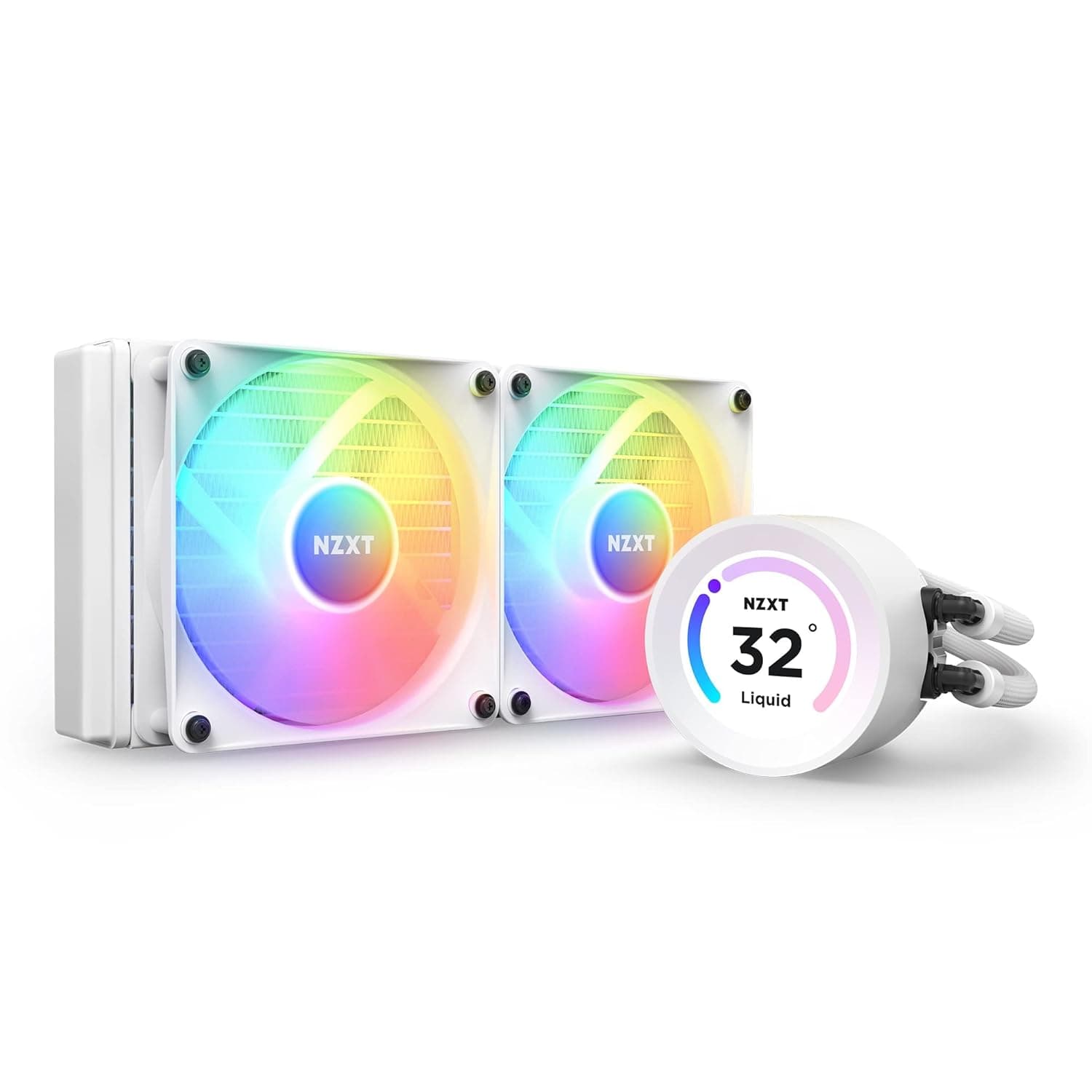
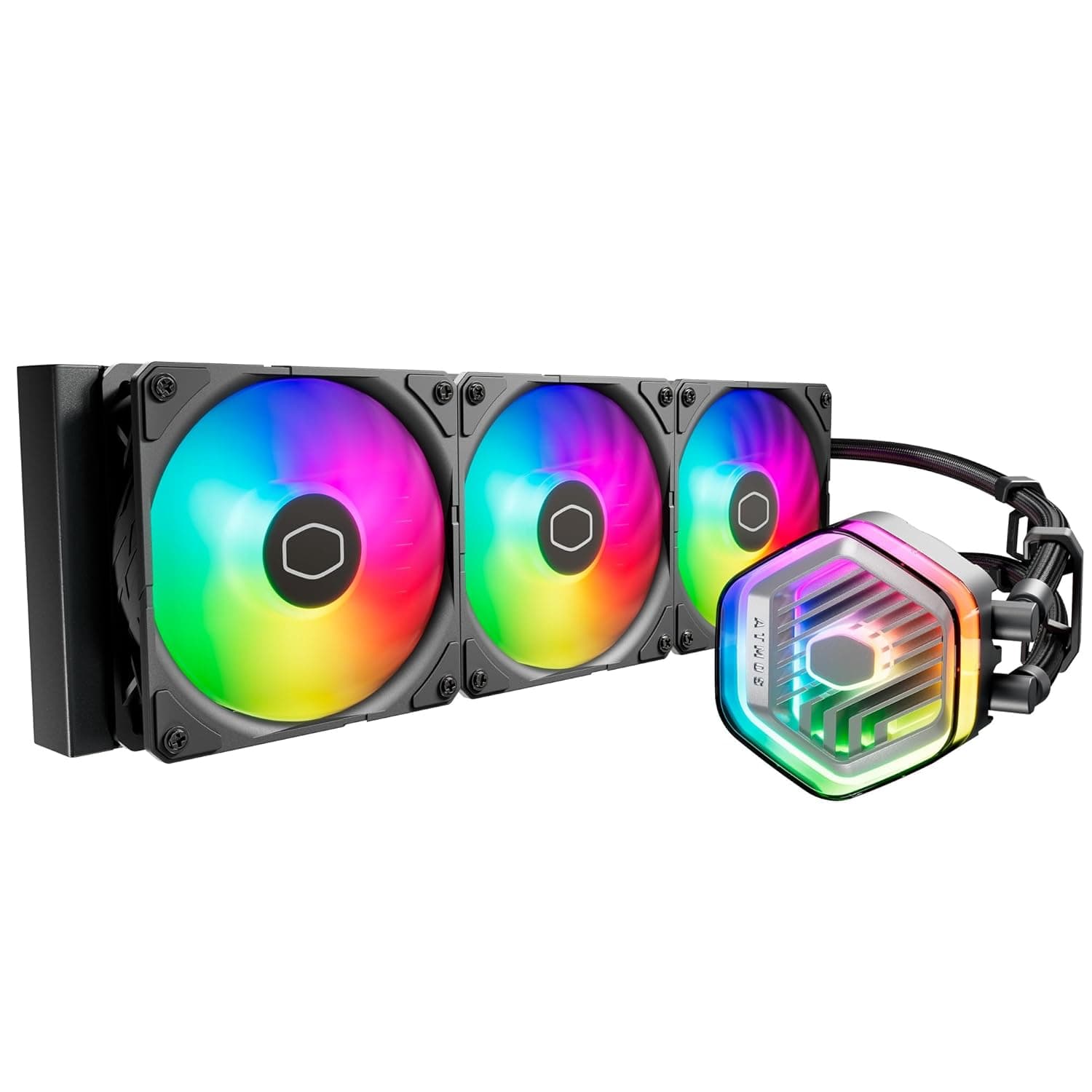
The Cooler Master 360 Atmos is an all-in-one (AIO) liquid CPU cooler that pairs a 360mm radiator with a dual-chamber pump head. A dual-chamber design separates the hot coolant coming off the CPU cold plate from the loop being pushed out to the radiator, so heated fluid does not linger inside the pump housing — which generally helps both heat exchange and pump acoustics.
The short version: this is a cooler for high-wattage CPUs run at sustained full load. On a mid-range chip used for casual gaming, it is more cooler than the job needs.
With 360mm-class AIOs, satisfaction is decided less by "does it cool" and more by "does it fit" and "can I run it quietly." This article focuses on the things people regret after buying: case clearance, memory interference, radiator orientation, and a mismatch in the Amazon listing data.
Quick Answer by Use Case
| Use case | Fit for the 360 Atmos | Notes |
|---|---|---|
| Sustained all-core load on a high-end CPU (encoding, rendering, simulation) | Good fit | This is where 360mm of radiator area actually pays off |
| High-refresh gaming (moderate CPU load) | Slightly overkill | Plenty of headroom; dial fans down for quiet running |
| Mid-range 65W-class CPU, general use | Not recommended | Air cooling is cheaper, simpler, and quieter |
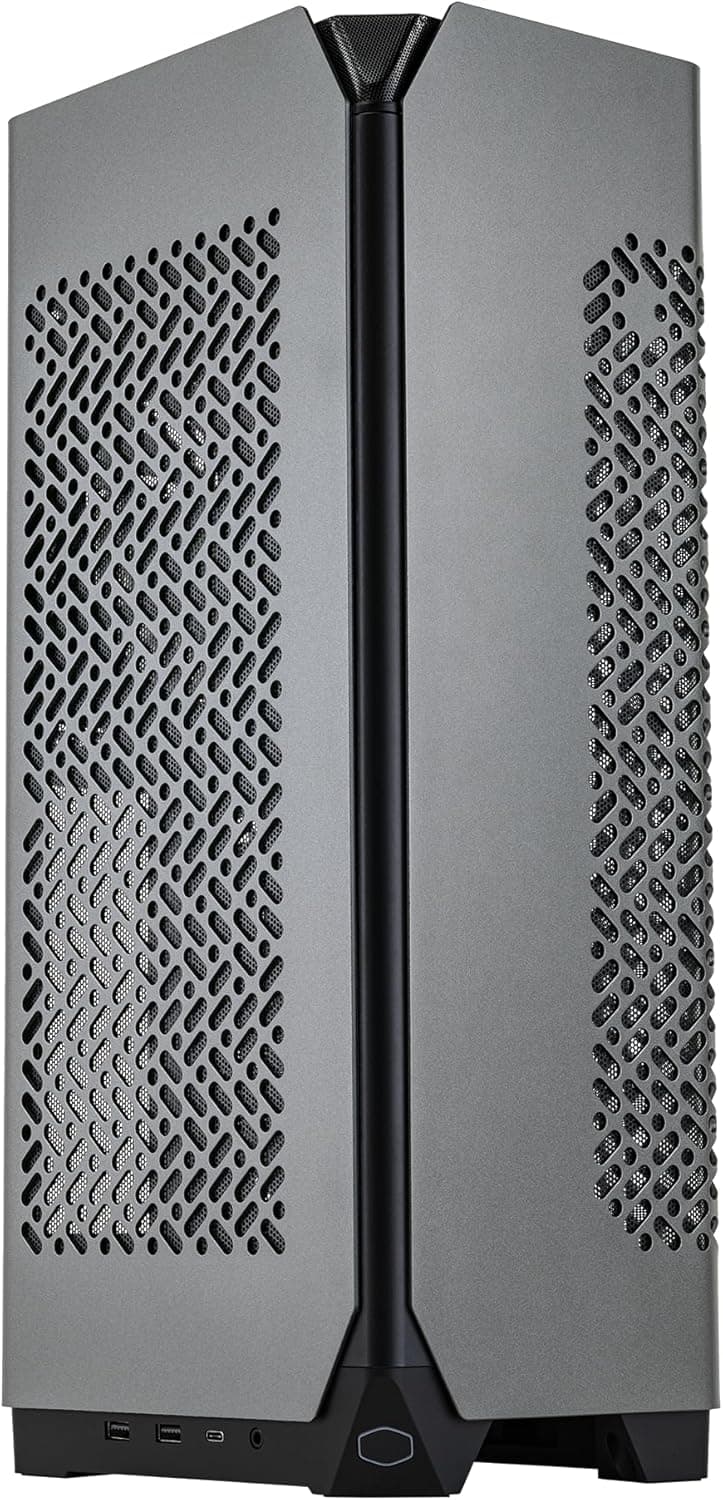
| Mini-tower or cube cases | Check first | Many simply cannot take a 360mm radiator |
| Build-and-forget for many years | Think twice | Pumps are wear parts; air coolers age better |
The value here assumes a genuinely hot CPU. If your chip lands near 100W in practice, spending the difference on the GPU or storage will be more noticeable.
Why 360mm at All
AIO performance is mostly a function of radiator surface area, not pump specs. Three 120mm fans' worth of area means the same heat load can be dissipated with less airflow than a 240mm unit needs.
That is not just "colder" — it is "the same temperature, more quietly." The real reason to buy a 360mm cooler is that acoustic margin, not peak performance.
The dual-chamber pump head is there to widen that margin further. The trade-off is that such heads tend to be physically taller, so clearance above the memory slots and toward the side panel deserves a look.
Pump speed is usually controllable from the motherboard, so after installation set separate curves for the pump and the fans and avoid spinning either hard at idle.
Compatibility Guide
Check the case before the socket. A 360mm radiator measures roughly 39–40cm long, and you need room for radiator thickness (commonly around 27mm) plus fan thickness (typically 25mm).
Top mounting is where builds fail most often: the radiator collides with VRM heatsinks or the 8-pin EPS connector along the top edge of the motherboard. A spec sheet that says "Top radiator support: 360mm" is not enough — look for the case's stated top clearance figure before you buy.
Memory is next. The pump head itself rarely interferes, but a front-mounted radiator can clash with drive cages and front cable routing, and a top-mounted one can meet tall heat spreaders.
If your memory heat spreaders exceed about 40mm, verify clearance explicitly.
On sockets, recent AIOs generally ship with Intel LGA1700-series and AMD AM5/AM4 brackets, but bracket contents vary by revision and SKU, so confirm your board against the supported-socket list on the product page. Newer sockets such as LGA1851 may need a separately supplied bracket.
Expect to use a pump power lead (often SATA or 3/4-pin), PWM for the fans, and a 3-pin 5V ARGB header; if your board has no ARGB header, your lighting control options will be limited.
Power supply sizing is not really a factor — pump and fans together draw only tens of watts. Size the PSU around your CPU and GPU instead.
How It Compares
The 360mm segment is crowded. Broadly there are thick-radiator units that chase raw capacity (the ARCTIC family), display-focused heads with LCD screens (CORSAIR iCUE LINK H150i LCD, ASUS ROG Ryujin), and units that compete on cooling-to-noise balance and price.
The 360 Atmos sits closest to the last group: the money went into pump architecture rather than a screen.
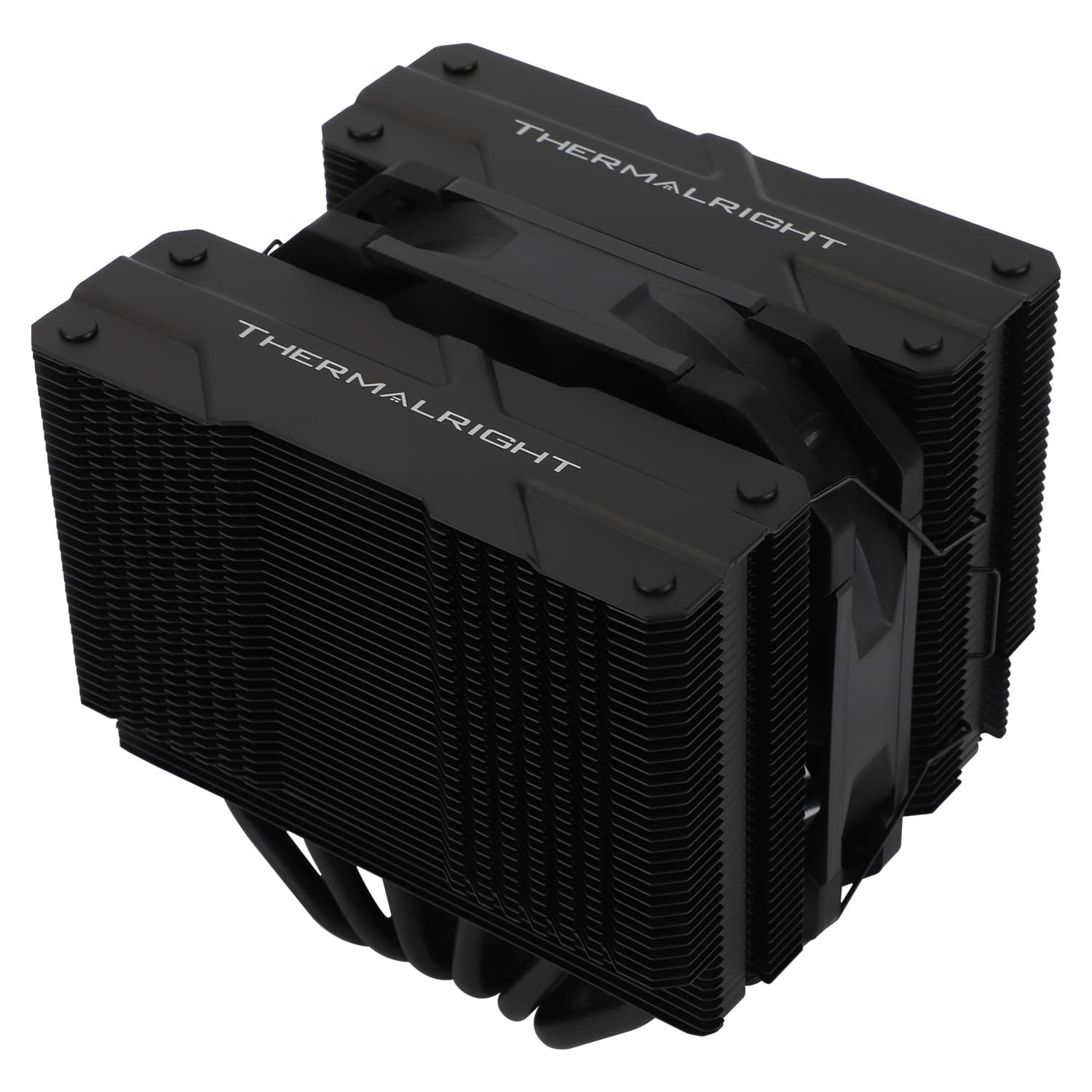
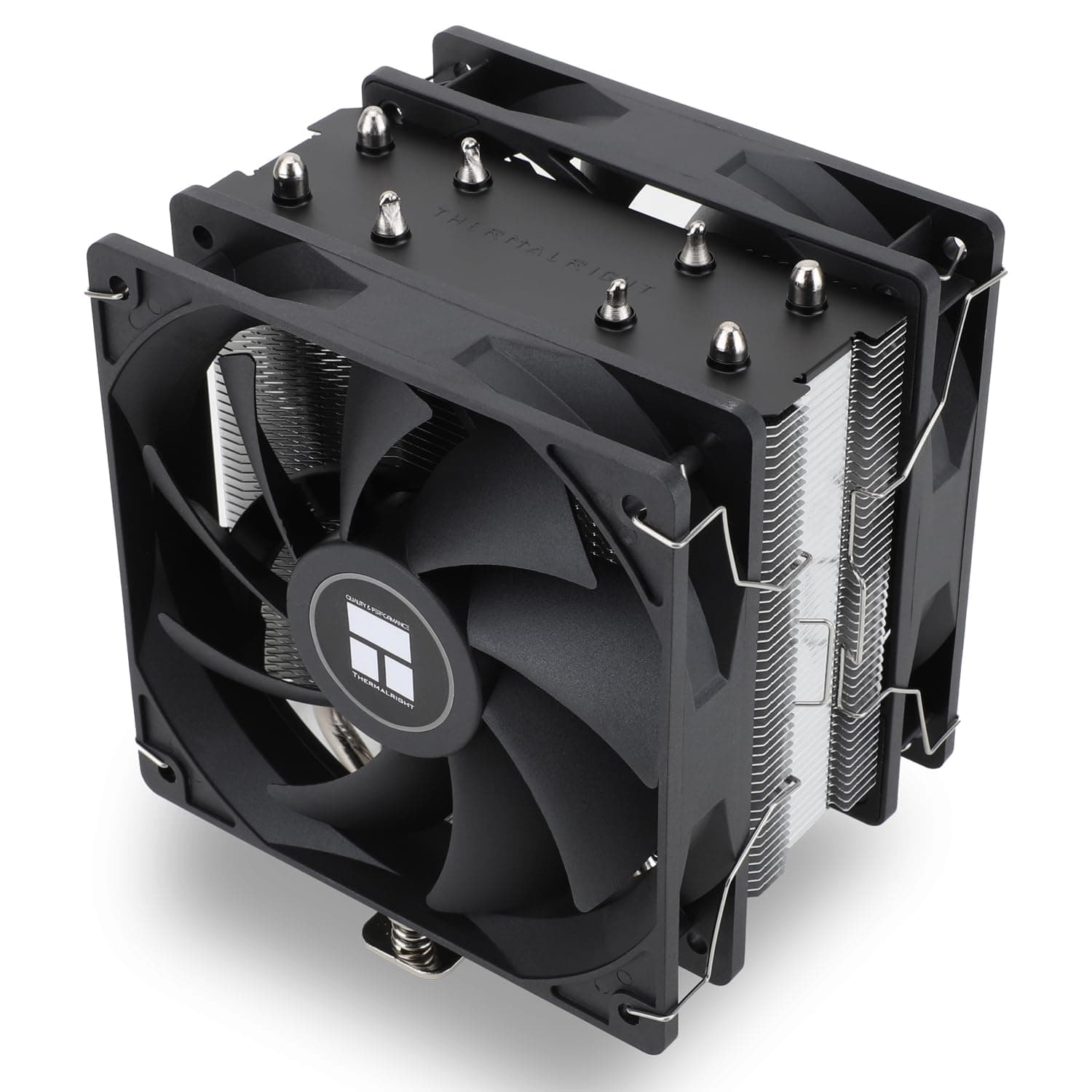
Meanwhile, dual-tower air coolers such as Cooler Master's own Hyper 612 APEX or the Thermalright Peerless Assassin 120 SE cost less and have no pump to fail. On pure cost-effectiveness, air still wins for mid-range CPUs.
You choose an AIO to move CPU heat straight out of the case, to keep a large heatsink off the memory slots, and for looks.
Product Info
The Amazon.co.jp listing recorded a price of ¥19,685 as captured on 12 June 2026.
That is normal-to-slightly-above average for a 360mm AIO, but pricing in this segment swings with sales and exchange rates — treat the figure as a snapshot and check the product page for the current price.
The same page recorded a review score of 4.6/5 from roughly 320 ratings (about 92% positive).
However, as noted below, that listing contains inconsistent registration data, so read a few actual reviews to confirm they describe this cooler. Overseas marketplace listings sometimes show prices far too low for a 360mm AIO; those are likely used units, accessories, or a different product entirely.
Do not buy on price alone.
Living With It
An AIO's real character emerges after tuning, not at install time. Start with the pump at a fixed (or low, flat) speed and give the fans a gentle curve that follows a smoothed package temperature rather than instantaneous readings.
Tying fan speed directly to CPU temperature spikes produces audible surging even under light load.
Orientation matters too. Mounting the radiator so the tubes exit at its lower side keeps circulating air bubbles away from the pump and helps avoid gurgling noise.
Tubes-up on a top mount looks tidier but is worse in this respect. Using the radiator as intake lowers CPU temperatures but dumps its heat onto the GPU; exhaust does the opposite.
Lean toward exhaust with a hot GPU, intake if the CPU is the priority.
Best Use Cases
- High-wattage CPUs under sustained load — encoding, 3D rendering, compiling, simulation. Minutes-to-hours of all-core work is where the radiator area shows.
- Anyone chasing the same temperatures more quietly. Moving up from 240mm, the first thing you notice is fans that no longer ramp, not a lower peak.
- Mid-tower or larger cases with confirmed 360mm mounting space at the top or front.
- Builders who do not want a metal tower sitting over the memory slots — servicing RAM is simply easier.
If you run a 65W-class CPU, own a mini-tower, or care more about upfront cost than acoustics, a similarly priced air cooler is the more rational buy.
Things to Check Before Buying
First, this product listing contains mismatched data. The Amazon listing registers a manufacturer name that is not Cooler Master, and its specification fields include entries belonging to an unrelated network adapter (USB-C to RJ-45, 10/100/1000Mbps, and so on).
That is a data-collection error, and none of those values are used in this article. You will hit the same inconsistency when you open the page, so confirm from the product images, title, and packaging that you are buying a 360mm liquid cooler. The price and review counts on that page may be affected by the same mix-up.
Second, AIOs are wear items. The pump is a motorized moving part whose failure is more consequential than a fan's — if it stops, the CPU throttles or shuts down almost immediately — and service life is generally measured in a handful of years.
If you want a cooler you never touch for five to seven years, the category itself is the wrong fit. Check the warranty term before purchase.
Third, the myth that 360mm slashes temperatures. Modern high-end CPUs boost harder when given thermal headroom, so moving from 240mm to 360mm often leaves peak temperature roughly unchanged while clocks and power draw rise instead.
If lowering temperature is the goal, pair the cooler upgrade with power limit or PBO tuning.
Fourth, installation. Even, diagonal tightening of the mounting hardware matters more than thermal paste technique.
And radiator screws that are too long will puncture the fins and cause a leak — use only the screws supplied in the box.
FAQ
Q. How do I know whether a 360mm radiator fits my case? A.
Check the case spec sheet for radiator support (top/front) and, critically, the stated top clearance. Even a case listed as 360mm-capable can fail if there is not roughly 55–60mm between the top panel and the motherboard edge.
Q. Top mount or front mount? A.
Front intake is best for CPU temperature alone, but radiator heat then enters the case and raises GPU and drive temperatures. Top exhaust is the easier all-round balance.
Q. The pump is noisy. What should I do? A.
Drop the pump to a fixed, lower speed first. If a gurgling sound persists, air may be reaching the pump — remounting so the tubes sit at the bottom of the radiator often fixes it.
Q. Is upgrading from air cooling worth it? A.
If your CPU actually draws over about 150W, yes. Below that, the perceptible gains are limited to noise and easier RAM access, and the value proposition weakens.
Q. Does it need coolant top-ups or maintenance? A.
No — AIOs are sealed and not user-refillable. The only routine task is clearing dust from the radiator fins and fans, roughly every six months with compressed air.