Overview
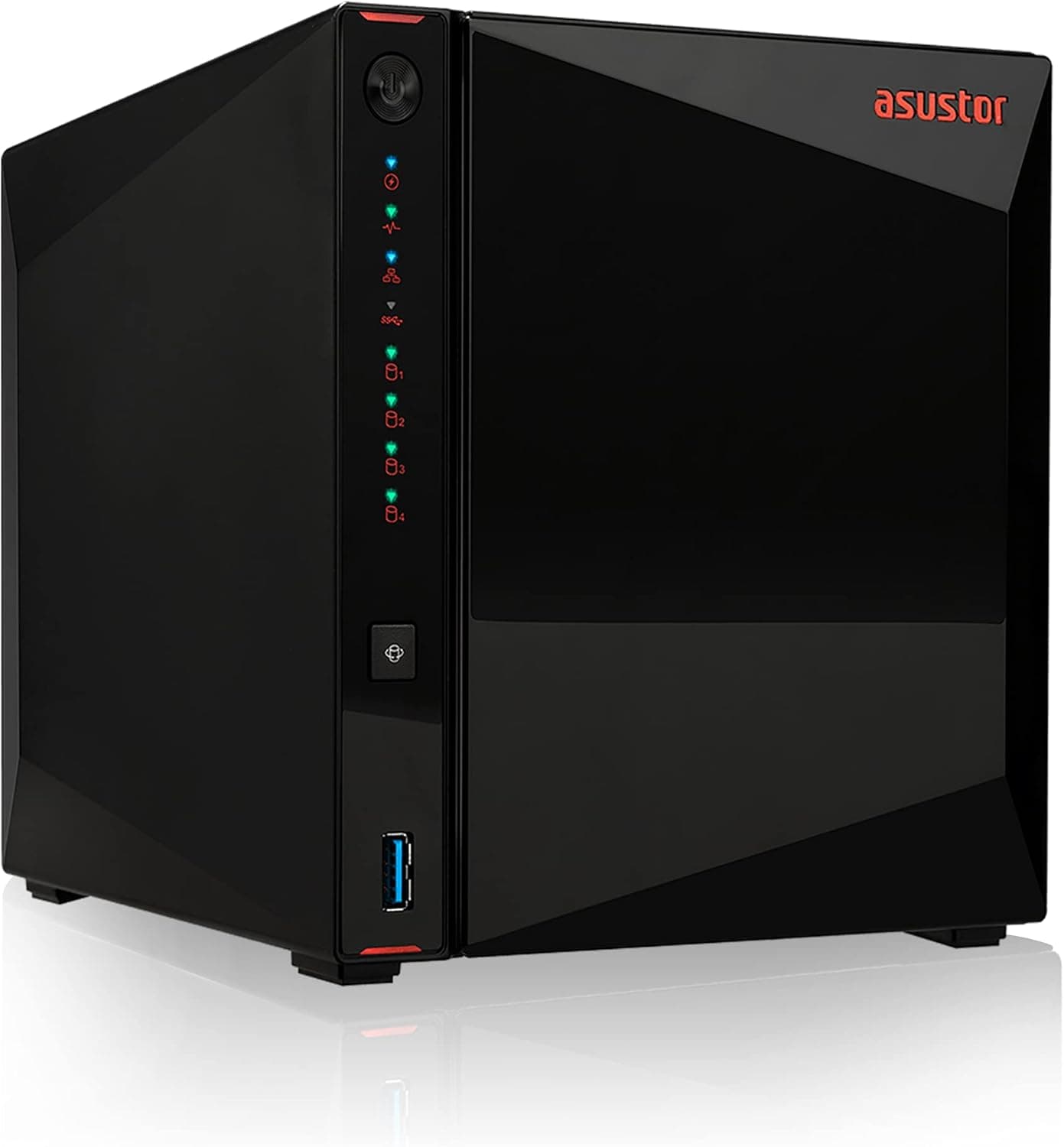
The Asustor AS5304T is a 4-bay NAS designed with gamers and creators in mind. Powered by an Intel Celeron J4105 quad-core processor clocked at 1.5GHz, it comes with 4GB of DDR4 RAM and 4GB of eMMC flash storage. The standout feature is dual 2.5GbE ports, offering up to 2.5x the throughput of traditional gigabit connections. Its metal chassis houses four hot-swappable 3.5-inch or 2.5-inch SATA drives, and the HDMI 2.0a output supports 4K/60Hz video, making it a capable media server. Asustor's ADM operating system provides an intuitive interface and a rich app ecosystem, suitable for both beginners and advanced users.
Connectivity & Compatibility
Network: 2.5GbE RJ-45 ports ×2 (link aggregation supported), USB 3.2 Gen 1 ×3 (1 front, 2 rear) Storage: 4× 3.5-inch SATA HDD/SSD or 2.5-inch SATA SSD/SSHD (tool-less trays, hot-swappable) Video Output: HDMI 2.0a ×1 (up to 4K/60Hz) Supported OS: Windows, macOS, Linux, Android, iOS (via ADM) File Systems: EXT4 (internal), NTFS/FAT32/exFAT (external USB drives) RAID Modes: Single, JBOD, RAID 0/1/5/6/10 (software RAID) The 2.5GbE ports are backward-compatible with standard gigabit switches, but to achieve full speed, a 2.5GbE-capable switch and client NIC are required. Link aggregation can combine both ports for up to 5Gbps aggregate bandwidth.
Product Info
Released in 2019, the AS5304T remains a solid mid-to-high-tier NAS choice thanks to its dual 2.5GbE networking. It sits above entry-level models, targeting users who need faster file transfers without jumping to 10GbE. The diskless unit typically retails between ¥60,000 and ¥80,000 depending on market conditions. The manufacturer provides a standard 3-year warranty. Included in the box: power adapter, power cord, two RJ-45 LAN cables, quick installation guide, and screws.
Best Use Cases
Gamers: Centralize game recordings, mod files, and screenshots for access from multiple PCs. With 2.5GbE, transferring large game installs or backup images is noticeably faster than gigabit. Content Creators: Store proxy video files, RAW photos, and project assets on the NAS for collaborative editing workflows. The HDMI output also lets you connect a monitor directly for media playback. * Home Users: Share family photos and videos, run Plex or Emby media servers, or use Docker containers for home automation. ADM's app store offers plenty of free and paid apps to extend functionality. If your only need is simple file backup, a cheaper 2-bay NAS or cloud storage may suffice.
Things to Consider
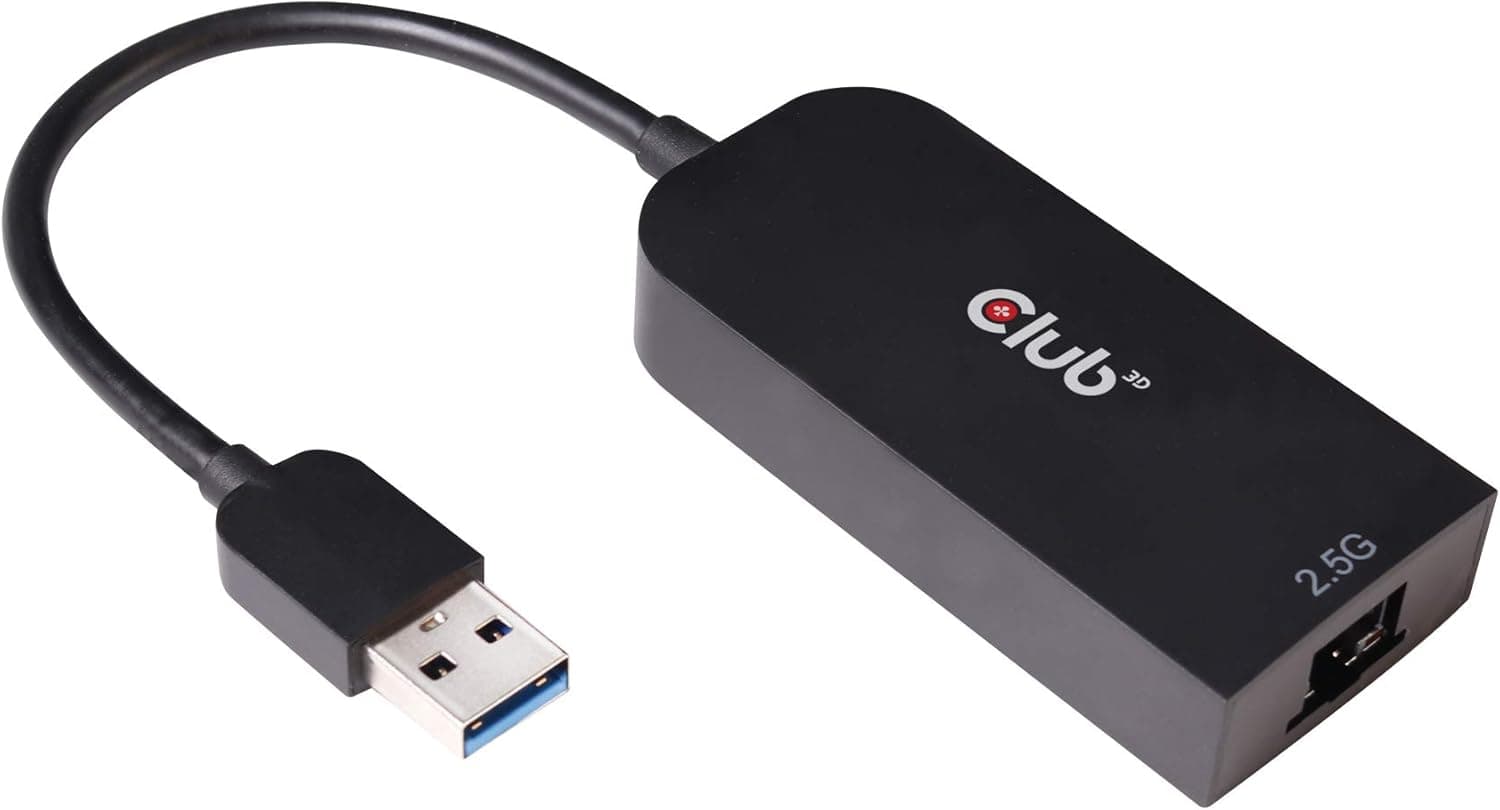
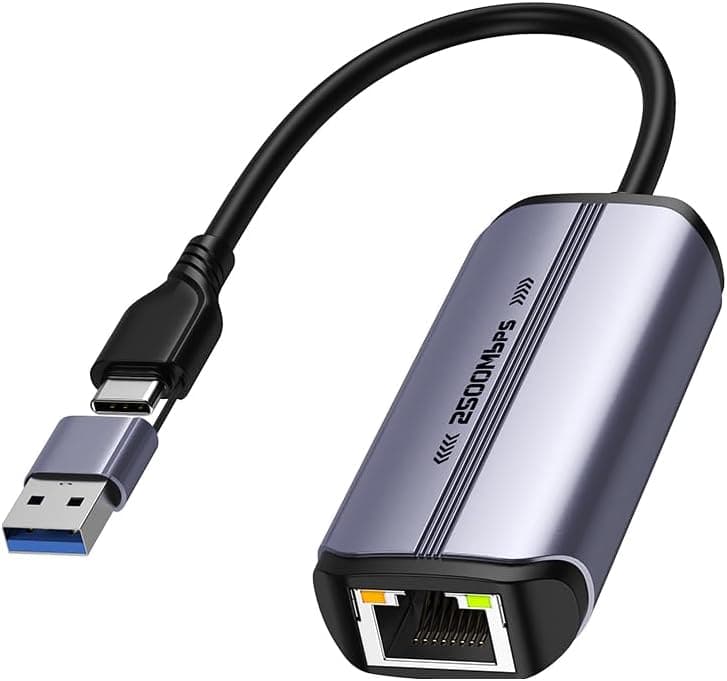
Drives Not Included: This is a diskless model. You must purchase HDDs or SSDs separately. 2.5GbE Infrastructure: To fully utilize the dual 2.5GbE ports, you need a 2.5GbE switch and client NIC. Connecting to a gigabit-only network limits speed to 1Gbps. RAM Upgrade: There is one free DDR4 SO-DIMM slot supporting up to 8GB total, but only officially validated modules are guaranteed to work. CPU Limitations: The Celeron J4105 is power-efficient but has limited transcoding performance. Real-time 4K transcoding in Plex may be demanding; consider a more powerful NAS if heavy transcoding is a priority. * Noise: The single 92mm fan is quiet, but HDD seek and spin noise can be audible. Place the unit away from sleeping areas if silence is critical. ## FAQ
Q: What do I need to achieve 2.5GbE speeds? A: Both the NAS and your client PC need 2.5GbE-capable NICs. A 2.5GbE switch is also recommended; using a gigabit switch will cap the connection at 1Gbps. Q: If I use four 4TB HDDs in RAID 5, how much usable capacity do I get? A: RAID 5 uses one drive's worth of parity, so you get approximately 12TB usable (4TB × 3). RAID 6 gives about 8TB (4TB × 2). Q: Can I run Docker or virtual machines on this NAS? A: Yes, ADM supports Docker and VirtualBox via its app store. However, the Celeron J4105 and 4GB RAM limit you to lightweight containers or one or two small VMs. Heavy virtualization is not recommended.
Product Disclosure (Amazon)
- Manufacturer: ASUSTOR
- Seller: P-LAB
- Fulfilled by: P-LAB
- ASIN: B07PYJ2KNC
- Note: This article covers a manufacturer-made product based on Amazon listing details.