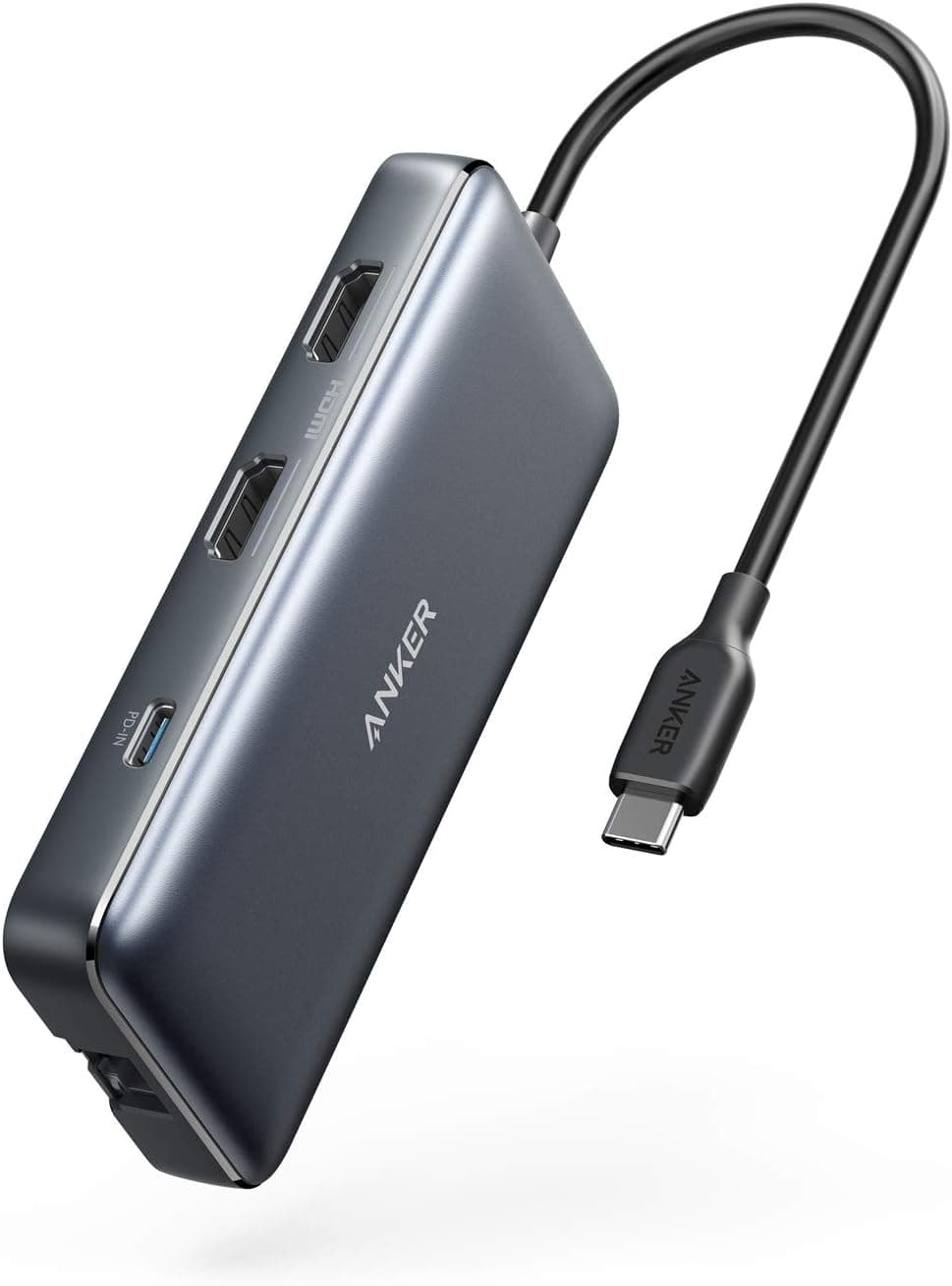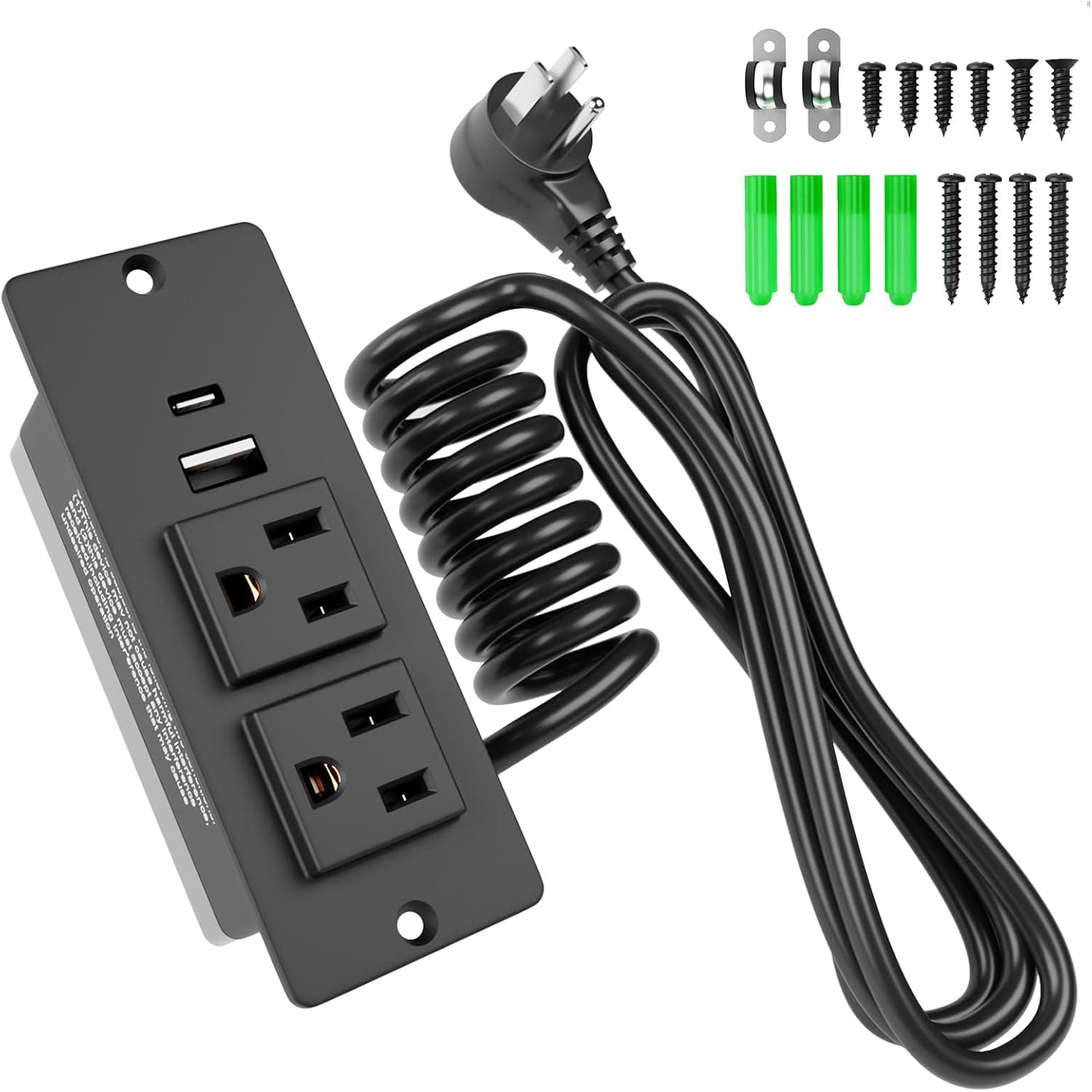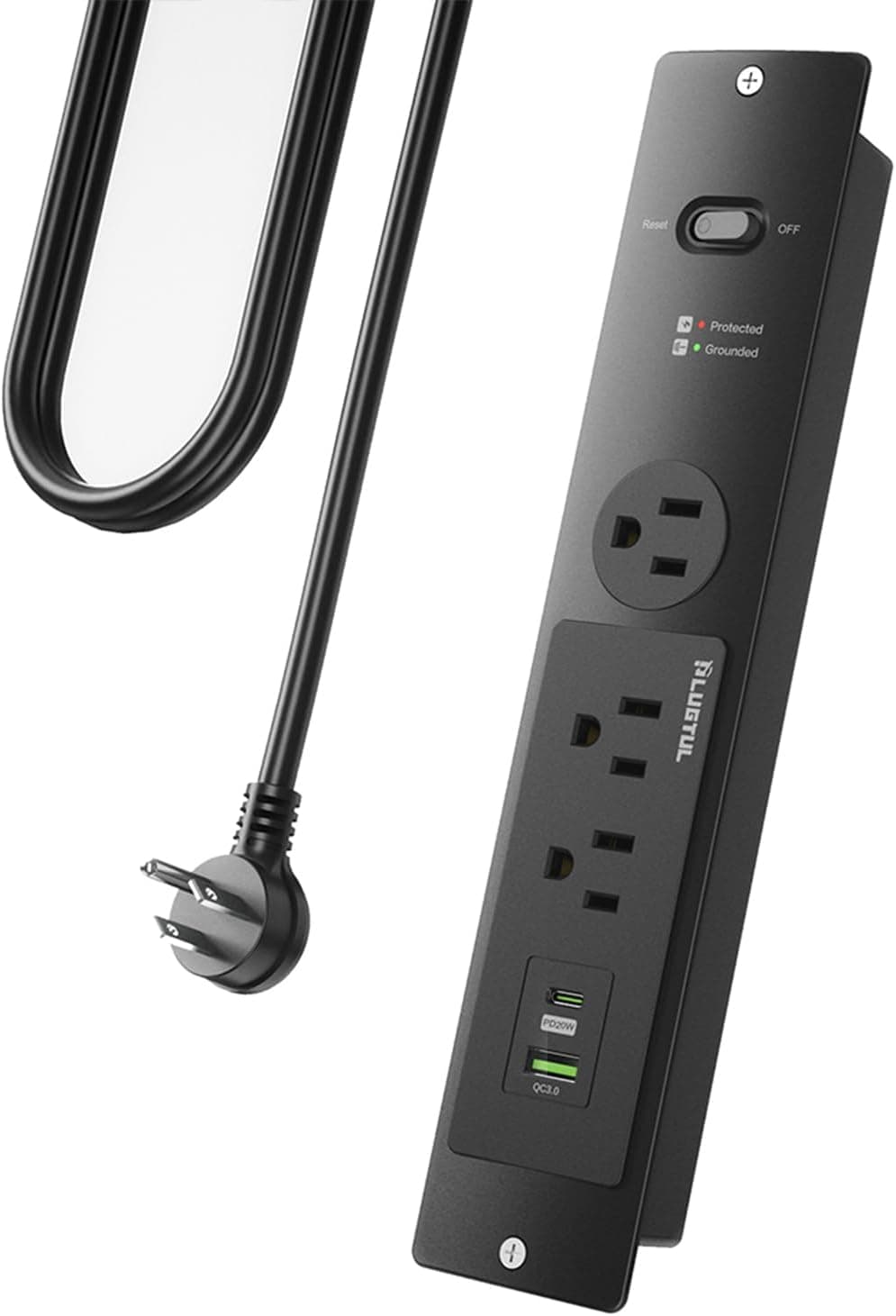
Overview
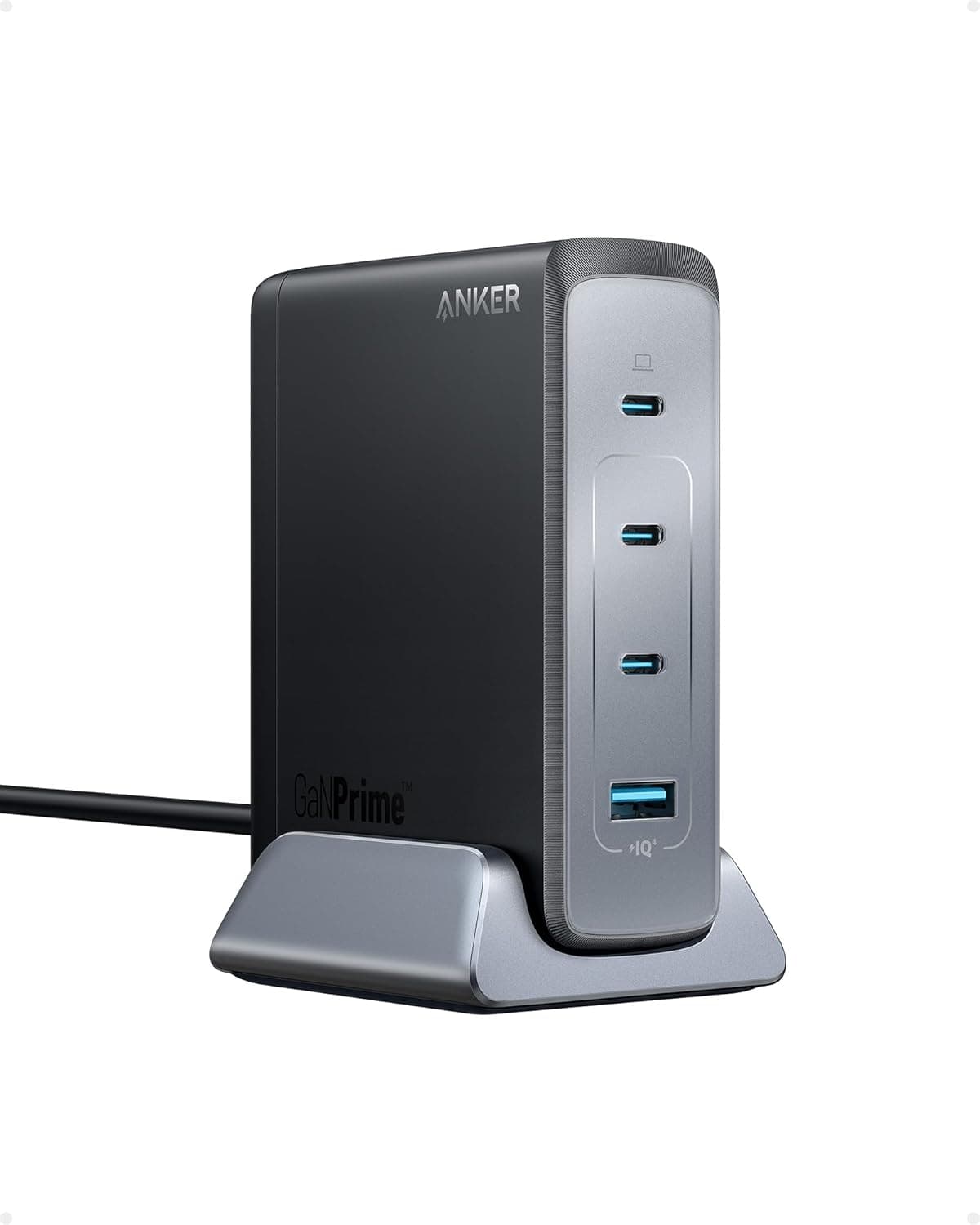
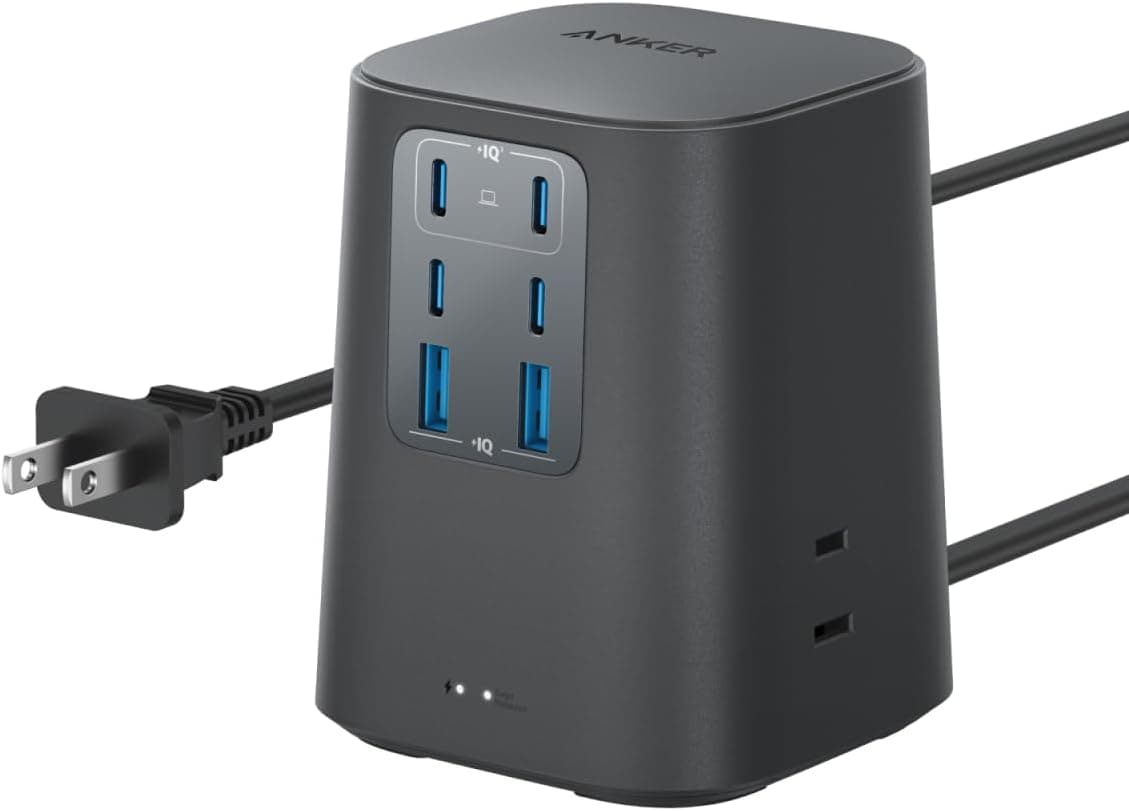
The Anker Charging Station (9-in-1, 100W) merges a power tap and a USB PD fast charger into one desktop unit. It offers 3 AC outlets, 4 USB-C ports, and 2 USB-A ports, for up to 9 devices at once.
The short version: this is for people whose laptop, phone, earbuds, and tablet chargers have turned into a knot under the desk — not for people who need more wall sockets. With only 3 AC outlets, that single spec defines the product's character.
On Amazon.co.jp the listing showed 331 reviews at 4.4 out of 5 (roughly 88% positive) as of the June 4, 2026 capture.
That is a stable score for this class of charging station. With 331 reviews the rating can still move, but it does not read like a product with widespread early failures.
Compatibility Guide
On the AC side it is rated for AC100V with a stated maximum of 1500W (Japan spec). Treat that 1500W as the combined ceiling for the 3 AC outlets plus USB consumption — high-draw appliances like hair dryers or kettles were never the target.
For typical desk loads (a laptop AC adapter, a monitor, a desk lamp, speakers) you will not come close to the limit.
On the USB side, PD is supported, but 100W is available only when USB-C1 or C2 is used alone. Use several ports at once and the output is distributed among them.
This is the single most common post-purchase misunderstanding: "my MacBook Pro charges slowly" almost always means a tablet or phone is charging on a neighbouring port. The practical workaround is to unplug the other USB devices during the window when you want full-speed laptop charging.
Supported devices are mainly PD-capable iPhones and Android phones, tablets such as the iPad, and USB-C powered laptops. The USB-A ports are not PD, so treat them as slots for older earbud cases, power banks, and low-draw peripherals.
Note also that these are charging ports — this is not a USB hub, and it does not do data transfer.
Physically the unit is about 8×8cm with a 1.5m cable.
That length covers "floor power strip to desktop" but can fall short if you are running straight from a wall outlet. Measure the distance before you buy.
| Spec | Value | What it means in practice |
|---|---|---|
| AC outlets | 3 | Few for appliance expansion; a desk-oriented count |
| USB-C | 4 ports | Modern phones and laptops all consolidate here |
| USB-A | 2 ports | Catch-all for legacy and low-draw gear |
| Max USB-C output | 100W (single port) | Split when shared; laptops need a port to themselves |
| Cable length | 1.5m | Fine for desk placement, short for wall-direct runs |
| Dimensions | approx. 8×8cm | Fits under a monitor stand or at the desk edge |
Product Info
Released in 2024, this model sits in the mid-high tier of Anker's charging station lineup. Safety features include Anker's multi-protection system (over-voltage, short-circuit protection), and the warranty is Anker's standard 18 months.
The box contains only the station and a manual — no USB-C cables. If your existing cable is not rated for 100W (5A), real charging speed will not reach the port's ceiling, so budget for a cable separately.
This cost is easy to miss when comparing prices.
Prices, all as captured: Amazon.co.jp showed ¥5,190 as of June 4, 2026; the Anker Direct store on Rakuten showed ¥6,990 as of August 17, 2026; and a US eBay listing showed $39.99 as of July 14, 2026.
These are capture-time figures and move with sales and point rebates. Anker discounts often, so street prices can be lower — check the product page before buying.
The roughly ¥1,800 gap between the two Japanese storefronts shows that channel matters.
The review data (331 reviews, 4.4/5, captured June 4, 2026) suggests that for a 9-port unit at this price, the bundle compares reasonably against buying a standalone 100W charger and a power strip separately.
Power Budgeting Decides Your Satisfaction
Whether this unit works for you comes down to how you allocate power. Keep C1 or C2 free as the laptop-only port, and assign phones, tablets, and earbuds to the remaining USB-C and USB-A slots.
Plug two laptops into the USB-C ports expecting both to fast-charge, and neither will hit the speed you wanted — which reads as "weak product" when it is really a power split.
Decide what the 3 AC outlets are for in advance too. A monitor, a desk lamp, and one non-USB-C peripheral fill them instantly.
The common regret is discovering you need a fourth outlet after everything is set up. Buy this as something you add to your setup, not something that replaces your existing power strip.
How It Compares to a Conventional Power Strip
Against a standard 4–6 outlet strip, this unit clearly loses on AC count. In exchange, you stop plugging in three or four separate AC adapters, so the actual cable volume under the desk drops more than the outlet numbers suggest.
If you currently run two USB chargers plus a 6-outlet strip, this single unit removes two AC adapters and their cabling.
Conversely, if your setup is mostly AC devices with little USB charging demand, there is almost no reason to pick this. A plain high-count strip is cheaper and better matched.
The same is true if you specifically want surge protection or per-outlet switches — conventional strips with those features fit the requirement better.
Best Use Cases
This suits people with cluttered desks who want to cut the number of AC adapters: remote workers and students charging a laptop, phone, tablet, and earbuds daily, or gamers with many peripherals. If you run one USB-C powered laptop and want it charged at 100W, the design lines up with your needs.
It also works for households charging several phones and tablets — six USB ports mean you stop buying one charger per person. It does not suit people whose main goal is adding AC outlets, or who want to use it in a living room or kitchen rather than at a desk.
Before You Buy
The biggest caveat is that there are only 3 AC outlets. Buy this expecting a multi-outlet strip because of the "9-in-1" label and you will be disappointed.
Six of those nine are USB. Think of it as a consolidator for USB chargers, not a replacement strip.
Second, 100W is single-port only. Reading the spec as "100W on all four USB-C ports" leads directly to complaints about charging speed.
And to reach 100W you need a 100W (5A) rated USB-C cable, which is not included. An older cable caps your speed regardless of what the unit can deliver.
Be careful with prices, too. Every figure in this article is capture-time data, and the Amazon (June 2026) and Rakuten (August 2026) captures are from different months.
Do not judge "cheap" or "expensive" from these numbers — check the listing right before you buy.
Also note that online listing metadata (manufacturer, model number, compatibility claims) occasionally disagrees with the physical product, and variation selectors can change the port configuration. Confirm from the product images, the title, and your selected variation that you are buying the model described here: 9 ports as 3 AC + 4 USB-C + 2 USB-A, 100W.
Finally, placement. The unit is compact at about 8×8cm, but the AC outlets sit on the back and side, so a bulky AC adapter can block the neighbouring socket.
Leave room if your adapters are thick.
FAQ
Q. Do all four USB-C ports deliver 100W at once? A.
No. 100W is the ceiling when C1 or C2 is used alone; with multiple ports in use the output is distributed.
Unplug other USB devices when you want maximum laptop charging speed.
Q. Can it charge a MacBook Pro? A.
Yes, for any USB-C powered laptop. For 100W you need C1/C2 used alone plus a 100W (5A) rated cable, which is not included in the box.
Q. Does it support data transfer? A.
No. These are charging ports, not a USB hub.
It will not connect an external SSD or keyboard to your PC.
Q. Can I use it as a general power strip for appliances? A.
It is rated AC100V with a stated 1500W maximum (Japan spec), but there are only 3 AC outlets. Fine for desk gear, unsuitable for several high-draw appliances.
Q. What is the warranty?
A. Anker's standard 18 months. Keep your receipt or order history.
Q. Where is it cheapest? A.
At capture time, Amazon.co.jp showed ¥5,190 (June 4, 2026) and Rakuten ¥6,990 (August 17, 2026).
Anker runs frequent sales, so verify current pricing on each site.
Product Disclosure (Amazon)
- Manufacturer: Anker
- Seller: AnkerDirect
- Fulfilled by: Amazon
- ASIN: B0D31HML9J
- Note: This article covers a manufacturer-made product based on Amazon listing details.