Overview
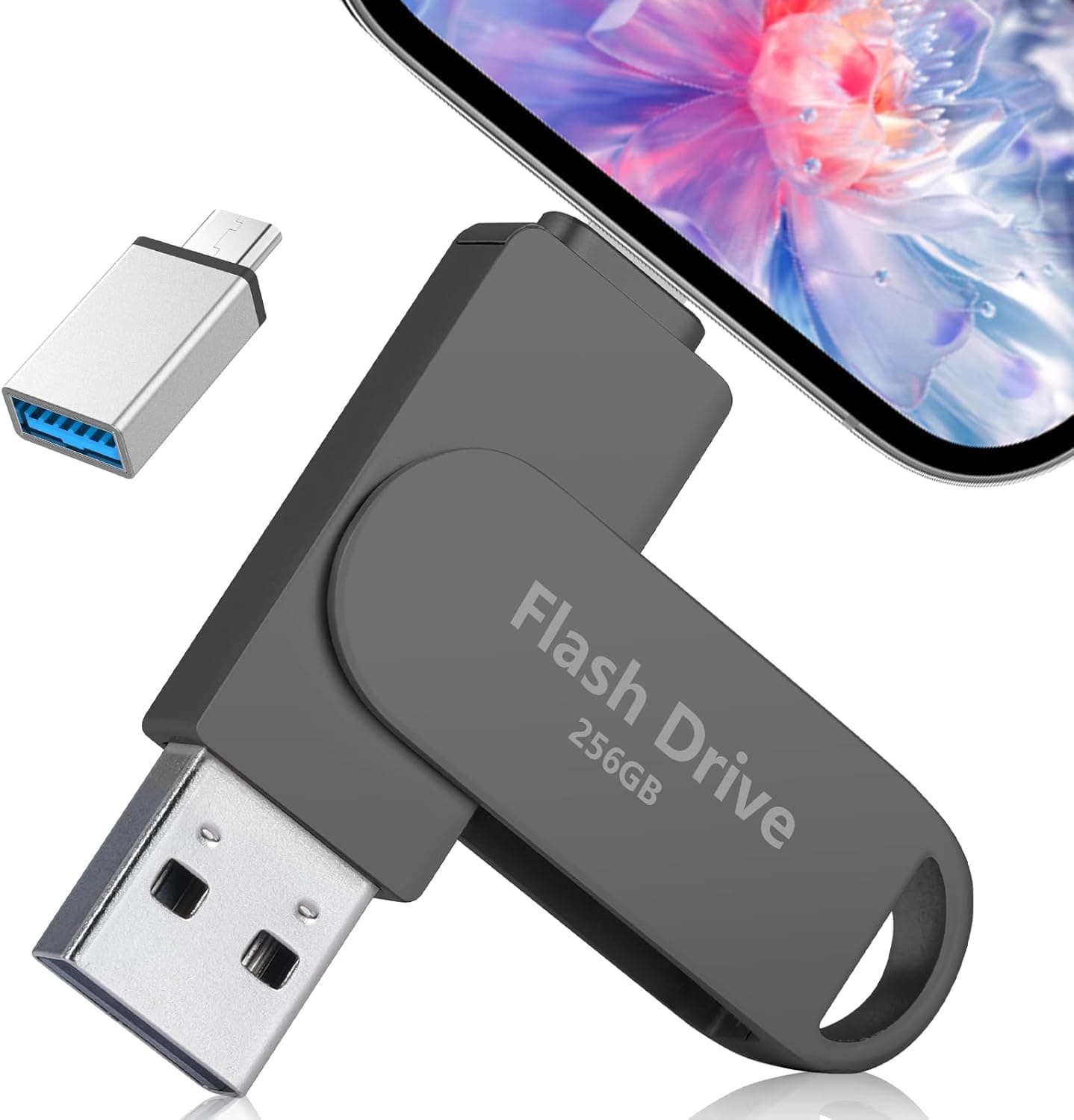
The Xiaxee 3in1 Phone Memory is a 256GB flash drive that packs Lightning, USB Type-C, and USB-A connectors into a single body. The short version: this is for people who want to move files between mismatched devices without Wi-Fi, cloud accounts, or a pouch full of adapters.
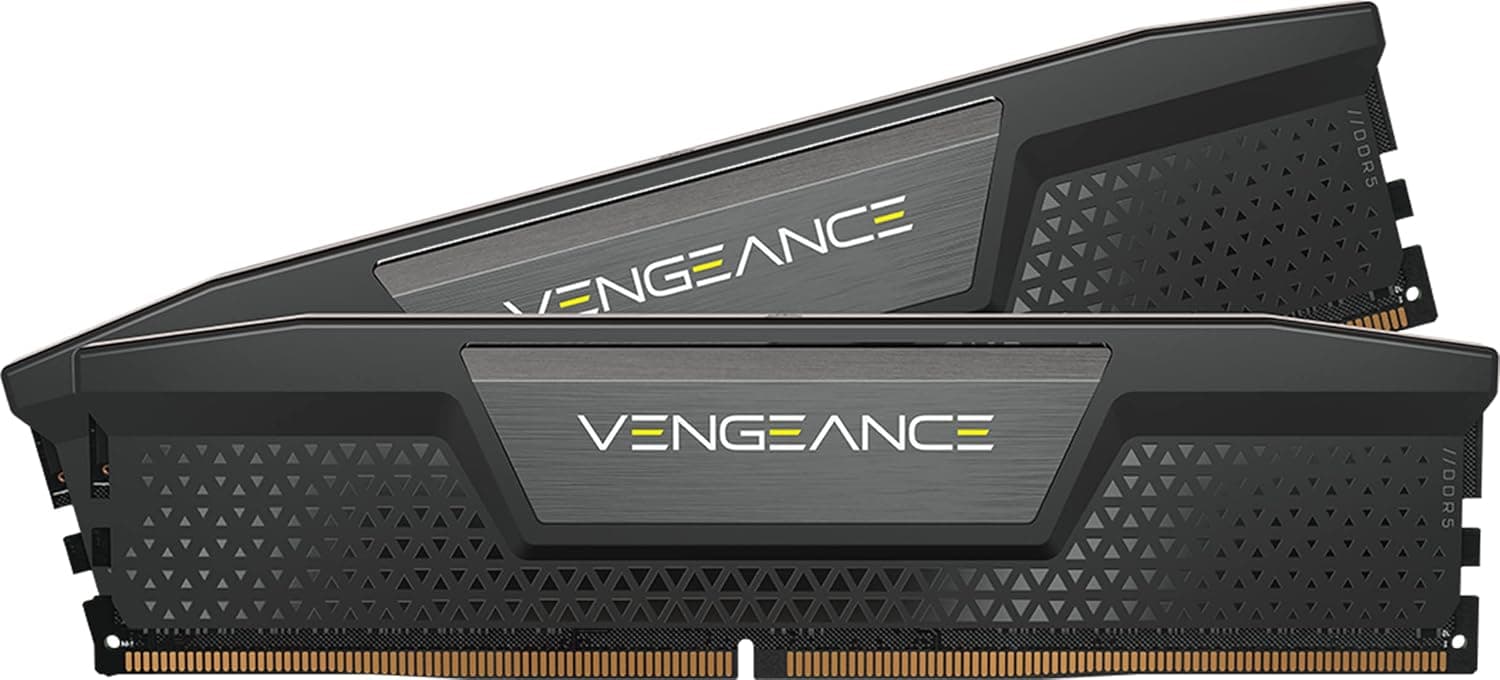
It is not PC system memory — despite the category label, this is external flash storage, not a DDR4/DDR5 module. If you came looking for RAM, this is the wrong product.
The appeal is the connector count. Plug it into an iPhone, pull the photos off, then plug the same stick straight into a PC's USB-A port and write them back.
The cap-less 360-degree rotating housing means there is no cap to lose and the connectors tuck away when idle. On Amazon.co.jp the drive holds a 4.3 out of 5 rating from 10 reviews (86% positive) as captured on 2026-05-30.
That score is fine, but ten reviews is a very thin sample — more on that below.
Compatibility Guide
Here is the quick reference by device:
| Device | Connector to use | Notes |
|---|---|---|
| iPhone 14 and earlier (Lightning) | Lightning | Direct plug-in; thick cases may block it |
| iPhone 15 and later | USB Type-C | Apple switched the port to USB-C from the iPhone 15 generation |
| Android phones | USB Type-C | Requires USB OTG (host mode) support on the phone |
| Windows PCs and older laptops | USB-A | No extra drivers normally needed |
| MacBook / USB-C iPad Pro & Air | USB Type-C | Read and write via Finder or the Files app |
| Consoles, TVs with USB ports | USB-A | Supported file formats depend on the host device |
The iPhone row deserves the most attention. Apple moved the iPhone's data and charging port from Lightning to USB Type-C starting with the iPhone 15 generation, so any claim that the Lightning end works with an iPhone 15, 16, or 17 does not hold.
On a newer iPhone you will be using the Type-C end of this drive, not the Lightning end. That also tells you who benefits most: households where an older Lightning iPhone lives alongside newer USB-C gear.
If everything you own already speaks one connector, a single-interface drive will serve you just as well for less money.
Android has its own prerequisite. To read a flash drive plugged directly into a phone, the handset must support USB OTG (host mode).
Most mid-range and higher phones from recent years do, but some budget and carrier-specific models have it disabled. If the drive is not recognized, the cause is often the phone's specification rather than a defective drive.
Check your exact model name plus "OTG support" before buying.
Physical interference is the other overlooked issue. Thick rugged cases, especially ones that shroud the port area, can stop the connector from seating fully and cause intermittent contact.
When something is not detected, removing the case first is the fastest way to isolate the problem. On tablets and laptops with closely spaced ports, the rotating body can also bump into an adjacent cable.
About Transfer Speed
The published specifications do not state the USB generation (2.0 vs 3.x) or any measured read/write figures.
I will not invent numbers, but here is a sensible yardstick. Multi-connector drives in this price bracket generally are not competing with the products that advertise several hundred MB/s.
If your plan is to shuttle tens of gigabytes of 4K footage at a time, the wait may become a genuine annoyance. Set your expectations around jobs of a few gigabytes — photo libraries, documents, project folders — and the drive fits the role.
If throughput is a hard requirement for you, confirm on the product page that the USB generation and rated speed are explicitly listed.
The phone side affects real-world speed too. On iOS, transfers go through the Files app or a vendor app, and any HEIC-to-JPEG conversion during a photo export adds time.
Effective speed is never determined by the drive alone.
Product Info
The listed specifications are 256GB of capacity, Lightning / USB Type-C / USB-A connectors, black coloring, a cap-less 360-degree rotating housing, and Xiaxee as the brand. That is where the published spec sheet ends — read/write speed, file system, and weight are not disclosed.
The price on Amazon.co.jp was ¥6,999 as captured on 2026-05-30.
Treat that as a snapshot: sales and coupons move it, so check the current figure on the product page before ordering. Against a plain 256GB USB stick that number looks high, and it is — the premium buys the three-connector convenience rather than raw capacity.
Judging this drive purely on cost per gigabyte measures it against a goal it was never designed for.
Reviews stood at 10 with a 4.3 out of 5 rating (86% positive) as of 2026-05-30.
The warranty is stated as 12 months from purchase with initial-defect exchange. The box contains the drive only; no printed manual is included.
Overall it sits in the entry-to-mid-range multi-interface accessory segment.
Product Disclosure (Amazon)
- Manufacturer: Xiaxee
- Seller: BinGuoZengMaoYi
- Fulfilled by: Amazon
- ASIN: B0H2PJFCWX
- Note: This article covers a manufacturer-made product based on Amazon listing details.
Best Use Cases
This drive is a straightforward pick if you fit one of these profiles:
- You use a Lightning iPhone alongside USB-C devices. Mixed-generation hardware in one household is the cleanest fit for this product. One stick beats buying a new adapter every time.
- Your phone storage fills up regularly. 256GB is enough to offload photo and video libraries and reclaim space, with no Wi-Fi and no cloud subscription involved.
- You travel with several devices. Cutting adapters from your bag matters less for the weight than for avoiding the moment when the one you need is at home.
- You would rather not put files in the cloud. For work documents or personal photos you do not want on a third-party service, physical hand-off is still a valid answer.
Before You Buy
This is the section that matters most, so I will be direct.
1. If you only own an iPhone 15 or newer, you do not need a 3-in-1. As covered above, those phones use USB-C.
If your gear is all USB-C and USB-A, the Lightning connector will never be used. A two-connector drive is cheaper and comes in far more варианты — do not pay a premium for a port you will never touch.
2. Do not make this your only copy of anything. Flash drives get lost, crushed, and occasionally die without warning.
Clipping one to a keyring raises both risks at once. Moving photos off a phone and deleting the originals means one failure takes the only copy with it.
Keep a second copy on a PC or in the cloud.
3. Ten reviews is a thin sample. A 4.3 average is respectable, but ten data points cannot tell you about unit-to-unit variance or long-term durability.
That is not the same confidence you get from a major brand with thousands of reviews. For archival or professional use where reliability comes first, a proven brand is the more rational choice.
4. Speed is undocumented. For anyone routinely handling large files, that omission is not trivial.
If you are moving video assets, buy something that publishes its USB generation and rated throughput.
5. Do not take the Amazon listing at face value. Listing pages frequently carry errors in compatibility tables and spec fields — this one, for instance, lists USB-C-era iPhones under Lightning compatibility.
When you open the page, verify the product and its connector shapes from the images and title, not just the description text.
6. It ships from a third-party seller. The seller is BinGuoZengMaoYi with Amazon fulfillment.
The stated 12-month warranty is handled by that seller, so factor in the possibility of a slower return or exchange process.
FAQ
Q. Does it work with an iPhone 15 or 16? A.
Yes, but through the USB Type-C end, not the Lightning end, because those models use a USB-C port. On an iPhone 14 or earlier you use the Lightning end directly.
Q. My Android phone does not detect it. A.
First confirm the phone supports USB OTG (host mode), then remove the case and make sure the connector is fully seated. Only after both checks should you suspect a defective unit.
Q. Can I use this as PC memory (RAM)? A.
No. This is external flash storage and has nothing to do with DDR4/DDR5 modules.
To speed up a PC, look at adding RAM or moving to an SSD.
Q. How much fits on 256GB? A.
It depends on file size, but as a rough guide expect tens of thousands of phone photos or dozens of hours of Full HD video. 4K footage will cut that by a large factor.
Q. Do I need a dedicated app? A.
On a PC, drag and drop normally works with no software. On iOS, transfers typically go through the Files app or a vendor-specified app.
Check the product page for the exact procedure.
Q. What does it cost? A.
¥6,999 on Amazon.co.jp as captured on 2026-05-30.
Prices change often, so confirm the current figure before ordering.