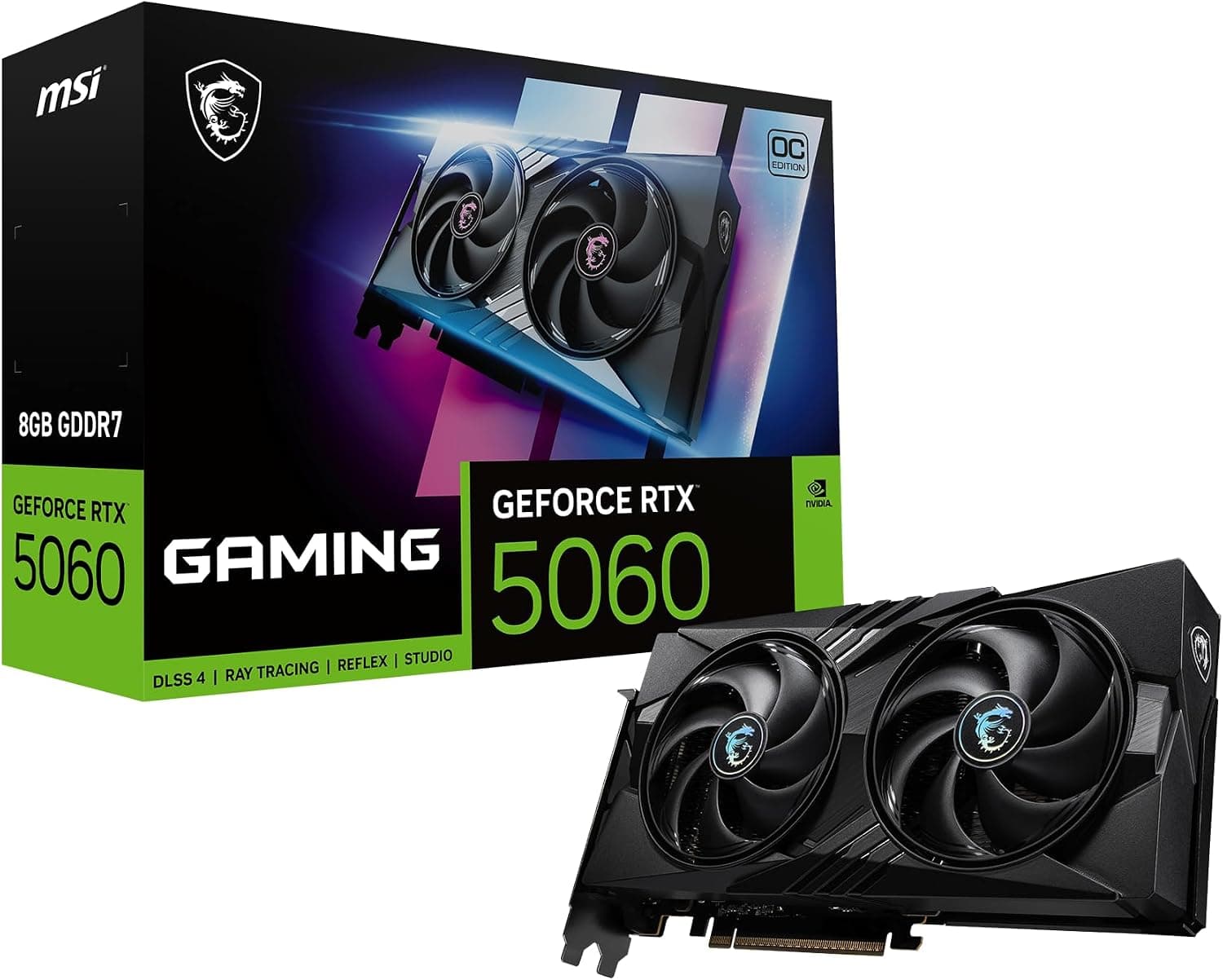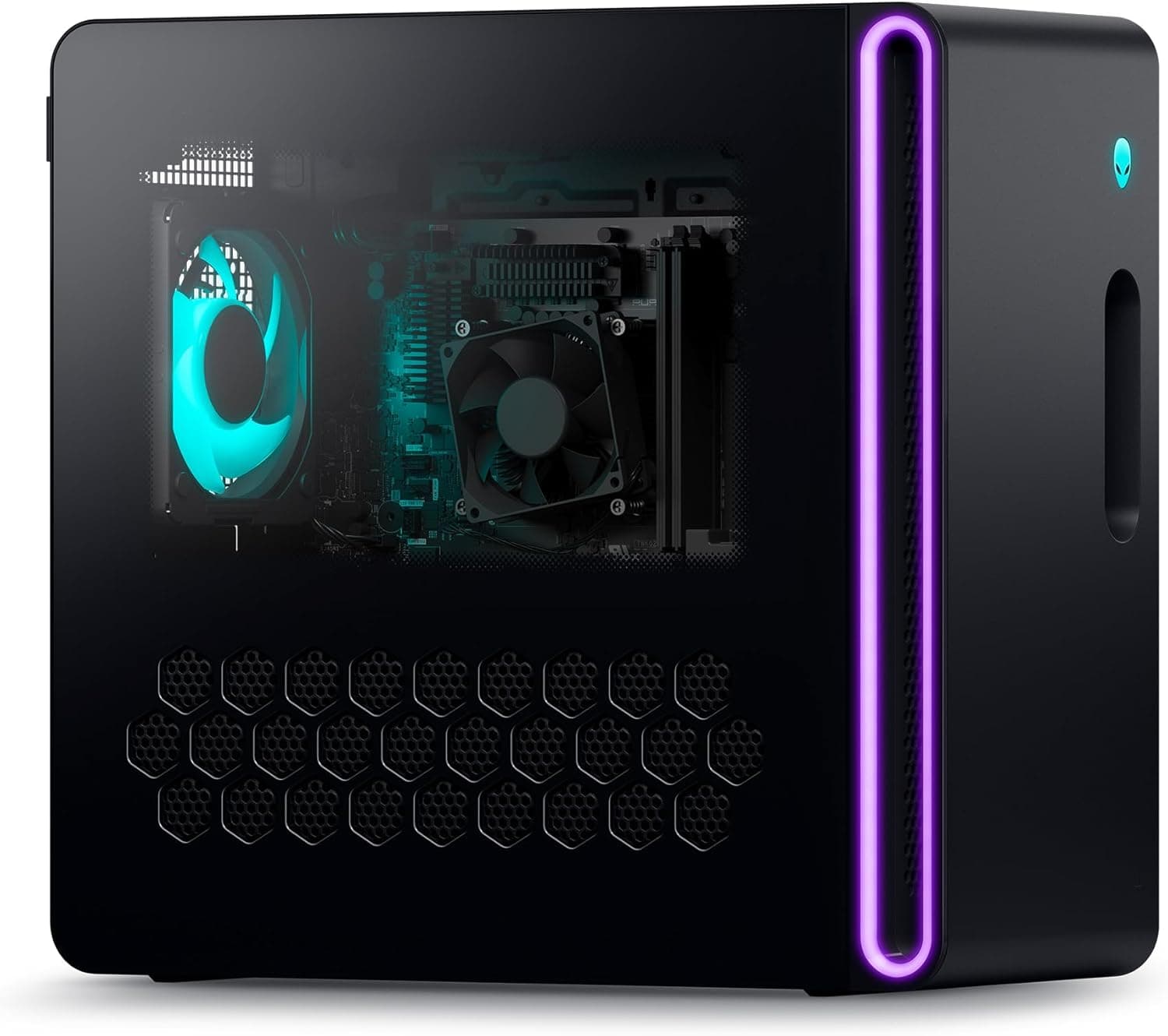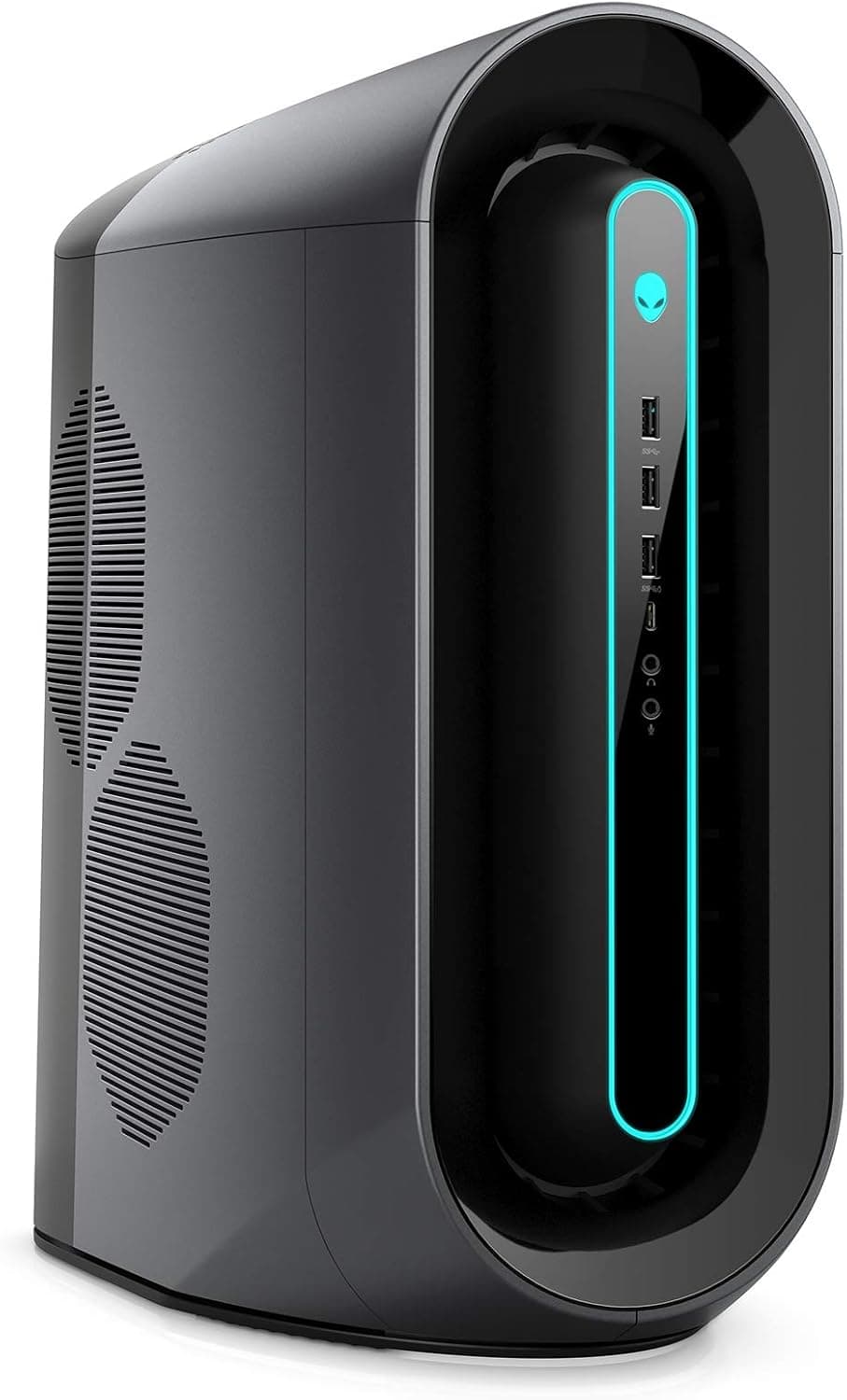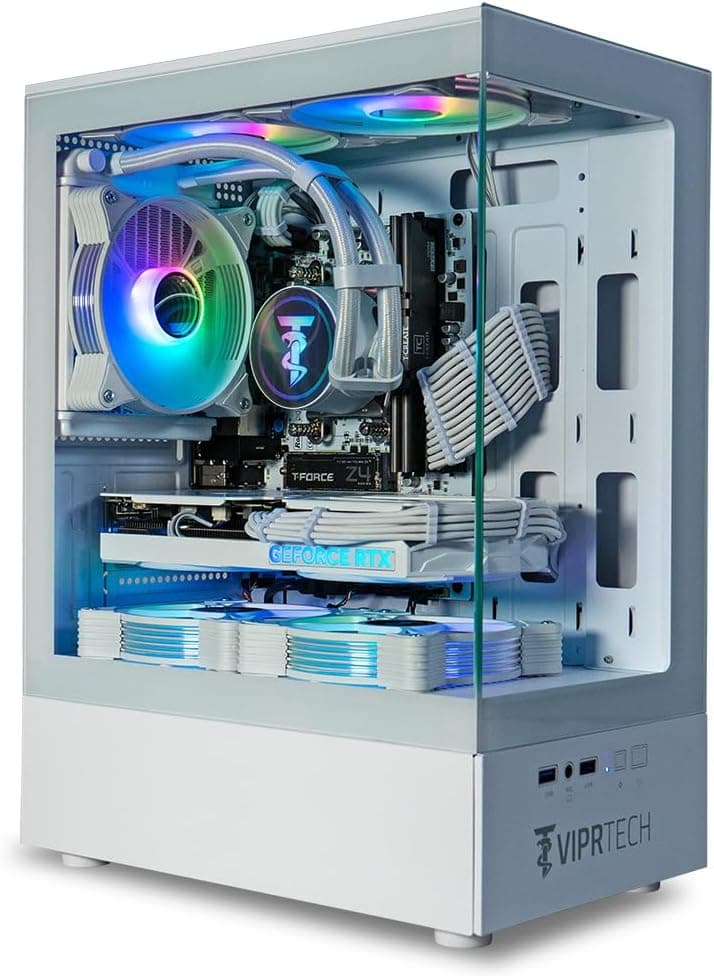
The ViprTech Stryker 4.0 Gaming PC pairs an AMD Ryzen 7 3700X with an NVIDIA GeForce RTX 5060 in an Arctic White chassis.
This article looks at how far that "current-gen GPU, previous-gen CPU" combination actually goes, and where you need to accept a compromise.
Overview
The Stryker 4.0 is a mid-range gaming desktop built primarily for 1080p, with 1440p reachable if you tune settings.
The spec sheet reads: Ryzen 7 3700X (8 cores / 16 threads, 3.6GHz base, 4.4GHz boost), RTX 5060, 16GB DDR4, 1TB SSD, 600W PSU, a 120mm AIO liquid cooler, and Windows 11 Pro — sold as a ready-to-play prebuilt.
The defining characteristic of this build is the generational gap between the parts. The RTX 5060 is a current-generation GPU with access to the latest feature set, while the Ryzen 7 3700X is a Zen 2 chip whose single-thread performance trails modern CPUs.
Most games lean on the GPU, so the pairing works — but in competitive titles chased at very high frame rates, the CPU becomes the ceiling before the GPU does. Buy it understanding that and you'll be happy; buy it expecting uncapped frame rates and you won't.
The Amazon.co.jp listing shows 19 reviews averaging 4.0 out of 5 (80%, captured 2026-07-25).
With a sample that small, treat the rating as "not yet settled" rather than as a verdict.
Reading the Build Balance
The CPU/GPU generation gap is the key issue. Eight cores and sixteen threads still carry real weight in multi-threaded work — encoding a video, gaming while streaming, background compiles.
Where it falls behind is single-thread-bound work: low-resolution competitive shooters, simulation games with heavy unit counts, dense open-world areas.
The practical implication is that "drop the resolution to gain frames" doesn't pay off well here. This build responds better when you push the GPU with 1440p or higher settings.
If your goal is 200+ fps at 1080p on a high-refresh panel, buy a machine with a newer CPU instead.
The 16GB of DDR4 deserves the same scrutiny. It's enough for games alone, but not roomy if you keep a browser, a streaming app, and Discord running alongside.
DDR4 is mature and cheap to add, so planning a jump to 32GB later is a reasonable strategy.
Connectivity & Compatibility
The motherboard uses an AM4 socket with DDR4 memory in an ATX form factor, fed by ATX 24-pin and EPS 8-pin connectors. The recommended PSU wattage is 600W, matching the unit installed.
Storage covers both M.2 NVMe and SATA 6Gb/s, so adding drives beyond the stock 1TB SSD is straightforward.
PCIe is where you should read carefully. The supplied compatibility notes state that the GPU supports PCIe 4.0 while the Ryzen 7 3700X provides PCIe 3.0 lanes, which may limit GPU bandwidth in some scenarios.
On AM4, the effective PCIe generation depends on the CPU and chipset combination, so confirm the chipset on the product page if bandwidth matters to you. In practice the frame-rate impact is small as long as you stay within the GPU's VRAM.
For upgrades, remember that AM4 is a socket the platform has already moved past. Swapping the GPU or adding SSDs is easy; dropping in a current-generation CPU later is not an option.
That platform ceiling is the single biggest long-term constraint.
Physically, an ATX-compliant case fits standard expansion cards. But where the 120mm AIO radiator is mounted determines what fan space remains at the top or front, so check interior photos before buying extra fans or an air cooler.
Product Info
Prices at the time each was captured — all subject to sales and exchange rates, so check the listing for current figures:
| Seller | Price | Captured |
|---|---|---|
| Amazon US | ¥189,500 | 2026-07-25 |
| Amazon (Japan) | ¥183,559 | 2026-08-18 |
| eBay US | $1,004.99 | 2026-08-18 |
The Japanese listing moved by just under ¥6,000 in well under a month. That kind of swing is normal for prebuilts, which means waiting for a sale is worth it if you're not in a hurry.
The eBay figure reflects the US market and isn't directly comparable once shipping, duties, and warranty handling are factored in.
Core specs: Ryzen 7 3700X (8C/16T, 3.6GHz / 4.4GHz boost), 16GB DDR4, 1TB SSD, 600W PSU, 120mm AIO liquid cooling, Windows 11 Pro.
The Pro license is a quiet win — BitLocker and Remote Desktop hosting are included, neither of which Home offers.
Visually, it's an Arctic White chassis with white braided cable extensions and RGB lighting, which saves you from re-buying cables to match a white desk setup.
Product Disclosure (Amazon)
- Manufacturer: ViprTech
- Seller: Amazon US
- Fulfilled by: Amazon US
- ASIN: B0F1W6PN4S
- Note: This article covers a manufacturer-made product based on Amazon listing details.
How It Compares in Its Price Band
Several prebuilts at this price use newer CPU platforms. The decision comes down to three axes:
- Looks and readiness favor the Stryker 4.0 — white chassis and liquid cooling are already done for you.
- Platform longevity favors newer-CPU machines (Ryzen 7 8700F-class systems on AM5 leave room for a future CPU swap).
- Raw GPU headroom favors RTX 5070-class builds, which matter if 1440p or above is your real target.
If you want to play at 1080p today and care about aesthetics, the Stryker 4.0 fits.
If you plan to upgrade piece by piece over several years, pick a newer platform.
Best Use Cases
- 1080p-focused gamers. The RTX 5060 runs a wide range of titles at high settings at Full HD — the resolution where this build is most balanced. 1440p is viable with tuned settings.
- Builders committed to a white theme. The chassis and braided cables ship matched, saving the cost and hassle of replacing cables later.
- Buyers who don't want to build. It arrives with Windows 11 Pro installed and the AIO fitted, plus a one-year warranty.
- Gaming plus light creative work. Eight cores and sixteen threads handle video encoding and 3D modeling groundwork.
Things to Check Before Buying
The CPU generation is the main compromise. The Zen 2-based Ryzen 7 3700X gives ground in single-thread-heavy scenarios.
Paired with a current-gen RTX 5060, low-resolution high-frame-rate settings will hit a CPU ceiling while the GPU still has headroom. If you want to saturate a 240Hz panel in competitive titles, look elsewhere.
AM4 is effectively a dead end for CPU upgrades. You can extend the machine's life with a GPU swap or extra storage, but not by dropping in a newer CPU.
Make peace with that before ordering.
16GB is the floor, not comfortable headroom. Fine for games alone; tight with streaming, a browser, and chat running.
DDR4 upgrades are cheap, so budget for 32GB.
The 600W PSU suits this build but leaves little expansion room. A more power-hungry GPU later would mean replacing the PSU too.
The 80PLUS rating and PSU brand aren't stated in the available data, so check the listing if you plan sustained heavy loads.
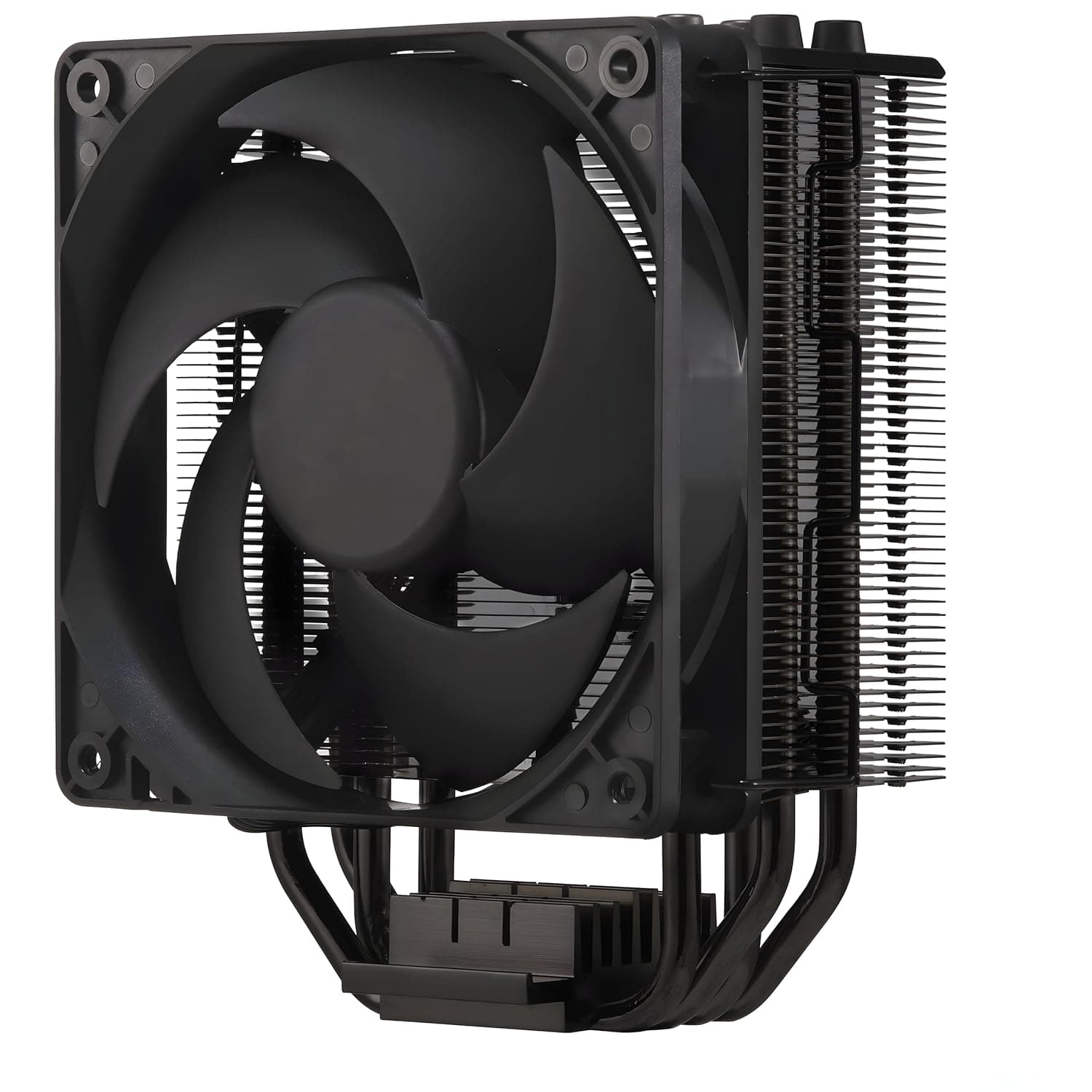
A 120mm AIO is adequate, not generous. One radiator's worth of cooling matches the 3700X's power draw, but there's no overclocking headroom implied.
Ensure decent airflow around the case in summer.
Note the small review sample. Nineteen reviews averaging 4.0 (captured 2026-07-25) is not enough to smooth out unit-to-unit variance.
The listing mentions US assembly and a one-year warranty; confirm how support and returns work for a purchase made from Japan.
Finally, verify the listing itself. Retail product pages are partly auto-populated, and manufacturer names, model numbers, or accessory lists occasionally disagree with the actual item.
Prebuilt PCs often sell multiple configurations under one page, so before ordering, confirm that the images, title, and the selected configuration (CPU, GPU, memory) all match what you intend to buy.
FAQ
Q. Will the RTX 5060 be bottlenecked by the Ryzen 7 3700X? A.
It depends on settings. At 1440p or high graphics presets the GPU stays the limiter; at 1080p low settings chasing high frame rates, the CPU caps you first.
If you aren't chasing maximum fps, you're unlikely to notice.
Q. Can I add memory or storage myself? A.
Yes — DDR4 memory, plus M.2 NVMe and SATA 6Gb/s storage.
Free slot counts vary by configuration, so check the listing or interior photos first, and confirm how upgrades affect the warranty.
Q. Is 1440p realistic?
A. For many titles, yes. For the heaviest recent releases, plan on medium-to-high presets or upscaling.
Q. Which Windows license is included?
A. Windows 11 Pro, which adds BitLocker and Remote Desktop hosting over Home.
Q. When should I buy? A.
The price was ¥189,500 as captured on 2026-07-25 and ¥183,559 as captured on 2026-08-18 — several thousand yen of movement in under a month. If you can wait, watch for a sale, and always confirm the current price on the listing.