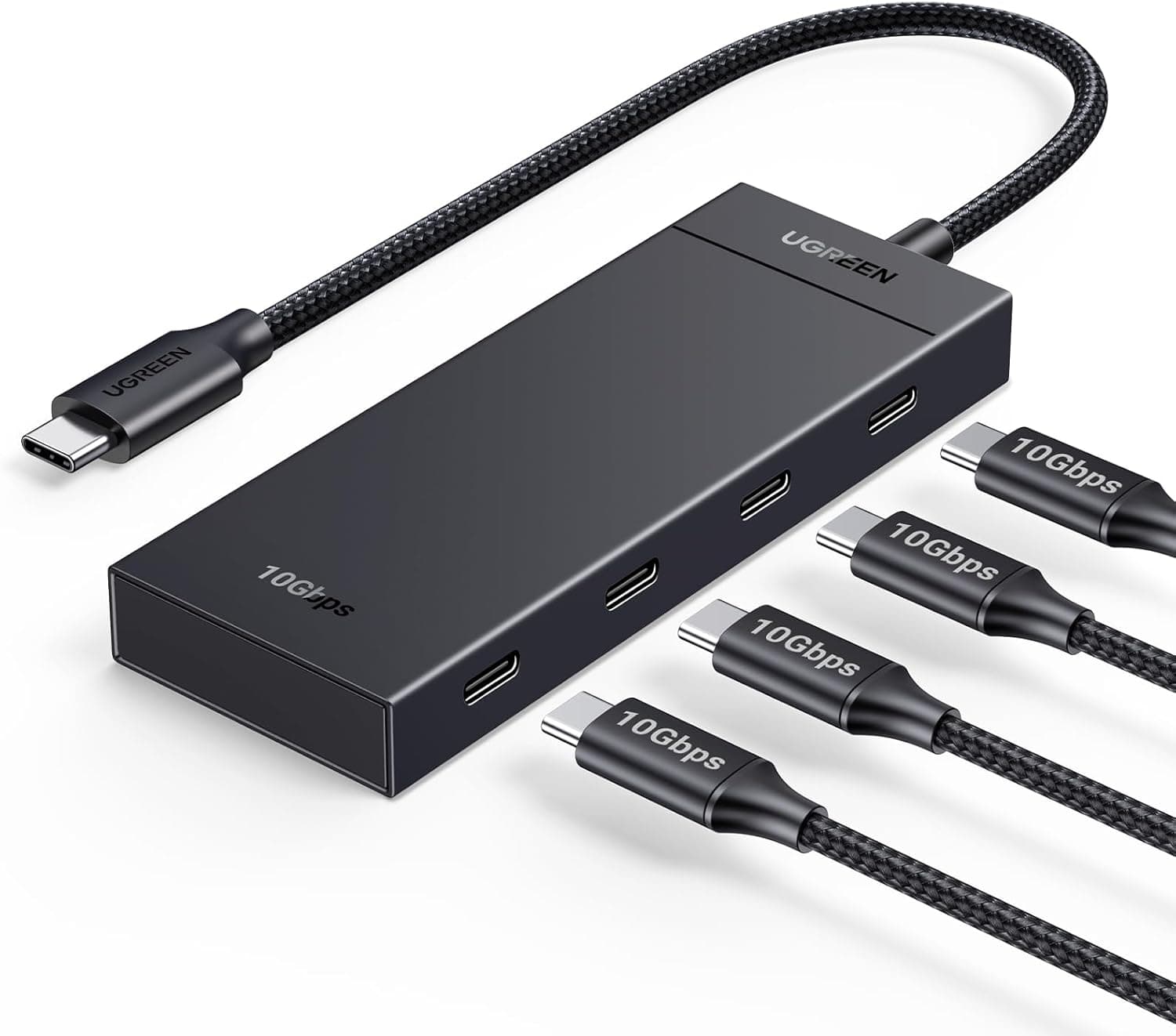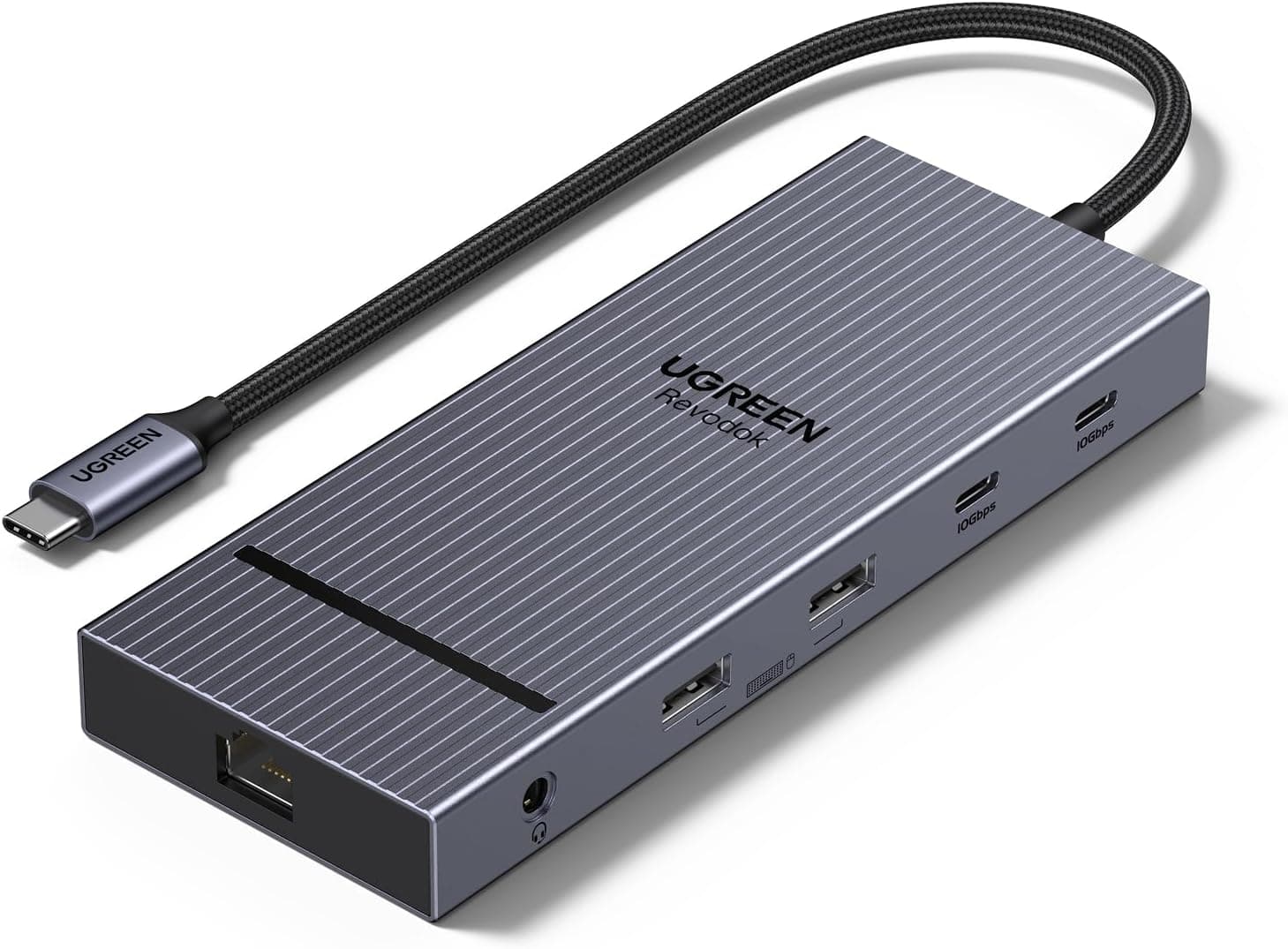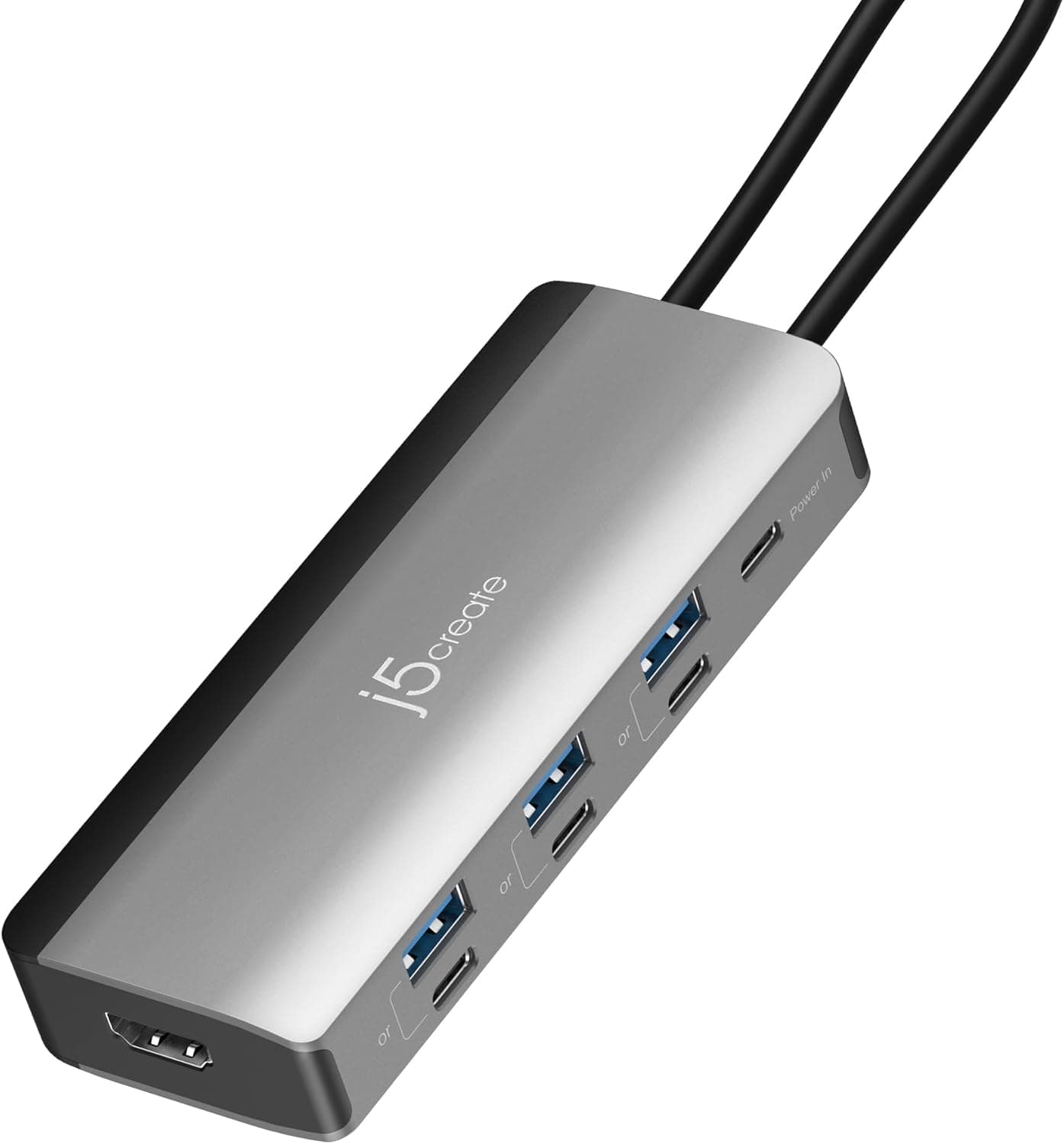
This article covers UGREEN Revodok 105 USB C Hub 5 in 1 Multiport Adapter.
Overview
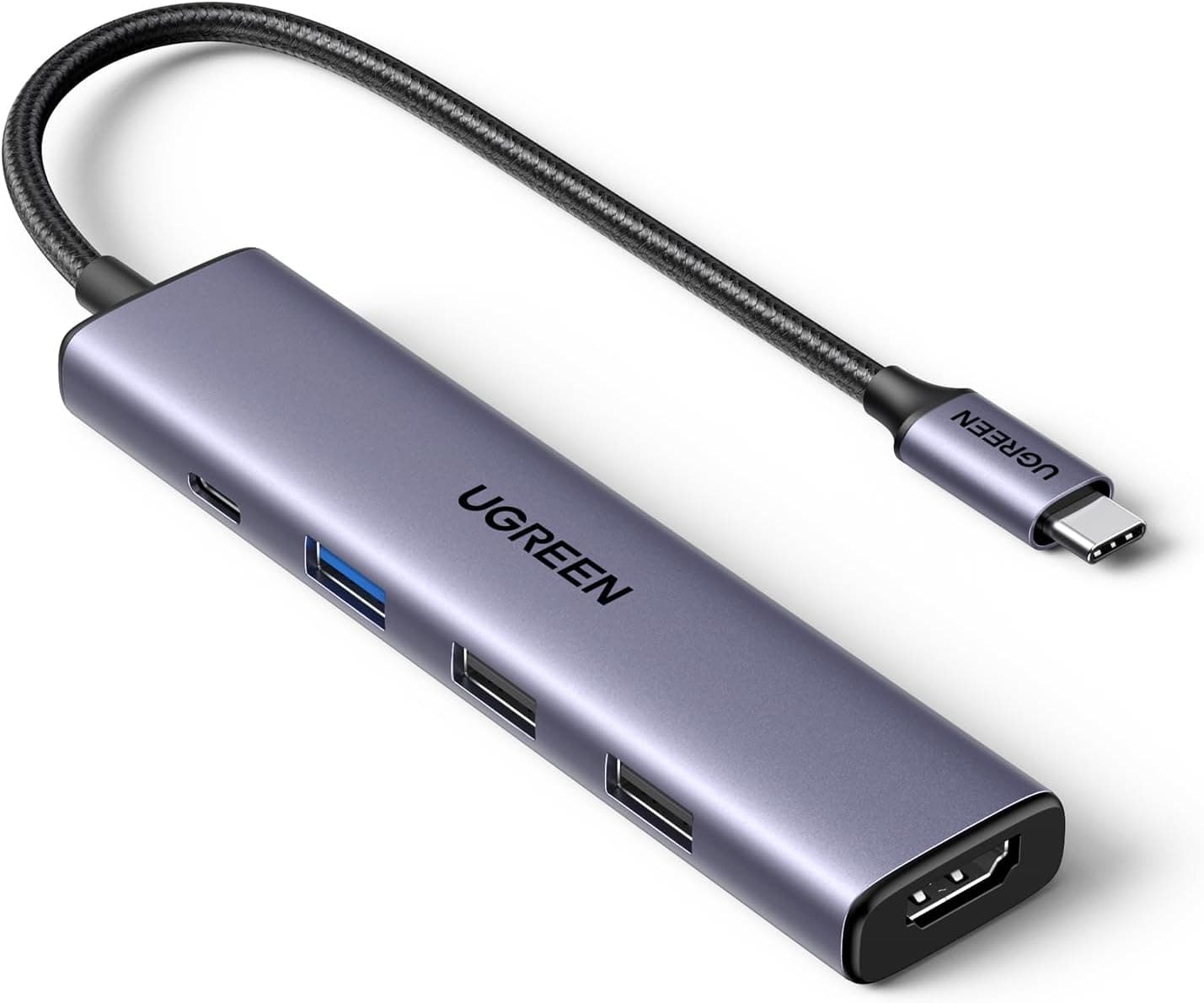
The UGREEN Revodok 105 USB C Hub 5 in 1 is a compact multiport adapter that expands a single USB-C port into five useful ports. It includes one USB 3.0 port, two USB 2.0 ports, an HDMI output, and a USB-C Power Delivery 3.0 charging port. The HDMI port supports up to 4K resolution at 30Hz, with both mirror and extended display modes available. This hub is designed for users of USB-C laptops and tablets such as MacBook Pro/Air, Surface Go, Dell XPS, HP Spectre, Lenovo Yoga, and iPad Pro. Its standout feature is the ability to pass through up to 95W of power to the host device while simultaneously providing video output and USB expansion, all in a slim, portable form factor.
Connectivity & Compatibility
Host connection: USB-C (USB 3.0 compliant, up to 5Gbps) Video output: HDMI 1.4b, max 3840×2160@30Hz, audio supported USB ports: 1× USB 3.0 (up to 5Gbps), 2× USB 2.0 (up to 480Mbps) Charging port: USB-C PD 3.0 (input up to 100W, output up to 95W) — data transfer not supported Supported OS: Windows, macOS, Linux, iOS, Android Compatible devices: USB-C laptops (MacBook Pro/Air, Surface Go, Dell XPS, HP Spectre, Lenovo Yoga, etc.), iPad Pro, Android tablets
Product Info
The UGREEN Revodok 105 was released in late 2022 and sits in the entry-to-mid-range USB-C hub segment. It is priced very affordably, typically around $15–20 USD, and comes with a 24-month manufacturer warranty. The package includes only the hub itself; a USB-C cable is required separately. It is widely available through major online retailers like . In terms of market positioning, this hub offers a minimal yet practical port selection while delivering 100W PD passthrough and 4K HDMI output at a budget-friendly price. Its higher-than-average 95W output for the host device sets it apart from many similarly priced competitors.
Best Use Cases
Mobile workers needing extra ports on the go: Ideal for coffee shop or co-working space use where you need to connect an HDMI monitor, a mouse, a keyboard, and a USB drive simultaneously. Note that two of the USB ports are USB 2.0, so prioritize the USB 3.0 port for high-speed storage devices. MacBook users looking to conserve Thunderbolt ports: With a single USB-C port, you can add an external display, charge your laptop, and connect multiple USB peripherals. However, the HDMI output is limited to 4K@30Hz, so if you need 60Hz output, consider a higher-tier dock. * Budget-conscious users seeking essential expansion: For around $15–20, this hub covers PD charging, HDMI video, and USB expansion in one compact package. If you need an SD card slot or an Ethernet port, you will need to look at other models.
Things to Consider
The USB-C PD port is for charging only and does not support data transfer. Use it solely for connecting a power adapter. HDMI output is capped at 4K@30Hz; it does not support 4K@60Hz or high refresh rates above 60Hz. For gaming or smooth video editing, consider a DisplayPort-capable hub or a Thunderbolt dock. Only one USB 3.0 port is available; the other two are USB 2.0. Connect high-speed devices like external SSDs to the USB 3.0 port for optimal performance. The hub plugs directly into the host device via a male USB-C connector (no captive cable). Depending on your laptop's port placement, it may block adjacent ports. * While the hub supports 100W PD input, the actual power delivered to the host is up to 95W due to the hub's own power consumption. High-end laptops requiring 100W or more may charge more slowly.