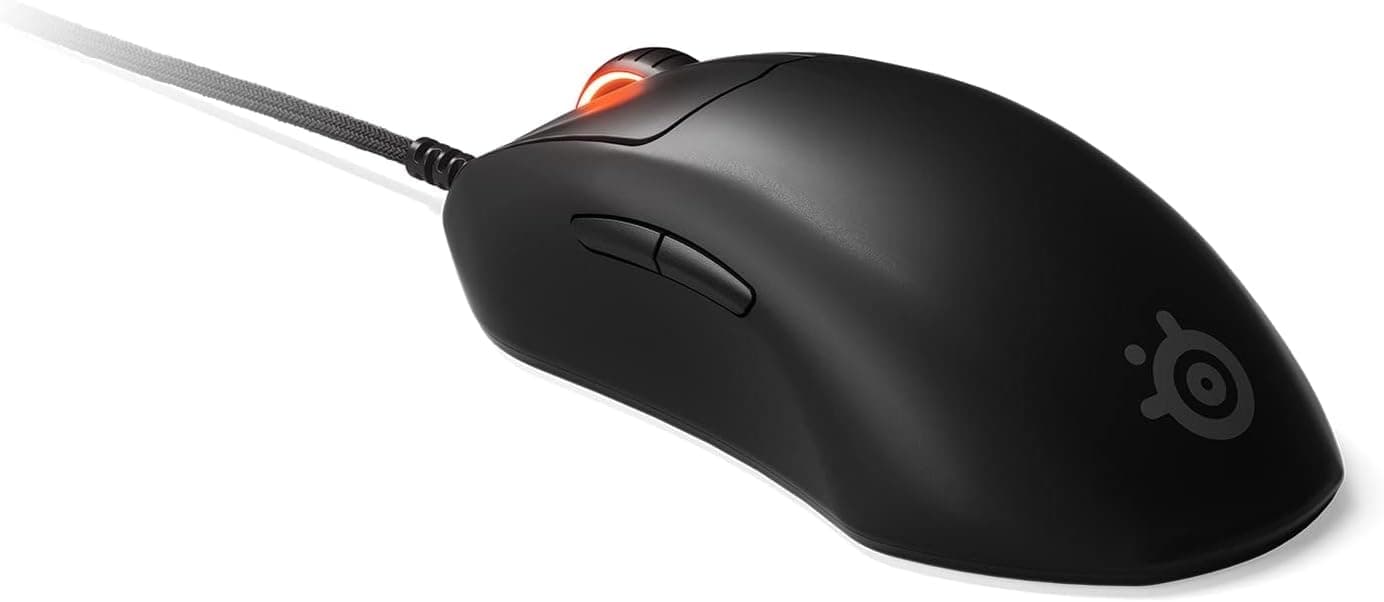
Overview
The SteelSeries Aerox 9 Wireless packs 12 side buttons into a body that weighs just 89g. Multi-button MMO mice traditionally sit in the 110–130g range, so the perforated "Aerox" shell is what makes this combination unusual.
The short verdict: if you play FFXIV, WoW, or a MOBA where you genuinely need 12+ bindings under your thumb, this is one of very few options; for anyone else it is overkill.
Specs include a TrueMove Air optical sensor up to 18,000 CPI, Quantum 2.0 wireless (2.4GHz / Bluetooth 5.0), up to 180 hours of battery, and an IP54-rated AquaBarrier.
On Amazon.co.jp the rating was 3.7 out of 5 from 99 reviews (74% positive) as of 20 May 2026 — modest for a flagship, and worth unpacking.
Which use case fits
| Use case | Fit | Why |
|---|---|---|
| MMO rotations (FFXIV / WoW) | Excellent | 12 side buttons at 89g has almost no direct rival |
| MOBA / ARPG | Good | Plenty of skills and items to map |
| Competitive FPS | Marginal | Dedicated FPS mice reach the low 50g range |
| Office / browsing | Marginal | Easy misclicks; the vented shell stands out at work |
| Travel with a laptop | Good | Bluetooth plus long battery life |
Opinion splits almost entirely on whether you need the buttons. If you don't, cheaper and lighter mice will serve you better; if you do, the shortlist is very short.
Compatibility Guide
Windows and macOS are supported, with configuration through SteelSeries Engine (GG). The 2.4GHz dongle is the low-latency option for gaming; Bluetooth 5.0 is for laptops and secondary machines.
The bundled extension adapter exists to pull the dongle out onto your desk — use it if you would otherwise plug into a rear desktop port, where signal quality drops noticeably.
The practical pitfalls are about USB, not pairing. The dongle is Type-A, so a thin laptop with only Type-C ports needs an adapter.
Plugging into a hub or right next to a USB 3.0 port can introduce 2.4GHz interference — a general weakness of the band rather than a fault of this mouse.
Moving the dongle away with the extension adapter fixes most of it.
Consoles are not a supported target. Some may see the mouse as a generic HID device, but the 12 side buttons depend on SteelSeries Engine assignments, so on machines without the software you are limited to onboard profiles.
Save an onboard profile right after setup if you plan to move the mouse between PCs.
Hand size matters too. On any 12-button grid, your thumb sits in a fixed relationship to the columns, and smaller hands or a fingertip grip will struggle to reach the far rows.
If you can, try one in a store and count how many buttons you reach without moving your thumb.
Product Info
Key specs: TrueMove Air optical sensor, up to 18,000 CPI, 18 buttons (12 on the side), 89g, up to 180 hours of battery, Quantum 2.0 wireless (2.4GHz / Bluetooth 5.0), IP54 AquaBarrier.
The 18,000 CPI figure is mostly marketing — most players live between 800 and 3,200 CPI, and what matters is how clean tracking feels there. TrueMove Air has a solid record on that front.
IP54 means limited dust ingress protection and resistance to splashes from any direction. It answers the obvious worry about an open shell, but it is not a rating for immersion or rinsing under a tap.
Treat it as insurance against a spilled drink, nothing more.
On pricing: Amazon.co.jp listed ¥20,323 as captured on 19 May 2026, and eBay US showed $90.00 as captured on 1 June 2026.
Both are point-in-time figures that move with sales, exchange rates, and stock — check the listing for the current price. The eBay market also mixes used and grey-import units, so weigh the one-year manufacturer warranty against the lower price rather than comparing numbers alone.
In the box: USB Type-C charging cable, wireless dongle, and extension adapter.
How It Compares
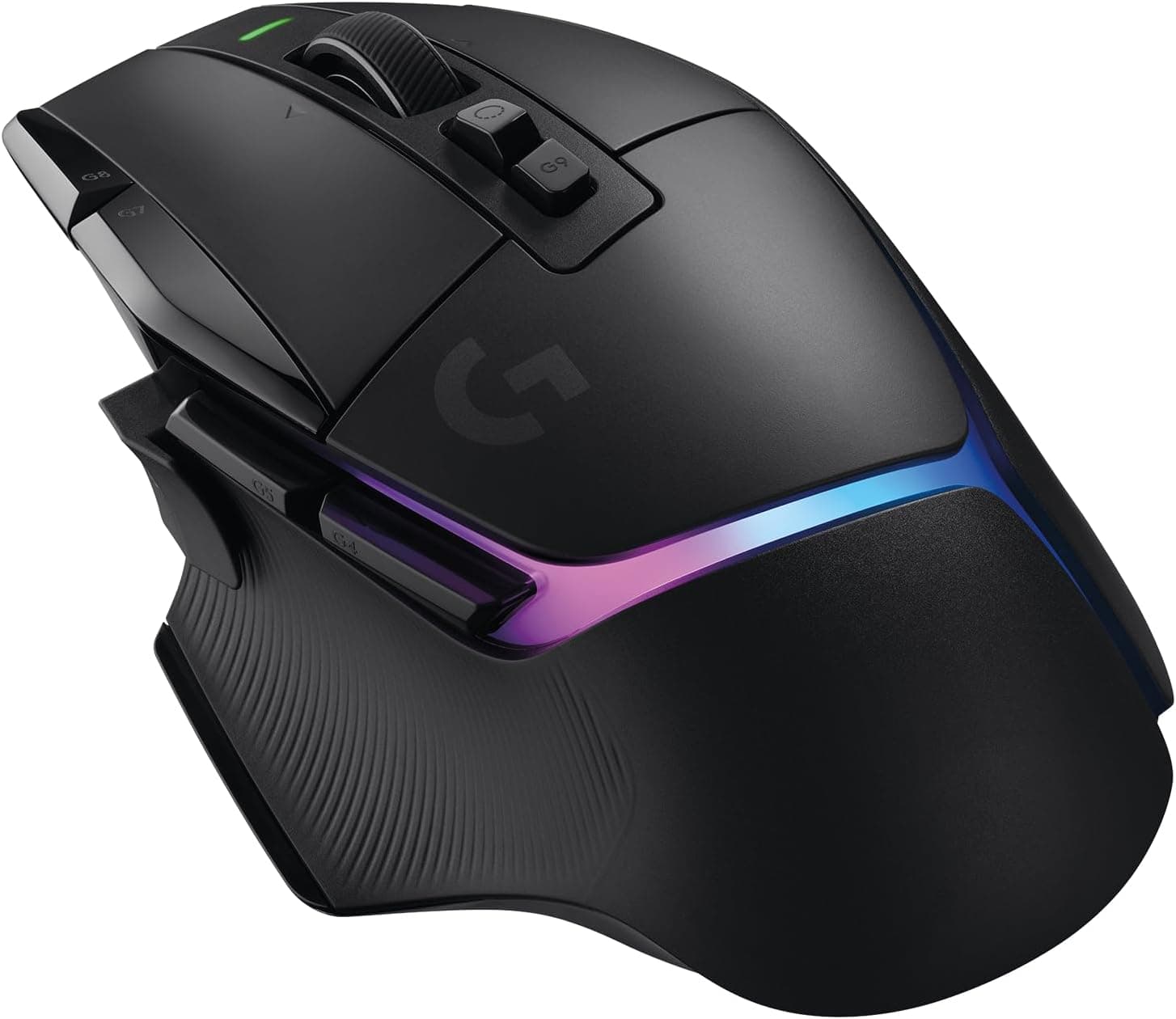
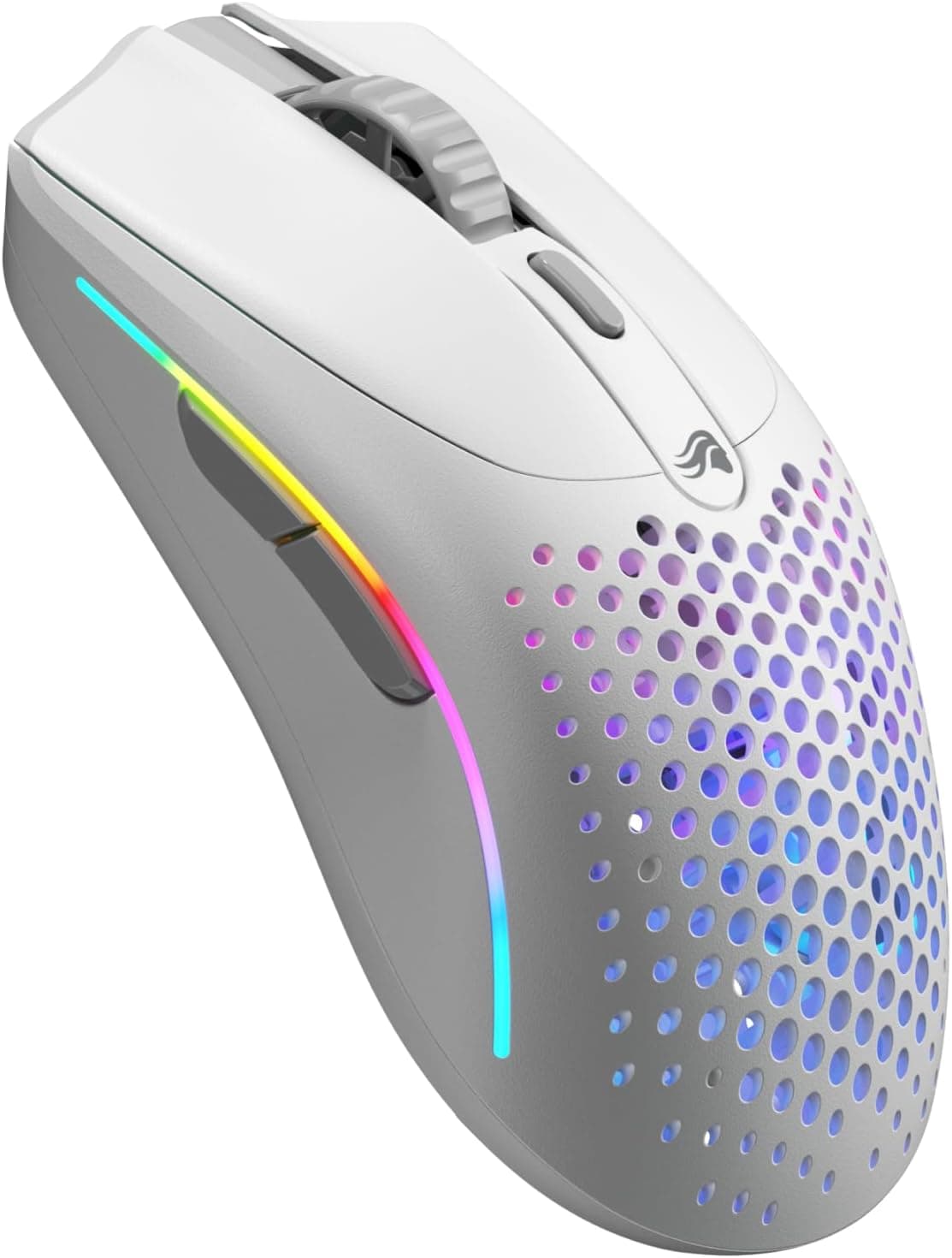
Among wireless multi-button mice, value-oriented options like the Redragon M913 MAX are the direct competition. If you would rather drop the button grid for pure weight, the Razer Viper V3 Pro (54g) and Pulsar X2H Mini (52g) sit in a similar price bracket.
89g is very light for a multi-button mouse, but it is not light for a lightweight mouse — that distinction is the fair way to frame it.
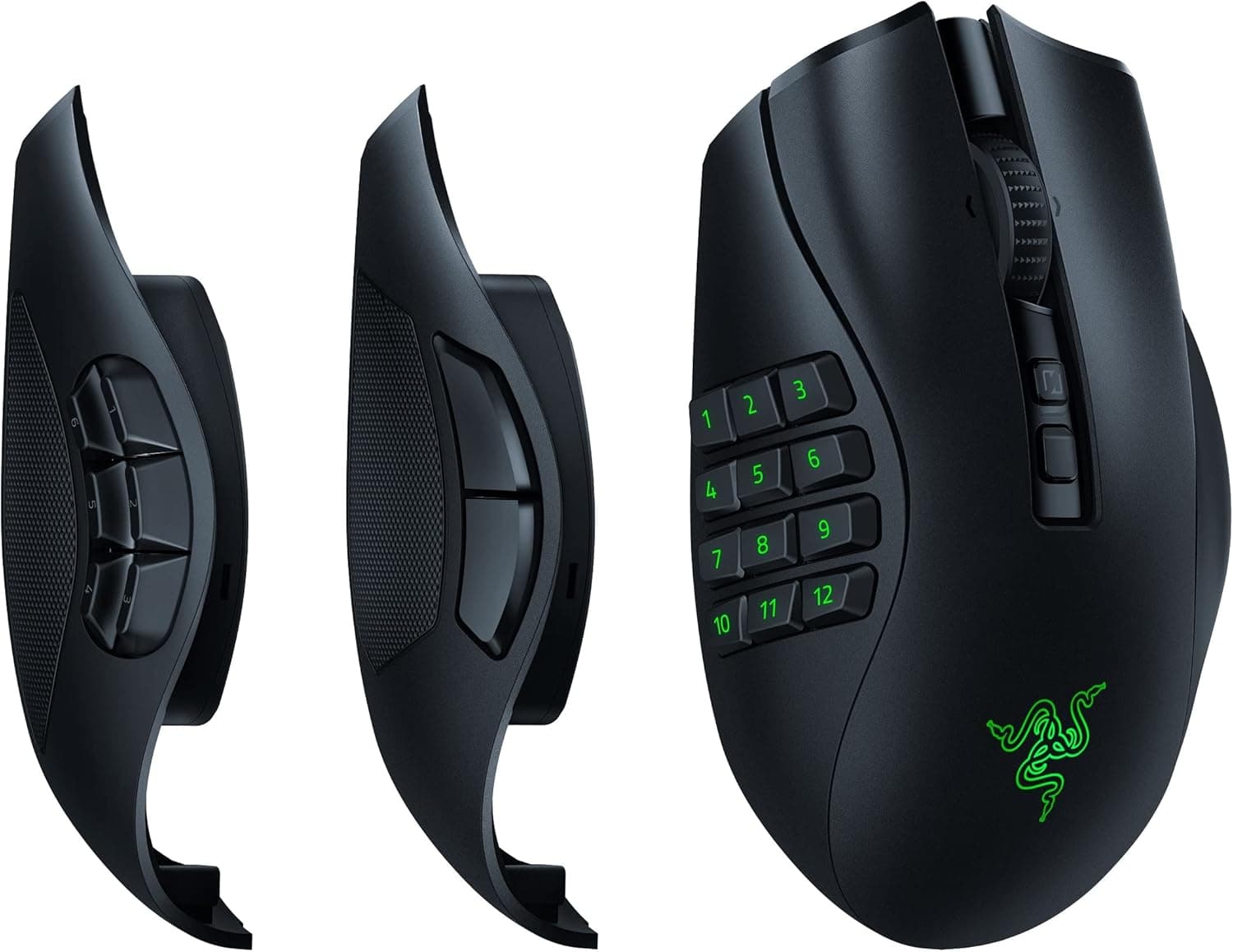
Against the traditional rivals, the Razer Naga and Corsair Scimitar families, the Aerox 9 differentiates on weight, IP54, and battery life. What it gives up is physical adjustability: the Scimitar's sliding side panel and the Naga Pro's swappable plates let you tune button placement to your hand.
If that flexibility matters to you, look at those as well.
Reading the Review Score
The Amazon.co.jp score was 3.7/5 from 99 reviews (74% positive) as of 20 May 2026 — not high for a ¥20,000-class mouse.
With fewer than 100 reviews, a handful of low ratings can pull the average down noticeably, so read the number with that in mind.
More useful than the score is asking where dissatisfaction comes from structurally. A perforated shell polarizes on looks and feel, and a 12-button grid guarantees misclicks until you adapt.
A 3.7 here reads less like poor build quality and more like a product that did not fit a meaningful share of buyers. Still, spend a few minutes reading the one- and two-star reviews to see whether their complaints match your own concerns.
Setup Tips
Don't try to fill all 12 side buttons on day one. Map your highest-frequency actions to the 4–6 buttons you reach without moving your thumb, and leave the rest empty or assigned to harmless functions.
Filling every slot immediately turns every misclick into an incident and cements a bad first impression.
Register just two CPI steps — one for normal play, one lower step for precise aiming. Polling rate and lighting both eat into runtime, so treat 180 hours as a conservative-settings figure and expect less if you keep the RGB on.
Best Use Cases
The clearest fit is a player of MMOs or MOBAs whose keyboard binds are already saturated. In FFXIV savage content or WoW raids, the sheer number of actions makes 12 thumb buttons a real advantage — and if the weight of older MMO mice put you off, 89g is a concrete reason to switch.
The second fit is laptop users. Dual-mode wireless, long battery life, and USB-C charging make this easy to live with on the road, and switching between a desk PC and a laptop is genuinely convenient day to day.
Before You Buy
Ask honestly whether you need 12 buttons. For FPS players, or MMO players whose keyboard already covers everything, this is just a heavier, pricier, more complicated mouse.
Unused buttons are misclick sources, not features.
The open shell is a trade-off. IP54 or not, dust, crumbs, and sweat will get inside, and periodic cleaning with compressed air is part of ownership.
If you have sweaty hands, the vents may bother you. The looks divide people too — worth considering if it lives on an office desk.
180 hours is a best-case figure. Turn on lighting and raise the polling rate and it drops substantially.
Plan on charging roughly weekly. Since it works wired over USB-C, a flat battery never ends a session.
Budget an adjustment period. Expect misclicks for the first week or two.
Plenty of people give up on multi-button mice at exactly this stage, so if you want to decide within a return window, spend that first week deliberately refining your bindings.
Check the listing itself. The Amazon data here lists SteelSeries as the manufacturer, which matches this product, but the seller and shipper are a third party rather than the brand.
Confirm who handles warranty support before buying. Listing metadata — manufacturer, model number, bundled items — is also occasionally wrong on Amazon pages, so verify from the product images and title that you are looking at the Aerox 9 Wireless.
FAQ
Q. Can I use it for FPS? A.
Yes, but it isn't optimal. 89g is light for a multi-button mouse, while FPS-focused models reach the low 50g range.
If FPS is your main genre, look there instead.
Q. Can I reach all 12 side buttons? A.
It depends heavily on hand size and grip. Most people comfortably reach the middle few without moving the thumb; the outer columns require repositioning.
Don't plan on binding every button to a high-frequency action.
Q. Does IP54 mean I can wash it? A.
No. IP54 covers splashes and dust, not immersion or running water.
Clean it with compressed air and a dry cloth, using a lightly dampened cloth only on stubborn spots.
Q. What happens when the battery dies? A.
Plug in the bundled USB Type-C cable and keep playing wired while it charges. A flat battery never forces you to stop.
Q. Do all features work on Mac? A.
Windows and macOS are both supported via SteelSeries Engine, but game-integration features tend to be richer on Windows. On macOS, expect to rely mainly on button mapping and macros.
Product Disclosure (Amazon)
- Manufacturer: SteelSeries
- Seller: EastEyeWorks
- Fulfilled by: EastEyeWorks
- ASIN: B09YTN2K4D
- Note: This article covers a manufacturer-made product based on Amazon listing details.