This article covers StarTech.com 4 in 1 USB Type-Cマルチアダプタ アルミ筐体 USB-C.
Overview
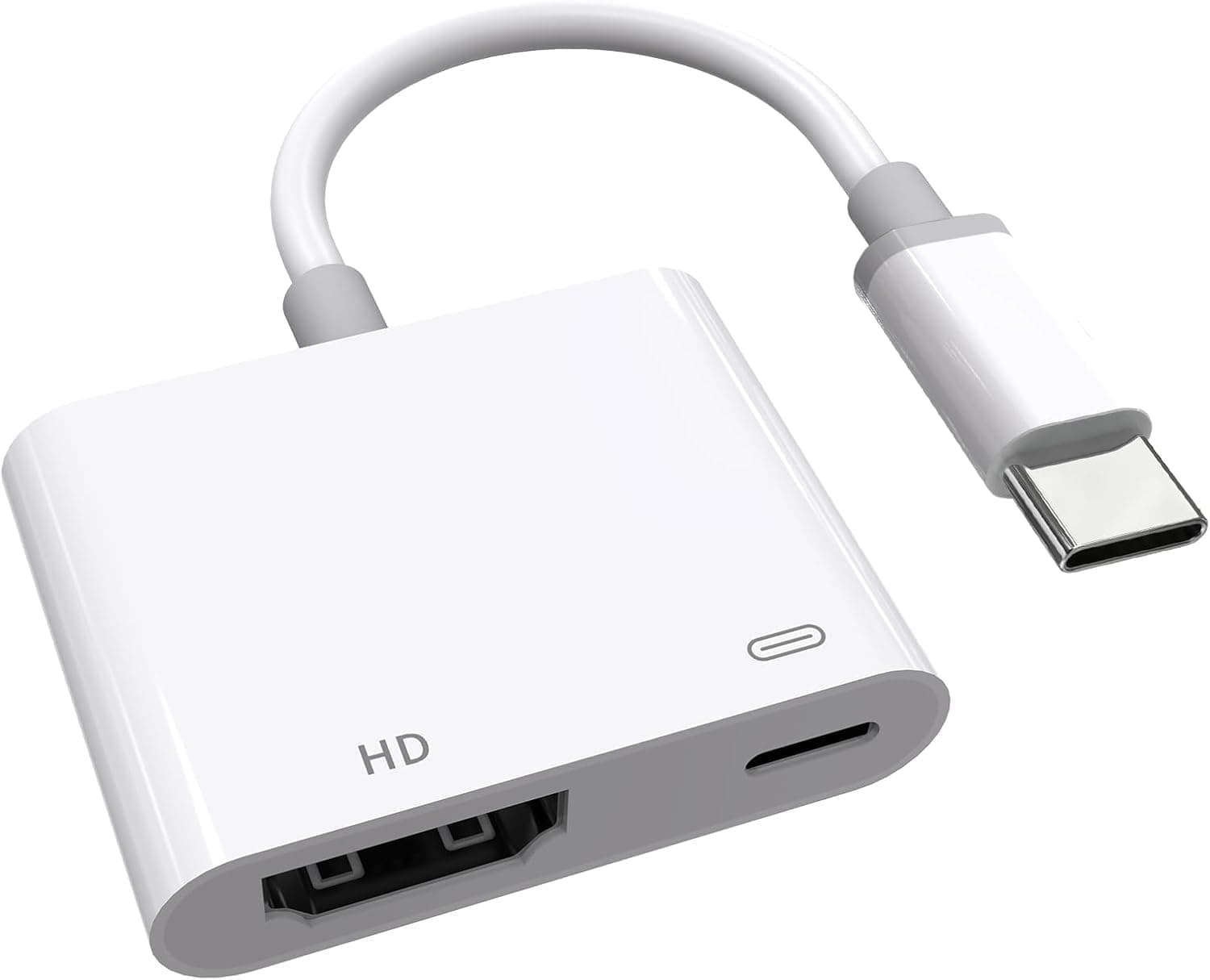
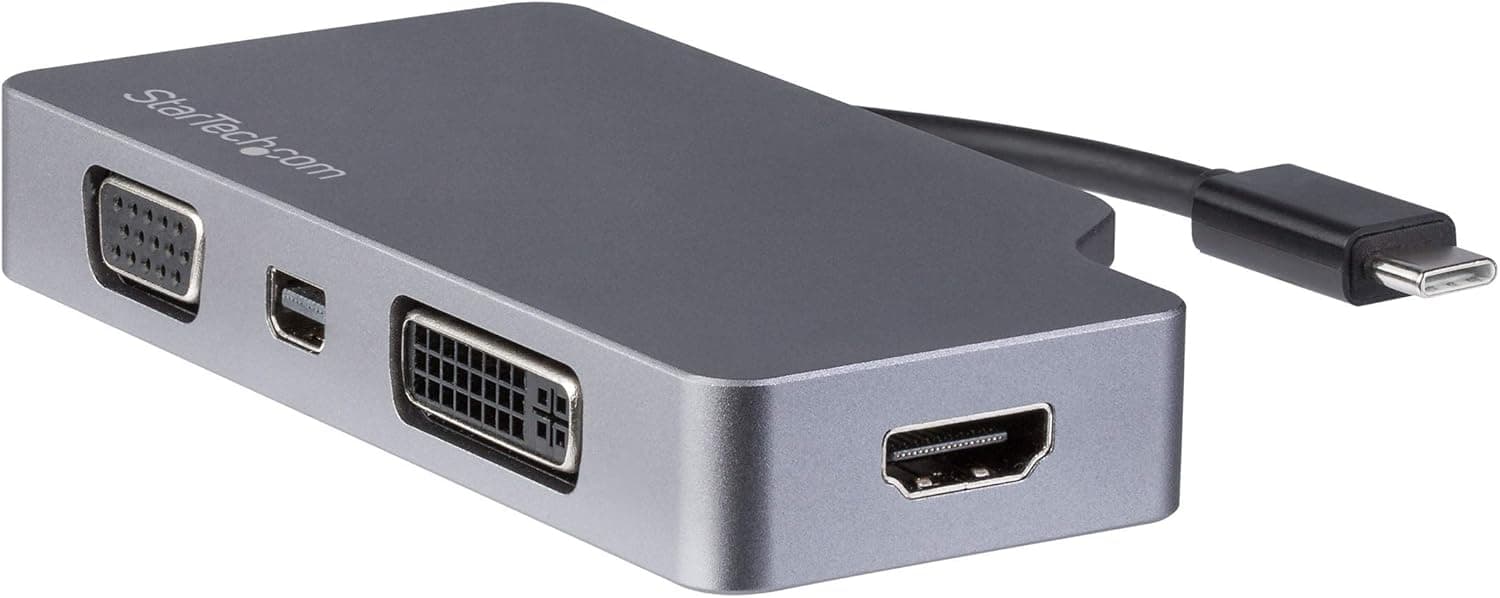
The StarTech.com CDPVDHDMDPSG is a compact 4-in-1 video adapter that lets you connect a USB-C laptop to virtually any external display. It packs VGA, DVI, HDMI, and Mini DisplayPort outputs into a single dongle, making it ideal for boardroom projectors, dual-monitor setups, or travel. HDMI and Mini DisplayPort support 4K at 30Hz, while VGA and DVI handle up to 1920×1200. The space gray aluminum housing matches Apple’s MacBook aesthetic, and the integrated magnetic cable keeps things tidy on the go. Adopting a plug-and-play design, the adapter requires no drivers and works with any device that supports USB-C DisplayPort Alt Mode. That includes MacBooks, Windows ultrabooks, Chromebooks, and even some tablets with USB-C video output. It’s a pure video-output accessory — no USB-A ports, no Ethernet, no card reader — but that focused approach keeps size and cost down.
Connectivity & Compatibility
Connection is straightforward: a captive USB-C male cable plugs into your laptop. The adapter then offers four female video ports: VGA (D-Sub 15), DVI-D (single-link), HDMI, and Mini DisplayPort. Only one external display can be active at a time, though switching between ports is as simple as plugging a cable into the desired port. Compatibility requires the host device to support USB-C DisplayPort Alt Mode. If your laptop’s USB-C port is limited to data or charging only, this adapter won’t output video. Maximum resolution varies by port: HDMI and Mini DisplayPort deliver 3840×2160 @ 30Hz; VGA and DVI max out at 1920×1200 @ 60Hz. The adapter is not a USB hub — it does not provide pass-through charging, data transfer, or any extra I/O.
Product Info
Launched around 2018, the StarTech CDPVDHDMDPSG remains in active production. It carries a list price of about ¥5,462 on Japan (as of June 2026) and includes a 3-year warranty plus unlimited free technical support. The adapter ships with the integrated USB-C cable only; no power brick or additional dongles are needed. Positioned at the entry-to-mid level, this adapter excels as a cost-effective solution for anyone who needs to connect a modern USB-C laptop to legacy or varied display equipment. It does not attempt to be a full dock — there are no extra ports, no Ethernet, and no SD card slot. For users who only need video output and want minimal hassle, this is a winning compromise between price and versatility.
Best Use Cases
- Frequent travelers and road warriors: Instead of packing three separate adapters (VGA, HDMI, mini DP), carry one. The integrated cable means nothing to lose. If you also need USB-A or Ethernet during meetings, consider a multiport dock instead. - MacBook owners who value aesthetics: The space gray aluminum finish matches Apple’s color palette perfectly, and the cable’s magnetic attachment keeps the adapter tidy. Note that it occupies one USB-C port and does not pass through power delivery — you’ll need a separate charging cable. - IT managers deploying in BYOD environments: When office displays range from vintage VGA projectors to modern HDMI monitors, one adapter covers all. The metal housing and 3-year warranty make it suitable for shared equipment. Creative professionals requiring 4K@60Hz or multi-monitor daisy-chaining should look at Thunderbolt docks instead.