Overview
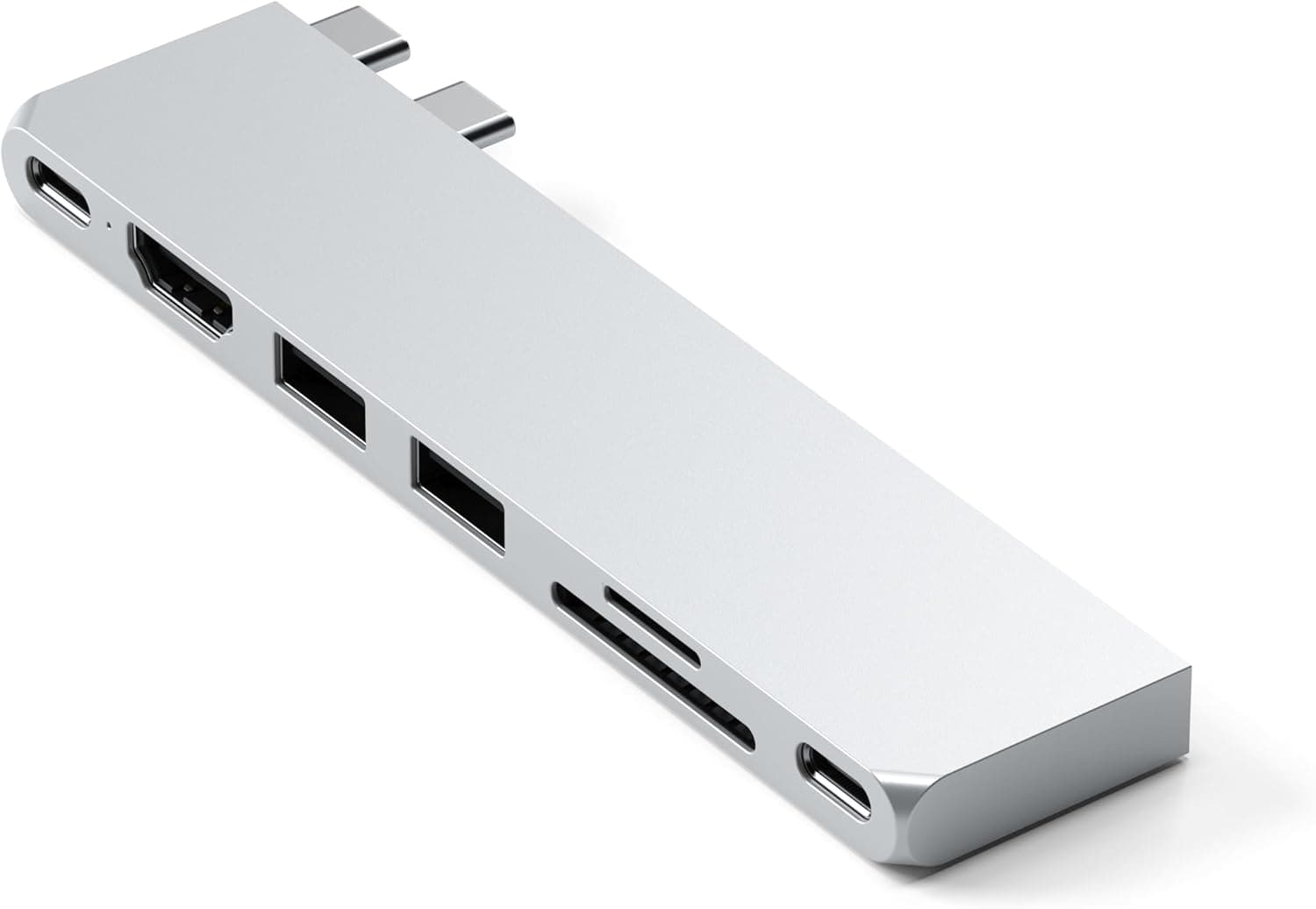
The SATECHI Hub Dual USB C Pro Slim USB4 7-in-1 (Silver) exists to solve one problem: MacBook Air and MacBook Pro models ship with only two USB-C ports, and this hub expands them without adding bulk. The short verdict: if you want 40Gbps USB4 passthrough, 100W Power Delivery, and high-resolution video output in a single slim unit, this is a sensible pick.
If you need wired Ethernet, UHS-II card speeds, or multiple external displays, look elsewhere.
Amazon.co.jp lists 976 reviews at 3.9 out of 5 stars (78% positive, captured 2026-05-31).
That is neither glowing nor damning — it is the score of a competent tool with a few specific weak spots, which this article covers.
What It Can and Cannot Do
| Goal | Verdict | Spec behind it |
|---|---|---|
| One external display at high resolution | Yes | 6K@60Hz via USB4, 4K@60Hz via HDMI |
| Charge the MacBook while using peripherals | Yes | 100W Power Delivery |
| Connect a fast external SSD | Yes | Two USB 3.2 Gen 2 ports, 10Gbps each |
| Use 40Gbps gear at full speed | Yes | USB4 port, 40Gbps |
| Import camera SD cards | Partly | SD / microSD limited to UHS-I |
| Wired network | No | No Ethernet port |
| Two or more displays | Depends | Governed by your Mac's chip, not the hub |
Pay attention to the "partly" rows. UHS-I is normal for a compact hub, but a UHS-II card will still run at UHS-I speeds here.
If you offload tens of gigabytes of 4K footage daily, that is your bottleneck. Display count is decided by your Mac's silicon, not by the hub.
Compatibility Guide
Satechi lists compatibility with MacBook Air and MacBook Pro across the M5, M4, M3, M2, and M1 generations. The hub has two USB-C connectors that plug into both ports on one side of the machine simultaneously.
That means the entire side is occupied while the hub is attached — if you want to keep a spare port free on that edge, this form factor is not for you.
The most common physical problem is cases. Protective covers without USB-C port cutouts are explicitly unsupported, and even with cutouts, a thick rugged case can stop the fixed-spacing connectors from seating fully.
Bare-machine users will not notice; heavy-case users should check the opening around the ports first.
Display limits come from the Mac side. As a general rule, base M1 and M2 MacBook Air and 13-inch Pro models support a limited number of simultaneous external displays, while Pro and Max chips are far more permissive.
That means driving separate images from both HDMI and USB4 may not be possible on a base-chip machine. Check Apple's technical specifications page for your exact model — buying a hub does not raise that ceiling.
On charging: 100W is the hub's throughput ceiling, not a promise. Actual delivered power depends on your USB-C charger and the losses from the hub and attached devices.
A 65W charger yields under 65W at the laptop. For a 16-inch MacBook Pro under load, pair it with a 96W-class charger.
Note that only the hub itself is included — no USB-C cable or charger.
Windows and iPad use is not officially claimed. Machines with USB4 or Thunderbolt ports will often work electrically, but the fixed dual-connector spacing may simply not fit other laptops.
For non-Mac use, a cable-style hub is the safer choice.
Product Info
Prices at capture time: ¥7,900 on Amazon.co.jp as of 2026-08-27, and ¥10,260 on the same listing as of 2026-05-31.
That is a swing of more than ¥2,000 in roughly three months, so this product clearly moves with sales and stock. Treat both figures as snapshots and check the current price on the product page.
An overseas marketplace (eBay) record shows $114.74 as of 2026-07-16, which is well above the domestic price and likely reflects resale or shipping-inclusive pricing.
If you can buy domestically, do.
Core specs: 7-in-1 layout, USB4 at 40Gbps, two USB 3.2 Gen 2 ports at 10Gbps, HDMI at 4K@60Hz (6K@60Hz over USB4), 100W Power Delivery, SD and microSD readers at UHS-I, aluminum housing, silver finish.
The aluminum shell matches MacBook styling and also spreads heat. Sustained 10Gbps SSD transfers will make it warm — normal for a metal-bodied hub, not a fault.
The 3.9-star average across 976 reviews (captured 2026-05-31) is the classic profile of a product that does the basics well while frustrating a subset of users.
For hubs of this type, complaints cluster around display compatibility, heat, and card reader speed.
How It Compares
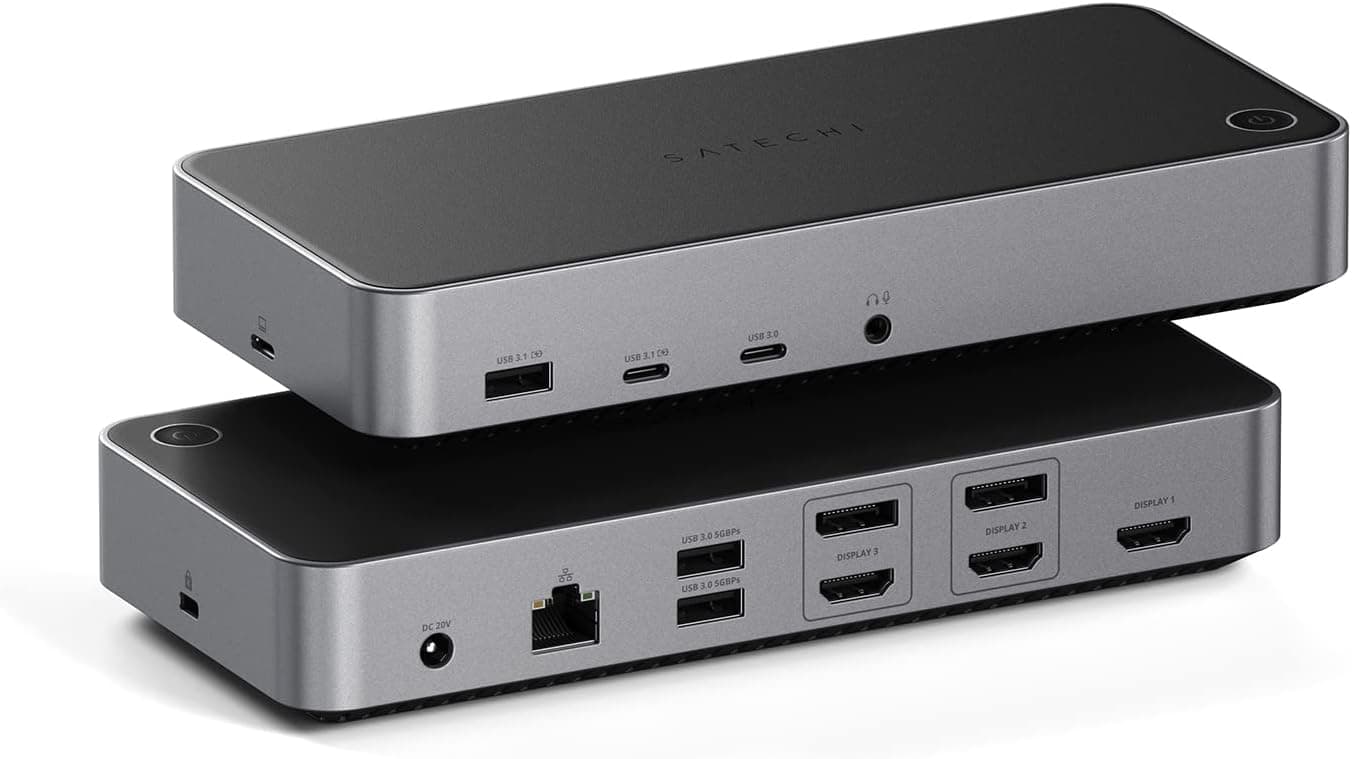
Against Satechi's own 8-in-1 V3 adapter, this model trades port count for slimness and USB4 speed. Many 8-in-1 units include Ethernet, which matters at a fixed desk.
This one's differentiator is genuine 40Gbps passthrough for Thunderbolt-class SSDs and docks.
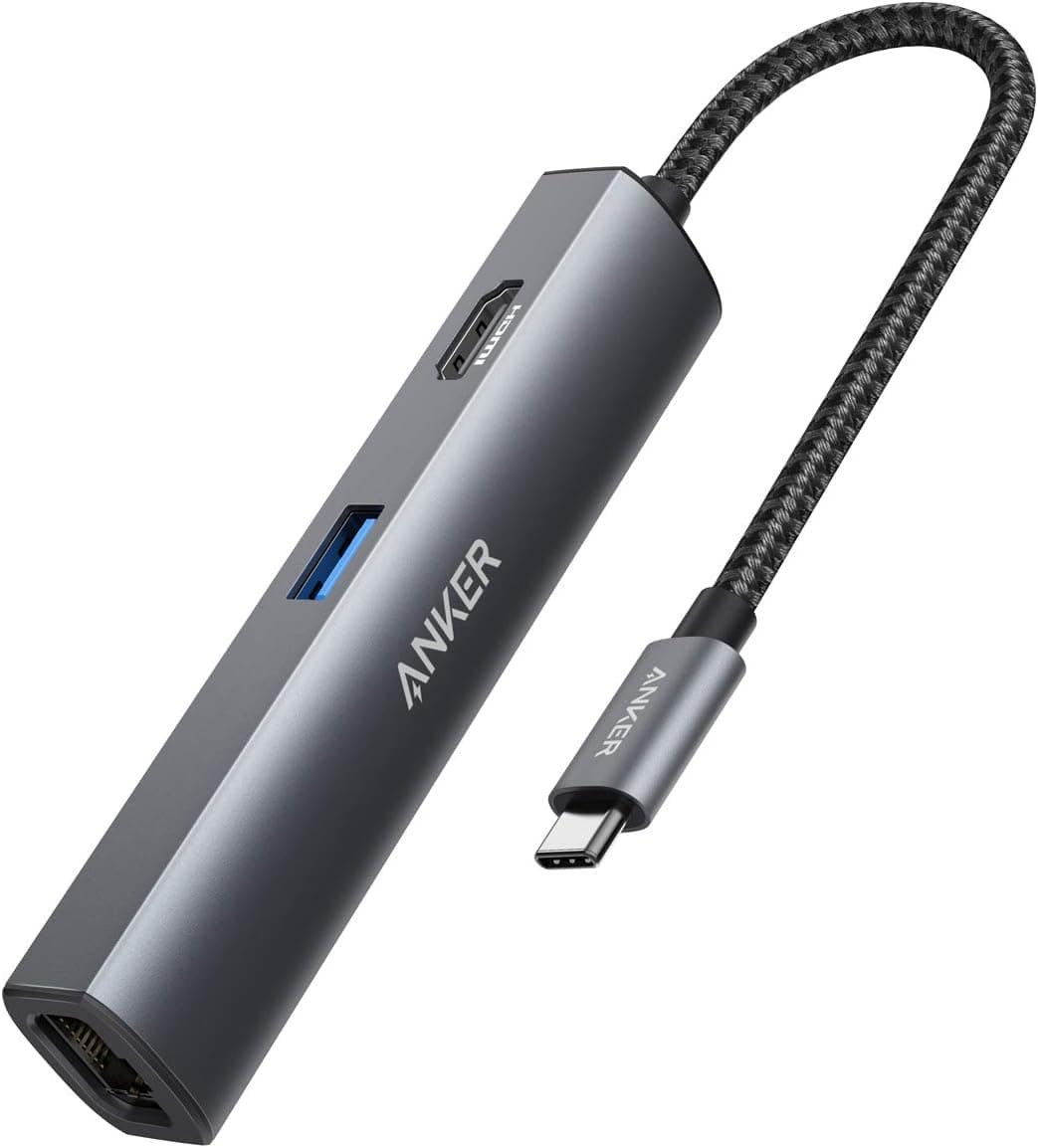
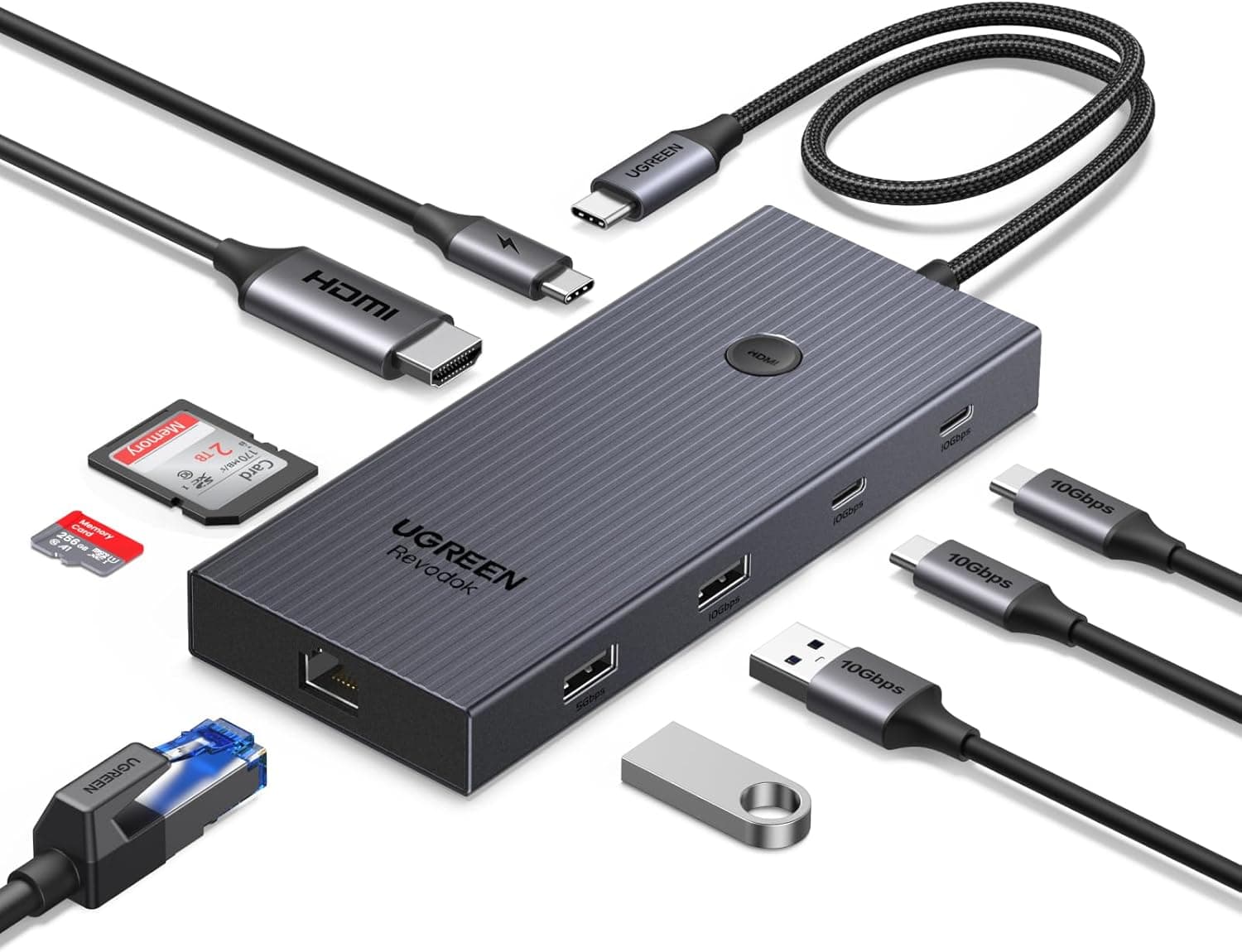
Against 4-in-1 and 5-in-1 hubs from Anker or UGREEN, you pay more for a higher speed tier. If you only need HDMI and a couple of USB-A ports at 5Gbps, the cheaper units are perfectly adequate — and the 40Gbps here goes unused.
Whether you own (or plan to own) 40Gbps gear is the deciding factor.
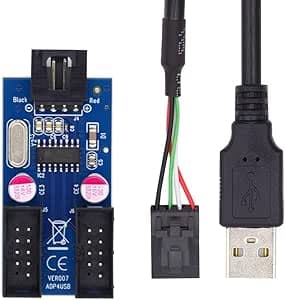
Desktop USB 3.0 hubs like StarTech.com's models serve a different purpose entirely: many ports with an AC adapter, permanently on a desk.
This hub is about consolidating power, video, and data for a machine you carry.
Best Use Cases
- MacBook Air / Pro owners with only two USB-C ports who want charging and display output through one device.
- Owners of 40Gbps external SSDs or docks who need full-speed passthrough.
- Creators and business users driving one high-resolution display — 6K@60Hz via USB4, 4K@60Hz via HDMI.
- Frequent travelers who need a slim aluminum unit rather than a bulky dock.
- Users who care about aesthetics — the silver aluminum matches the MacBook finish.
Skip it if you require Ethernet, UHS-II card speeds, multiple displays, or if 5Gbps would already cover everything you do.
Before You Buy
The card reader tops out at UHS-I. A UHS-II card will not run faster here.
For occasional single-photo transfers this is irrelevant; for full 64GB card offloads it is a real time cost. A separate UHS-II reader on the 10Gbps port will beat it.
There is no Ethernet port. "7-in-1" sounds comprehensive, but wired networking is not part of the count.
If your office requires a wired connection, this hub fails that requirement outright.
The dual-connector design is inflexible. It occupies both ports on one side, and because the connectors are body-mounted, a heavy external SSD hanging off the hub puts leverage on them.
On a desk, arrange cables so their weight does not pull on the hub.
Heat and video glitches usually trace to cables. High-resolution output plus 10Gbps transfers will raise temperatures.
If the display flickers or drops, check that your HDMI and USB-C cables are rated for 4K@60Hz or higher before blaming the hub.
Price volatility is significant. Two captures three months apart differ by over ¥2,000.
If you are not in a hurry, waiting for a sale is reasonable.
Verify the listing yourself. Amazon product pages occasionally carry registration details that do not match the physical product.
This article covers the Satechi USB4-capable 7-in-1 slim hub in silver — confirm from the product images and title that you are ordering that variant and not a different color or generation.
FAQ
Q. Will it work with a Windows laptop? A.
Only Mac compatibility is officially claimed. Machines with USB4 or Thunderbolt ports often work, but the fixed dual-connector spacing may not physically fit.
For non-Mac use, choose a cable-style hub.
Q. Can it charge a 16-inch MacBook Pro? A.
100W is the hub's ceiling, not its output. Delivered power depends on your charger; pair it with a 96W-class unit for heavy loads.
A 65W charger will never exceed 65W.
Q. Can I run two external displays? A.
The hub offers HDMI and USB4 video paths, but the actual limit is set by your Mac's chip. Base-chip MacBook Air models are restricted — check Apple's specifications for your model.
Q. Is a USB-C cable included? A.
Only the hub is included. Its connectors plug directly into the MacBook, so no extra cable is normally needed, but a charger and its cable are separate purchases.
Q. Does it fit with a case on? A.
Not with covers lacking USB-C cutouts, and thick cases may prevent full seating even with cutouts. Choose a case with thin edges around the ports.
Q. How should I read the 3.9-star rating? A.
Across 976 reviews (captured 2026-05-31), 3.9 indicates solid fundamentals with specific limitations.
Decide whether the UHS-I cap, missing Ethernet, or two-port footprint is a dealbreaker for you.
Product Disclosure (Amazon)
- Manufacturer: Satechi
- Seller: Satechi_Japan
- Fulfilled by: Amazon
- ASIN: B0BV4XZCRN
- Note: This article covers a manufacturer-made product based on Amazon listing details.