Overview
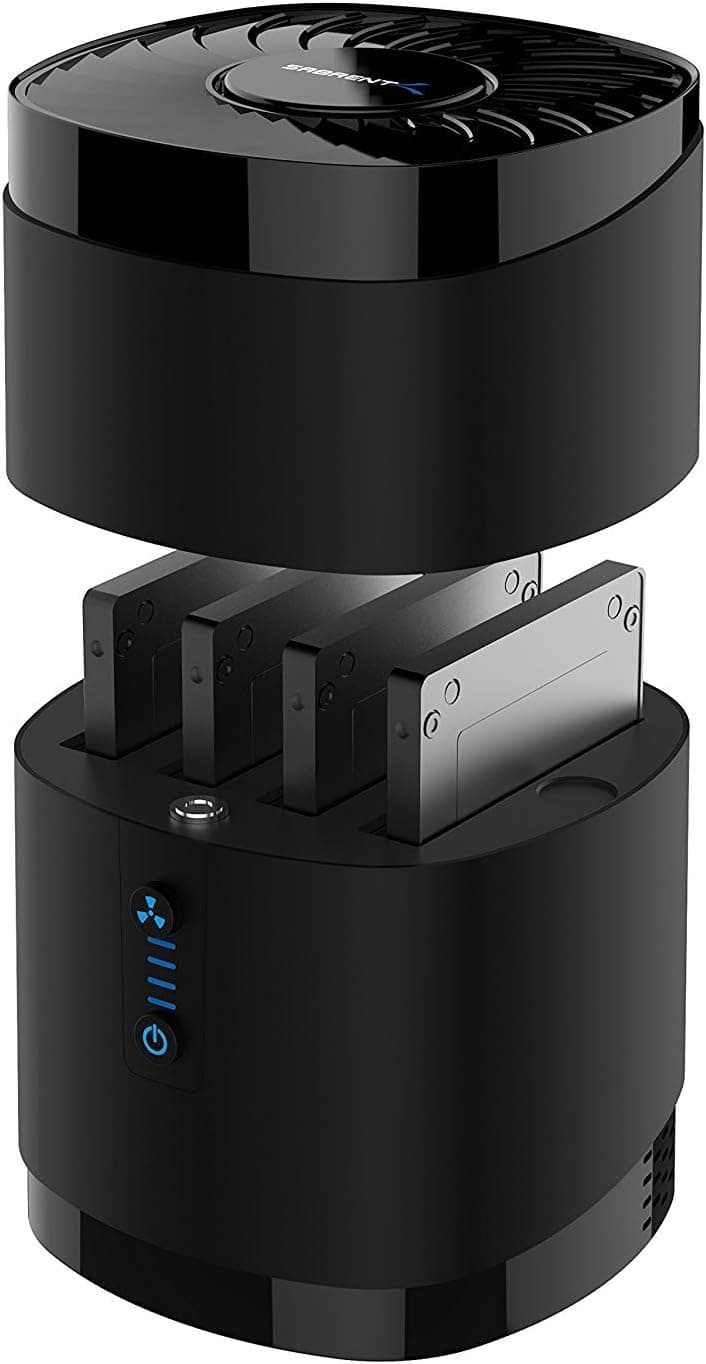
The SABRENT DS-4SSD is a docking station that holds four 2.5-inch SATA SSDs or HDDs at once.
The short version: you buy this for bay count, not for speed. It uses a mature USB 3.2 Gen 1 interface (USB 3.0 compatible, up to 5 Gbps), takes drives without tools, and cools all four bays with a built-in fan.
Total supported capacity is 20TB across the four bays.
On Amazon.co.jp it holds a 4.1-star rating from 3,036 reviews (roughly 82% positive, captured 30 May 2026).
A 4.1 average over several thousand reviews is the classic profile of a product that does its core job reliably but has quirks.
In practice, satisfaction splits along two lines: whether you understand the shared bandwidth, and whether you knew 3.5-inch drives are not supported.
What Four Bays Actually Buys You
The most common misunderstanding with any multi-bay dock is throughput. The 5 Gbps figure describes the entire dock, not each bay.
Run all four drives at once and they split that ceiling — roughly 1.25 Gbps per drive on paper, less once protocol overhead is subtracted.
Put plainly, four SATA SSDs in this dock will not deliver four SATA SSDs' worth of speed. A single drive used alone gets close to what SATA SSDs typically manage (generally around 500 MB/s at best), but a simultaneous four-way copy can settle down to HDD-like figures.
That is not a defect; it is the arithmetic of a 5 Gbps host link.
So the DS-4SSD shines when four drives sit permanently connected and you reach for whichever one you need, rather than when you hammer all four at once. Backup rotation, salvaging drives pulled from old laptops, and per-project drive separation for creative work are the natural fits.
Connectivity & Compatibility
The supported form factor is 2.5-inch only.
3.5-inch HDDs will not fit and are not powered, and that is the single most important thing to confirm before ordering.
If your goal is sorting through desktop drives, you need a different product entirely.
Drive interfaces supported are SATA 1.5 Gb/s and SATA 3.0 Gb/s.
On the host side, a USB-A port is required. Modern USB-C-only laptops (MacBooks, thin-and-light notebooks) will need an adapter or a hub — and make sure that adapter actually passes USB 3.0 speeds, since cheap ones sometimes cap at USB 2.0.
Supported operating systems are listed as PC, Mac, and Linux. No driver installation is involved: on Windows you initialize the drives in Disk Management, on macOS in Disk Utility, and on Linux each bay appears as its own block device in lsblk.
Power comes from the included AC adapter, so this is a self-powered dock. That is an advantage with four spinning HDDs — you are unlikely to hit the flaky-detection problems that bus-powered enclosures suffer — at the cost of one wall outlet.
Hot swap is supported, so drives can be changed while the unit is running. Always unmount or eject in the OS first; pulling a drive with writes still cached risks losing data.
The chassis measures 112 × 112 × 160 mm — a near-cube that stands upright. The footprint is small but the height is not, so if you plan to tuck it under a monitor riser or a shelf, leave clearance above it and room for your hand to swap drives.
Product Info
| Item | Spec |
|---|---|
| Bays | 4 |
| Interface | USB 3.2 Gen 1 (USB 3.0 compatible) |
| Max transfer speed | 5 Gbps (shared across the dock) |
| SATA standards | SATA 1.5 Gb/s, SATA 3.0 Gb/s |
| Max capacity | 20TB (four drives combined) |
| Cooling fan | Built in |
| Power | AC adapter (included) |
| Hot swap | Supported |
| Supported OS | PC, Mac, Linux |
| Dimensions | 112 × 112 × 160 mm |
| Color | Black |
The line worth a second look is the 20TB combined ceiling — about 5TB per bay, a limit clearly written with high-capacity 2.5-inch HDDs in mind.
Since mainstream 2.5-inch SSDs top out around 4TB today, few users will hit it, but this is not a dock to buy in anticipation of much larger future drives.
On pricing: Amazon.co.jp listed it at ¥6,489 as captured on 27 Aug 2026, and the same ASIN was ¥5,699 when captured on 30 May 2026.
An overseas marketplace listing (eBay US) recorded $21.99 as of 8 July 2026.
Accessories like this move by hundreds of yen with stock and sales, so treat every figure here as a snapshot from its capture date and check the product page for the current price.
The product dates from around 2020. Warranty is 12 months as standard, extended to 2 years if you register the product on Sabrent's website — worth doing right after purchase.
In the box: the dock, a USB 3.0 cable, an AC adapter, and a short manual.
How to Compare It
The "docking station" label covers two unrelated genres: storage docks like this one, and laptop docks that add display outputs and Ethernet. If you arrived here wanting dual monitors or wired networking, a USB-C or Thunderbolt dock is what you need; the DS-4SSD does none of that.
Among storage docks, three questions decide it. First, bay count — if one or two bays are enough, a faster USB 3.2 Gen 2 (10 Gbps) enclosure will feel quicker.
Second, drive size — anyone with 3.5-inch drives should look elsewhere.
Third, RAID: nothing in the specifications referenced here mentions RAID, so if you want the four drives merged into one volume, verify that explicitly on the product page. The safe assumption is that each drive is presented separately.
If your real goal is fast M.2 NVMe access, this is the wrong standard altogether — look at NVMe enclosures or docks with an M.2 slot.
Best Use Cases
This dock earns its price for:
- People with a pile of spare 2.5-inch drives. Laptop drives left over from upgrades can be checked and cleared four at a time.
- Anyone running generational backups. Hot swap means you can rotate weekly or monthly disks without powering anything down.
- Creators who keep one drive per project. Physical separation makes it much harder to wipe the wrong client's data.
- Mini PC and thin-laptop owners. When internal expansion is impossible, put the capacity outside instead.
- People who test or wipe used drives regularly. Four bays beat swapping one drive at a time.
Before You Buy
3.5-inch HDDs do not fit. Worth repeating, because this is the mistake buyers make most often.
Desktop drives need a 3.5-inch-capable dock.
Do not expect four-way speed. As covered above, 5 Gbps is the total for the dock.
Four bays does not mean four times faster — the more drives you load simultaneously, the slower each one gets. For a large one-off migration, a single fast enclosure used drive by drive can finish sooner.
It is not a NAS substitute. This is USB-attached storage with no network sharing and no RAID redundancy in its stated feature set.
If a drive dies, that drive's data is gone. For backup use, keep at least two copies — the source plus the drive in this dock.
Fan noise is a matter of taste. A built-in fan for four drives means it is not silent, and four spinning HDDs add their own vibration on top.
If it lives in a bedroom or a recording space, consider powering it on only when needed rather than leaving it running.
USB-C-only machines need an adapter. Budget for the adapter and a free port, and remember that if you go through a hub, four drives share that hub's upstream bandwidth too.
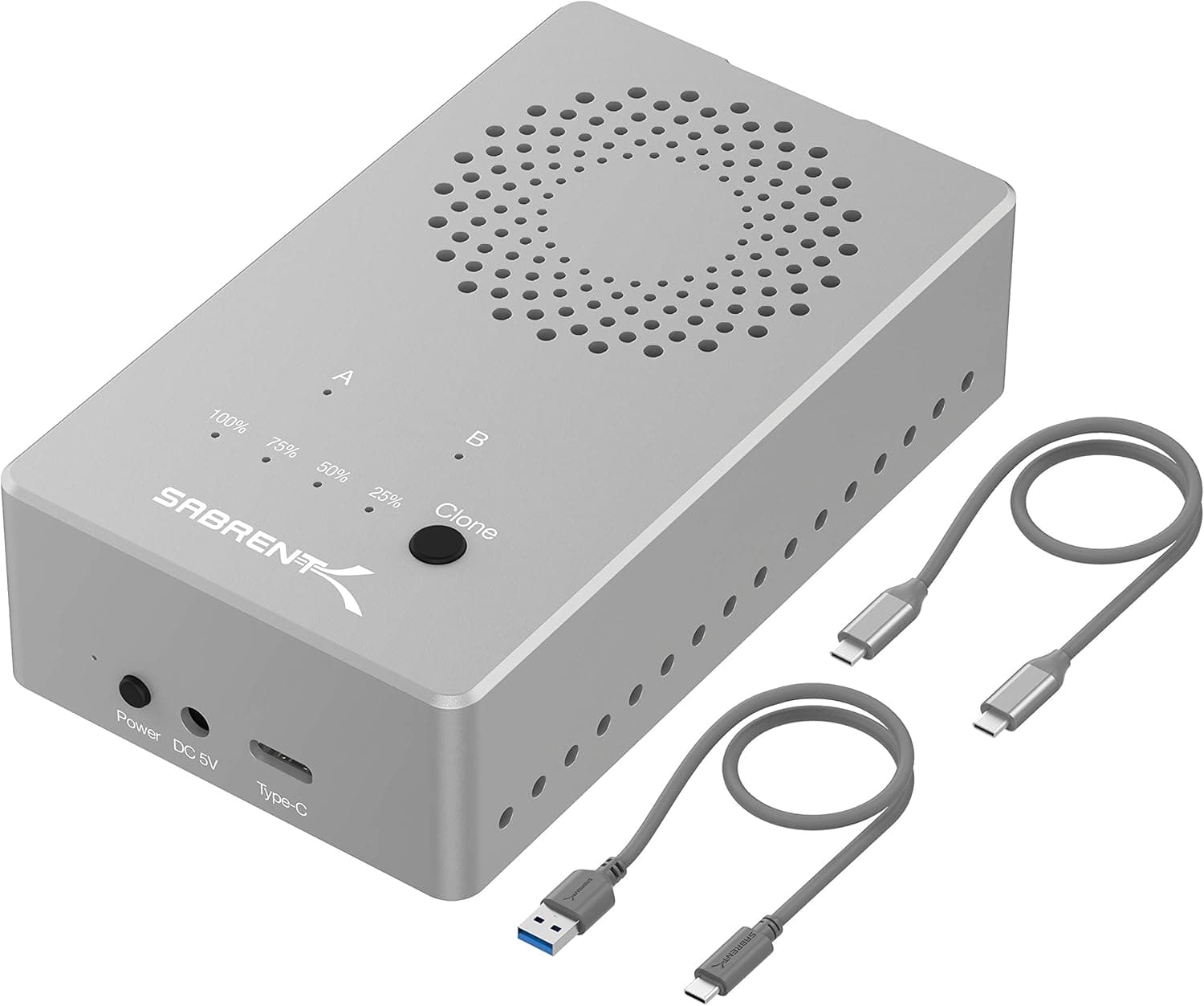
Verify the listing details yourself. Product pages for accessories like this occasionally carry registration data — manufacturer, model number, supported drive size — that does not match the physical item.
Bay count (4) and drive size (2.5-inch) are exactly the fields that decide whether this product works for you, so compare the product images and title against the spec text before ordering.
Prices also vary by seller and date even under the same ASIN, so treat the figures in this article as dated reference points.
FAQ
Q. Can all four drives be used at once? A.
Yes, but they share a single 5 Gbps link, so per-drive speed drops under simultaneous access. It suits leaving four drives connected and using them as needed more than writing to all four at full tilt.
Q. Does it take 3.5-inch HDDs?
A. No. Only 2.5-inch SATA SSDs and HDDs are supported.
Q. Can I build a RAID array? A.
The specifications referenced here make no mention of RAID. If you need the four drives as a single volume, confirm support on the product page first; assume separate volumes otherwise.
Q. Does it work with a Mac? A.
Mac is listed among supported systems. A USB-A port is required, so USB-C-only models need an adapter or hub.
Format with Disk Utility.
Q. Is hot swapping safe? A.
Hot swap is supported, but always eject or unmount in the OS before pulling a drive. Removing one mid-write risks corruption.
Q. How long is the warranty? A.
12 months as standard, extended to 2 years after registering on Sabrent's website. Register soon after purchase.
Product Disclosure (Amazon)
- Manufacturer: SABRENT
- ASIN: B0711L68MS
- Note: This article covers a manufacturer-made product based on Amazon listing details.