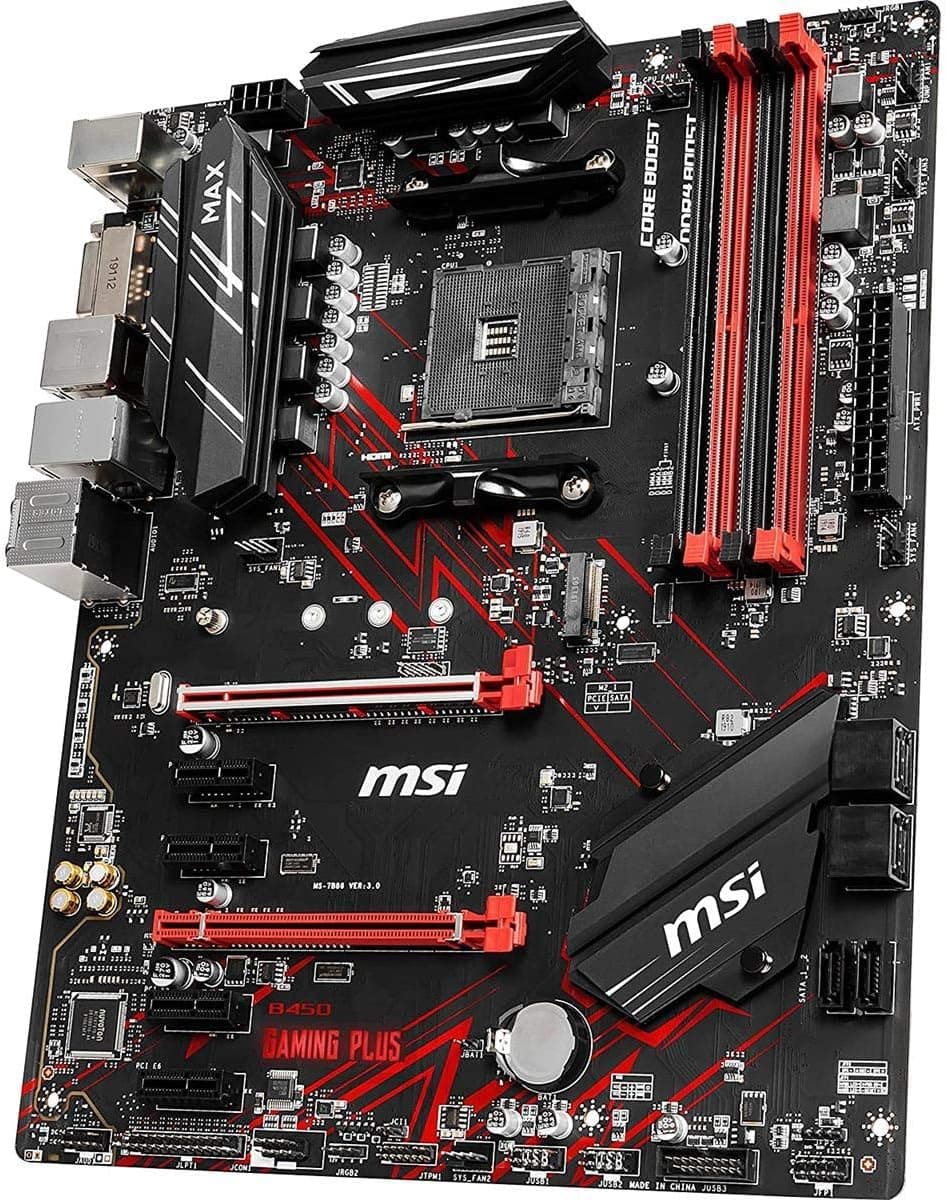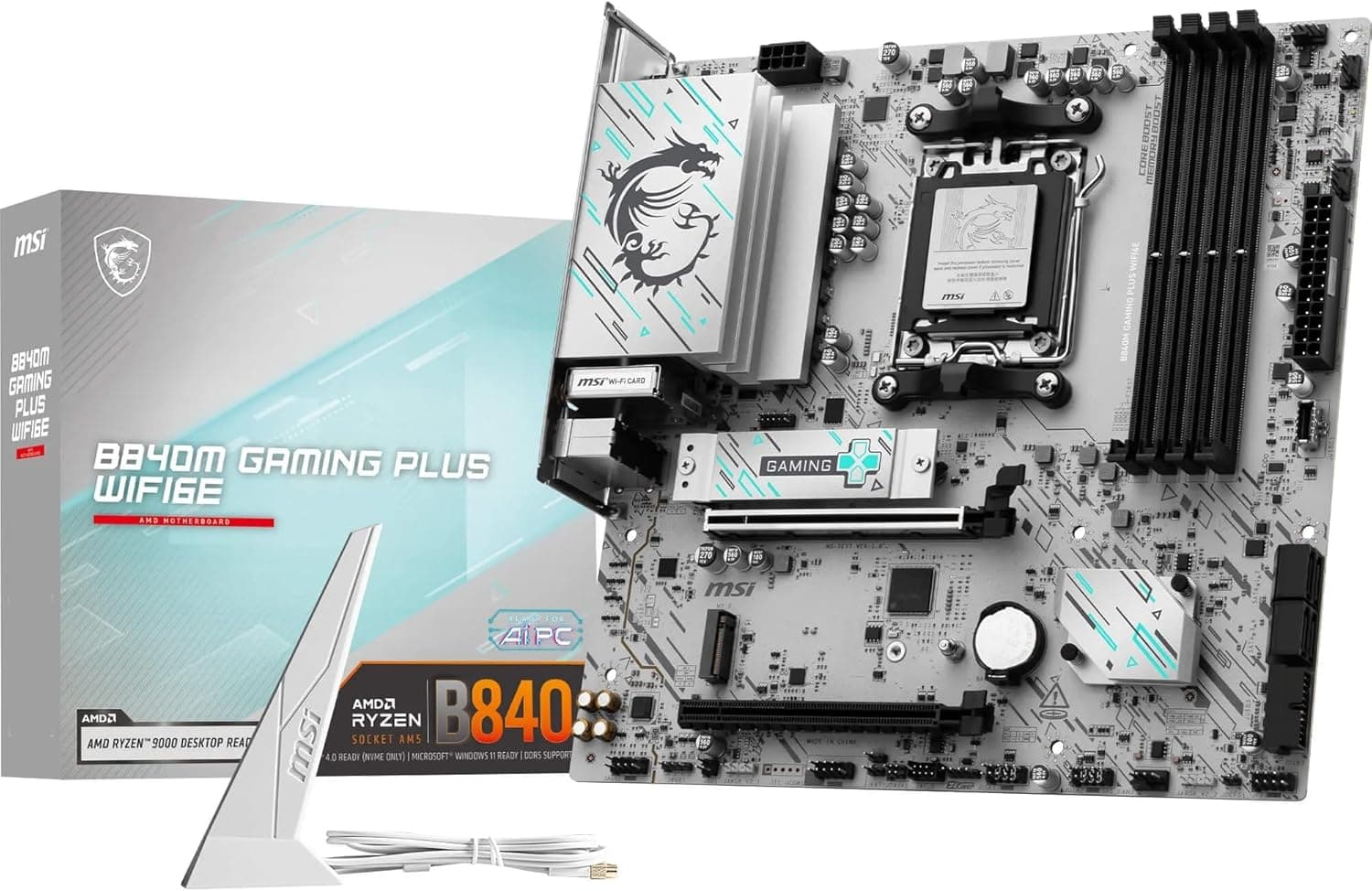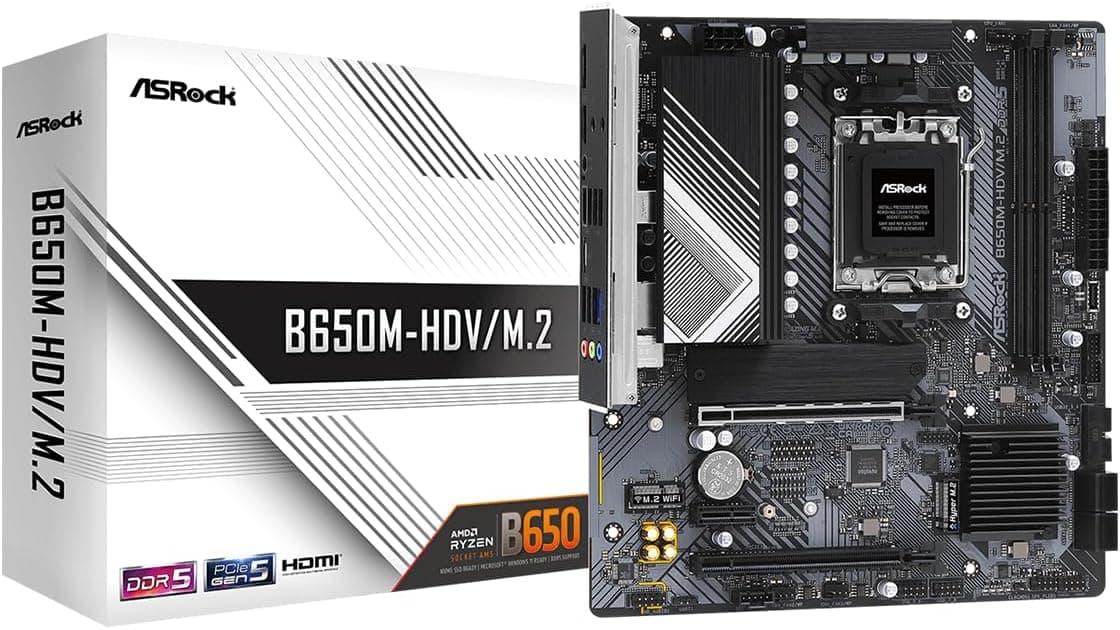
This article covers ROG Strix Z590-E Gaming WiFi 6E LGA 1200(Intel® 11th.
Overview
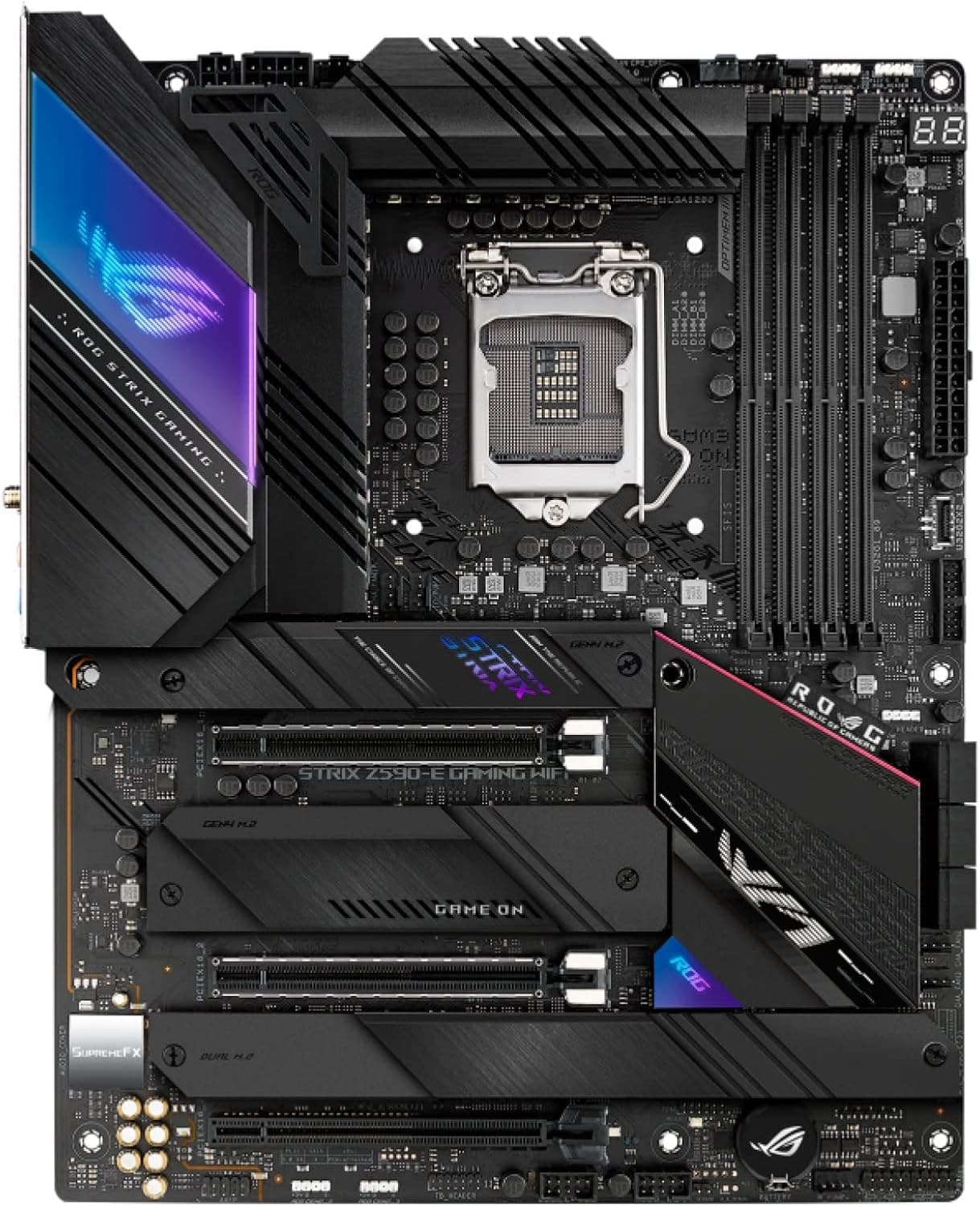
The ASUS ROG Strix Z590-E Gaming WiFi 6E is an ATX motherboard designed for Intel 11th and 10th Gen Core processors on the LGA 1200 socket. With a 14+2 power stage design, PCIe 4.0 support, and onboard Thunderbolt 4 and WiFi 6E, it targets enthusiasts who want a feature-rich foundation for gaming or creative work. Positioned as a mid-high-end offering in the Z590 chipset lineup, it stands out with four M.2 slots, dual Intel 2.5 Gb LAN, and comprehensive cooling including a large VRM heatsink with an L-shaped heat pipe. The board also includes BIOS Flashback for easy updates without a CPU installed.
Compatibility Guide
The motherboard supports both 11th Gen (Rocket Lake) and 10th Gen (Comet Lake) Intel Core CPUs on the LGA 1200 socket. Memory is DDR4 only, with official support up to DDR4-5333+ via overclocking. The form factor is standard ATX (305×244 mm), fitting most mid-tower and full-tower cases. Expansion slots include two PCIe 4.0 x16 slots (CPU-attached), one PCIe 3.0 x16, and two PCIe 3.0 x1. There are four M.2 slots: one PCIe 4.0 x4 (with 11th Gen CPU) and three PCIe 3.0 x4/SATA compatible. SATA ports number six at 6 Gb/s. Power is supplied via a 24-pin main connector, plus one 8-pin EPS and one 4-pin EPS. Recommended PSU wattage is 650W for mid-range builds and 850W+ for high-end configurations.
Product Info
Released in Q1 2021, the ROG Strix Z590-E Gaming WiFi 6E originally retailed around $300-350 USD. It is a mid-high tier board with 14+2 DrMOS power stages, ProCool II power connectors, and premium capacitors and chokes. Cooling includes an integrated I/O shield, VRM heatsinks with an L-shaped heat pipe, and three M.2 heatsinks. Networking is handled by an Intel WiFi 6E AX210 module plus dual Intel 2.5 Gb Ethernet controllers. Audio uses the Realtek S1220A codec. Thunderbolt 4 is provided via one rear USB Type-C port and a front-panel header. RGB lighting is managed through Aura Sync with three addressable RGB headers and one RGB header.
Best Use Cases
Gamers – PCIe 4.0 ensures compatibility with modern graphics cards for high-refresh 1440p or 4K gaming. Dual LAN and WiFi 6E offer low-latency online play. Best for mid-to-advanced builders. Not ideal if you plan to upgrade to DDR5 or PCIe 5.0 later. Content Creators – Four M.2 slots allow massive fast storage arrays. Thunderbolt 4 provides 40 Gbps connectivity for external SSDs, displays, or docks. Suitable for video editing and 3D rendering workstations. Avoid if you need native DDR5 memory support. * Enthusiasts Who Like Tweaking – Robust VRM and extensive BIOS settings for overclocking memory and CPU. BIOS Flashback means you can update firmware without a CPU. Not recommended if you prefer a simple, plug-and-play build.
Things to Consider
This motherboard is limited to LGA 1200 CPUs (11th/10th Gen Intel). It does not support newer LGA 1700 sockets or DDR5 memory, so if you are building from scratch, a newer platform might offer better longevity. PCIe 4.0 is present but not PCIe 5.0. When using a 10th Gen CPU, the single PCIe 4.0 M.2 slot is disabled, and all M.2 slots run at PCIe 3.0. Also, the dual 2.5 Gb LAN may be overkill unless you run a NAS or media server. WiFi 6E benefits require a compatible router. Stock availability may be limited as this is a previous-generation board; check pricing carefully as new old stock can be expensive compared to current offerings. ## FAQ
Q: Can I use a 10th Gen Intel CPU with this board? A: Yes, 10th Gen Comet Lake CPUs are supported. However, PCIe 4.0 will not be available, and the M.2 slots will operate at PCIe 3.0. A BIOS update may be required. Q: What Thunderbolt 4 devices work with this motherboard? A: Any Thunderbolt 4 or Thunderbolt 3 device, including external SSDs, docks, and displays. It supports daisy-chaining and 4K output. USB4 devices are also compatible, but at potentially lower speeds. Q: Which case is recommended for this motherboard? A: Any ATX-compatible case will fit. But because the VRM heatsink is large, check CPU cooler clearance, especially for tall air coolers. Also ensure the case has enough standoffs for an ATX board. An ATX or EATX case is ideal.
Product Disclosure (Amazon)
- Manufacturer: ASUS
- ASIN: B08T6HTXF9
- Note: This article covers a manufacturer-made product based on Amazon listing details.