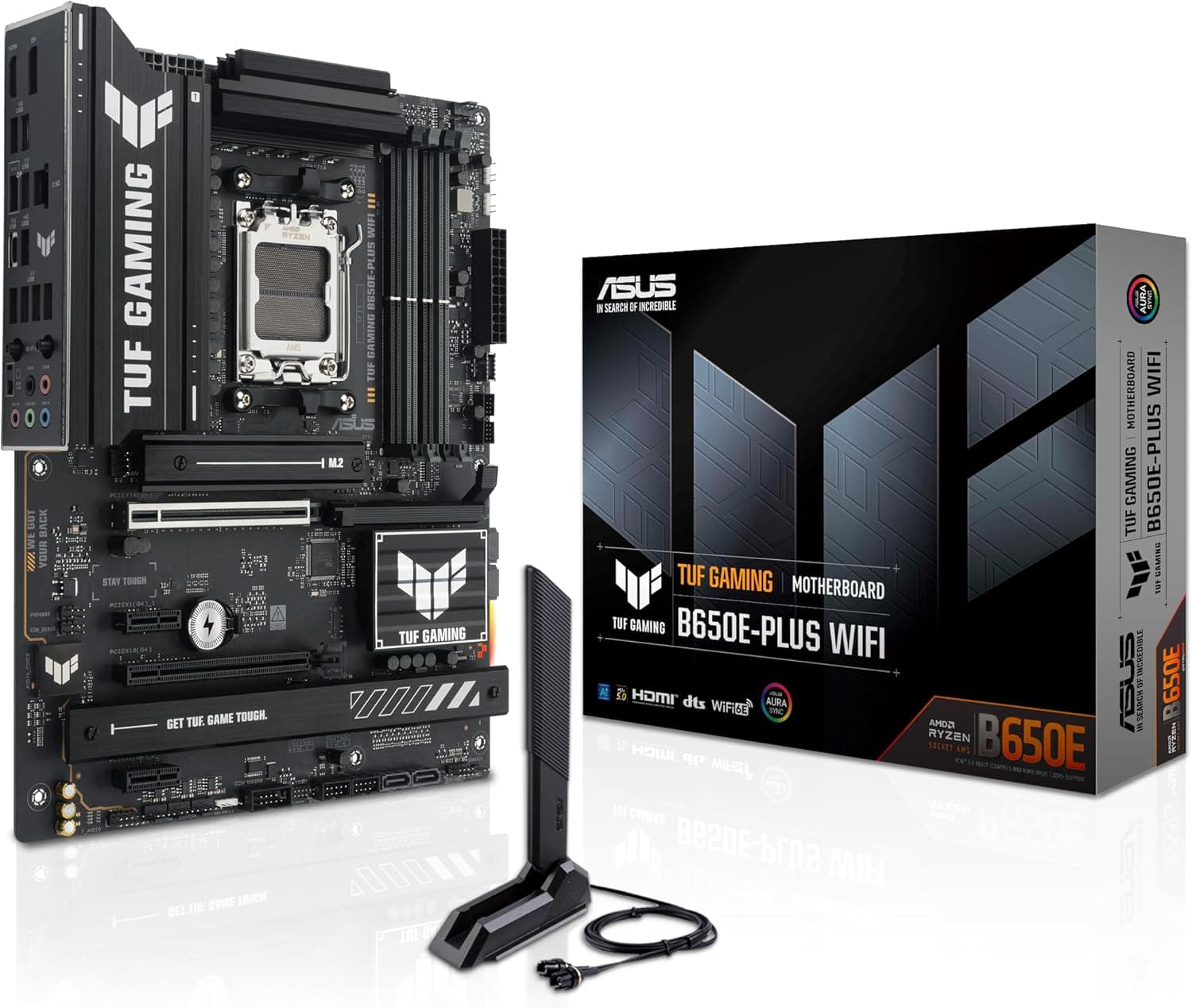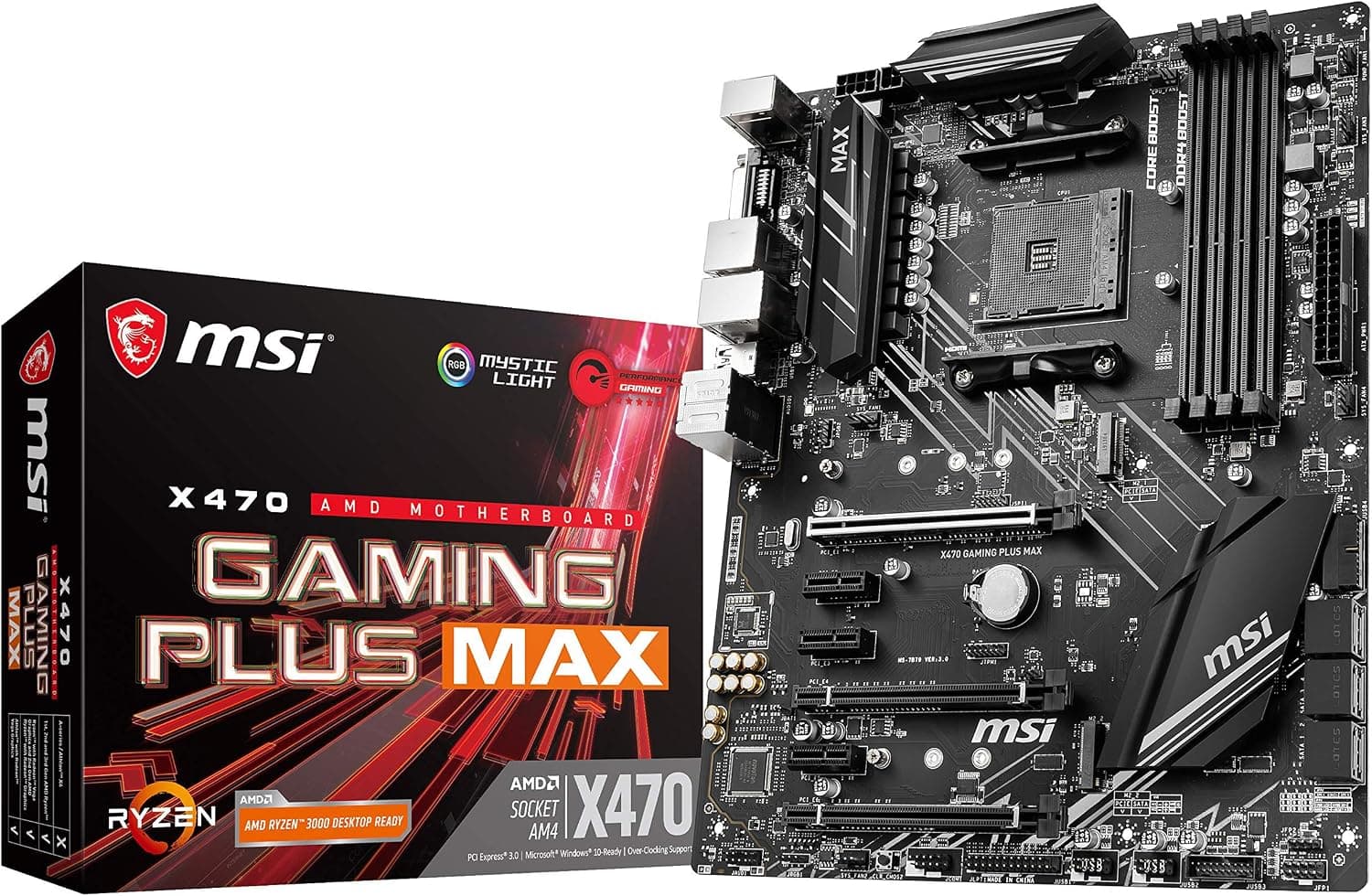
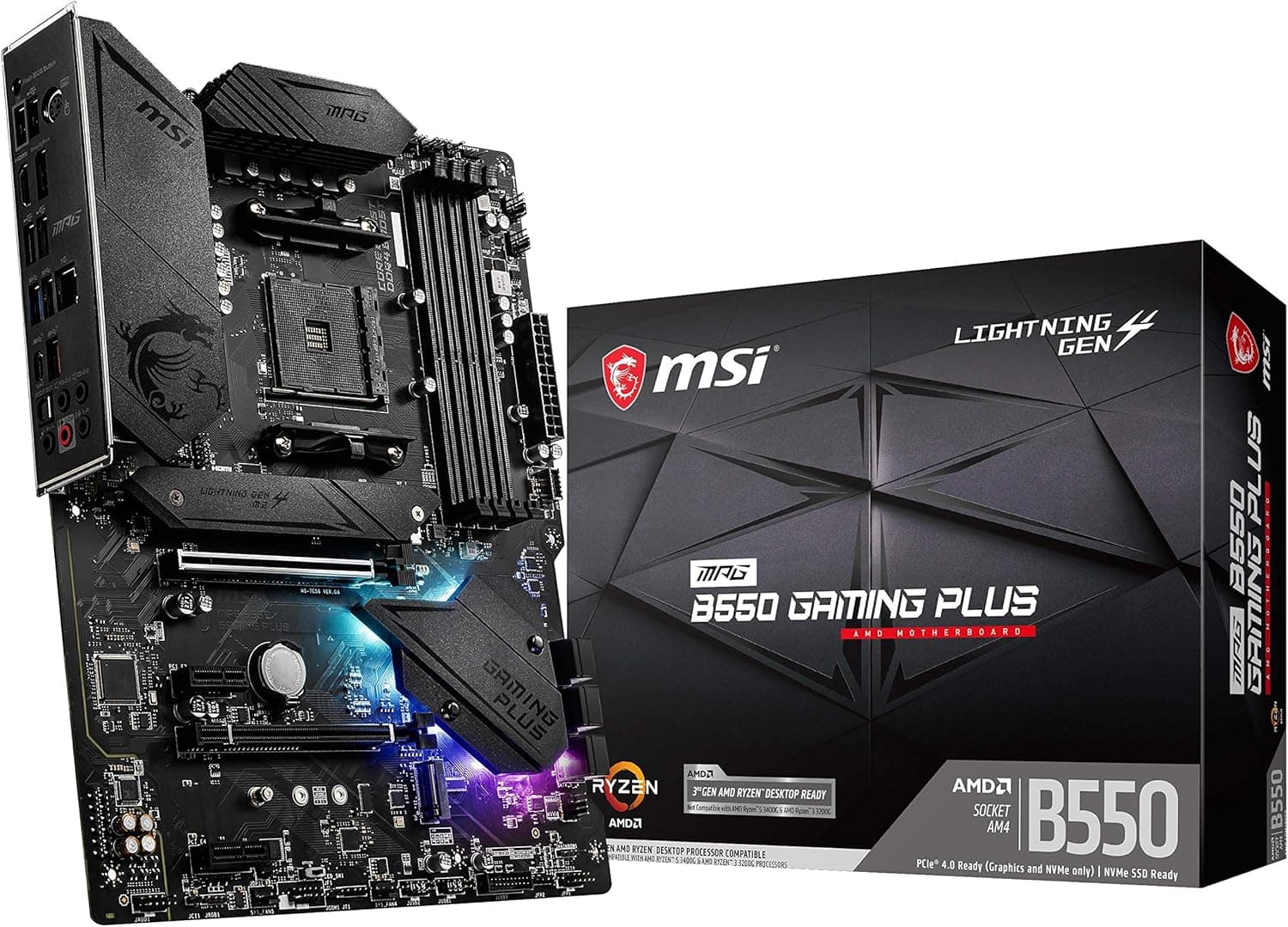
This article covers MSI Performance Gaming AMD X470 Ryzen 2ND and 3rd Gen AM4 DDR4 DVI HDMI Onboard Graphics CFX ATX Motherboard (X470 Gaming Plus Max).
Overview
The MSI X470 Gaming Plus Max is an ATX motherboard built on the AMD AM4 socket with the X470 chipset. It supports DDR4 memory and is compatible with Ryzen 2000 and 3000 series processors, making it a solid choice for budget-conscious builds. This board offers dual graphics support via DVI and HDMI outputs, alongside AMD CrossFire capability for multi-GPU setups. While it relies on PCIe 3.0, it still delivers reliable performance for mainstream gaming and productivity tasks. Positioned in the entry-to-mid range, the X470 Gaming Plus Max provides a stable platform without breaking the bank. It's best suited for users who want a proven, affordable AM4 motherboard with decent expansion options.
Compatibility Guide
Socket: AMD AM4. Supports Ryzen 2nd Gen (Pinnacle Ridge) and 3rd Gen (Matisse). Some 3rd Gen CPUs may require a BIOS update. Memory: DDR4-2133 to 3466+ (OC), dual-channel, up to 64 GB. XMP support is included. Form factor: standard ATX (305mm x 244mm). Fits most mid-tower and full-tower cases. Power connectors: 24-pin ATX + 8-pin CPU. Recommended PSU wattage: 550W or higher depending on CPU. Storage: 6x SATA 6Gb/s ports, 1x M.2 slot (PCIe 3.0 x4 / SATA). NVMe drives work at full speed within PCIe 3.0 limits.
Product Info
Released in 2019, the MSI X470 Gaming Plus Max is a mid-range motherboard from MSI's gaming lineup. Current pricing on Japan is around ¥40,776. Warranty: standard 3 years (registration may be required). Chipset: X470. PCIe generation: 3.0. No PCIe 4.0 support, which is the main limitation compared to newer X570 or B550 boards. This board is a good fit for users who don't need the latest PCIe speeds and want to save money.
Best Use Cases
Budget gaming build – Pair with a Ryzen 5 3600 or Ryzen 7 2700X for a capable 1080p gaming machine. The X470 chipset provides enough PCIe lanes for a modern GPU and NVMe SSD without extra cost. Avoid if you plan to upgrade to PCIe 4.0 components later. Office / media PC with APU – Use a Ryzen 3200G or 3400G to leverage the onboard DVI/HDMI outputs. Ideal for basic productivity, video streaming, and light multitasking without a dedicated GPU. CrossFire experimentation – Supports 2-way AMD CrossFire. Good for users who want to try multi-GPU setups with older Radeon cards. Note that modern games rarely benefit from CrossFire.
Things to Consider
The biggest drawback is the lack of PCIe 4.0. If you plan to use a PCIe 4.0 NVMe SSD or a future high-end GPU, you will be limited to PCIe 3.0 speeds. For most gaming scenarios, the performance difference is marginal (under 5%), but it's worth noting. BIOS updates may be needed for Ryzen 3000 CPUs. The board does not have USB BIOS Flashback, so you'll need a compatible CPU to update the BIOS first. Check the product page for the latest BIOS version. Memory overclocking stability varies by kit. Stick to the QVL list if you want a trouble-free experience. ## FAQ
Q: Can I use a Ryzen 5 5600X with this board? A: No. The X470 Gaming Plus Max officially supports up to Ryzen 3000 series. Even with a BIOS update, 5000 series CPUs are not compatible. For 5000 series, choose a B550 or X570 board. Q: Does the M.2 slot support both NVMe and SATA SSDs? A: Yes, the M.2 slot works with PCIe 3.0 x4 NVMe and SATA 6Gb/s SSDs. Note that using a SATA M.2 drive may disable one of the SATA ports. Refer to the manual for specifics. Q: What is the maximum memory capacity? A: The board supports up to 64 GB of DDR4 RAM (2x 32GB DIMMs). Ensure you use dual-channel configuration for best performance.
Product Disclosure (Amazon)
- Manufacturer: MSI
- Seller: Reg shop
- Fulfilled by: Reg shop
- ASIN: B07Y468HV3
- Note: This article covers a manufacturer-made product based on Amazon listing details.
![GIGABYTE Z790 UD AX [intel Z790 チップセット搭載 ATX マザーボード] MB5930](/_next/image?url=https%3A%2F%2Fm.media-amazon.com%2Fimages%2FI%2F71w2Kf%2BKK%2BL._AC_SL1500_.jpg&w=1920&q=75)