Overview
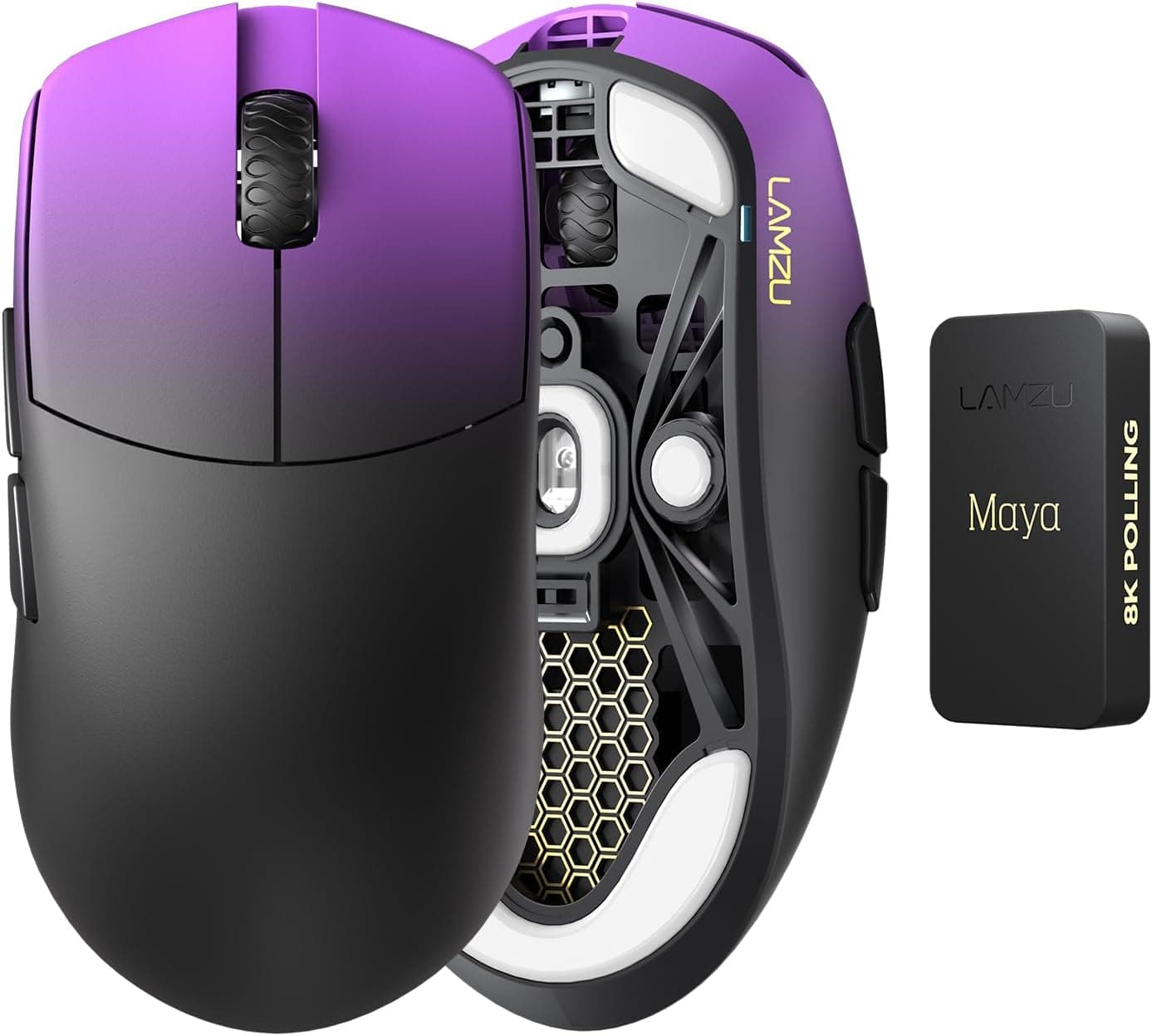
The Lamzu Maya Champion Edition packs a Pixart PAW3950 sensor and optical switches into a 45g shell, making it one of the lightest wireless mice you can buy. Its purpose is narrow and clear: let low-sensitivity FPS players swing their arm with as little resistance as possible.
If you want lots of buttons, a heavy planted feel, or an all-purpose mouse, this is not it.
The ambidextrous shell suits claw and fingertip grips and works for left-handed users. The sensor tops out at 30,000 DPI with 750 IPS tracking and 50G acceleration, and the bundled 8K dongle enables up to 8000Hz polling.
Optical switches are rated for 700,000 clicks, and the scroll wheel uses a TTC dust-proof encoder.
On Amazon.co.jp the rating was 4.4 out of 5 (88% positive) as of May 2026 — but from only 10 reviews.
The score looks good, yet the sample is far too small to reveal unit variance or long-term failure patterns. Keep that in mind before you commit.
Compatibility Guide
Connection is either 2.4GHz wireless or USB-C wired.
Both Windows and macOS work plug-and-play with no driver install required. However, changing DPI or polling rate on macOS requires you to write the settings from a Windows PC first.
For Mac-only households, that is a real limitation, not a footnote.
Getting value from 8000Hz needs more than the dongle. Higher polling rates raise interrupt handling and CPU load.
As a rule of thumb, 8000Hz only shows a felt difference on a 240Hz-plus monitor with frame rate headroom to spare. On a 144Hz setup that isn't pegged at the refresh cap, staying at 1000Hz is the more stable choice.
Start at 1000Hz, confirm your headroom, then step up.
For link stability, plug the receiver into a front port or extend it to the desk with the included cable rather than burying it behind a metal case. The 2.4GHz band is easily disturbed by Wi-Fi routers and USB 3.0 devices.
Wired play via the Type-C paracord cable charges the mouse at the same time, so a dead battery never ends a session.
| Item | Detail |
|---|---|
| Connection | 2.4GHz wireless / USB-C wired |
| OS | Windows / macOS (Windows required to change settings) |
| Polling rate | Up to 8000Hz (with 8K dongle) |
| Sensor | Pixart PAW3950 (30,000 DPI / 750 IPS / 50G) |
| Switches | Optical, 700,000-click rating |
Physically there is almost nothing to trip over. The two real friction points are macOS configuration and whether your PC can actually feed 8000Hz.
Product Info
At 45g this sits in the lightest tier of wireless mice. Coming from a typical 60–70g model, the change in how the mouse starts moving is immediate.
The PAW3950's headline numbers matter less than the practical point: 750 IPS leaves plenty of margin for low-eDPI players who sweep across a large pad without tracking breaking down.
Included are the 8K dongle, a 1.8m Type-C paracord cable, spare PTFE feet, grip tape, and a velvet pouch.
Ultralight shells tend to be slick, so having grip tape in the box is genuinely useful — if your hands sweat, plan on applying it from day one.
On price, the only data available here was an eBay search link with no confirmed figure. Because pricing in this segment swings widely between retailers and sales, this article deliberately quotes no amount — check the product page for the current price before buying. Generally speaking, 45g-class 8K-capable wireless mice sit at the top of the gaming mouse price range.
If budget matters, look at the 50g-class alternatives below.
How It Compares
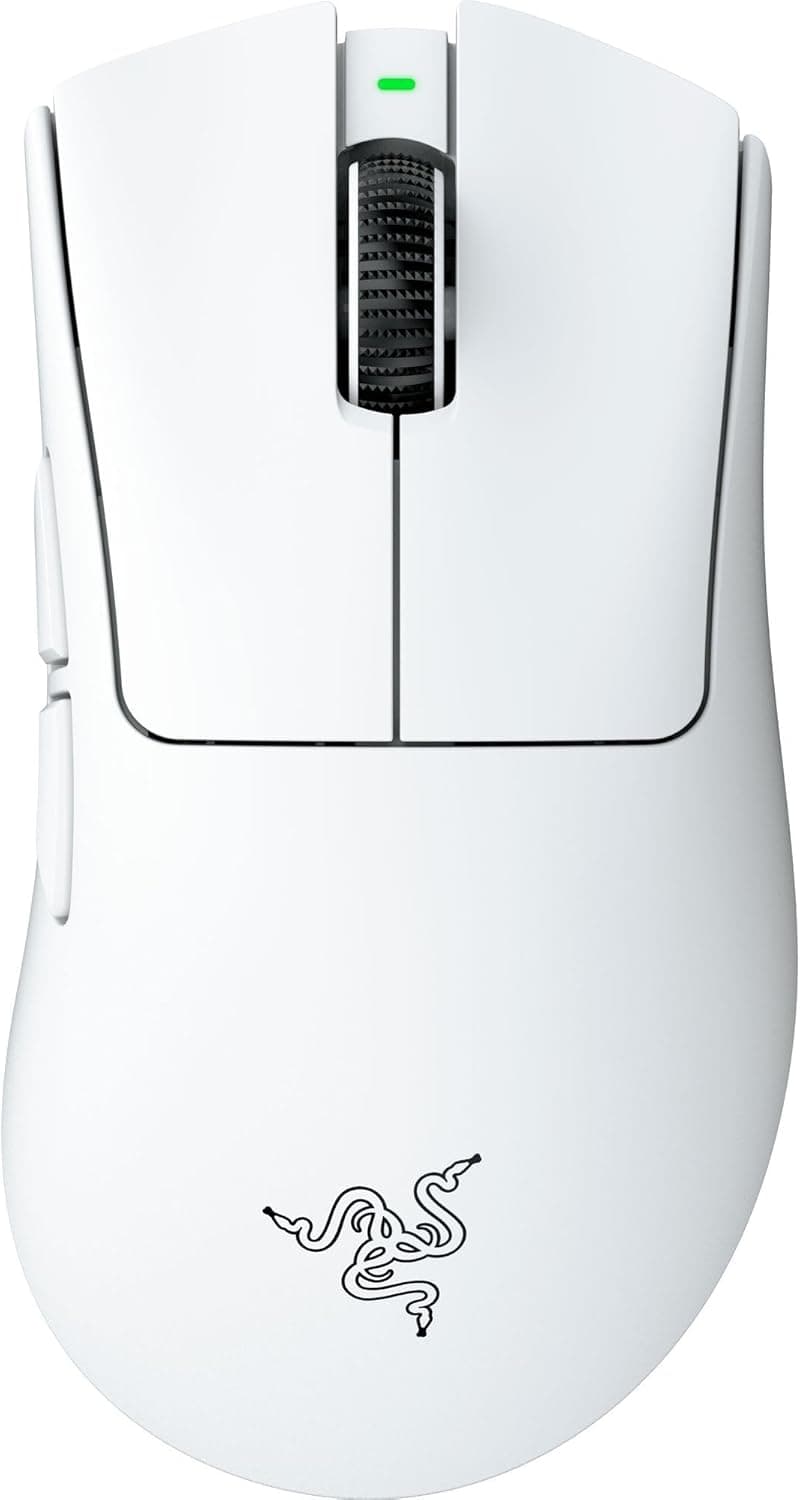
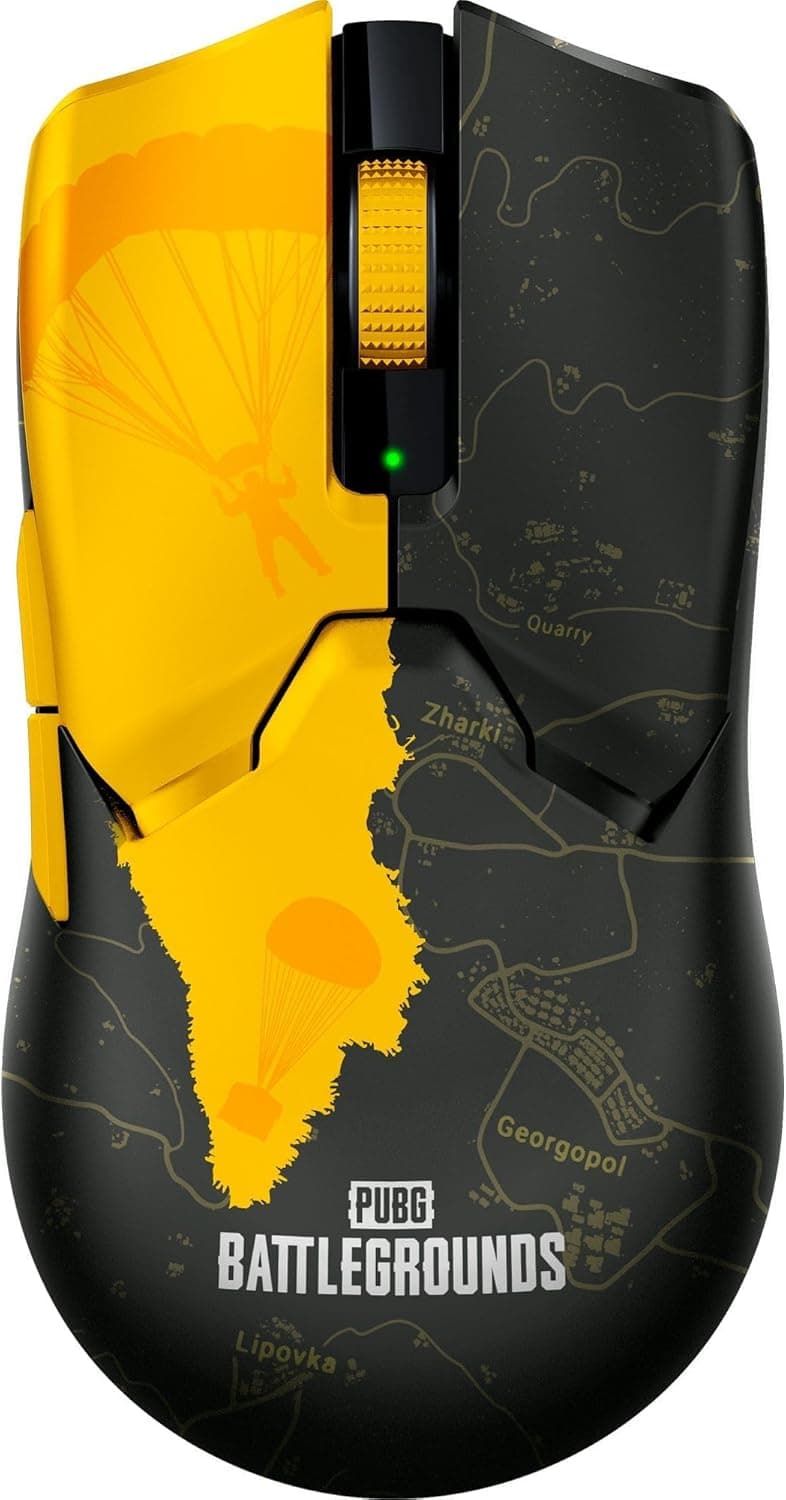
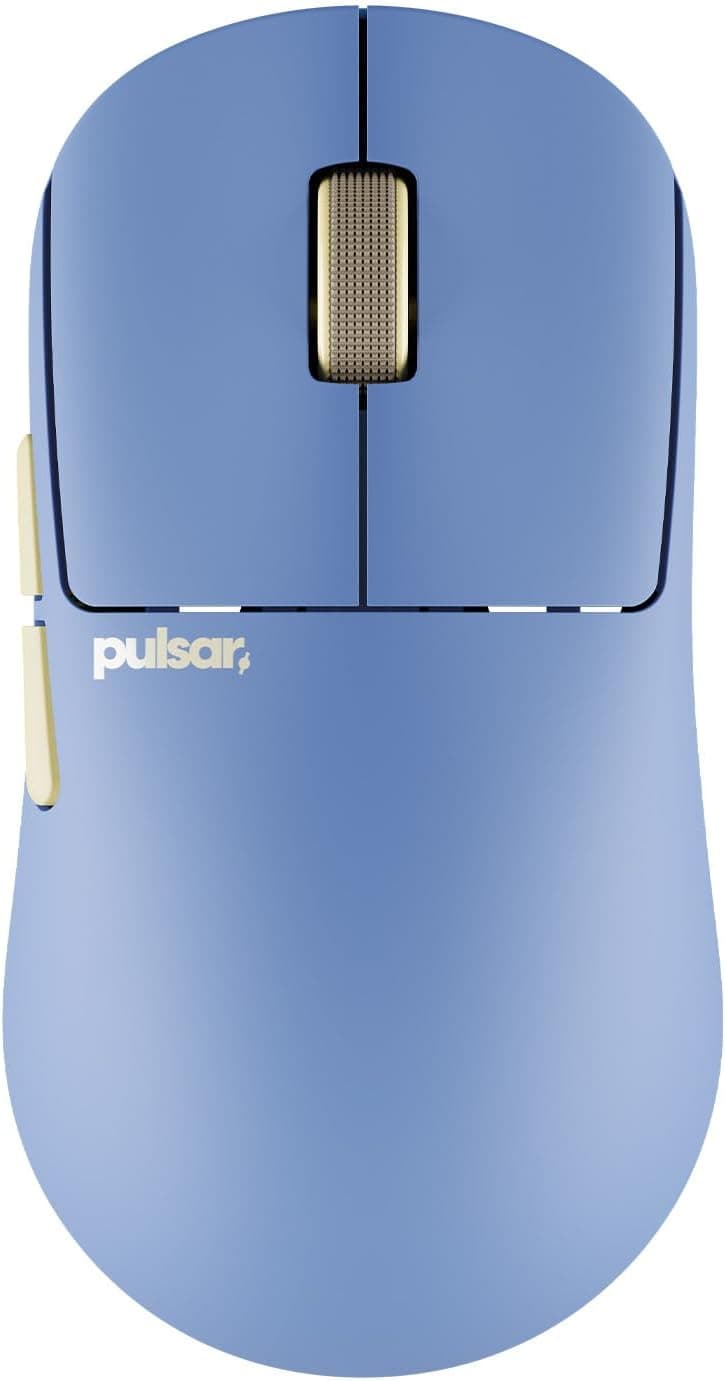
Ultralight wireless options have multiplied. By weight, the Razer Viper V3 Pro Faker Edition is 54g, the Pulsar X2H Mini Superclear is 52g, and the Redragon M916 is 49g — the Maya's 45g is the lightest of the group.
But the gap between 45g and 52g, while obvious in hand, does not automatically translate into better aim after a few matches. Less weight reduces fatigue; some players stop more accurately with more of it.
Practical differentiators are whether an 8K dongle is bundled, software polish, and support. Bundling the 8K dongle is a clear win here.
If you would rather have domestic-distributor support and no English email threads when something breaks, a locally-warrantied competitor may serve you better.
Sensor performance no longer decides these matchups — every model listed is fast enough. Shell shape versus your hand size decides satisfaction, so hold something similar in a store if you can.
Best Use Cases
- Low-sensitivity FPS and battle royale players who sweep large distances and want minimum arm strain over long sessions.
- Claw and fingertip grip users, where a symmetrical ultralight shell works with the grip rather than against it.
- Left-handed and ambidextrous players tired of compromising on right-hand-shaped mice.
- Players who already own a high-refresh setup and want to try 8000Hz without buying a separate dongle.
- People who travel with a laptop, thanks to the low weight and included pouch.
Things to Check Before Buying
The review count is only 10. The 4.4/5 (88% positive) figure from May 2026 is encouraging, but ten reviews cannot show double-click failures or coating wear that appear months in.
Buying early means you personally run that test. Waiting for a few dozen reviews is a perfectly rational choice.
Mac-only users should think twice. It works out of the box, but adjusting DPI or polling rate requires a Windows machine.
If you can borrow one once, fine. If not, you are locked to defaults — and this is not something you can fix later.
Large hands and palm grips are a poor match. The 45g figure comes from a stripped-down internal structure.
With a palm grip, low mass reads as a lack of feedback and can make stopping harder, especially if you are used to a heavier mouse. Dropping nearly 20g at once can take weeks to adapt to.
Check the button count and placement. Competitive ultralights save weight by cutting buttons.
If MMOs with many keybinds are your main genre, this is the wrong mouse. Also note that an ambidextrous shell does not guarantee side buttons on both sides — left-handed buyers should verify this in the product photos.
8000Hz is not a free upgrade. It raises CPU load and can hurt on systems with unstable frame rates.
Treat it as a bonus to test, not the reason to buy.
Finally, verify the listing details yourself. Retailer product data is often auto-populated, and manufacturer, model number, or bundled-accessory entries sometimes do not match the actual product.
The pricing data available for this article was a search link with no confirmed value. Before ordering, confirm from the images and title that you are getting the Champion Edition with the 8K dongle — the standard version may differ in specification.
FAQ
Q. Is 45g too light? A.
It depends on your grip. Palm-grip players who rely on mass to stop their aim tend to struggle; claw and fingertip users usually adapt within days.
If unsure, step down through the 55–60g range first.
Q. Will I actually notice 8000Hz? A.
Only with a high-refresh monitor and frame rate headroom. On 144Hz the difference over 1000Hz is hard to feel while CPU load still rises.
Run 1000Hz first.
Q. Can I use it with only a Mac? A.
Yes for basic use — it is plug-and-play. But changing DPI or polling rate needs a Windows PC, so you would be stuck with the defaults.
Q. What happens when the battery dies? A.
Plug in the included Type-C paracord cable and keep playing while it charges. Connect it before a long session and it is a non-issue.
Q. How long do 700,000-click optical switches last? A.
Optical switches avoid the contact wear that causes double-clicking in mechanical ones. The rating is a guideline, though — real lifespan varies with use and unit variance.
Long-term reliability is better judged once more reviews exist.
Q. Is it fine for left-handed players? A.
The shell is symmetrical, so shape is not a problem. Side button placement varies by model, so confirm from the product images whether buttons exist on both sides.