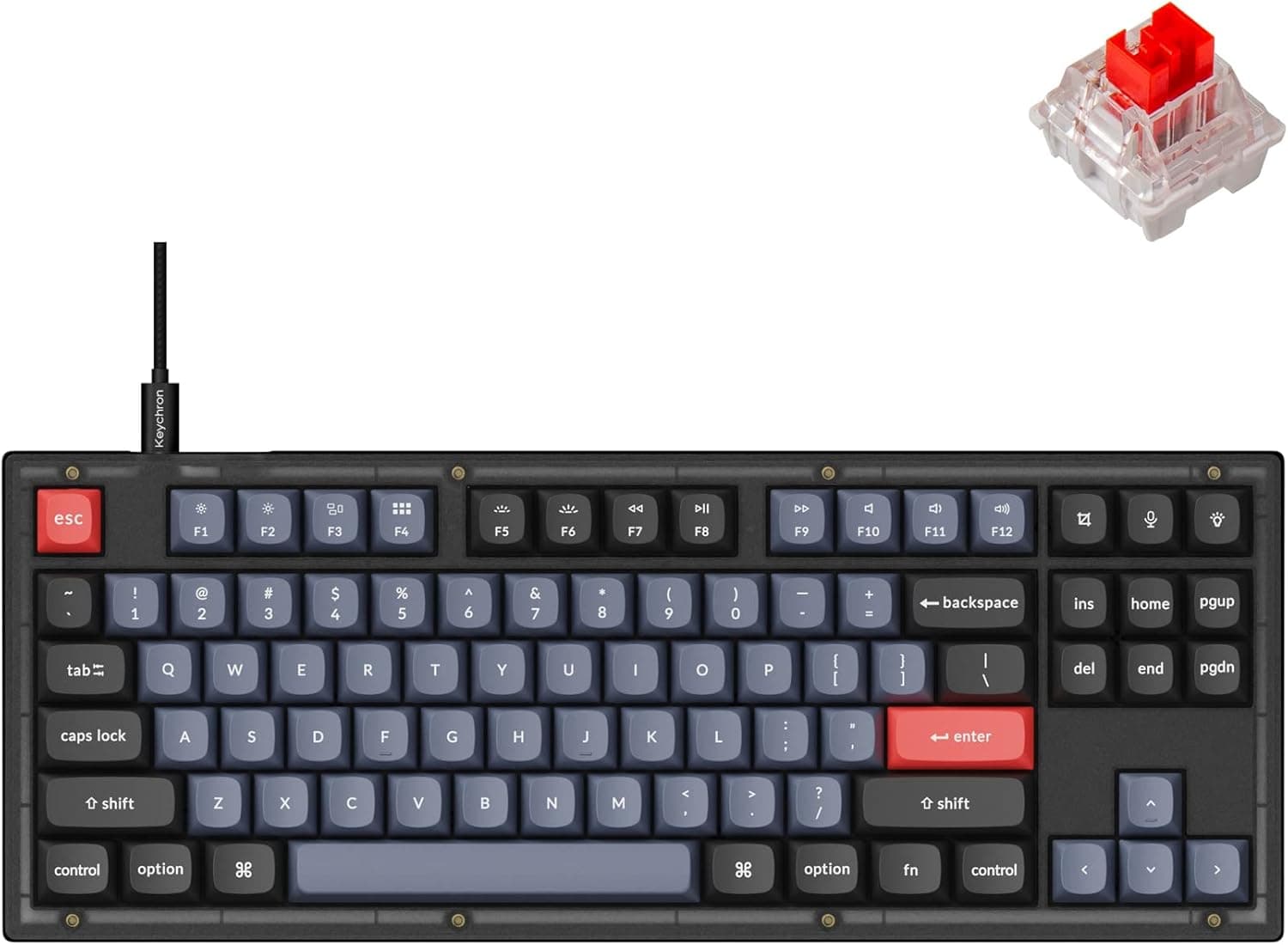
The Keychron V3 is an 87-key tenkeyless (TKL) wired mechanical keyboard. Its core value is delivering a fully programmable QMK/VIA board with hot-swap sockets as a ready-to-use product at a mid-range price.
Below we cover what the specs actually mean, the compatibility traps people fall into, and — just as importantly — who should not buy this keyboard.
Overview
The V3 is designed as an on-ramp into custom keyboards. In short: it is ideal if you want to swap switches and keycaps and rewrite your keymap without ever touching a soldering iron.
It is a poor fit if you need wireless connectivity or competitive-grade rapid trigger input.
The spec sheet is straightforward: 87 keys, TKL (80%) layout, Keychron K Pro Red (linear) switches, hot-swap sockets for 3-pin and 5-pin MX-style switches, USB-C wired connection only, double-shot PBT keycaps, south-facing RGB backlight, and support for macOS, Windows, and Linux. This is the heart of the V series, positioned below the aluminum-cased Q series.
On Amazon.co.jp the board holds a 4.8 average across 34 reviews (96% positive, as captured on 2026-05-28).
That is a strong score, but the sample size is small and should be read with that caveat.
Connectivity & Compatibility
Three facts define compatibility: wired USB-C only, a physical Mac/Windows toggle on the back, and standard operation under Linux. From there, here are the places people actually get stuck.
| Item | Support | Practical note |
|---|---|---|
| Connection | USB-C wired only | No Bluetooth or 2.4GHz. Rule out tablet or living-room use |
| Switches | 3-pin / 5-pin MX-style | Cherry MX, Gateron, Kailh fit. Low-profile and optical do not |
| Keycaps | MX-compatible stems | You need a TKL-sized set; a 60% set will leave keys uncovered |
| OS | macOS / Windows / Linux | Layout toggle on the back; no driver install required |
| Firmware | QMK / VIA | Configured from a browser or app; a PC is required to remap |
The switch-compatibility trap. "MX-compatible" does not include low-profile switches (such as Kailh Choc) or the optical switches used by Razer and Logitech.
The sockets accept conventional MX stems only. Five-pin switches drop straight in, but always straighten the legs and insert vertically — pushing in a bent leg is the fastest way to damage a socket.
Why south-facing LEDs matter. South-facing backlighting means Cherry-profile keycaps are far less likely to collide with the switch housing.
On north-facing boards, Cherry-profile caps can bottom out against the switch before the keypress completes. If you plan to change keycaps, this is a quietly important spec.
A note for Mac users. Setting the rear toggle to Mac puts Command and Option in the right order.
If you have also remapped modifiers inside macOS system settings, the two swaps cancel each other out and cause confusion. Reset the OS-side remapping first and let the hardware toggle do the work.
If VIA does not detect the board, the cause is usually browser WebHID permissions or a missing device definition. On Linux you may need udev rules to grant device access.
Because the exact steps change with firmware versions, check the manufacturer's product page and documentation for current instructions.
Product Info
Pricing captured on 2026-05-28 was ¥21,944 on the Amazon listing, and $74.99 on the eBay US listing as captured on 2026-07-09.
Both are snapshots from those capture dates and will move with sales, exchange rates, and individual sellers — confirm the current price on the product page before buying. For overseas marketplace purchases, factor in duties, shipping, and the cost of return shipping if the unit arrives faulty.
At roughly the twenty-thousand-yen mark, the V3 competes head-on with high-end prebuilt gaming keyboards. But what it sells is not performance — it is room to modify.
A board that lets you try three different switch types until you find your preference is a fundamentally different proposition from one whose typing feel is fixed on day one. Understanding that difference is what separates satisfied buyers from disappointed ones.
The bundled K Pro Red is a linear switch: no tactile bump, smooth all the way down, and easy on the hands over long sessions. If you want a quieter board, move to silent linears; if you want feedback, move to tactiles or clickies.
Double-shot PBT keycaps do not wear their legends off and resist shine, which matters most to people typing on them all day.
Comparison With Alternatives
Same price, same layout, very different goals:
- Keychron Q1 (Q series) — CNC aluminum case, better rigidity and acoustics, higher price and weight. Pick it if the board never leaves your desk.
- Keychron K4 Pro — the wireless branch, with a numpad. Pick it if a cable is a dealbreaker.
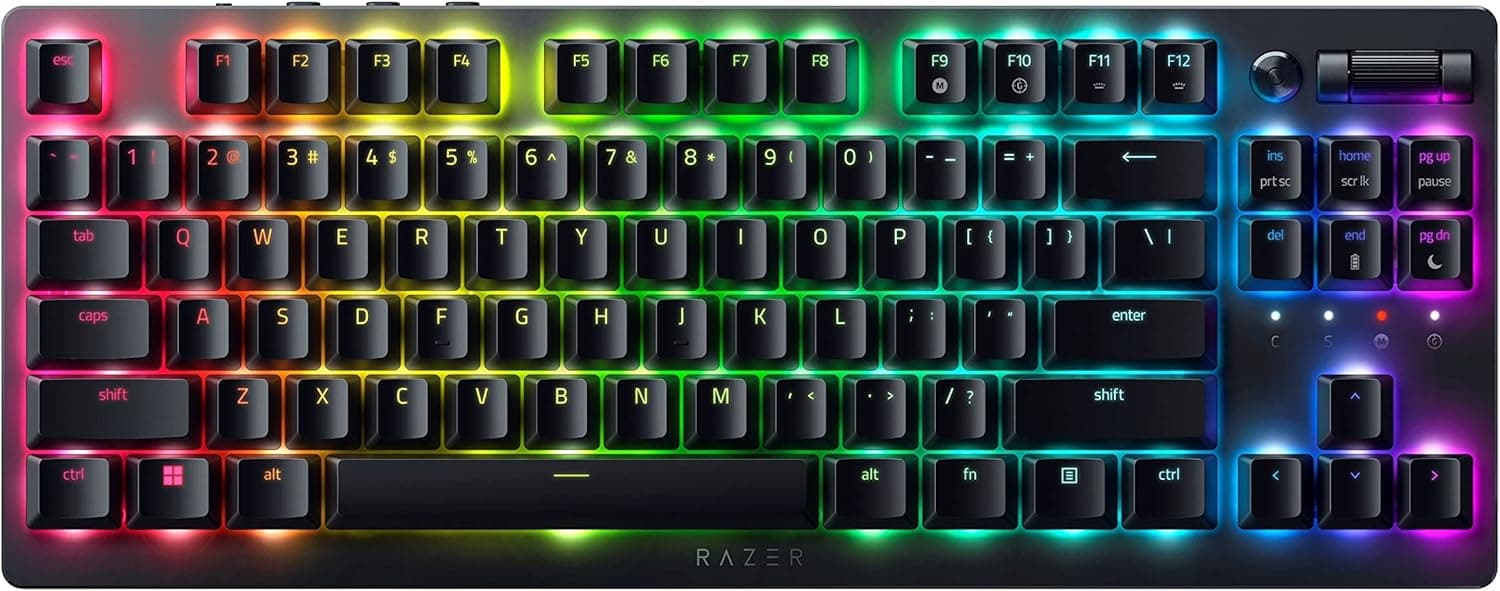
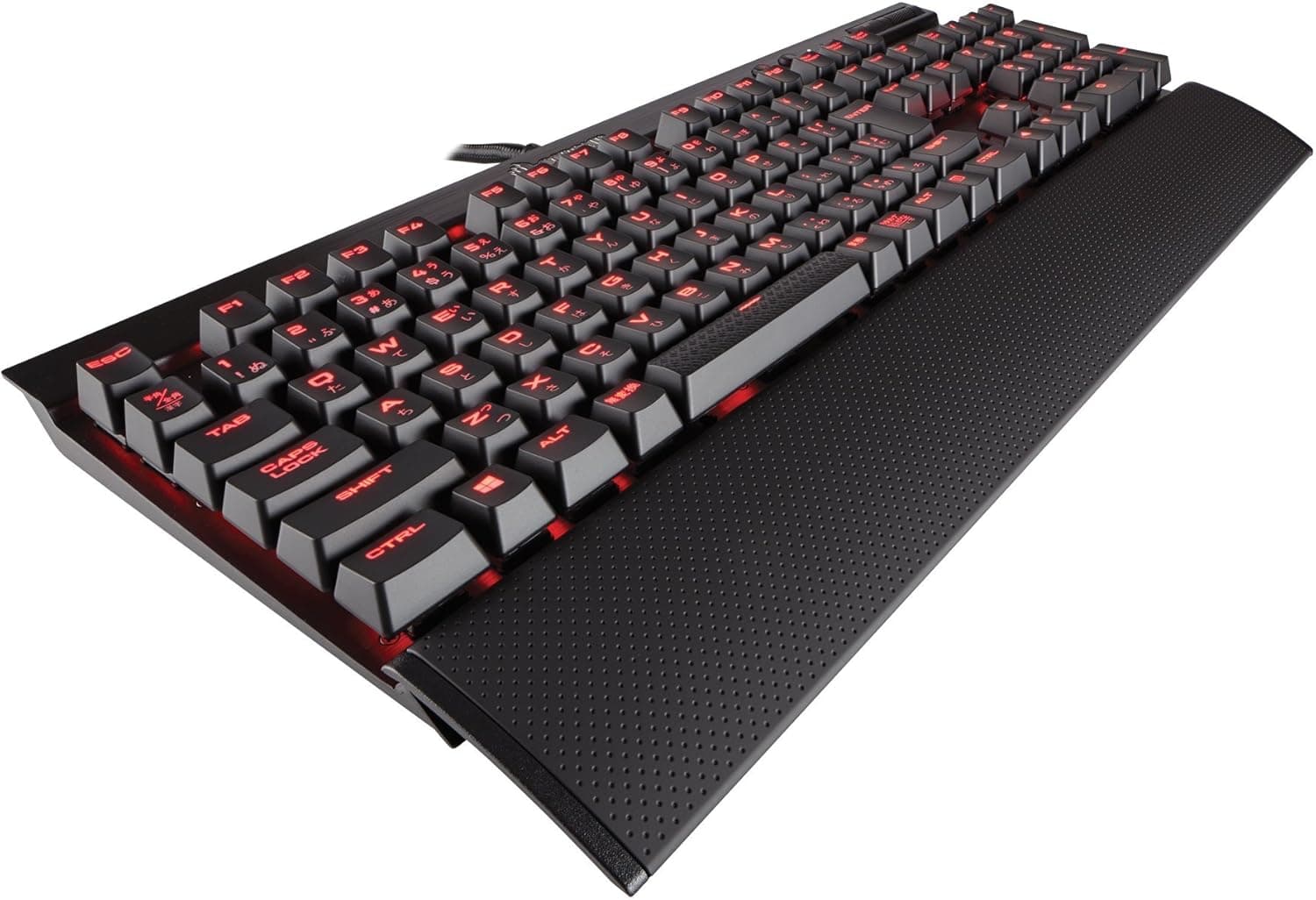
- Razer Huntsman V3 Pro TKL / CORSAIR K70 PRO TKL — analog and magnetic switches built around rapid trigger. If competitive FPS latency is the priority, the V3 is not playing that game.
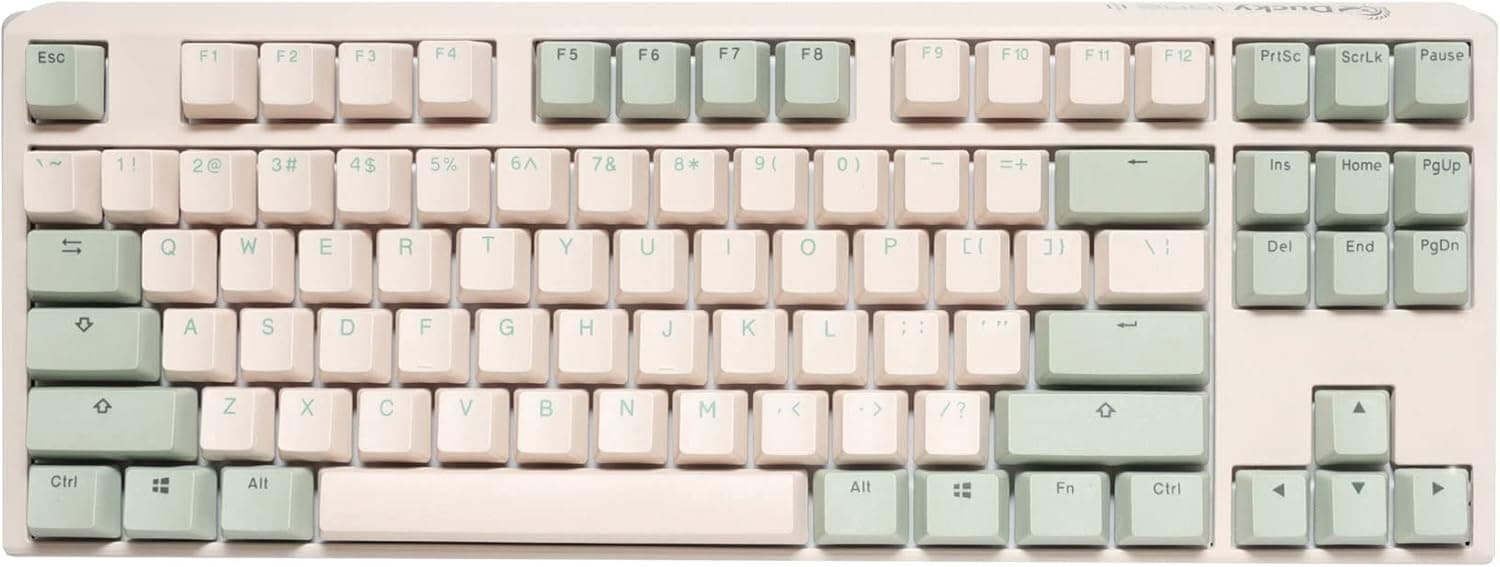
- Ducky Origin — tuned as a prebuilt. Pick it if you want it great out of the box rather than modifiable.
The V3's position: a board that steps outside the performance race and optimizes for tinkering per yen spent.
Best Use Cases
It clearly suits these users:
- First-time custom keyboard owners. Hot-swap plus VIA is the lowest barrier to entry there is. If the process of buying switches and hunting for your preference is itself the fun, this is the right starting point.
- People moving between Mac and Windows daily. The rear toggle and included keycaps handle both modifier layouts physically, on one board.
- Gamers and developers who want desk space. Dropping the numpad frees a lot of room for wide mouse sweeps — real value for low-sensitivity FPS players and mouse-heavy workflows.
- Anyone serious about keymaps. QMK/VIA handles layers, macros, and tap dance. For pushing editor or DAW shortcuts into the keyboard itself, it is more flexible than most vendor software.
Before You Buy
There is no wireless mode at all. This is the biggest compromise.
The spec is USB-C wired only, and there is no way to add wireless later. If you are building a cable-free desk, or want to use the board with a tablet or TV, stop here and look at the K Pro line instead.
Competitive gaming features are absent. Rapid trigger, analog actuation, SOCD handling, and ultra-high polling rates are all outside this board's scope.
It is built for typing and customization, not for winning latency comparisons.
Hot-swap does not mean "anything fits." Support stops at 3-pin and 5-pin MX-style switches.
Low-profile and optical switches will not physically work. Verify that any switches you buy are MX-compatible mechanical switches — wasting money on incompatible switches is one of the most common beginner mistakes.
Stock acoustics are not perfect. With a plastic case at this price, some spacebar rattle and case hollowness remain.
Tape mods, added foam, and lubed stabilizers improve it dramatically — but that assumes you are willing to open the board up. If you expect flawless sound straight from the box, buy something tuned as a prebuilt.
Only 34 reviews back that 4.8 score. The 96% positive figure (captured 2026-05-28) is good, but it lacks the statistical weight of a board with thousands of reviews.
Treat it as encouraging rather than conclusive.
Watch the listing details. In the pricing data referenced here, one entry was labeled "Amazon US" while the link pointed to Amazon.co.jp with a yen price — an inconsistency worth noting.
Listing metadata (seller, fulfillment, layout, bundled switch type) does not always match the actual item. Keyboards in particular vary by switch type, key layout (US/JIS), and included keycaps from listing to listing, so check the product images and title against the configuration you want.
Discovering the wrong switch or layout after delivery is the single most common problem with these products.
FAQ
Q. Is a Japanese (JIS) layout available? A.
The Keychron V series is built primarily around US (ANSI) layout. Listings can vary, so confirm the layout text and images on the product page before ordering.
Q. How hard is it to change switches? A.
Pull the keycap and switch with the included pullers, then press a new switch straight down. No soldering.
It takes minutes — just never force a switch with bent legs.
Q. Do VIA keymaps carry over to another PC? A.
Yes. QMK/VIA settings are stored in the keyboard's onboard memory, so they persist across machines with no background software — a clear advantage over driver-based gaming keyboards.
Q. What if I need a numpad? A.
Use a separate numpad alongside it. If heavy numeric entry is central to your work, a full-size or 96% board is the better buy from the start.
Q. Are these prices current? A.
All prices here are snapshots from their capture dates (2026-05-28 for Amazon, 2026-07-09 for eBay). They change with sales and exchange rates, so always check the product page.
Product Disclosure (Amazon)
- Manufacturer: Keychron
- Seller: CherryShome
- Fulfilled by: CherryShome
- ASIN: B0B2DKNC4G
- Note: This article covers a manufacturer-made product based on Amazon listing details.