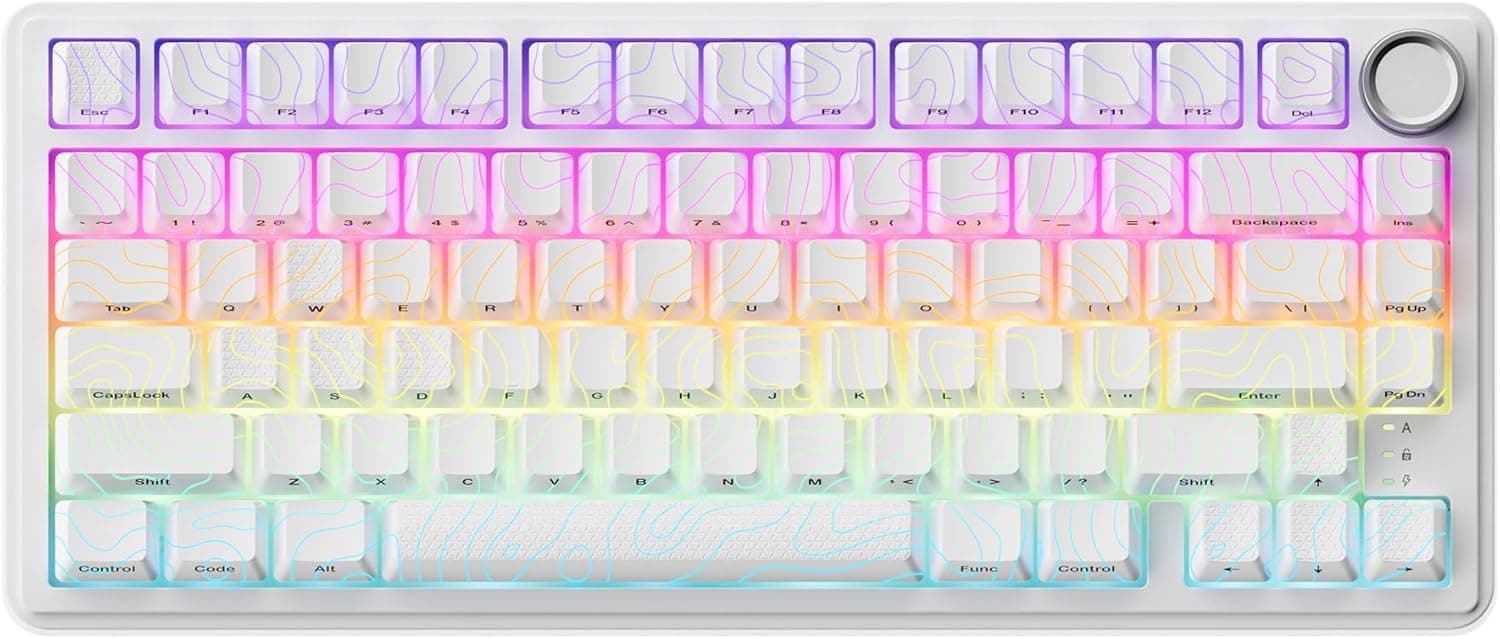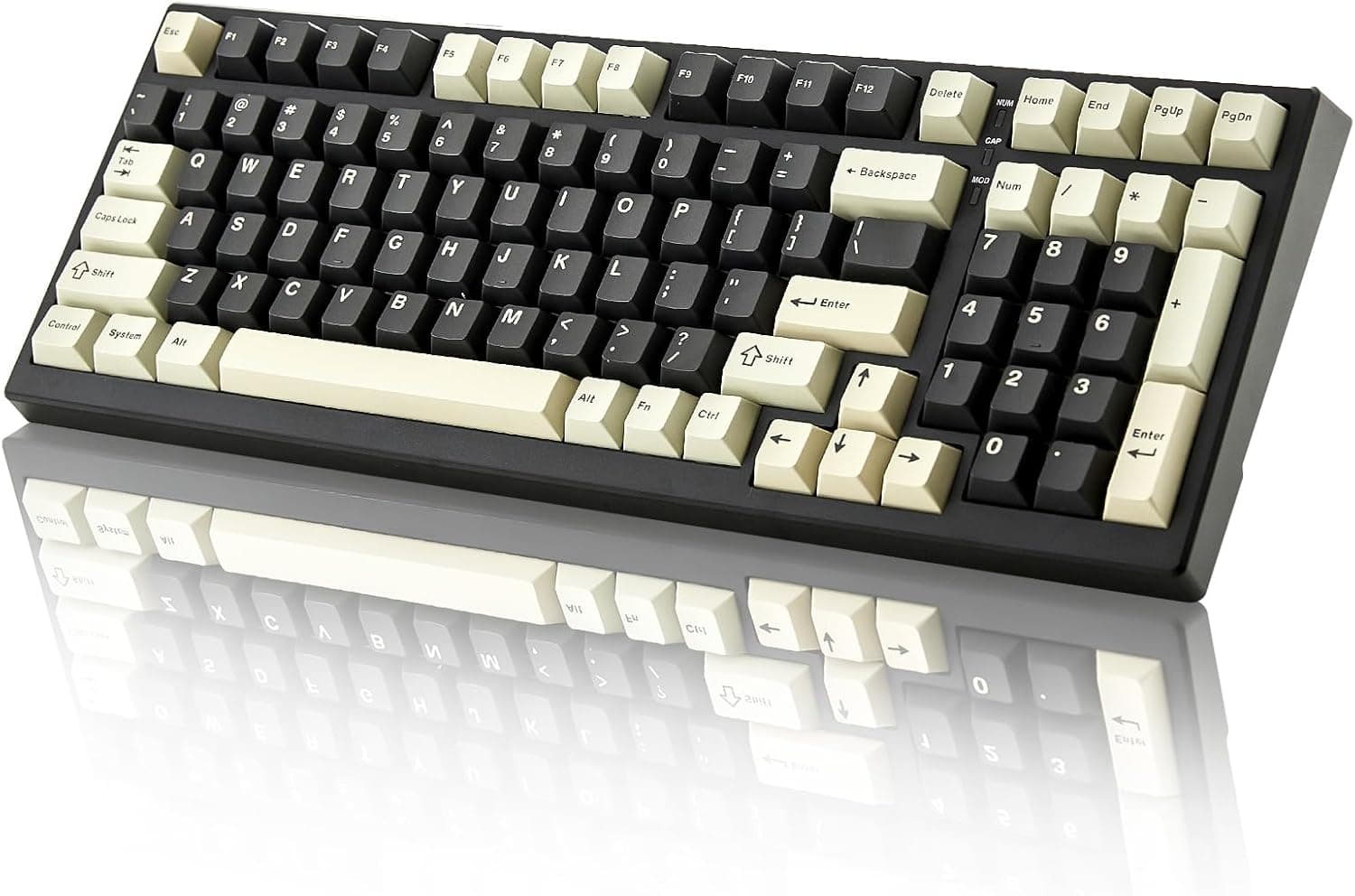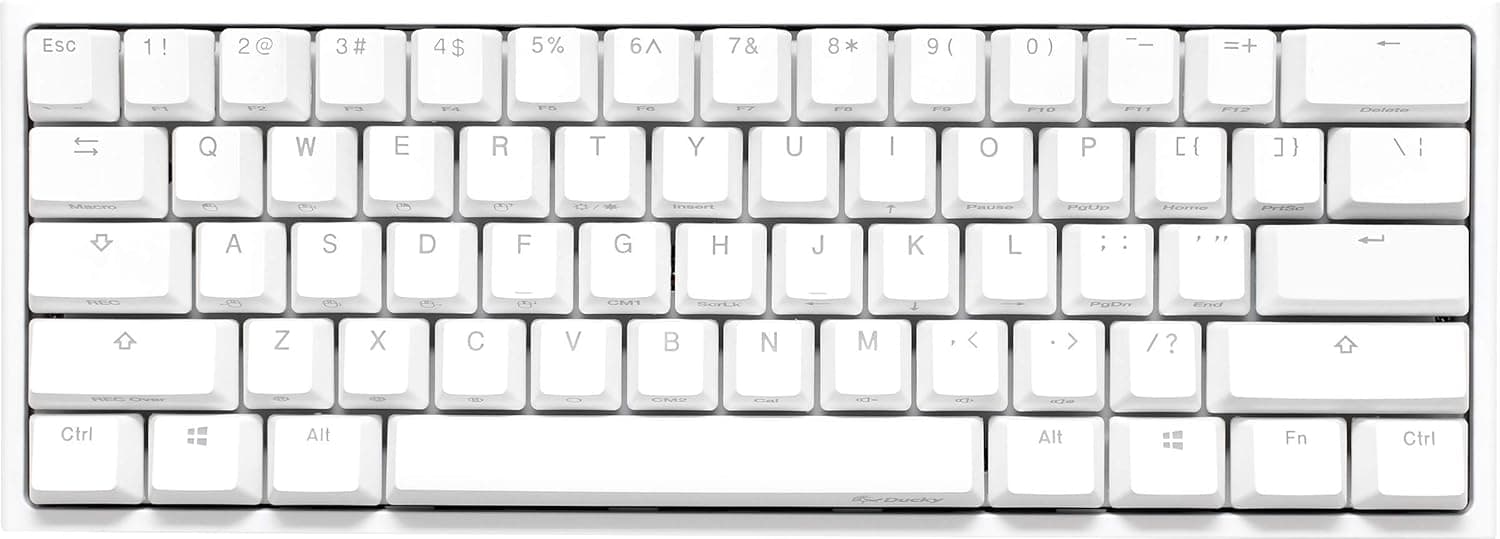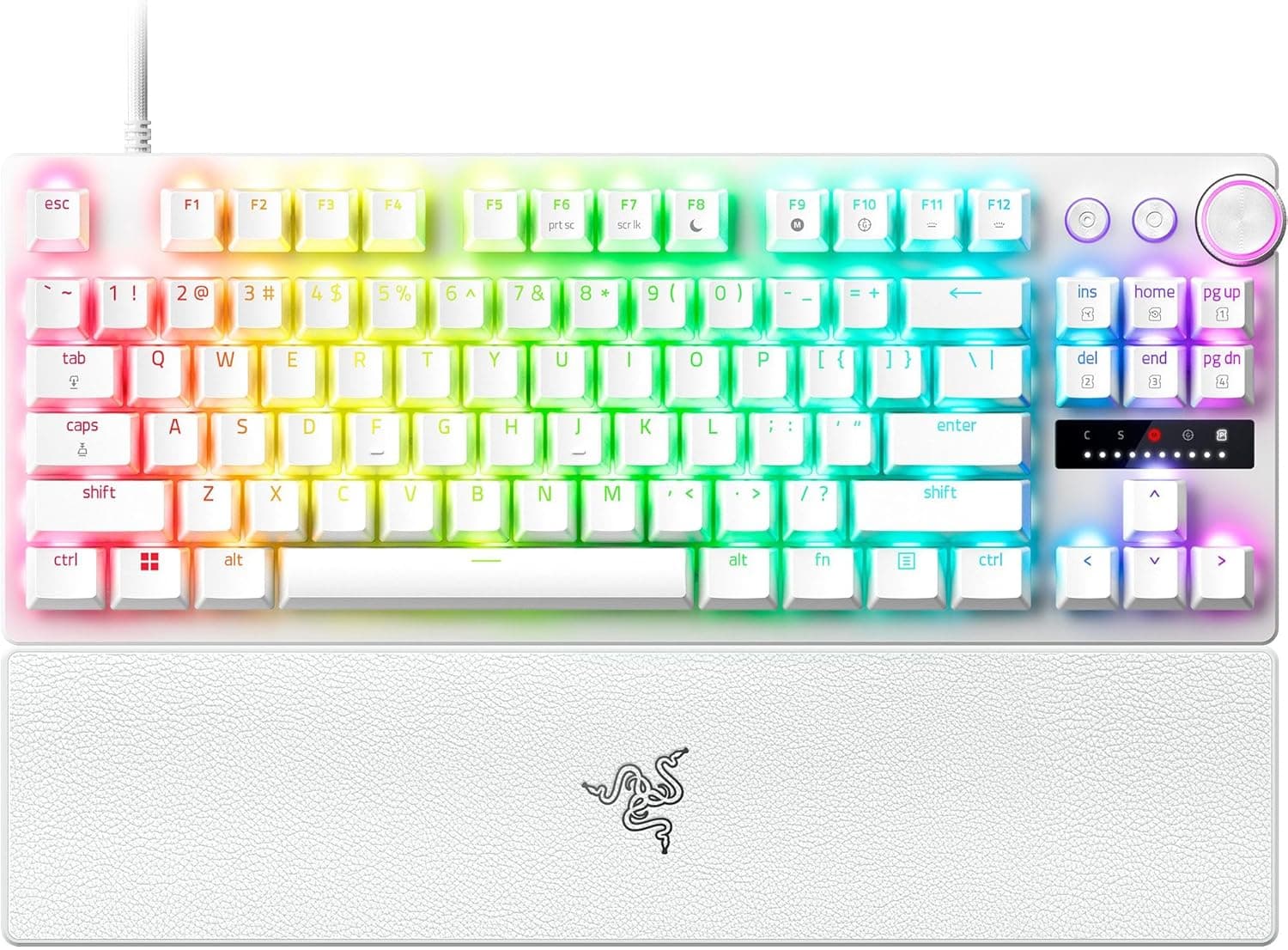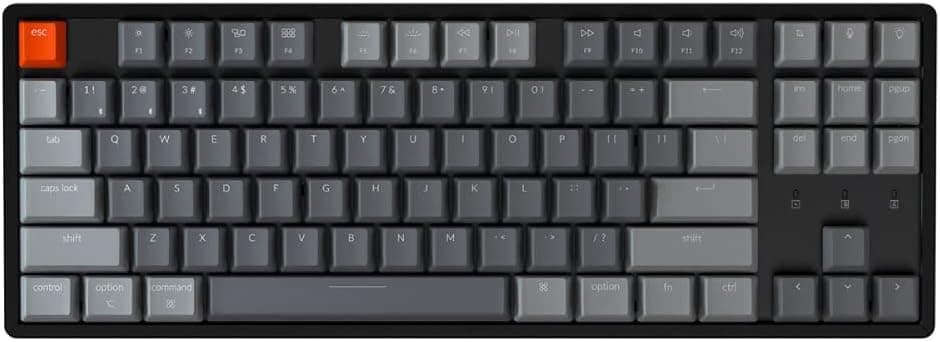
This article takes a closer look at the Keychron K8 tenkeyless wireless mechanical keyboard, based on its published specifications and listing data.
Overview
The Keychron K8 is an 87-key tenkeyless (TKL) wireless mechanical keyboard. The short version: it is built for people who move between macOS and Windows all day and want one board for typing and casual gaming — not a tool for shaving milliseconds off competitive FPS reaction times.
It uses Gateron G Pro Red linear switches, which travel smoothly with no tactile bump.
The frame is CNC-machined aluminum, so it flexes far less than plastic entry-level boards and keeps typing noise lower. Backlighting is RGB, and the 4000mAh battery is rated for up to 240 hours with the backlight off — roughly a month of eight-hour days without charging.
Switch lifespan is rated at up to 50 million keystrokes, which works out to over a decade even at 10,000 keystrokes a day.
Being a domestic (Japan) authorized version also means local warranty support, which lowers the barrier considerably for a first mechanical keyboard.
How It Differs From the Alternatives
Keyboards in this price band fall into three broad camps, and knowing where the K8 sits makes the choice easier.
| Camp | Character | How the K8 differs |
|---|---|---|
| Wireless everyday (the K8) | Bluetooth multi-pairing, Mac/Win support, aluminum case | Three-device switching and 240h runtime are the whole point |
| Wired gaming | Polling rate focus, macro software | Wired-first; the K8 wins on wireless flexibility |
| Custom-oriented | Hot-swap, gasket mounts, tuned acoustics | The K8 works out of the box but offers less to modify |
The K8 commits fully to "make my daily typing setup wireless." It carries the gaming label, but wireless mode is limited to 6-key rollover, so heavy simultaneous input assumes you plug in.
Plugged into USB-C it becomes NKRO, giving you a practical two-mode setup: wireless for work, wired for games.
The TKL layout itself changes ergonomics more than people expect. Losing the numpad pulls the mouse closer to your centerline, which keeps the shoulder from rotating outward during long sessions.
If your work is numeric data entry, that is a real loss; for most other people, TKL is the sensible compromise.
Compatibility Guide
Connectivity is dual: Bluetooth 5.1 (Broadcom chipset) and USB Type-C wired.
In wireless mode you can pair up to three devices and switch between them with a key press. It works with macOS and Windows, plus Bluetooth-capable PCs, tablets, and smartphones — so a desktop, laptop, and tablet can all share one keyboard.
OS switching is handled by a hardware toggle on the board, and replacement keycaps for both Mac and Windows layouts are included. That means the Command/Option and Win/Alt legends can physically match what the keys actually do, with no background software required on either OS.
The main physical caveat is height. Keychron's K series has a relatively thick case with a tall front edge.
Coming from a low-profile laptop keyboard, the wrist angle changes noticeably, so plan on using a palm rest. Desk footprint is standard TKL (roughly 35cm wide as a rough guide); check the product page for exact dimensions.
Console use is not a guaranteed configuration. Basic text entry often works on devices that accept Bluetooth keyboards, but full in-game functionality is not assured — if console gaming is your main goal, look elsewhere.
Product Info
Key manufacturer-published specifications:
| Item | Value |
|---|---|
| Keys | 87 |
| Switch | Gateron G Pro Red (linear) |
| Frame | CNC-machined aluminum |
| Backlight | RGB |
| Battery | 4000mAh |
| Runtime (backlight off) | Up to 240 hours |
| Rollover (wired) | NKRO |
| Rollover (wireless) | 6KRO |
| Switch lifespan | Up to 50 million keystrokes |
The listed price was ¥13,176 on Amazon.co.jp as captured on June 9, 2026.
Prices move often — sales push it lower, stock shortages push it higher. Always confirm the current price on the product page; the figure here is a snapshot, not a standing quote.
The rating at that same capture was 4.8 out of 5 stars (96% positive).
Note, however, that this comes from only 16 reviews. The score is good, but "4.8 from 16 reviews" is statistically far less stable than "4.5 from 40,000 reviews." Read it accordingly.
The box includes a USB Type-C cable, keycap puller, Mac/Windows replacement keycaps, and a manual. Warranty follows Keychron's standard policy, typically one year.
Living With It
Gateron G Pro Red switches are linear, with no click or bump partway through the press. They are not silent switches, but they avoid the sharp clack of blues, which usually keeps them acceptable during video calls at home.
Actuation force for typical linears is around 45g as a rough guide; confirm exact figures on the product page.
On battery, the important qualifier is that 240 hours assumes the backlight is off. Running RGB continuously shortens it substantially.
In practice, leaving the lighting off in bright rooms and enabling it at night is the best balance — and you can always run wired over USB-C while charging.
As with most Bluetooth keyboards, the first keystroke after wake may not register. Getting into the habit of tapping a key once before typing a password avoids the annoyance.
Best Use Cases
- Anyone short on desk space — dropping the numpad brings the mouse closer to center, reducing shoulder strain over long sessions.
- Daily Mac and Windows users — the hardware OS toggle plus bundled keycaps let legends match behavior on both platforms. This is where the K8 is strongest.
- People cutting cable clutter — Bluetooth 5.1 pairs three devices and switches with a keypress.
- First-time mechanical keyboard buyers — it works out of the box, with domestic warranty support and no assembly knowledge required.
- Typists who want a quieter linear feel — reds are generally tolerable in shared spaces.
Things to Check Before Buying
Wireless mode caps simultaneous keys at six. This is the most misunderstood point.
Wired gives you NKRO; over Bluetooth you get 6KRO. Move + crouch + reload + push-to-talk can exceed that.
If you play competitive FPS seriously, treat the K8 as a wired keyboard — and accept that wireless latency also trails dedicated 2.4GHz gaming boards.
The board is tall, so a palm rest is close to mandatory. Keychron K-series cases sit high at the front edge, and typing on a bare desk for hours bends the wrist back.
Buying a cheap palm rest at the same time meaningfully reduces buyer's remorse.
Do not assume deep customization. Hot-swap support and software remapping scope vary across Keychron's lineup and revisions.
If you plan to swap switches later or remap keys in software, verify that the specific version you are buying supports it before ordering. This is the single most common source of disappointment.
Check the layout if you want a JIS keyboard. Many Keychron models ship as US layout by default.
If you expect Japanese legends, confirm the layout on the listing — relocated symbol keys are more disruptive than most people anticipate.
Watch for listing inconsistencies. In the pricing data referenced here, the seller label read "Amazon US" while the actual link pointed to Amazon.co.jp with prices in yen.
Marketplace metadata can drift from reality due to automated processing. When you open the product page, check the images, title, and model number (ASIN: B09KKCL5MT) against the product you actually want, and cross-check the "domestic authorized" claim against the listed seller and fulfiller.
Who should skip it: anyone whose job is numeric data entry (no numpad), players who want rapid trigger or analog input, buyers who need a truly silent keyboard (these are not silent switches), and people who prefer low-profile scissor-switch feel.
FAQ
Q. Is it good enough for gaming? A.
For casual play, yes. Because wireless is 6KRO and wired is NKRO, use USB Type-C for titles with heavy simultaneous input or competitive play.
Q. Does the battery really last 240 hours? A.
That figure assumes the backlight is off. With RGB lighting on it drops considerably, so enable lighting only when you need it.
Q. Is Mac and Windows use genuinely painless? A.
Yes — the hardware OS toggle and included Mac/Windows keycaps let the legends match actual behavior. Dual-OS use is this board's strongest scenario.
Q. Is switching between three devices a hassle? A.
No. Switching is done by keypress, with no need to re-pair each time.
Rotating a PC, tablet, and phone on one keyboard is the intended use.
Q. Is it quiet enough for an office? A.
Gateron G Pro Red is linear, so it is quieter than clicky blues. It is not a silenced switch, though, so it may still be audible in very quiet rooms.
Q. Is the price still what this article says? A.
No. ¥13,176 was captured on June 9, 2026.
Check the product page for the current price.
Product Disclosure (Amazon)
- Manufacturer: Keychron
- Seller: Keychron Japan
- Fulfilled by: Amazon
- ASIN: B09KKCL5MT
- Note: This article covers a manufacturer-made product based on Amazon listing details.