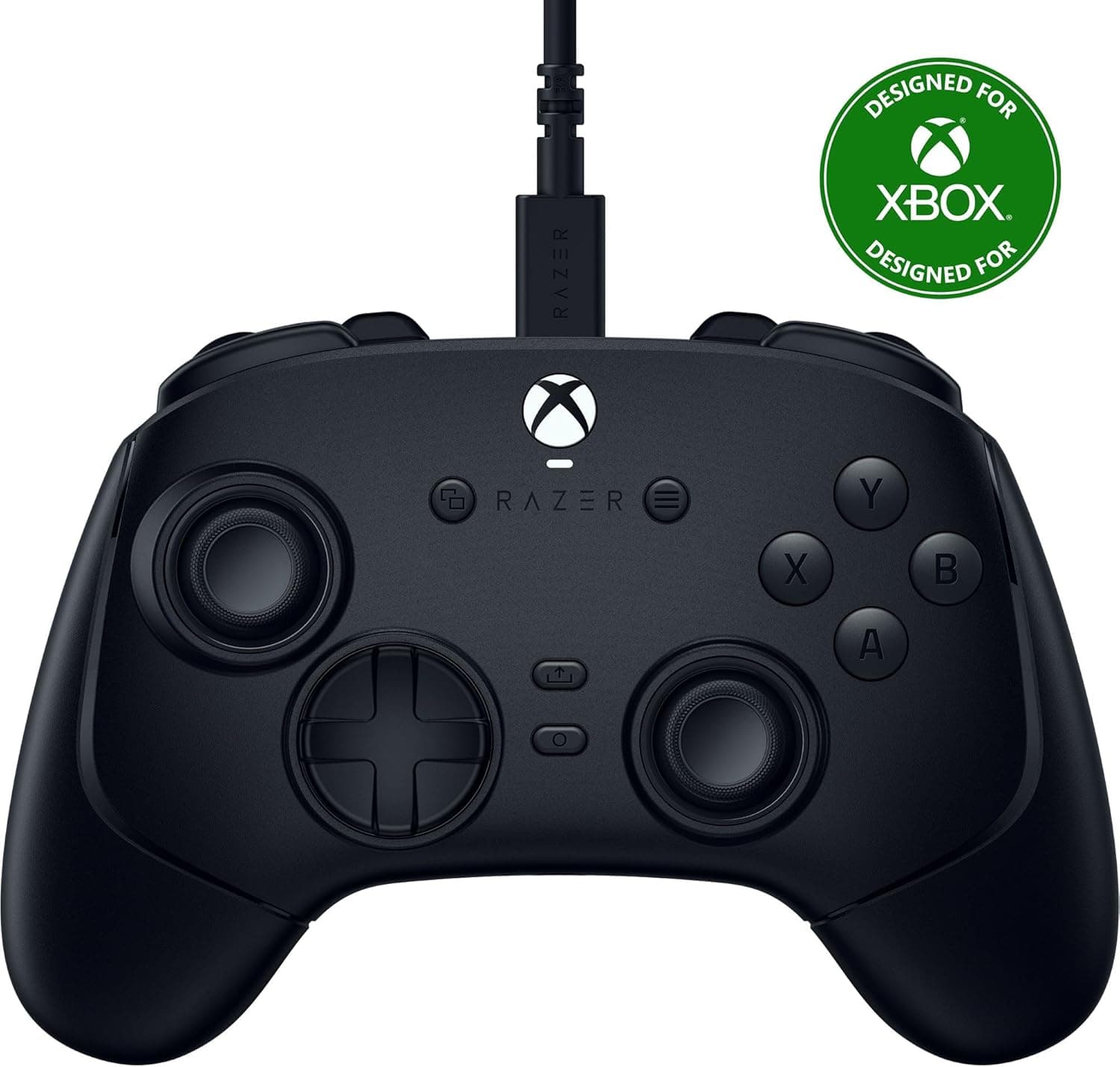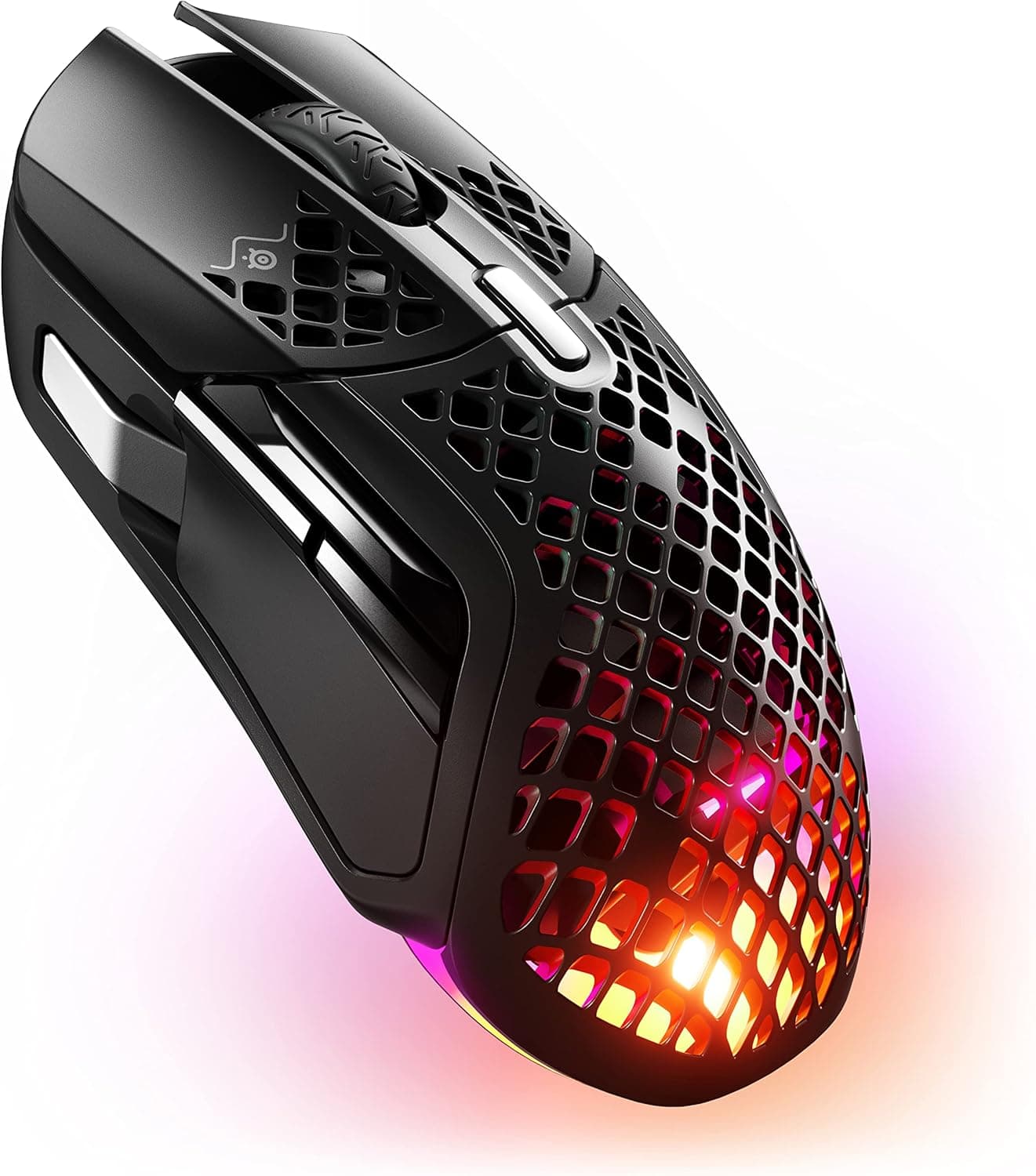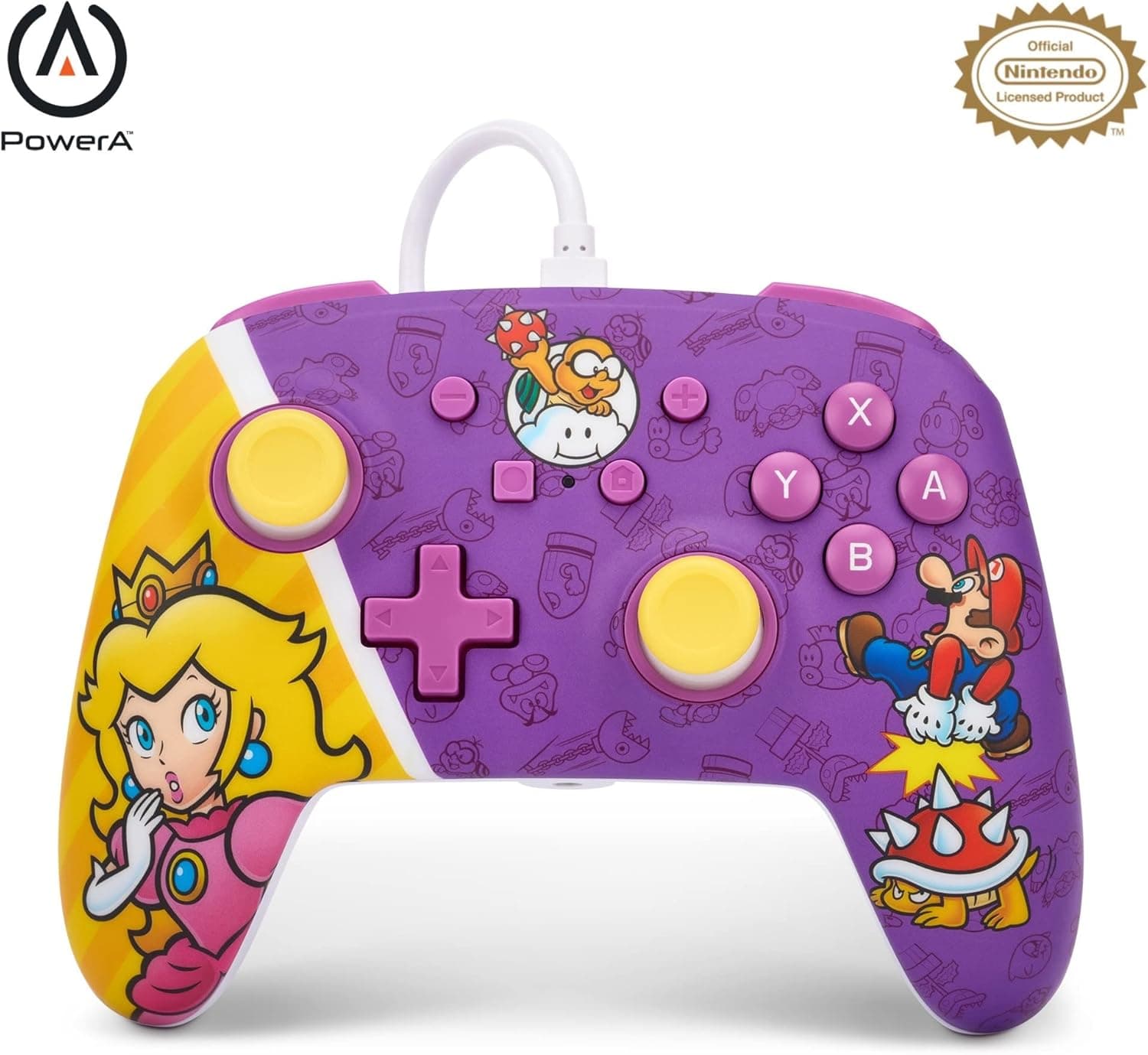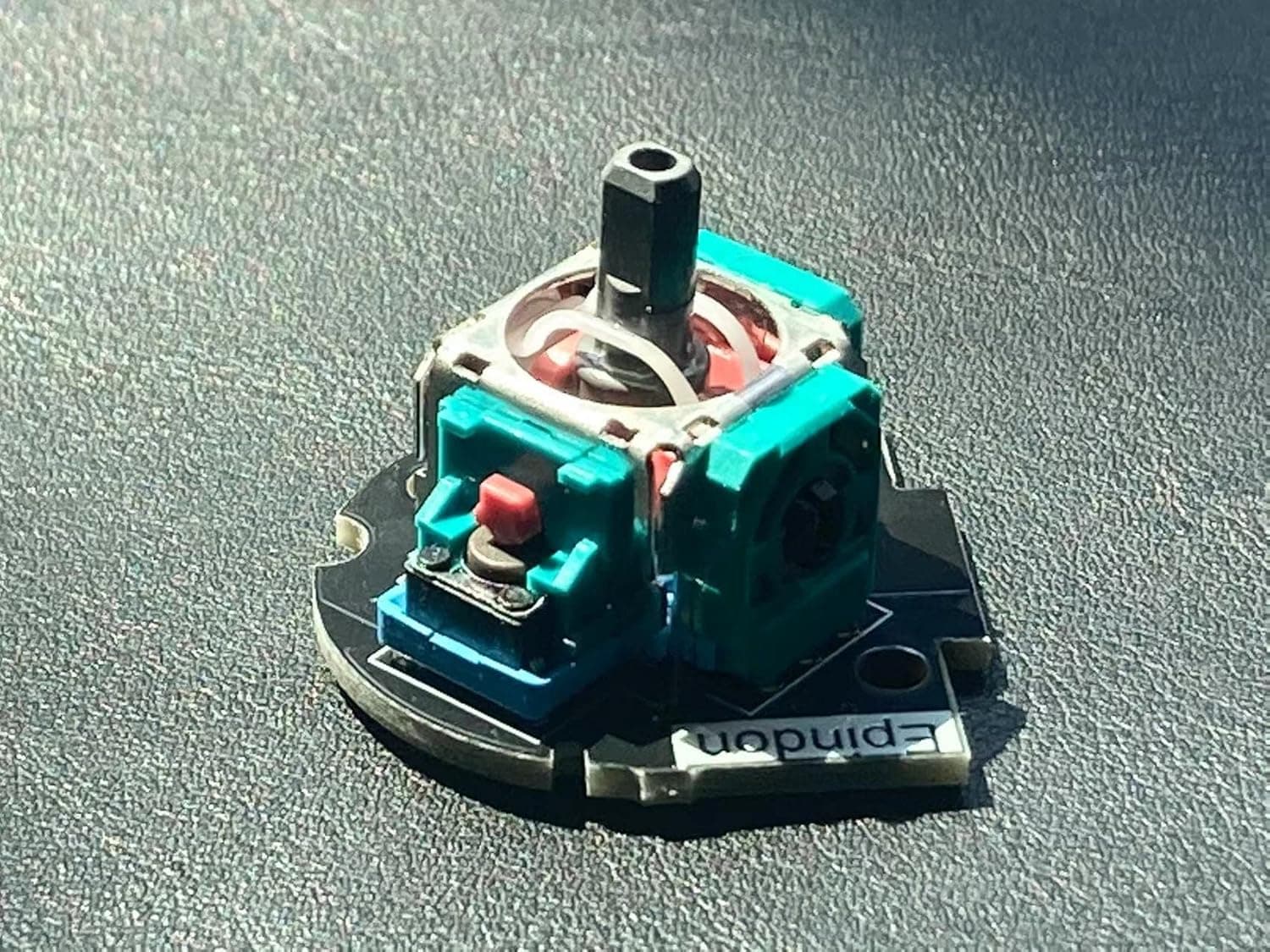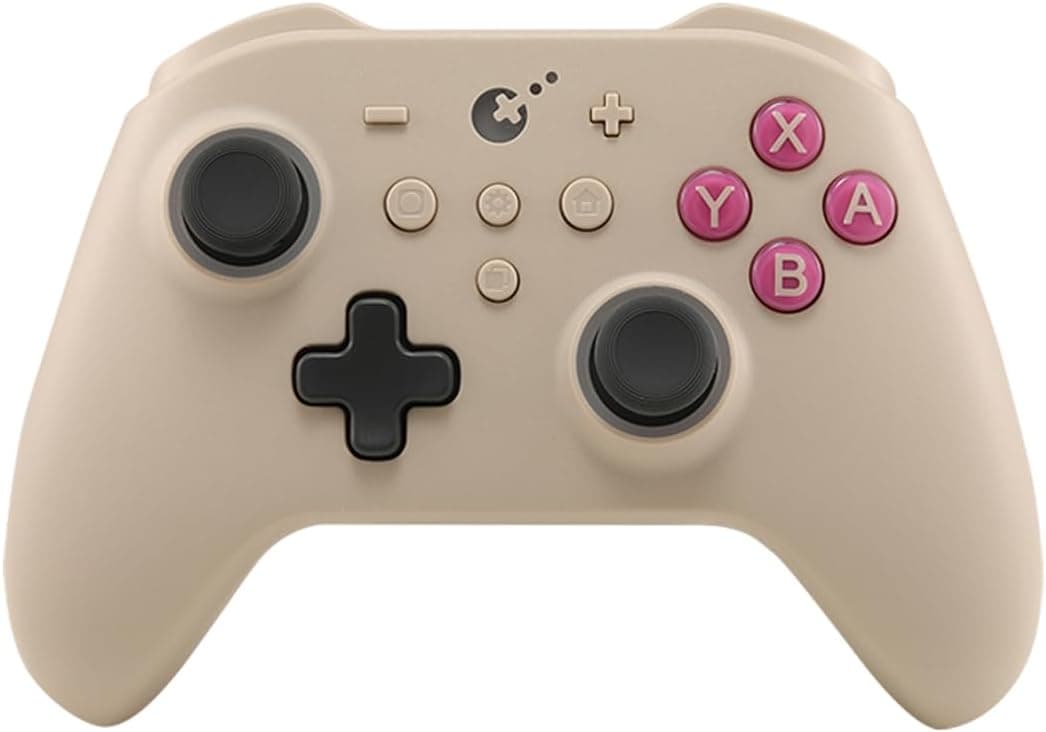
The GuliKit KK3 PRO Controller (retro colorway) is a multi-platform wireless gamepad that pairs hall-effect analog sticks and triggers with mechanical face buttons. This article works through the published specifications and listing data to explain where it fits, what it does well, and what you should be willing to give up.
Overview
In one sentence: the KK3 PRO is an all-rounder built around drift resistance and connection flexibility. The sticks and triggers use contactless hall-effect sensors, the buttons are mechanical, and it also carries a 6-axis gyroscope plus detachable back paddles.
Delivering that combination at roughly the 8,000 yen class is the headline, and it lands hardest for people who have replaced worn-out first-party pads more than once.
Supported platforms are Windows, Nintendo Switch, Android, and iOS. You can connect three ways: 2.4GHz wireless via the bundled USB dongle, Bluetooth, or wired USB.
Battery life is rated at up to 28 hours, which for a few hours of weekend play works out to weeks between charges. Button count is 10, and the back paddles can be removed by the user.
What it is not: a pad aimed at competitive players who refuse any wireless latency, or at people who want a heavy, ultra-rigid premium chassis. Both points are covered concretely below.
How to Read the Key Specs
| Item | Value | What it means in practice |
|---|---|---|
| Connectivity | 2.4GHz wireless / Bluetooth / wired USB | Pick per use case: 2.4GHz at the desk, Bluetooth on mobile |
| Sensors | Hall-effect sticks and triggers, 6-axis gyro | Structurally avoids the wear that causes classic stick drift |
| Button type | Mechanical switches | Crisper actuation than rubber dome; suits fighting and action games |
| Buttons | 10 | Standard full-size pad layout |
| Back paddles | Detachable | Remove them if you keep triggering them by accident |
| Battery life | Up to 28 hours | A maximum figure; expect less with rumble and gyro in use |
These are manufacturer figures. The 28-hour number in particular depends on rumble and gyro usage, so if you play titles that keep the motors running, budget for meaningfully less.
Even so, it sits at the long end of a class where around ten hours is common.
It is also worth calibrating expectations about hall-effect sensing. It reads stick position from changes in a magnetic field, which removes the worn potentiometer track that causes the classic "my character walks by itself" drift.
It does not remove every moving part: rubber stick caps still wear, and mechanical looseness can still develop. Read it as "one major failure mode removed," not "unbreakable."
Compatibility Guide
The published compatibility notes list Windows PC, Nintendo Switch, Android phones and tablets, and iOS devices, connecting through the bundled 2.4GHz USB dongle, Bluetooth, or a USB cable.
Thinking platform by platform avoids most of the common snags.
On Windows. The dongle-based 2.4GHz link is generally the most stable.
Built-in PC Bluetooth radios vary in quality and can be disturbed by nearby USB 3.0 devices or a wireless mouse, which shows up as dropped inputs.
Putting the dongle on a rear port, or on a short USB extension out on the desk, usually improves things noticeably. In PC games, behavior also depends on whether the pad is seen as an Xbox-style (XInput) device, so check what mode Steam reports before you spend time on custom bindings.
On Nintendo Switch. The Switch generally uses Bluetooth, or a wired connection to a dock USB port.
A very common stumbling block with third-party pads is that wired play does nothing unless "Pro Controller Wired Communication" is enabled in the console's system settings. For gyro titles, recalibrating the sticks and gyro once after connecting tends to settle things down.
On Android and iOS. Both rely on Bluetooth.
The deciding factor is not the phone but the game: titles without controller support simply will not respond. iOS has broad OS-level gamepad support, so supported titles usually just work, while Android quality varies by game.
Confirm that the specific games you care about support controllers before you buy.
Switching connections. With any three-mode pad, the classic annoyance is reconnecting to whichever device you used last if that device is powered on nearby.
If you keep a PC and a Switch in the same room, learn the startup procedure for each mode; the exact button combinations differ by model, so check the included manual.
Product Info
As captured on 2026-05-28, the Amazon.co.jp listing showed ¥7,955.
The same product also circulates on overseas marketplaces; an eBay US listing showed $44.99 as captured in July 2026.
Both are point-in-time figures that move with sales, exchange rates, and individual sellers, so always check the current price on the product page. Overseas listings in particular add shipping and import duties, so comparing the sticker figure alone will mislead you.
Review data captured on 2026-05-28 showed 4.2 out of 5 stars (84% favorable) across 27 reviews.
That is a solid score, but 27 reviews is a small sample, and worth saying plainly. Unlike long-established pads with thousands of ratings, this is not enough data to read early-failure rates or long-term durability trends.
Rather than trusting the average alone, read the negative reviews and judge whether they describe defective units or genuine design complaints.
The box typically includes the USB dongle, a USB charging cable, and an instruction manual. Warranty handling depends on your purchase channel, so when weighing a domestic authorized listing against a parallel import, compare support access as well as price.
Product Disclosure (Amazon)
- Manufacturer: GuliKit
- Seller: Amazon.co.jp
- Fulfilled by: Amazon.co.jp
- ASIN: B0DLH2R5Z7
- Note: This article covers a manufacturer-made product based on Amazon listing details.
Where It Sits Against Competitors
Hall-effect pads are no longer rare in this price bracket. Charging-dock models like the 8BitDo Ultimate line, feature-heavy options like the FLYDIGI APEX 4, and phone-clamp designs from GameSir all target different needs.
The KK3 PRO's distinguishing trait is that it stays a conventional full-size pad while offering three connection modes and long battery life, without leaning fully toward either desk or handheld use.
Phone-clamp controllers such as the GameSir X2 family or Razer Kishi models win on portability and latency because the phone becomes part of the device, but they are awkward when you are sitting at a PC. The KK3 PRO keeps a normal pad shape, so your grip stays identical across PC, Switch, and TV play.
If you want one pad for several environments, this shape wins; if you want a dedicated mobile rig, a clamp model wins.
Compared with dock-equipped models, the weak point is the charging ritual. Twenty-eight hours means it happens rarely, but if you never want to pick up a dead pad, a dock makes daily life easier.
That is less about capability than about matching your habits.
What Actually Matters Day to Day
Mechanical face buttons give an unmistakable actuation point, which pays off in fighting and action games where the boundary between pressed and not pressed is tight. The flip side is audible clicking, which can be intrusive late at night or in a shared room.
If silence is your top priority, rubber dome buttons remain the safer choice.
Detachable back paddles sound minor but are genuinely practical. In games that use them, you can move jump or reload off your thumbs; in games that do not, removing them prevents accidental presses when you grip hard.
Fixed paddles frequently draw complaints for exactly that reason, so removability is a straightforward win.
The 6-axis gyro shines in Switch titles with gyro aiming and in PC games that accept motion input. Once you get used to sweeping with the stick and fine-tuning with the gyro, going back to stick-only aiming is hard.
Just remember that gyro support is implemented per game, so a gyro-equipped controller does not mean gyro aiming everywhere.
Best Use Cases
This controller clearly suits the following people.
- Anyone who has replaced first-party pads repeatedly because of stick drift. The hall-effect design structurally avoids wear-related drift, which is the single strongest reason to buy it.
- Players who move between PC and Nintendo Switch. Identical shape and button layout on both means your hands never have to re-learn anything.
- People consolidating PC, Switch, and phone onto one pad. Three connection modes keep the desk from filling up with controllers.
- Long-session players. A rated 28 hours is generous for this class, and you can switch to the cable and keep playing while it charges.
- Anyone curious about back paddles but unwilling to live with them permanently. They come off if they do not suit you.
Before You Buy
Wireless here is fast enough, not identical to wired. The 2.4GHz link responds better than Bluetooth, but for frame-tight fighting or rhythm games, the cable is the safer call.
Since wired USB is supported, you can play wirelessly day to day and plug in for serious matches. Not being wireless-only is a practical reason to pick this pad.
Switch support is not the same as first-party behavior. Third-party controllers can change behavior after console system updates, in connectivity or rumble.
That is a structural risk across all third-party pads rather than a fault of one brand, so decide in advance whether you can tolerate an occasional post-update hiccup. If you want no compromise on stability, buy the official Pro Controller.
Mechanical switches are louder than you expect. The crisp feedback is a selling point, but it carries in a quiet room.
If you stream or use voice chat, assume the microphone will pick up button clicks and position it accordingly.
Factor in the small review sample. As captured on 2026-05-28 there were 27 reviews.
The 4.2 average is good, but at that volume, defects affecting a minority of units may not have surfaced yet.
Buying through a channel with easy returns or exchanges cuts that risk substantially.
Verify the listing details yourself. Product information fields on retail listings, such as manufacturer, model number, and compatibility, sometimes contain metadata from a different product.
That is especially likely where color variants or generations sit side by side and the page title may not match what ships. Before ordering, compare the listing images, the title, and the variant you selected against the model you actually want, and re-check the current price rather than relying on the figures captured here.
Built-in batteries age. Lithium-ion capacity declines with charge cycles, so real runtime will drift below the rated figure over the years.
Unlike an AA-powered pad, you cannot restore it by swapping cells, which is worth considering for long-term use.
FAQ
Q. With hall-effect sticks, is drift impossible? A.
It is much less likely, not impossible. The worn potentiometer track that causes the classic problem is gone, but calibration errors or physical damage can still produce symptoms.
Treat it as a large risk reduction rather than a guarantee.
Q. Does it just work on PC? A.
The bundled 2.4GHz dongle is usually the least troublesome route.
If you play through Steam, check once in the controller settings which mode the pad is detected as, which avoids mismatched button prompts later.
Q. Wired connection to my Switch does nothing. Why? A.
Check that "Pro Controller Wired Communication" is enabled in the console's system settings. With it off, a wired connection will not be recognized.
This trips up users of third-party pads constantly.
Q. Will it work the same on iPhone and Android? A.
Bluetooth connection is supported, so pairing works, but whether you can actually play depends on each game's controller support. Verify your target titles beforehand.
Q. What does it cost? A.
As captured on 2026-05-28, Amazon.co.jp showed ¥7,955; an eBay US listing showed $44.99 as of July 2026.
Both are point-in-time values subject to sales and exchange rates, so check the product page for the current price.
Q. Does the battery really last 28 hours? A.
That is the manufacturer's maximum. Heavy rumble and gyro use shorten it, so plan conservatively.
If it does run out mid-session, plug in the USB cable and keep playing while it charges.