Overview
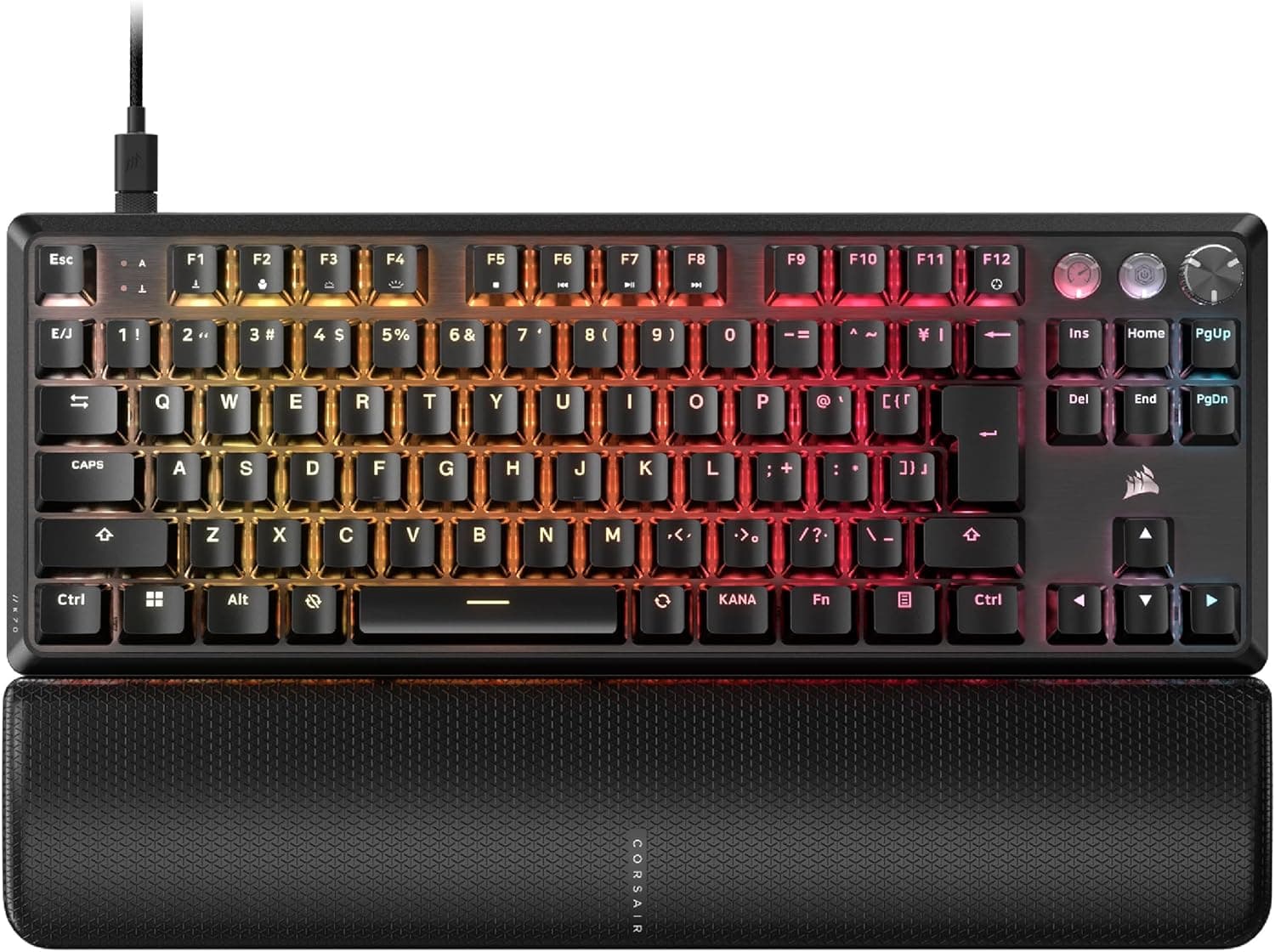
The CORSAIR K70 PRO TKL MGX Hyperdrive (model CH-911911G-JP2) is a Japanese-layout tenkeyless keyboard built around MGX Hyperdrive magnetic (Hall effect) switches. The short verdict: it is a genuinely strong pick for competitive FPS players who want Rapid Trigger and SOCD active at the same time, and a poor pick for anyone who buys keyboards for typing feel, wireless freedom, or a numpad.
For numbers: as captured on 29 May 2026, the Amazon.co.jp listing showed 134 reviews at 4.4/5 stars, an 88% positive score.
That is not a huge sample by gaming-keyboard standards, but it is consistent for a limited-run model. Polling rate is 8000 Hz, dimensions are 366×135×40 mm, keycaps are ABS, lighting is per-key RGB, and the interface is wired USB-C.
What Rapid Trigger and SOCD Actually Change
A magnetic switch reads key travel continuously via a magnet and a Hall sensor instead of a metal contact opening and closing. That is what makes Rapid Trigger possible: the key releases the instant you lift slightly from wherever you pressed, with no fixed reset point to clear first.
In practice this shows up in strafe reversals and counter-strafing, where the older "return past the actuation point before the next input registers" behaviour costs you time.
SOCD (Simultaneous Opposite Cardinal Directions) governs what happens when you hold two opposing direction keys, such as A and D. The usual outcomes are "both cancel" or "first input wins"; SOCD handling lets you switch to rules like "last input wins," so you stop worrying about exactly when you release the old key.
This board's selling point is running both features at once — some competitors treat them as mutually exclusive — and that is the real decision point.
One caveat: SOCD rules differ by title. If you play ranked or in tournaments, check the official rules for your game.
What the hardware allows and what an organiser permits are separate questions.
Compatibility Guide
Connection is wired USB-C only; there is no wireless or Bluetooth mode. For gaming that is less a flaw than a prerequisite for 8000 Hz polling, but if your goal is a cable-free desk, know this going in.
| Environment | Works? | Notes |
|---|---|---|
| Windows 10 / 11 | Yes, full features | Install iCUE to configure Rapid Trigger, SOCD and RGB |
| Consoles (PS5/PS4/Xbox) | Basic input only | Recognised as a USB keyboard; Rapid Trigger and SOCD do not work |
| macOS / Linux | Partial | Basic typing is reasonable to expect, but full iCUE configuration is out of scope. Verify on the product page |
The manufacturer's own compatibility note says the same thing: Windows 10/11 over USB, full features via iCUE, consoles limited to basic HID. In other words most of this keyboard's value is gated behind iCUE, and skipping the software throws away half of what you paid for.
Physically, 366×135×40 mm is typical for a TKL. The bundled palm rest usually adds roughly 8–10 cm of depth in front, so if you use a keyboard tray or a shallow desk, plan your space assuming you may run without the rest.
The USB-C cable is detachable, so you can swap in an aftermarket cable if one fails or you want different routing. To sustain 8000 Hz polling, plug into a port on the PC itself rather than through a hub.
Product Info
The captured price was ¥21,980 on Amazon.co.jp as of 29 May 2026.
Prices move, so check the product page for the current figure before buying — sales shift it, and limited-run stock levels shift it too. The secondary eBay reference returned no concrete figure, only a search results page.
Grey-import units are unlikely to be JIS layout, so if the Japanese layout is why you are buying, stick with domestic stock.
In prose, the key specs are: MGX Hyperdrive magnetic linear switches, 8000 Hz polling, Japanese JIS tenkeyless layout, per-key RGB, ABS keycaps, wired USB-C, 366×135×40 mm, Corsair iCUE software, and a two-year warranty extended by six months with purchase, for 2.5 years total.
That warranty is worth noting. Magnetic switches do not yet have the hot-swap replacement culture mechanical boards enjoy, so there is little a user can do at home when one fails; a longer warranty has real value here.
The ABS keycaps are the compromise — shine over long-term use is hard to avoid (more below).
How It Compares
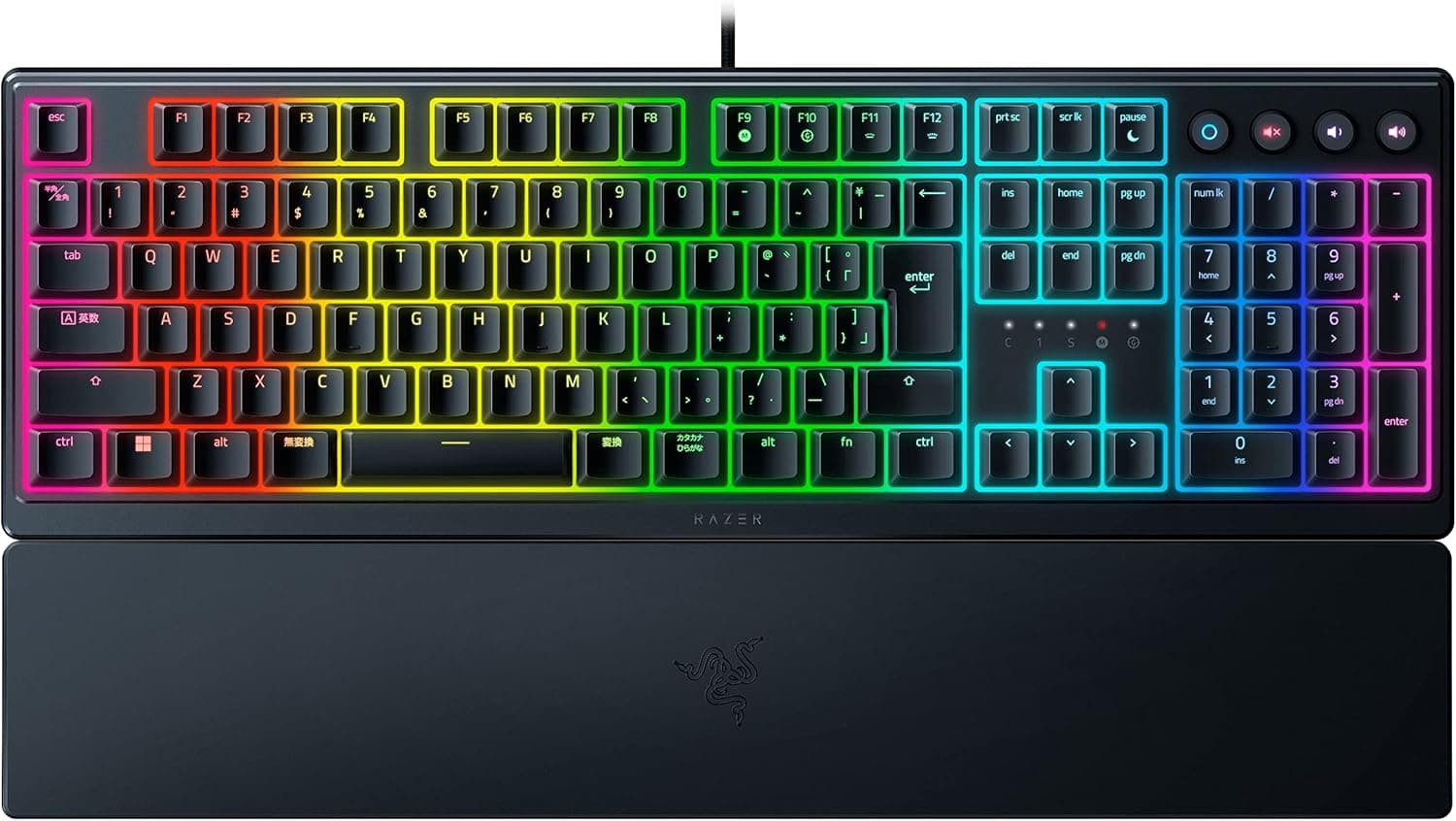
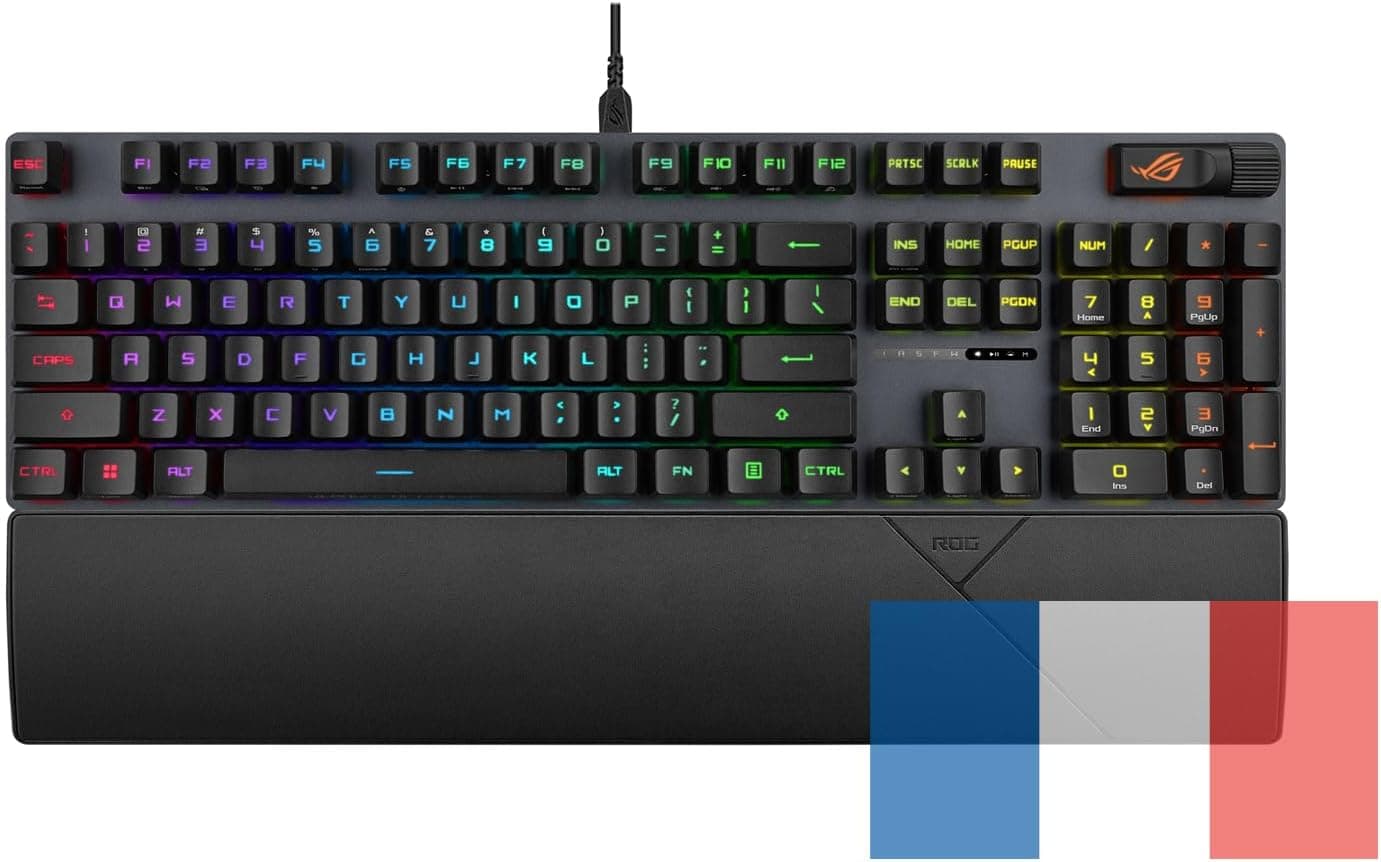
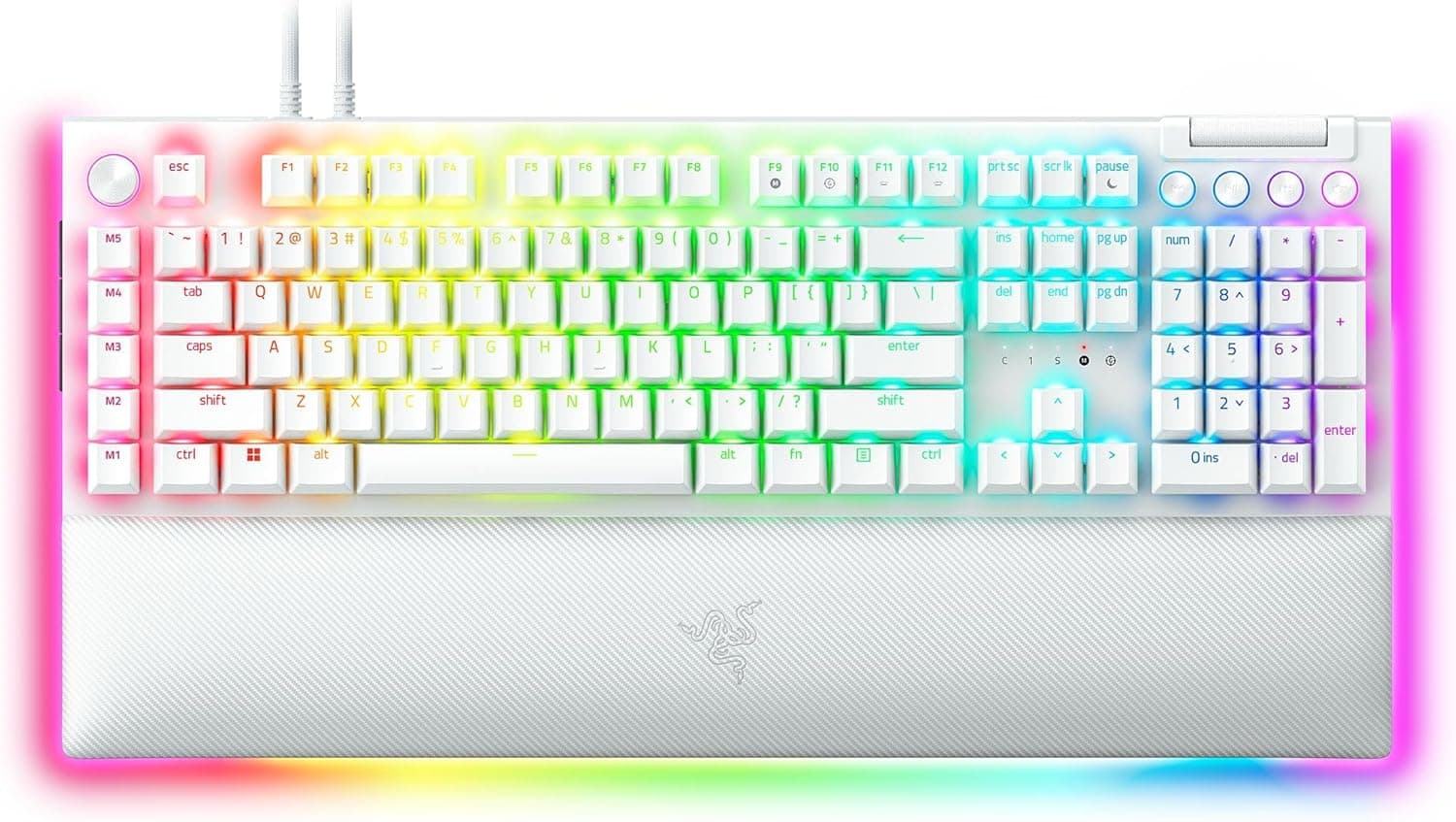
Boards that sell "fast input" get there different ways. Optical switches (Razer Huntsman-series, ASUS TUF Gaming K3 Gen II) detect actuation quickly by beam interruption, but magnetic sensing wins on continuously adjustable actuation depth and Rapid Trigger flexibility.
Quiet office-leaning TKLs such as the SteelSeries Apex 3 TKL are simply aiming at a different job.
Within the magnetic category, the real cross-shop is against smaller 60% boards (for example the IQUNIX EV63). A 60% frees more mouse space but drops the dedicated function row and arrow cluster.
The K70 PRO TKL is the middle answer: keep F-keys and arrows, free up the right side of the desk — the practical choice if the same keyboard also has to handle non-gaming work.
It does not really compete with knob-equipped gasket-mount 75% wireless boards (AULA F75 and similar) on typing feel or value. What ¥21,980 (as captured) buys here is 8000 Hz polling, magnetic sensing, and per-key tuning in iCUE.
If those three things do not matter to you, a cheaper mechanical will make you happier.
Setup That Actually Matters
Rapid Trigger is not "more sensitive equals better." Set the reset distance too short and a tiny finger lift cuts the input, producing unintended stops mid-movement.
Start moderate, then tighten it while checking on a practice range that keys do not drop out during recoil control.
Per-key actuation depth is the other magnetic-switch advantage. Shallow on WASD for speed, deeper on reload or crouch where a misfire hurts — that split is where most people feel the benefit first.
Save a separate profile per game so you are not re-tuning every time you switch titles.
Best Use Cases
The strongest fit is a PC player whose main titles reward precise left-right reversals — Valorant, Apex Legends, Call of Duty. Simultaneous Rapid Trigger and SOCD is a concrete advantage there, and 8000 Hz polling has somewhere to go.
The second-strongest fit is anyone in Japan who will not compromise on JIS layout; plenty of high-polling magnetic boards ship US-only, so being available in JIS is itself a reason to shortlist it.
TKL is also a sensible landing spot if you want desk space back but find 60% too cramped. The included palm rest reduces wrist strain over long sessions without a separate purchase.
Conversely, skip this board if you do heavy numeric entry, want wireless, or rank quiet operation above everything else.
Before You Buy
1. Rapid Trigger and SOCD require iCUE. If you avoid background software, or use a locked-down work PC where you cannot install it, the headline features simply are not available and much of the ¥21,980 (as captured) is wasted.
2. On a console it is just a USB keyboard. Plugging into a PS5 or Xbox gives you neither Rapid Trigger nor SOCD.
Buying it expecting a console input edge is a straightforward mistake.
3. The keycaps are ABS. They shine faster than PBT, starting with the keys you touch most (WASD, space).
It is cosmetic, not functional, but plan on aftermarket PBT caps if you want it to look new in a few years — and note that JIS layouts have far fewer keycap sets available than US.
4. This is not a keyboard for typing feel. Linear only, with no tactile option, and the magnetic design means swapping in ordinary mechanical switches is not the intended use.
5. Check tournament rules on SOCD. As above, hardware capability and competitive legality are different things.
Verify before you rely on it in ranked or events.
6. Do not take the listing metadata at face value. Amazon pages often merge limited editions and model variants, so the specs shown may not match the unit you receive.
Before ordering, confirm the model number in the title (CH-911911G-JP2) and check the product images for Japanese key legends yourself. Getting the layout or the edition wrong is not something you can fix afterwards.
7. 8000 Hz depends on your system. High polling rates add interrupt load on the CPU.
On older machines or already CPU-bound setups, the overhead can outweigh the perceived benefit. If you cannot tell the difference, drop to 1000 Hz and compare on your own hardware.
FAQ
Q. Can Rapid Trigger and SOCD really run at the same time? A.
Yes, the board supports both simultaneously. You need to configure a profile in iCUE on Windows 10/11 to use them.
Q. Does it work on PS5? A.
Basic typing works over USB, but Rapid Trigger, SOCD and iCUE customisation do not. Do not buy it for console play.
Q. Is 8000 Hz polling noticeable? A.
The difference is sub-millisecond and most people cannot identify it blind. It matters most in competitive play at high frame rates.
Try toggling to 1000 Hz and comparing.
Q. Can I fit aftermarket keycaps? A.
Standard MX-style stems are physically plausible, but because these are magnetic switches, confirm compatibility on the product page first. Also note the limited selection of JIS-layout keycap sets.
Q. How long is the warranty? A.
Two years standard plus a six-month purchase extension, for 2.5 years total.
Follow the conditions given at purchase.
Q. What if I need a numpad? A.
Look at the full-size K70 family, or add a separate USB numeric keypad. It is a straight trade between desk space and self-contained input.
Product Disclosure (Amazon)
- Manufacturer: CORSAIR
- Seller: Amazon.co.jp
- Fulfilled by: Amazon.co.jp
- ASIN: B0D7LDV5M1
- Note: This article covers a manufacturer-made product based on Amazon listing details.