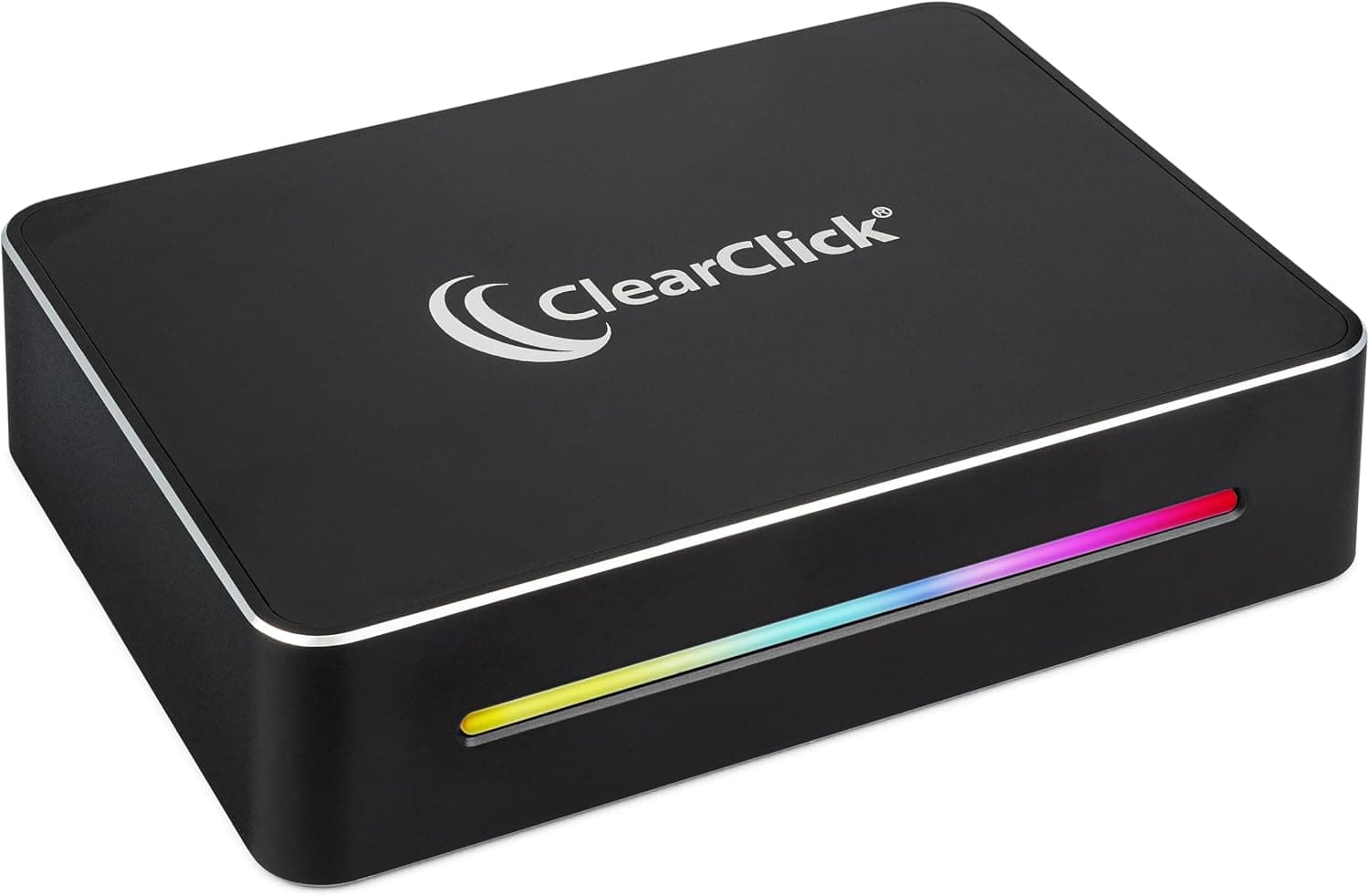
This article covers ClearClick 4K HD ビデオキャプチャーボックス エクストリーム.
Overview
The ClearClick 4K HD Video Capture Box Extreme is an external HDMI capture device designed to record and live-stream video from game consoles, DSLRs, and camcorders to your PC. It supports true 4K60 HDR capture and passthrough, making it a versatile tool for content creators and streamers. The USB-C plug-and-play design eliminates the need for driver installation, so you can get started in minutes. Positioned in the mid-range market, this capture box balances 4K60 capability with an accessible price point. It is a solid choice for gamers who want to capture console gameplay at high quality and for camera users who need a reliable HDMI-to-USB video bridge.
Connectivity & Compatibility
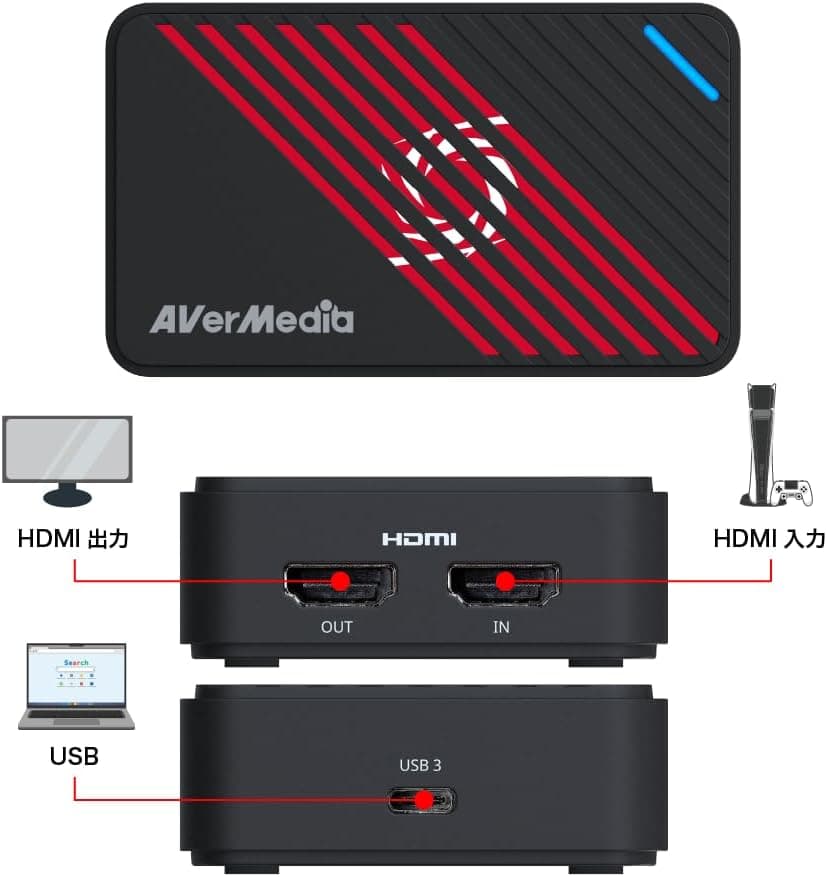
One HDMI 2.0 input accepts signals from game consoles (PS5, Xbox Series X/S, Nintendo Switch), DSLRs, and video cameras. HDMI passthrough output lets you display the source video on an external monitor or TV with minimal latency while capturing on your PC. Connects to your computer via a single USB-C cable. It is UVC (USB Video Class) compliant, so Windows 10/11 and macOS 10.10 or later recognize it without additional drivers. Important limitation: HDCP-protected sources (e.g., Blu-ray players, some streaming services) cannot be captured or streamed. This is a common restriction for consumer capture devices.
Product Info
Released in late 2023, the ClearClick 4K HD Video Capture Box Extreme typically retails for around $200 USD (approximately ¥22,000 JPY). It comes with a 2-year warranty and free technical support from ClearClick, a US-based small business. In the box you get the capture unit, a USB-C cable, and a user manual (English only, though online Japanese guides are available). The device is built around a compact, fanless design that stays cool during extended use. Market positioning: mid-range. It offers 4K60 HDR capture and passthrough at a price point below premium models like the Elgato 4K60 Pro, while still delivering reliable performance for most streamers and creators.
Best Use Cases
Game streamers: Perfect for capturing PS5 or Xbox Series X gameplay at 4K60 with HDR. The passthrough output ensures zero-lag monitoring on your gaming display while your PC handles encoding for Twitch or YouTube. Camera users: Use your DSLR or mirrorless camera as a high-quality webcam for video calls, live presentations, or recording tutorials. The HDMI input accepts clean camera output, and the USB-C connection works seamlessly with OBS Studio, Zoom, and Teams. * Beginner content creators: If you are new to video capture, this device's plug-and-play simplicity removes the technical hurdles. No driver installation, no complicated settings — just connect and start recording. However, if you need to capture HDCP-protected content or require ultra-low latency for competitive gaming, you may want to consider a higher-end model with dedicated hardware encoding.
Things to Consider
HDCP restriction: This device cannot capture or stream content from HDCP-protected sources. If you plan to record from a Blu-ray player or certain streaming apps, look for a capture card that supports HDCP stripping (though this may have legal implications). USB port requirement: For 4K60 capture, you must connect to a USB 3.0 (5 Gbps) or higher port. USB 2.0 will only support 1080p30 at best. PC performance: 4K60 capture demands a reasonably powerful computer. ClearClick recommends at least an Intel Core i5-8th gen or equivalent CPU and 8 GB of RAM. Laptops with lower-end processors may struggle. Alternatives: In the same price range, the Elgato HD60 X offers 1080p240 or 1440p60 capture with a similar USB-C interface, while the AVerMedia Live Gamer ULTRA 2.1 supports HDMI 2.1 for 4K144 passthrough. The ClearClick stands out for its straightforward 4K60 HDR capture at a competitive price. ## FAQ
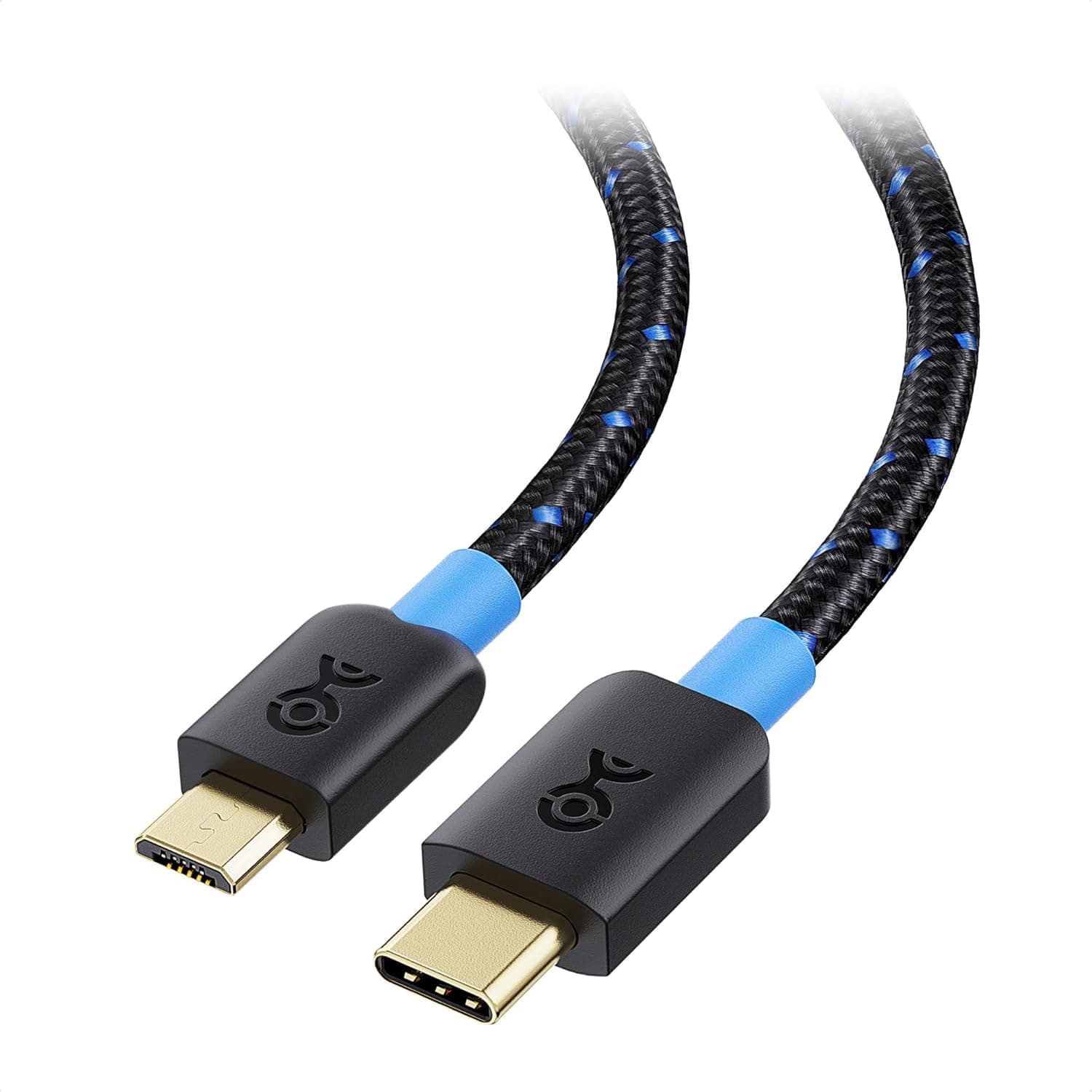
Q: Can I use this with Nintendo Switch? A: Yes. Connect the Switch dock's HDMI output to the capture box input, and the USB-C to your PC. You can capture at 1080p60. The Switch does not output 4K, so 4K capture is not applicable. Q: My PC only has USB-A ports. Can I use an adapter? A: The included cable is USB-C to USB-C. You can use a USB-C to USB-A adapter or a separate USB-A cable, but ensure it supports USB 3.0 speeds for 4K60 capture. Q: What is the latency on the captured video? A: The passthrough output has near-zero latency (a few milliseconds). The captured video on your PC typically has 60–100 ms of latency due to USB transfer and encoding. For real-time gameplay, always use the passthrough output.
Product Disclosure (Amazon)
- Manufacturer: ClearClick
- Seller: Reg shop
- Fulfilled by: Reg shop
- ASIN: B0CMZB2R6M
- Note: This article covers a manufacturer-made product based on Amazon listing details.