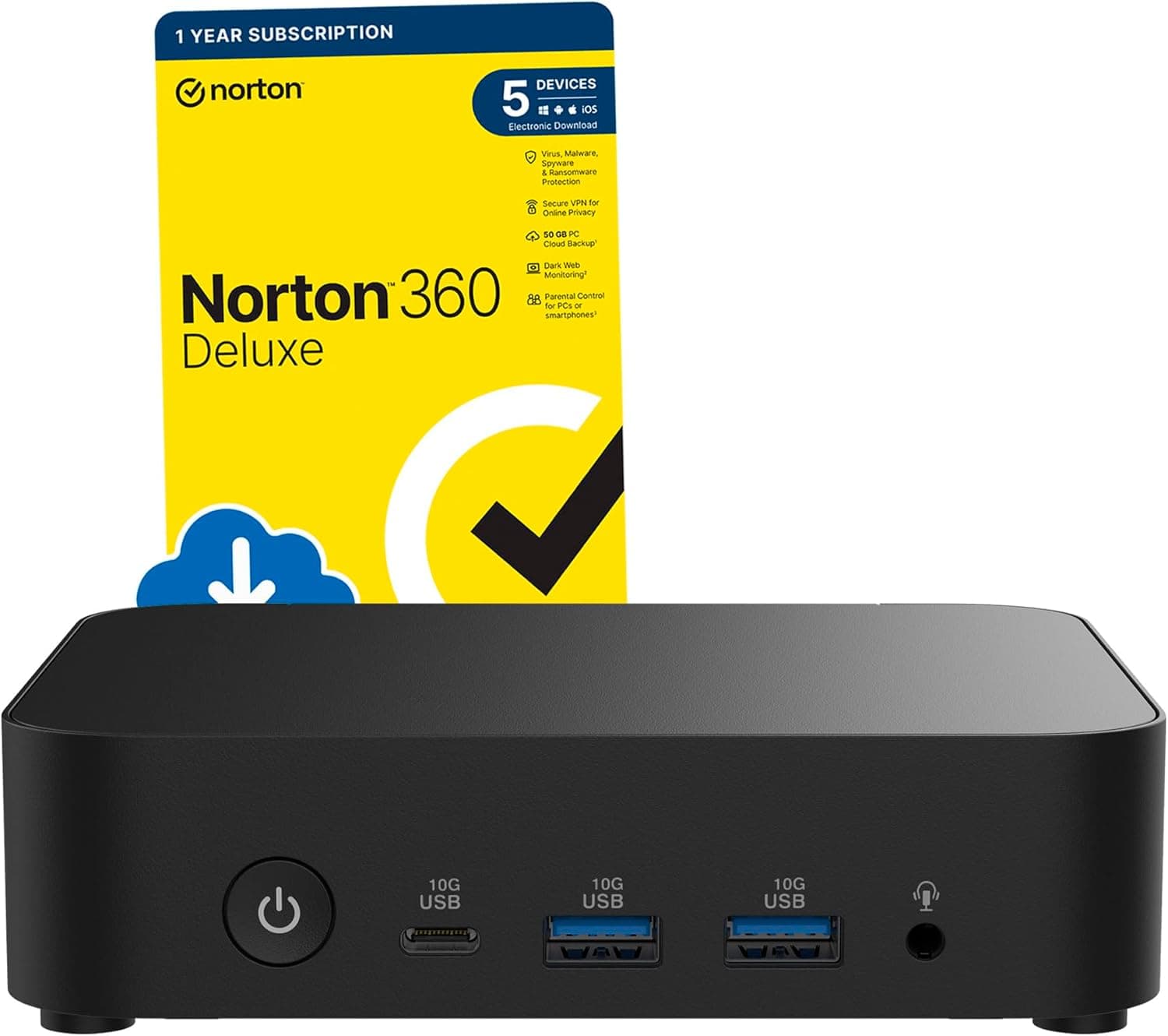
The ASUS NUC 14 Essential RNUC14MNK9700002 (black, Intel N97) is a machine you buy for size, silence and the ability to leave it running — not for speed. This article looks at where it actually works and where you have to compromise, based on the published specs and listing information.
The short version: it is fine for browsing, Office work, streaming video, signage and a light always-on server, but you will regret buying it if you expect photo or video editing, heavy multitasking or gaming.
Overview
This unit runs an Intel N97 processor with 6 MB of cache, ships with 500 GB of internal storage, and provides six USB ports in total. The N97 is generally known as a low-power Alder Lake-N class part with four cores and a low TDP, which is why it fits into chassis this small.
That defines the product's character: it is not a desktop replacement, it is a small box you can keep powered on all the time.
NUC started as an Intel small-form-factor standard, and ASUS now carries the brand forward. "NUC 14 Essential" is the most entry-level line within it.
Even among mini PCs, the workload assumptions here are completely different from Ryzen 7 or Core Ultra models — worth internalising before you compare prices.
Here is what to expect by use case.
| Use case | Realistic? | Notes |
|---|---|---|
| Browsing, email, Office | Yes | Fine if you don't hoard tabs |
| Streaming video | Yes | Comfortable where hardware decode applies |
| Digital signage / kiosk | Ideal | Quiet and low power, made for always-on |
| Light home server / NAS | Yes | Cheap to run around the clock |
| Photo / video editing | No | Not enough CPU or memory bandwidth |
| Gaming | No | The integrated GPU isn't built for 3D |
"Yes" here means "it works", not "it feels fast". Keeping ten-plus browser tabs open, or running a video call while editing a document in the background, is precisely what this CPU class handles worst.
Compatibility Guide
This is a finished mini PC, so there are no socket or chipset compatibility questions the way there are with a DIY build. What you actually need to check is your peripherals and your installation environment.
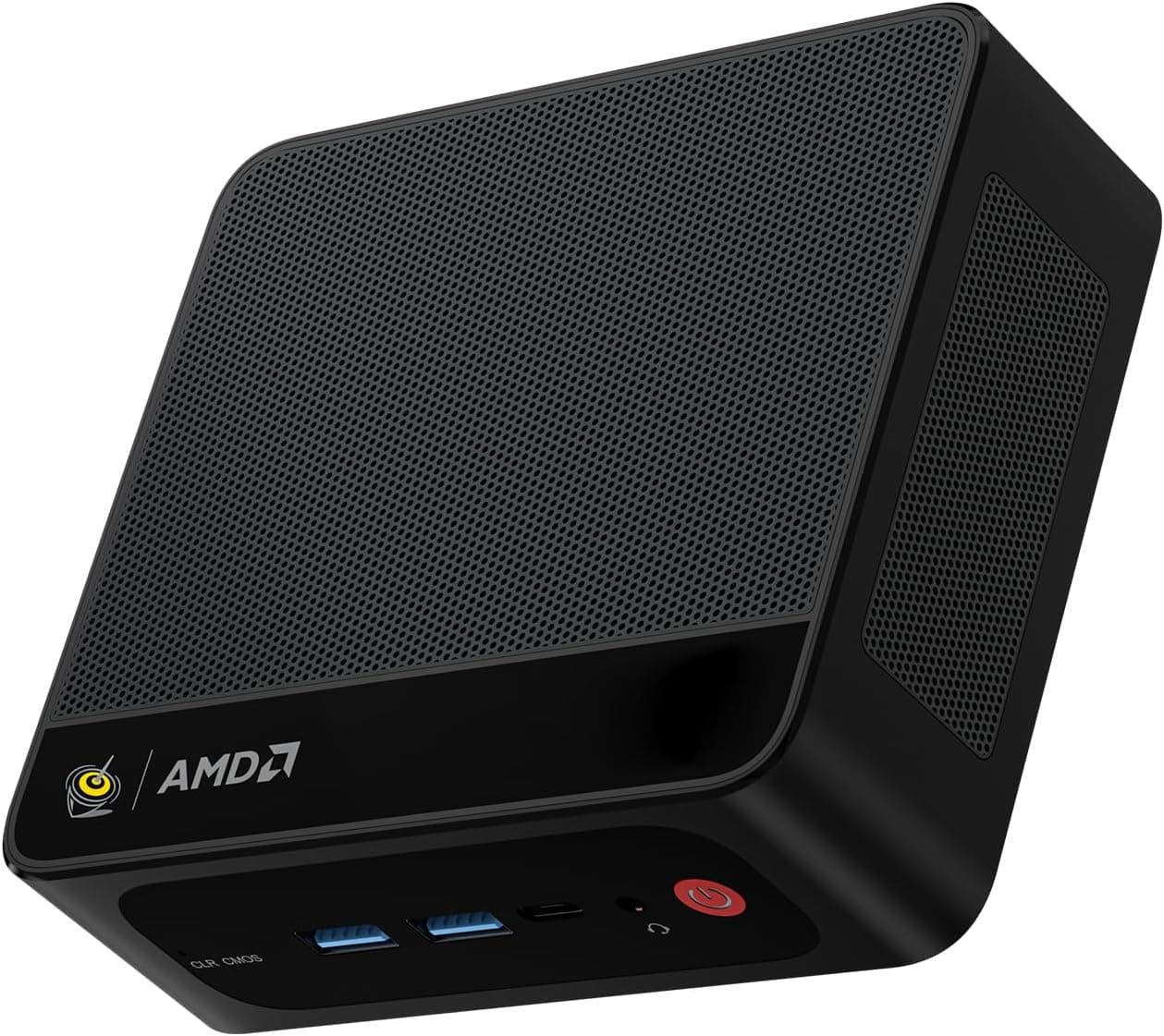
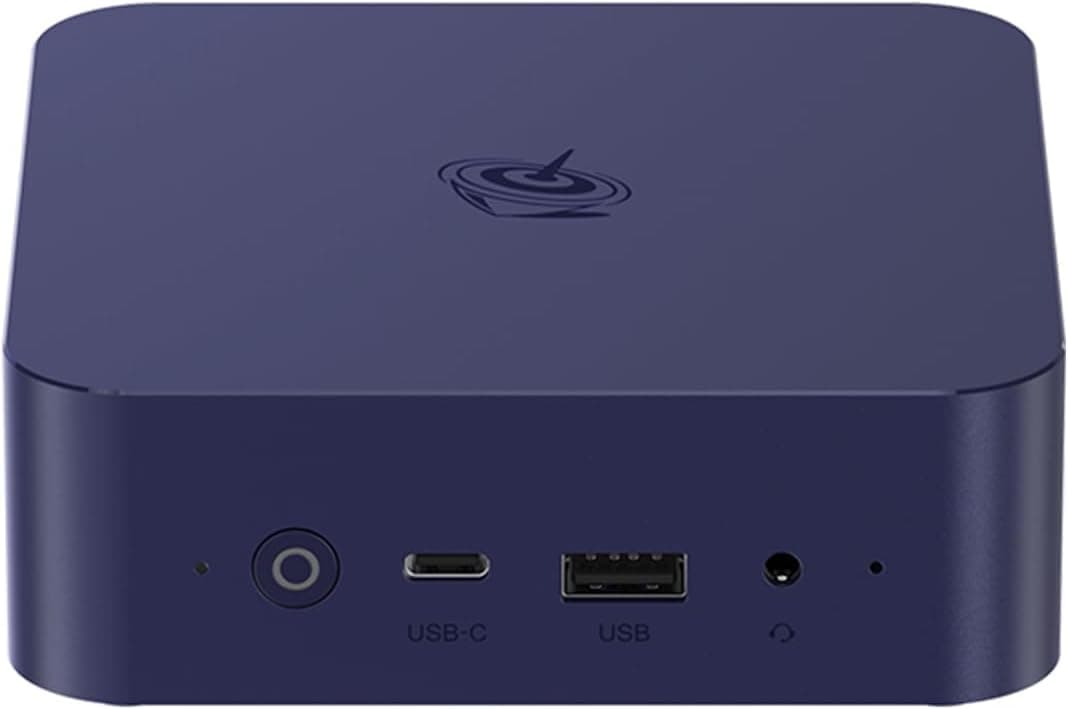
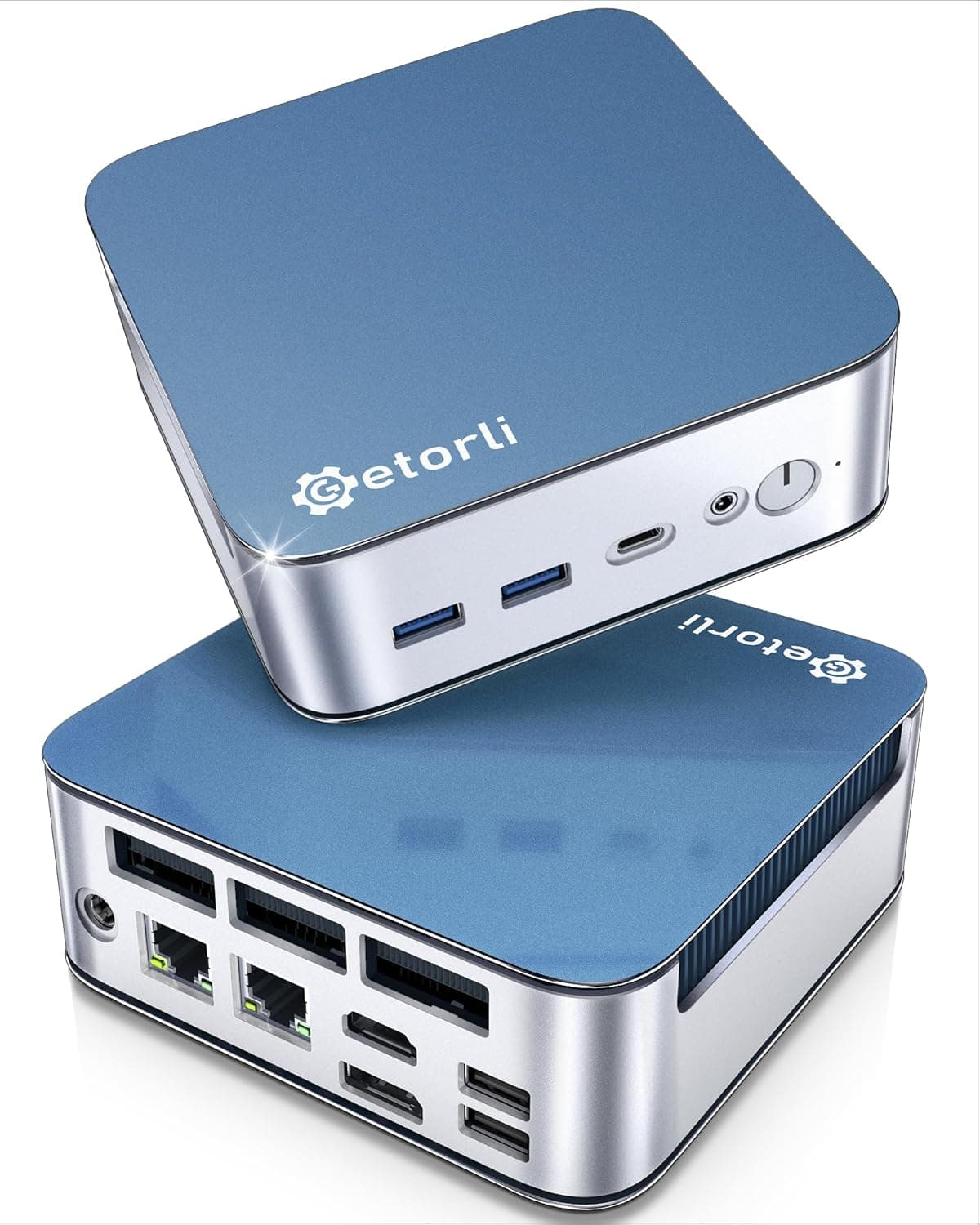
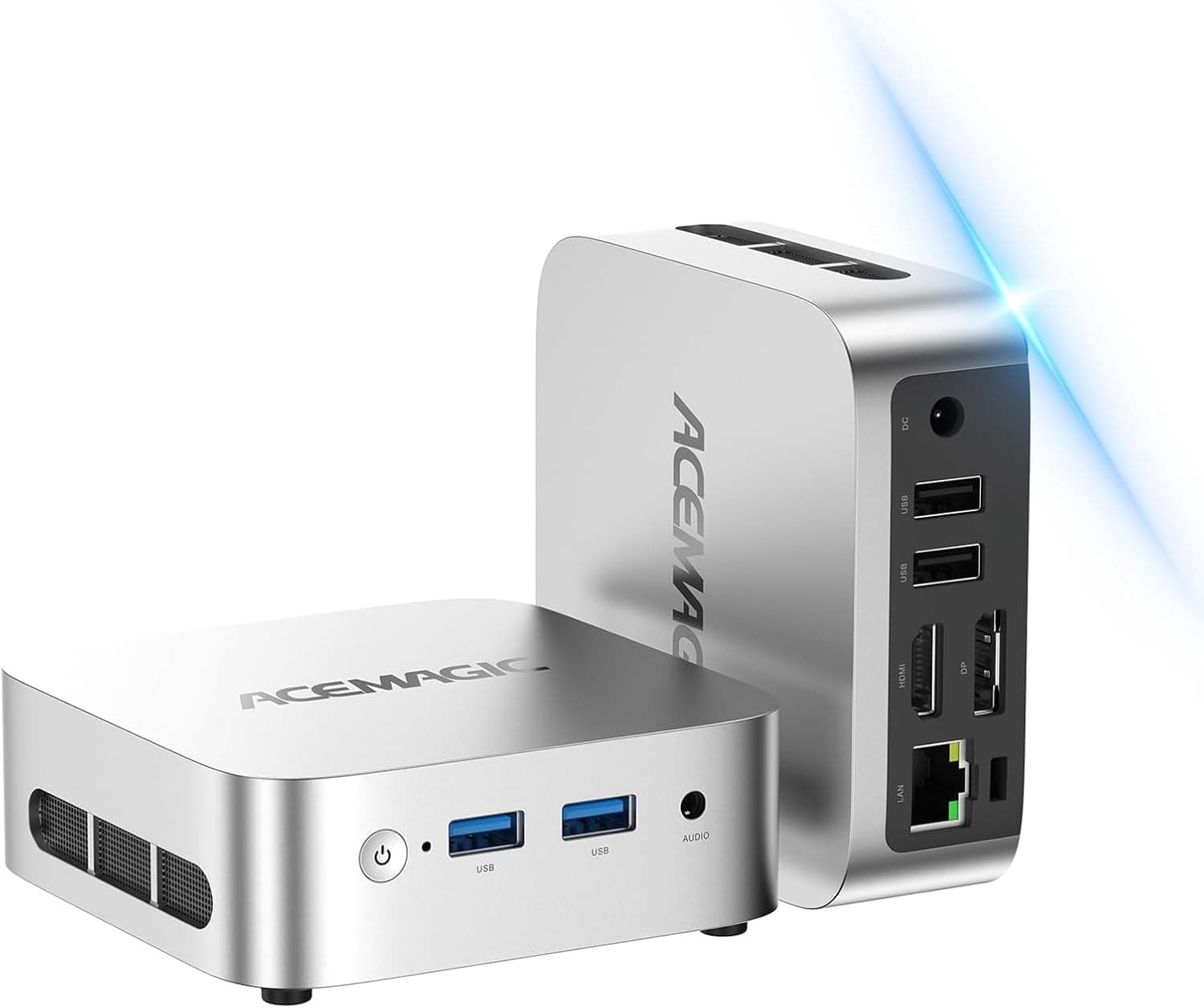
For video output, the unit offers standard connectors such as HDMI and DisplayPort. Confirm first that your monitor's inputs match.
Adding a converter often means resolution or refresh rate does not come out as expected, and HDMI-to-DisplayPort conversion is directional — it does not work in both directions. Check which inputs your monitor has free before you order.
Six USB ports are enough for a keyboard, mouse, external SSD, hub and webcam. Port count and power delivery are separate issues, though.
If you plan to hang several bus-powered external drives off it, use a self-powered USB hub — this is a standard pitfall with small-form-factor machines.
There is a wired Ethernet port, and for always-on use wired is the better choice. Wi-Fi works, but for a home server or a signage box, a cable removes a whole class of intermittent problems.
On placement: a small chassis concentrates heat. Hiding it behind a monitor with a VESA mount looks ideal, but mount it so the intake vents stay clear.
Avoid sealed TV cabinets and the back of a shelf packed with paper. Even a low-TDP CPU throttles when heat has nowhere to go, and you feel that as sluggishness.
Finally, confirm before ordering whether the listing includes an OS or is a barebone unit. NUC model families are often sold in parallel with different memory, storage and OS configurations.
Cross-check the listing title, the photos and the configuration table.
Product Info
The published specs are as follows.
| Item | Value |
|---|---|
| CPU | Intel N97 |
| Cache Size | 6 MB |
| Storage Capacity | 500 GB |
| USB Ports | 6 |
500 GB is reasonable for an OS, business applications and a decent volume of documents. It is not enough if you accumulate video files, so plan on external or network storage in that case.
Pricing needs care. The Japanese Amazon listing was captured at ¥142,319 on 30 May 2026, but that figure is clearly out of proportion for an entry-class N97 mini PC.
The eBay US figure of $304.00 captured on 8 July 2026 is far more consistent with what this class of machine is.
Do not take the yen figure at face value — check the current price on the product page. All prices here are capture-time snapshots and move with sales, exchange rates and seller turnover.
The seller and shipper are a marketplace vendor rather than the manufacturer's own store. That is common enough, but warranty handling, DOA support and return terms can differ from a first-party sale, so read the seller's return policy before ordering.
The box contains the unit and a power adapter; monitor, keyboard and mouse are separate purchases. Include those in your total when comparing options.
Product Disclosure (Amazon)
- Manufacturer: ASUS
- Seller: Good Value Online Store
- Fulfilled by: Good Value Online Store
- ASIN: B0F8J65BQ6
- Note: This article covers a manufacturer-made product based on Amazon listing details.
How It Compares
Mini PCs split cleanly by price tier. The N97 class sits at the bottom, with Ryzen 5 / Ryzen 7 models above it and Core Ultra models above those.
Machines built on Ryzen 7 6800H or Ryzen 7 8745HS bring eight cores and DDR5 memory, and they hold up under a wall of browser tabs or light video editing. They cost more, but if you want the box to behave like a normal PC, the difference is worth paying.
Core Ultra models push further into AI workloads and high-resolution multi-monitor setups, which shifts the whole use case toward creative work.
You choose an N97 machine not for performance but because the workload is fixed and you want it handled cheaply, quietly and with minimal power draw: a reception terminal, a shop-front sign, a video box for the bedroom TV, a small file store. In those fixed roles, the surplus performance of a higher tier is money and electricity wasted.
If your use case is genuinely narrow, the N97 is a rational pick.
What Actually Affects Day-to-Day Feel
In this class, perceived speed depends more on memory capacity and storage speed than on the CPU. With too little RAM, the browser drags no matter how much CPU headroom is left.
Check the memory configuration at purchase, and if the model supports expansion, do it up front.
Quiet operation is the biggest advantage of a small low-power machine. It is usually unobtrusive in a bedroom or living room, which is something faster mini PCs cannot offer.
If you want genuine silence, though, you need to look specifically for a fanless design.
Boot time, shutdown behaviour and reliable wake-from-sleep matter for always-on roles. If you are deploying it as signage or a permanent server, check whether the UEFI supports auto power-on after a power loss — it makes recovery after an outage far less painful.
Best Use Cases
This machine is an easy recommendation if you are:
- Someone who wants desk space back. Mount it behind the monitor and only the display and input devices remain on the desk.
- Doing mostly clerical work. Documents, spreadsheets, email and browser-based internal tools are well within its range.
- Deploying a fixed terminal — signage, reception, information display. Small, quiet and power-efficient all pay off here.
- Running a light always-on server. Low power draw keeps the running cost negligible.
- Connecting it to a living-room TV for streaming, where you want more flexibility than a dedicated streaming stick.
It is a poor fit if you want a single machine to do everything, if you work with photos or video, or if you want to play games. In those cases, look at a higher-tier mini PC or a conventional desktop.
Before You Buy
First, do not ignore the very low review score. As captured on 30 May 2026, the listing shows 5 reviews averaging 1.0 out of 5 stars.
With only five reviews there is no statistical weight behind that number — it could easily be a handful of buyers who hit a defective unit or misread the configuration. But "few reviews" is not a reason to dismiss it either.
Read the actual review text before buying and judge for yourself whether the complaints stem from misunderstood specs or from build quality and DOA issues. The former you can ignore; the latter should send you to the seller's return policy first.
Second, listing data itself is sometimes wrong. In the data behind this article, the yen price was recorded at a level that makes no sense for this product class.
On Amazon marketplace listings, seller turnover can swing prices wildly, and different configurations sometimes end up attached to the same ASIN. When you open the page, cross-check price, model number and configuration (memory, OS included or not) against both the product images and the title.
Registration errors do happen.
Third, be honest about the performance ceiling. The N97 is not suited to video encoding, RAW processing, permanently running virtual machines, or a video call with a dozen tabs open behind it.
If you buy thinking "occasionally will be fine", every occasion will be an annoyance. Ask yourself whether your workload really is as fixed as you think.
Fourth, expansion is limited. A small chassis leaves little internal room.
If you expect to add storage or memory later, confirm in advance that the model supports it. With mini PCs it is almost always cheaper to buy the configuration you need than to upgrade it afterwards.
Finally, check warranty and supply channel. When the shipper is neither the manufacturer nor a major retailer, DOA exchanges can drag on.
For business deployment, confirm the warranty period and support contact before you order.
FAQ
Q. Does Windows run comfortably on an Intel N97? A.
For clerical work and browsing, yes, in a practical sense. If your baseline is a current laptop it will feel slow — application launches and update installs take noticeably longer than on higher-tier CPUs.
Q. Can I edit video or play games on it? A.
Not recommended. Trimming short clips is technically possible but exports are slow, and 3D gaming is outside what the integrated graphics are designed for.
Q. Is 500 GB of storage enough? A.
For an OS, applications and business documents, yes. For photo and video libraries, no — plan on external or network storage alongside it.
Q. Can I leave it running 24/7? A.
Low-power designs suit always-on use well. Just keep the intake vents clear and clean out dust periodically; trapped heat costs you both performance and lifespan.
Q. What is a fair price? A.
For an N97-class mini PC, the listed yen figure looks implausibly high. As a capture-time reference point, eBay US showed $304.00 on 8 July 2026, but real prices vary a lot by seller and date.
Always check the product page for the current figure.
Q. Are a monitor and keyboard included? A.
No. The package centres on the unit and its power adapter.
Factor peripherals into your total cost when comparing.