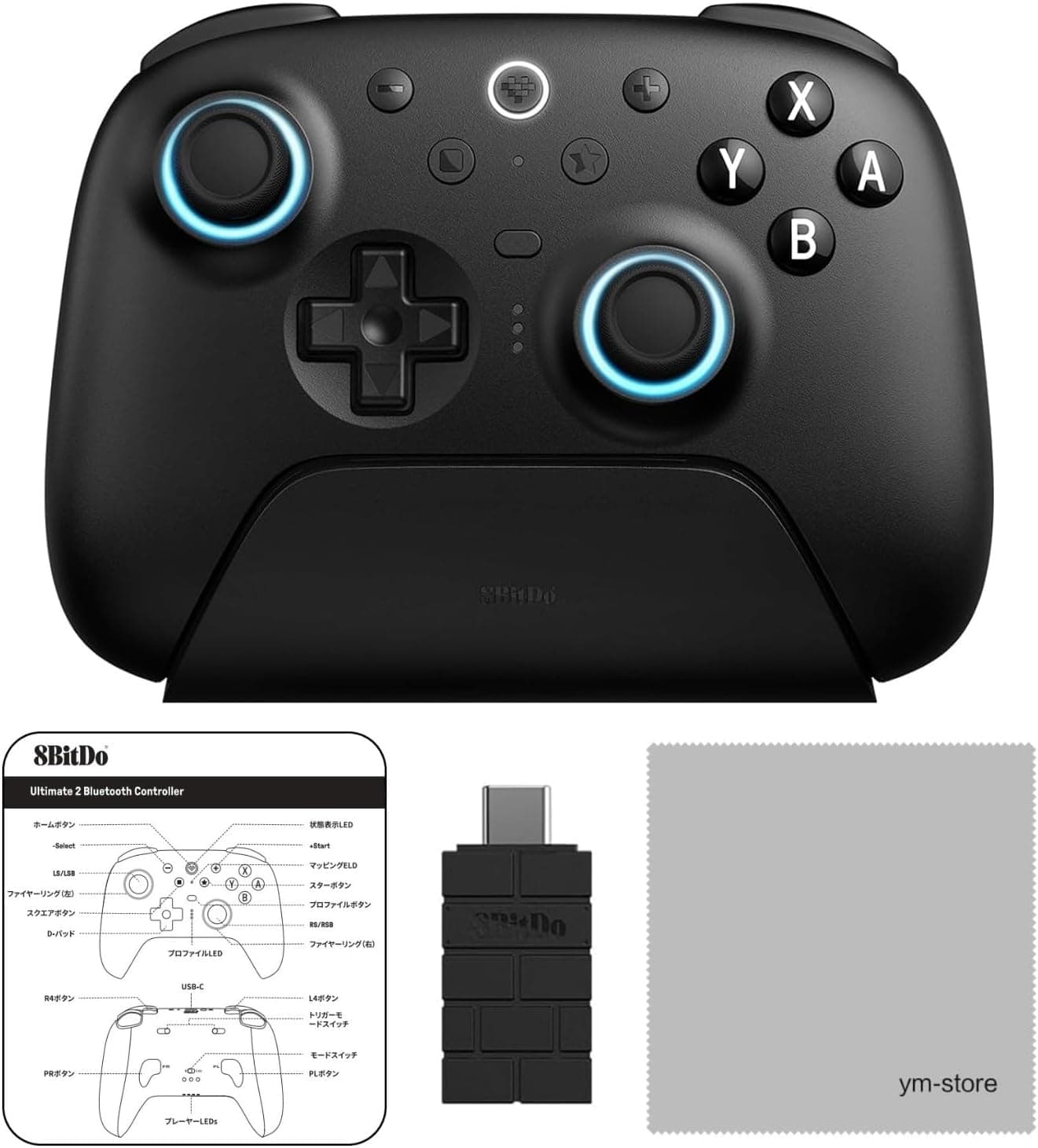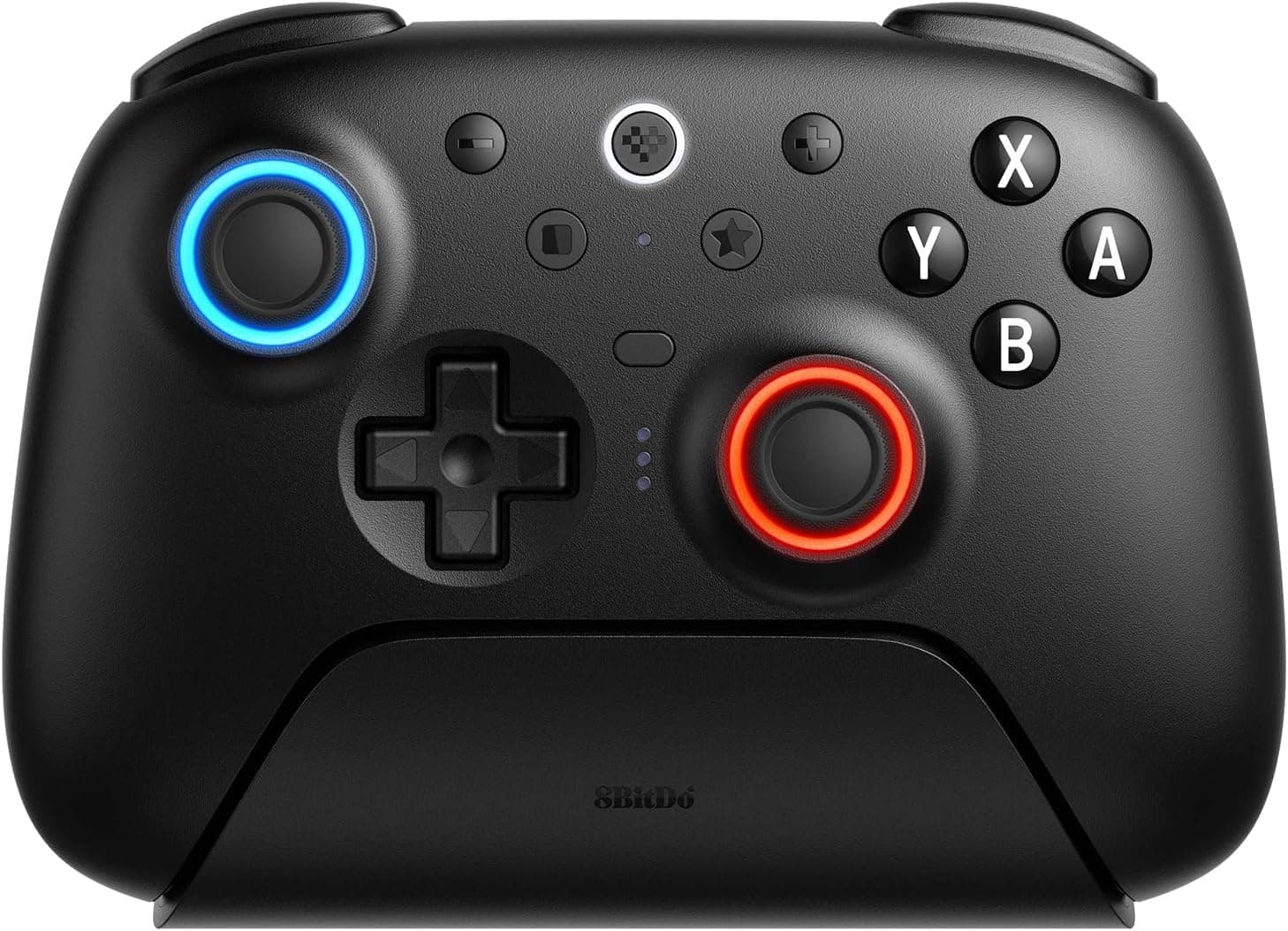
The 8BitDo Ultimate 2 Bluetooth Controller is a high-end gamepad that spans Nintendo Switch, Switch 2, and Windows PC. This article works through what it actually supports, where you have to compromise, and who should skip it entirely.
Overview
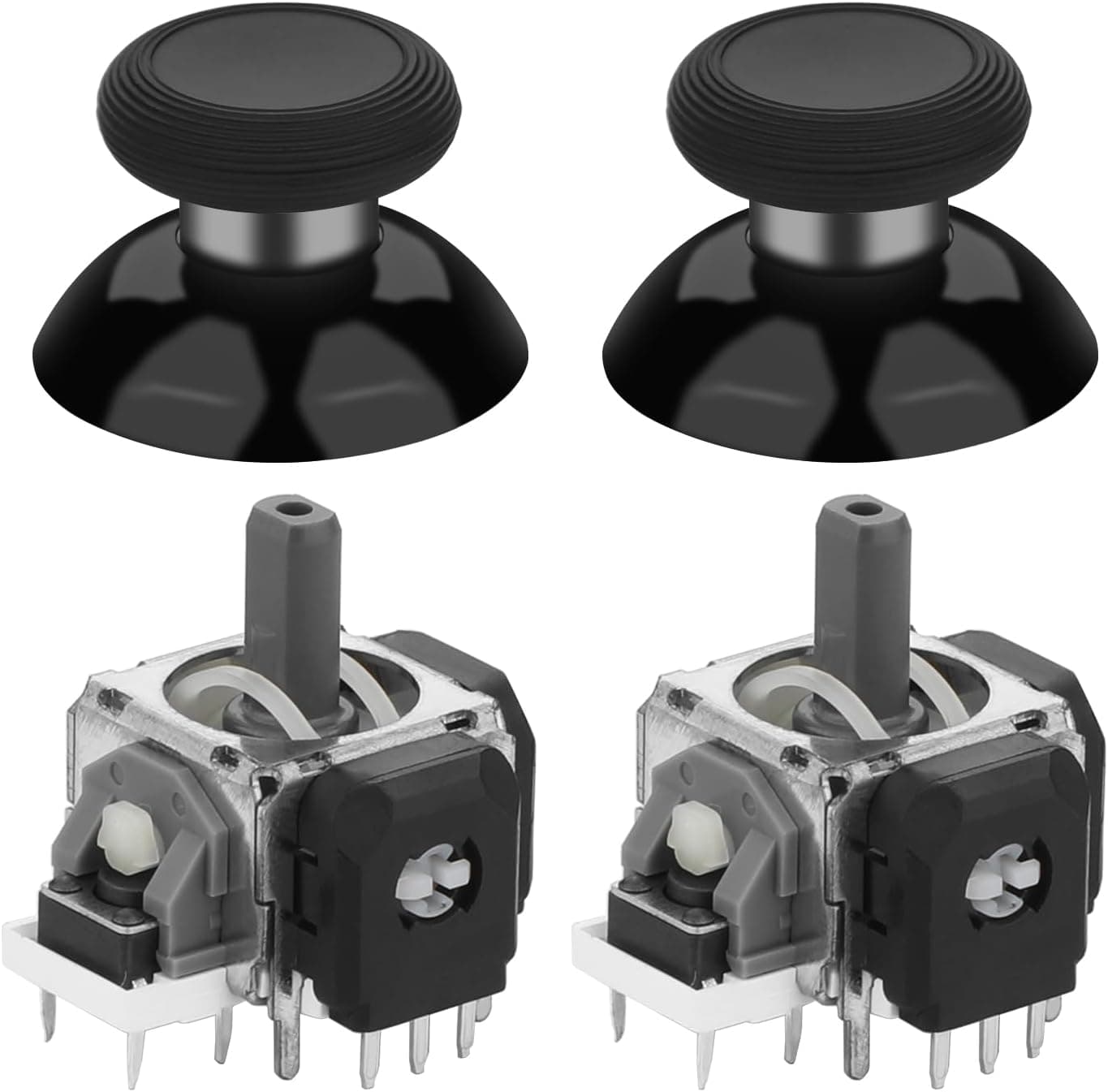
Released in April 2025, the Ultimate 2 is 8BitDo's flagship pad. Its headline feature is the TMR (Tunnel Magnetoresistance) joystick, which offers higher sensitivity and resolution than traditional potentiometer sticks and is structurally resistant to the wear-induced stick drift that kills most controllers.
It also adds a physical trigger mode switch that toggles between linear hall-effect triggers and non-linear tactile triggers, an RGB fire ring, and wear-resistant joystick rings.
The short version: this is a strong pick if you play on both Switch and PC, or if you have been burned by stick drift before. If you only play wirelessly on Switch and are happy with the stock Pro Controller feel, the price premium buys you less than you might expect.
The listed dimensions are 100 × 100 × 20 mm at roughly 50 g. If accurate, that is unusually light for a full-size pad, though this figure may reflect packaging data rather than the bare controller — check the spec table on the product page if weight is a deciding factor for you.
Compatibility Guide
Supported platforms are Nintendo Switch, Nintendo Switch 2, and Windows PC. The single most important thing to understand is that connection methods differ by platform.
| Platform | Bluetooth | 2.4GHz (bundled receiver) | Wired USB-C |
|---|---|---|---|
| Nintendo Switch / Switch 2 | Yes | Yes | Yes |
| Windows PC | No | Yes | Yes |
On Windows there is no Bluetooth pairing. You either plug the bundled 2.4G receiver into a USB port or connect over USB-C.
If your laptop is short on ports, or you dislike carrying a dongle, know this before you buy. On the upside, 2.4G links typically beat Bluetooth on latency, so for competitive PC play the restriction is arguably a feature.
The second key limitation: rumble and motion controls only work when connected to a Switch. If you want gyro aiming on PC or force feedback in a racing sim, this is a dealbreaker.
Look for a pad that explicitly advertises PC motion support instead.
A slide switch on the controller flips between Switch and PC modes, so you are not re-pairing every time you change platforms. The design clearly assumes one pad serving two environments.
If the Switch refuses to recognize it wirelessly, connect over USB-C first — that isolates whether the problem is the pairing or the console's controller settings.
The battery is a built-in lithium polymer cell charged over USB-C, not swappable AAs. Any internal battery loses capacity over years of use, so treat "it still works fine wired" as your long-term insurance policy.
Product Info
The release date is April 30, 2025. As for price, the Amazon.co.jp listing showed ¥9,580 (tax included) as captured on May 26, 2026.
Prices move constantly with sales and stock levels, so always confirm the current figure on the product page before ordering. Listings exist on eBay as well, but no fixed buy-it-now price was confirmed at capture time.
| Item | Value |
|---|---|
| Connectivity | Bluetooth / 2.4GHz / USB-C |
| Battery | Lithium polymer (built-in) ×1 |
| Dimensions | 100 × 100 × 20 mm |
| Weight | 50 g |
| Release date | 2025-04-30 |
Buyer ratings, captured in May 2026, stood at 4.1 out of 5 (82% favorable) across 1,432 reviews.
A 4.1 sits in the classic band where most buyers are satisfied but a real minority is not.
With over 1,400 reviews roughly a year after launch, there is enough volume to tell a persistent trend from an early-batch issue. Filter to the 1- and 2-star reviews before buying and check whether the complaints touch your use case.
Black is the confirmed color option. The box includes the controller, 2.4G receiver, USB-C charging cable, and manual, backed by 8BitDo's standard one-year warranty.
How It Compares
Most rivals in this price band now ship hall-effect sticks, which are also drift-resistant. TMR uses magnetoresistance and is generally credited with better resolution and lower power draw.
But "TMR" on a spec sheet does not guarantee better feel — spring tension, deadzone tuning, and how each game processes input matter just as much. Do not pick a pad on sensor technology alone.
The more practical differentiator here is the physical trigger mode switch. Racing and flight sims reward linear analog travel; fighting games and 2D action reward a tactile click that registers instantly.
Because it is a hardware switch rather than a software setting, you never dive into a config menu between games. The wider your genre range, the more this matters.
The two back buttons and extra bumpers (R4/L4) are the other real gap versus stock controllers. In an FPS, being able to jump or crouch without lifting your thumb off the right stick genuinely changes what you can pull off.
Setup Tips
8BitDo's config software lets you remap buttons and tune stick sensitivity curves, deadzones, rumble strength, and macros. Two things to do on day one: update the firmware, and tighten the deadzones to match your grip.
Leaving a TMR stick on stock settings wastes much of its precision advantage.
The RGB fire ring is cosmetic, but it also indicates connection mode and active profile. If you run multiple profiles, assign distinct colors so you can tell at a glance which one is live.
Dimming the lighting is also the easiest way to stretch battery life.
Best Use Cases
This controller suits you if you:
- Play on both Switch/Switch 2 and Windows PC. One slide switch replaces buying two controllers.
- Want precise aim in FPS and action games. TMR stick resolution plus back buttons is a clear step up from a stock pad.
- Have replaced a controller due to stick drift. A non-contact sensor design is structurally better positioned against wear-based drift.
- Play across genres. Linear triggers for racing, tactile for fighting — same pad.
- Like to tune everything. Remapping, sensitivity curves, and macros are all on the table.
If you just need several cheap pads for Switch party games with family, this is heavily over-specced for the job.
Things to Check Before Buying
This is the section that matters most.
1. No Bluetooth on PC. This bites harder than it sounds on a thin laptop with one USB port, or if you tend to lose small dongles.
Replacement receivers are not guaranteed to be purchasable separately, so plan how you will store it from day one.
2. No rumble or motion on PC. If gyro aiming or haptic racing feedback is on your list, this single limitation should remove the pad from your shortlist.
3. "Switch 2 compatible" is not the same as "supports every Switch 2 feature." Third-party support scope can shift with console and controller firmware updates.
If you are buying for one specific new feature, confirm it on the manufacturer's compatibility page first.
4. Built-in battery. You cannot swap in fresh AAs mid-session. For long trips, carrying a USB-C cable is effectively mandatory.
5. The rating is 4.1, not 5. 82% favorable across 1,432 reviews means roughly one buyer in five had a complaint.
Wireless stability and build-quality gripes are common in this bracket. Read the negative reviews, not just the average.
6. Listing metadata is sometimes wrong. For this product, the store label attached to the listing did not match the actual sales page (a Japanese-market page priced in yen).
Manufacturer names, model numbers, and ASINs occasionally carry data from a different product entirely. Before ordering, confirm from the images and title that you are buying the "8BitDo Ultimate 2" and that a 2.4G receiver is included.
A cheaper "2C" variant exists under a similar name, which makes buying the wrong model an easy mistake.
7. Prices change. The ¥9,580 figure here was captured in May 2026. Sales and exchange rates move it, so check the product page.
FAQ
Q. Can I connect over Bluetooth on PC? A.
No. On Windows you use the bundled 2.4G receiver or a wired USB-C connection.
Bluetooth is for Switch and Switch 2.
Q. Does gyro/motion control work on PC? A.
No. Rumble and motion are Switch-only by design.
If PC gyro aiming is essential, choose a different model.
Q. Does it work on Switch 2? A.
Nintendo Switch 2 support is stated. Behavior can change with system updates, so keep the firmware current.
Q. Will the sticks drift? A.
TMR sensing is structurally resistant to wear-based drift, but nothing guarantees it will never happen — drops and liquid ingress affect any design. The one-year warranty is worth noting.
Q. Can I use it wired?
A. Yes, over USB-C on both Switch and Windows. That also means it stays usable after the internal battery ages.
Q. How much does it cost? A.
¥9,580 including tax as captured on May 26, 2026. Prices shift often, so verify on the product page at purchase time.